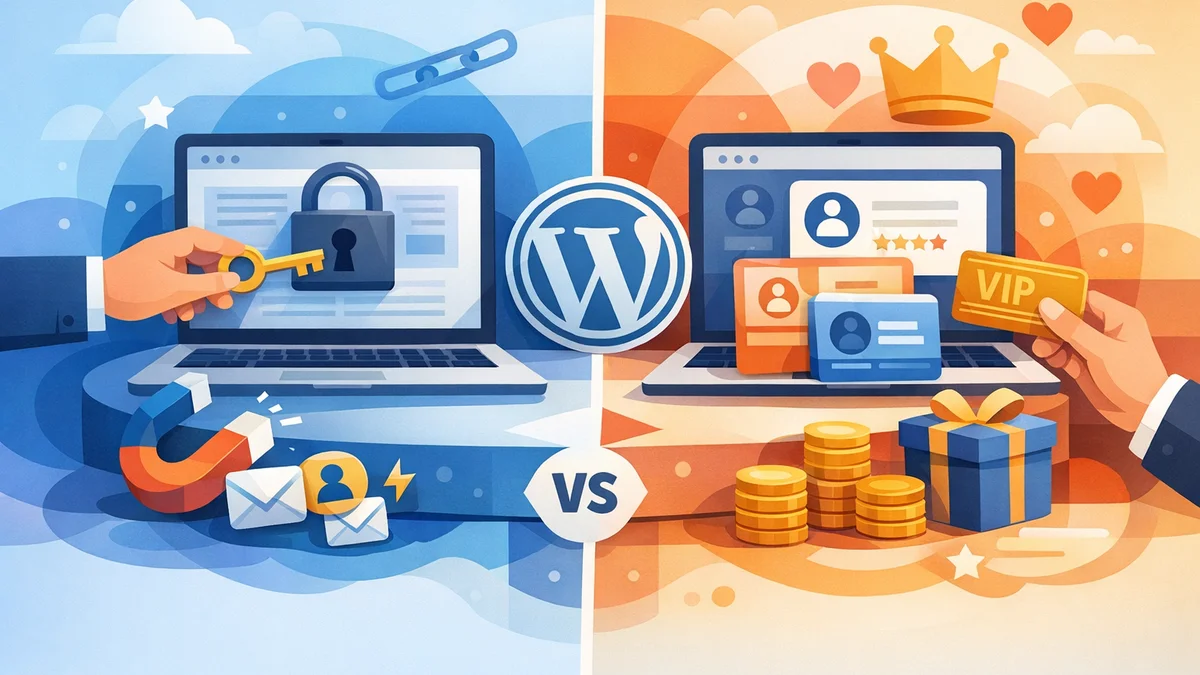
Introduction
As a small business owner with a WordPress site, you've likely considered how to protect certain valuable content. Whether it's a premium download, exclusive video, or a confidential document, restricting access can serve many purposes – from lead generation to providing client resources. But when it comes to implementing this, you face a common fork in the road: do you need a full-blown membership plugin, or is a simpler content gating solution sufficient?
The distinction between content gating and membership plugins can be confusing. While both restrict content, they cater to very different business models and operational needs. Understanding these differences is crucial to avoid overcomplicating your website or choosing a solution that doesn't quite meet your objectives. This article will explore both approaches, helping you decide which is the right fit for your WordPress site.
Understanding Content Gating Without Full Membership
Content gating, in this context, refers to a method of restricting access to specific content items without requiring users to register for an account, log in, or pay a recurring subscription. Instead, access is often granted after a one-time action, such as submitting a form, or through a unique, secure link.
This approach is ideal for businesses that need to control who sees particular resources but don't want the overhead of managing user accounts or recurring payments. It's about targeted, controlled distribution rather than building a community or a subscription-based revenue model.
How Content Gating Works (The Gatekeeper Pro Approach)
With a dedicated content gating solution like WordPress Gatekeeper Pro, the process is streamlined and secure. You designate specific content – be it a download, video, page, or custom post type – as locked. When a visitor tries to access this locked content, they encounter an access request form. They provide their details (e.g., name, email), and an administrator then reviews and approves or disapproves the request.
Upon approval, the user receives a unique, secure token, typically via email. This token grants them access to the specific gated content. This access can be time-limited, ensuring that sensitive information isn't permanently available, or set to unlimited depending on your needs. The key here is that no WordPress user account is created, and no ongoing subscription is required. It's a direct, permission-based access system.
Pros of Content Gating
- Simplicity for Users: Visitors don't need to register, remember passwords, or navigate a complex membership portal. They simply request access and receive a link.
- Lead Generation Power: Gating valuable assets like whitepapers, e-books, or templates behind a form is an excellent way to capture leads and build your marketing list.
- Controlled Distribution: Perfect for sharing confidential client documents, internal company resources, or partner-only materials where you need to approve individual access.
- Lower Administrative Overhead: No user accounts to manage, no password resets, no subscription billing issues. The focus is purely on managing access requests and tokens.
- Security for Files and Videos: Solutions like Gatekeeper Pro protect your actual files and video streams, ensuring direct URL access is impossible and content is only served via a validated token through a secure proxy endpoint.
- Flexible Access: You can grant access to individual items (per-item tokens) or provide a single token that unlocks all gated content (sitewide tokens), with configurable expiry dates.
Cons of Content Gating
- Not for Recurring Revenue: It's not designed for selling subscriptions or managing recurring payments.
- No User Portal: Users don't have a personal dashboard to manage their access or view all unlocked content in one place.
- Limited Community Features: If you're looking to build a forum, private groups, or a social network, content gating alone won't suffice.
Common Use Cases for Content Gating
- B2B Lead Magnets: Gating industry reports, case studies, or templates to capture contact information for sales leads.
- Client Document Portals: Sharing project files, contracts, or confidential reports with specific clients who need approval to view.
- Internal Knowledge Bases: Restricting access to sensitive company policies, training materials, or operational guides for employees.
- Premium Downloads: Offering exclusive digital assets (e.g., high-res graphics, unique software tools) where you want to approve each download.
- Educational Resources: Providing access to specific video tutorials or course materials after a request, ideal for free tasters or limited-time offerings.
Understanding Membership Plugins
Membership plugins, on the other hand, are comprehensive systems designed to create and manage a community of registered users, often around a subscription model. They typically involve user accounts, login systems, payment gateways, and the ability to restrict content based on user roles or membership levels.
These plugins are built for businesses that aim to generate recurring revenue from digital products, build exclusive communities, or offer tiered access to a large library of content over time.
How Membership Plugins Work
A typical membership plugin integrates with WordPress's user system and payment gateways. When a user signs up (often paying a fee), they create an account on your website. They are then assigned a specific membership level or role, which dictates what content they can access. Content restriction is often based on this role – for example, "Gold Members" can see all content, while "Silver Members" can only see a subset.
Users log into their account to access their membership content, manage their subscriptions, and sometimes interact with other members through forums or private groups. These plugins handle everything from registration and login to payment processing, subscription renewals, and content dripping (releasing content over time).
Pros of Membership Plugins
- Recurring Revenue Model: The primary benefit is the ability to sell subscriptions and generate consistent income from your content or services.
- User Accounts & Management: Provides a robust system for users to register, log in, manage their profiles, and handle their subscriptions.
- Role-Based Access Control: Easily restrict content based on different membership levels or user roles, offering tiered access to various content libraries.
- Community Building: Many plugins offer integrations with forums, private groups, or social networking features to foster a community around your brand.
- Content Dripping: Allows you to schedule the release of content over time, which is excellent for online courses or ongoing training programs.
- Integrated Payments: Handles payment processing, subscriptions, and renewals directly through your website.
Cons of Membership Plugins
- Increased Complexity: Setting up and managing a full membership site is significantly more complex, requiring careful configuration of levels, payments, and content rules.
- Higher Maintenance: You'll be responsible for user support (password resets, billing issues), payment gateway integrations, and ensuring content access rules are correctly applied.
- Potential for Bloat: If you only need to restrict a few pieces of content, a full membership plugin can introduce unnecessary features and overhead to your site.
- User Friction: Requiring users to register and log in can be a barrier for those who just want quick access to a single resource.
Common Use Cases for Membership Plugins
- Online Courses: Offering structured learning paths where users pay for access to course modules and materials.
- Premium Content Libraries: Providing exclusive access to a large collection of articles, videos, or tools for a recurring fee.
- Subscription Boxes (Digital): Delivering new digital content or resources to members on a regular basis.
- Private Forums & Communities: Building an exclusive space for members to interact, network, and share knowledge.
- Software as a Service (SaaS) Portals: Providing access to web-based tools or applications for paying subscribers.
Content Gating vs. Membership Plugins: Key Differences
To help you visualise the core distinctions, here's a direct comparison:
| Feature | Content Gating (e.g., Gatekeeper Pro) | Membership Plugins |
|---|---|---|
| User Accounts | No WordPress user accounts created; access is token-based. | Requires user registration and login; accounts managed on WordPress. |
| Payment System | Not designed for payments; no recurring subscriptions. | Integrated payment gateways for subscriptions, one-time fees, etc. |
| Access Model | Token-based (secure link, time-limited); often approval-driven. | Login-based; access determined by user role/membership level. |
| Primary Goal | Lead generation, controlled distribution, secure content sharing. | Recurring revenue, community building, tiered content access. |
| Complexity | Generally simpler setup and lower ongoing maintenance. | More complex setup; higher ongoing administrative burden. |
| Content Drip | Typically no content dripping features. | Often includes content dripping functionality. |
| User Experience | Quick access after approval; no login required. | Requires registration and login for ongoing access. |
How to Choose: Asking the Right Questions
The best choice for your WordPress site hinges on your specific business goals and the nature of the content you want to restrict. Ask yourself these questions:
Do You Need to Generate Recurring Revenue from Your Content?
- If yes, and you plan to sell ongoing access to a library of content or a community, a membership plugin is essential.
- If no, and your content restriction is for lead generation, client resources, or internal use, then content gating is likely sufficient.
Do You Want Users to Have a Personal Account and Login?
- If yes, because you want them to manage their profile, view payment history, or interact in a private forum, opt for a membership plugin.
- If no, and you prefer a seamless experience where users get direct access without remembering another login, content gating is the way to go.
Is Your Primary Goal to Capture Leads or Control Access to Specific Items?
- If yes, for example, to get email addresses for marketing or ensure only approved individuals see a specific document or video, content gating is perfectly suited. WordPress Gatekeeper Pro's built-in access request and approval workflow is designed precisely for this.
- If no, and you're building a comprehensive online course or a multi-tiered subscription service, a membership plugin offers the necessary framework.
How Complex Are You Willing to Make Your Site?
- If you value simplicity and efficiency, especially if you're only restricting a few key resources, a dedicated content gating solution will be less demanding.
- If you need a robust system for payments, user roles, and community features, and are prepared for the added complexity, a membership plugin is your answer.
Real-World Scenarios & Examples
Let's look at some practical examples to solidify your understanding:
Scenario 1: The B2B Marketing Agency
- Need: They want to offer high-value whitepapers and industry reports as lead magnets. They need to collect visitor contact details and approve who gets access to ensure qualified leads. They don't need user accounts or payments.
- Solution: Content Gating. Using a tool like WordPress Gatekeeper Pro, they can mark their reports as locked content, require an access request form submission, and approve requests. Approved users receive a secure, time-limited token to download the file, and the agency gets valuable lead data.
Scenario 2: The Online Yoga Studio
- Need: They offer a library of hundreds of yoga classes, live stream access, and a private community forum for a monthly subscription. Users need to log in to access their entire library and manage their subscription.
- Solution: Membership Plugin. This allows them to create different membership tiers (e.g., Basic, Premium), manage recurring payments, and provide a user dashboard where members can log in, access all their content, and participate in the community.
Scenario 3: The Professional Services Firm
- Need: They need to securely share confidential client proposals, contracts, and project updates with individual clients. Each client should only see their specific documents, and access should be approved by an administrator.
- Solution: Content Gating. They can use Gatekeeper Pro to protect each client's document individually. When a client needs access, they submit a request, which the firm approves. The client receives a unique token for their specific documents, ensuring only authorised individuals can view them without needing to create a WordPress account.
Related Articles
Continue your learning with these related resources:
- Gated Content on WordPress: When to Restrict Access and How to Do It Right (Comprehensive Guide)
- Revoking and Expiring Access Tokens on WordPress: When and How for Scaled Content
- Mastering Your WordPress Content Access: A Comprehensive Audit Guide
- How to Manage WordPress Access Requests in Bulk for Gated Content
- Sitewide vs. Per-Item Access: Choosing Your WordPress Token Strategy
- Keeping Your WordPress Resource Library Secure as Traffic Grows
Conclusion
Ultimately, the choice between content gating and a membership plugin boils down to your specific business model and content restriction goals. If you're looking for a powerful yet straightforward way to control access to specific downloads, videos, or pages for lead generation, client resources, or internal use, without the complexity of user accounts or recurring payments, a dedicated content gating solution like WordPress Gatekeeper Pro is likely your ideal choice.
However, if your business thrives on recurring revenue, building an exclusive community, or offering tiered, ongoing access to a vast content library, then a comprehensive membership plugin will provide the robust framework you need. Carefully consider your objectives, and you'll find the perfect solution to protect your valuable WordPress content.