Introduction
For any e-commerce store owner, reliable shipping is the backbone of customer satisfaction and business success. When customers can't get accurate shipping rates or complete their purchase due to shipping errors, it directly impacts your bottom line. Unfortunately, the external services your WooCommerce store relies on for shipping – specifically, shipping carrier APIs (Application Programming Interfaces) – are not static. They can, and do, change.
These changes can break your checkout process. Imagine customers seeing "no shipping options available" at the crucial moment of purchase, leading to abandoned carts and a damaged reputation. Preparing your WooCommerce store for these inevitable shipping API changes is not just good practice; it's essential for maintaining long-term store reliability and customer trust.
Understanding WooCommerce Shipping APIs and Why They Change
Your WooCommerce store likely uses various shipping plugins to connect with carriers like Australia Post, Sendle, or FedEx. These plugins don't calculate rates themselves; they act as intermediaries, sending customer address and cart data to the carrier's API and then displaying the rates returned. This interaction is critical for dynamic shipping calculations.
What are Shipping APIs?
A shipping API is a set of rules and protocols that allows different software applications to communicate with each other. In e-commerce, your WooCommerce store "talks" to a carrier's system via its API to retrieve real-time shipping costs, track parcels, and sometimes even generate labels. This behind-the-scenes communication ensures your customers see accurate, up-to-date shipping options.
Reasons for API Changes
Shipping carriers update their APIs for various reasons. These can include:
- System Upgrades: Carriers improve their infrastructure, leading to new API versions or changes to existing ones.
- Feature Enhancements: New services, shipping options, or data fields might be added, requiring API modifications.
- Security Updates: Enhancements to data security or authentication methods can trigger API changes.
- Deprecation of Old Versions: Older, less efficient API versions are often phased out, forcing users to migrate.
- Endpoint Retirements: Sometimes, the actual web address (endpoint) where the API resides is retired as carriers transition to new paths. This was a significant issue in April 2026 when Australia Post retired their old PAC API endpoint at
/api/postage/, completing a transition to the current endpoint at/postage/. Australia Post had responsibly run both endpoints during the transition period, giving plugin developers time to update. However, the official Australia Post Shipping Method for WooCommerce plugin, even at its most up-to-date version, wasn't updated to use the current endpoint. Sauce Code identified the root cause and notified the plugin developers, prompting the fix. - Policy or Regulatory Compliance: Changes in shipping regulations might necessitate alterations to how data is handled or requested.
The Impact of Unmanaged API Changes
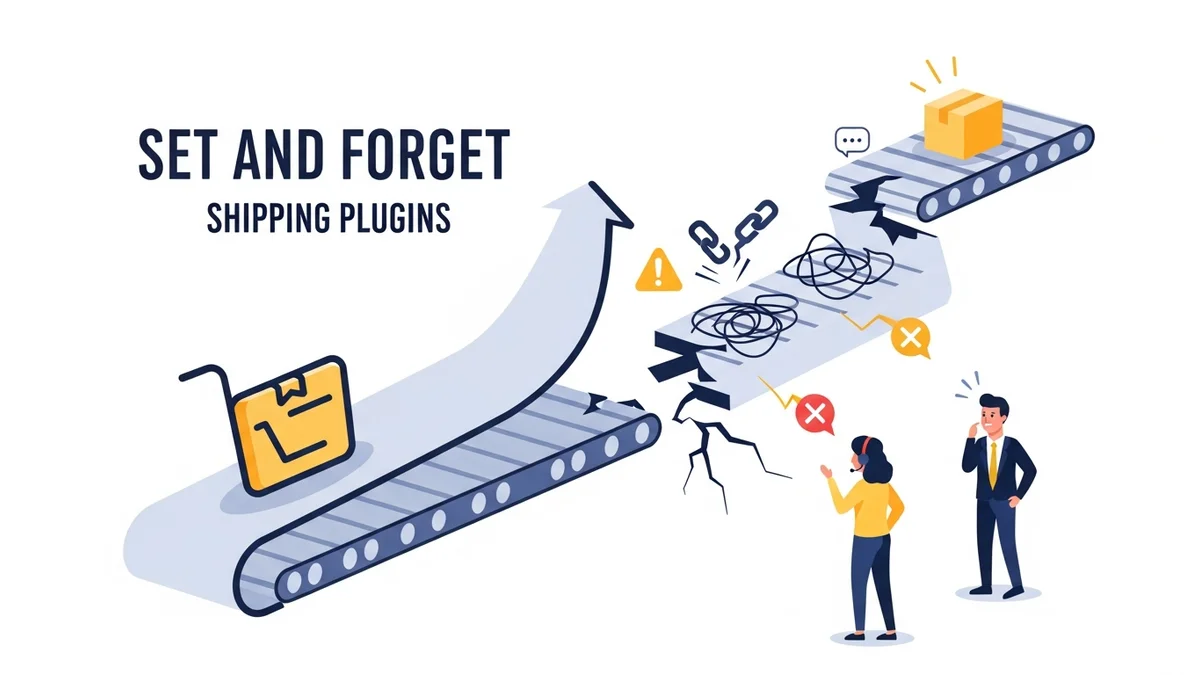
When your plugin is configured to use a retired endpoint or the API changes without your shipping plugin being updated, the connection breaks. This leads to:
- "No Shipping Options Available": The most common and damaging outcome, directly leading to abandoned carts.
- Incorrect Shipping Rates: Your store might display outdated or incorrect rates, leading to customer disputes or financial losses.
- Operational Delays: If tracking or label generation APIs are affected, your fulfilment process grinds to a halt.
- Customer Frustration: A poor checkout experience erodes trust and discourages repeat business.
- Lost Revenue: Every abandoned cart due to a shipping error is a lost sale.
Proactive Strategies for Shipping API Resilience
Preventing these issues requires a multi-faceted approach focussing on vigilance, maintenance, and robust monitoring. Here's how to keep your WooCommerce shipping working smoothly.
1. Stay Informed and Subscribe to Carrier Updates
Knowledge is power. Most major shipping carriers offer developer portals, newsletters, or dedicated announcements for API changes. While not always perfect, subscribing to these channels can provide early warnings.
- Carrier Developer Portals: Regularly check the developer documentation for the carriers you use.
- Email Newsletters: Sign up for any technical or partner newsletters from your shipping providers.
- Plugin Developer Announcements: Follow the developers of your WooCommerce shipping plugins. They are usually the first to know about required updates.
2. Regular Plugin and Core WooCommerce Maintenance
Keeping your software updated is fundamental for overall store reliability, and especially for shipping integrations.
- Update Shipping Plugins Promptly: Shipping plugin developers are responsible for updating their code to match carrier API changes. When an update is released, it's often to address compatibility issues or new API versions. Apply these updates as soon as they are available and after testing. However, as April 2026 showed, even the latest plugin version may not be current with carrier endpoint changes, which is why monitoring is essential.
- Keep WooCommerce Updated: While less directly tied to carrier APIs, keeping your WooCommerce core and WordPress up-to-date ensures a stable environment for your plugins to function correctly.
- PHP Version Compatibility: Ensure your server's PHP version is compatible with your current WooCommerce and plugin versions. Outdated PHP can cause unexpected errors, including with API calls.
3. Implement Robust Shipping API Monitoring
Even with vigilance, critical API changes can occur. This is where proactive monitoring becomes indispensable. Waiting for customer complaints is a reactive and costly approach.
A dedicated tool like WooCommerce Shipping Monitor Pro is designed specifically for this challenge. It acts as an early warning system, monitoring the external API endpoints that your WooCommerce shipping plugins depend on. Here's how it helps:
- Proactive Health Checks: The plugin runs scheduled health checks against the monitored Australia Post PAC API using WordPress native cron. It sends lightweight test requests to verify the endpoint is responding correctly, catching problems proactively before customers are affected.
- Real-time Checkout Monitoring: Beyond scheduled checks, it also monitors shipping API requests during actual checkout attempts. If a problem occurs during a customer's purchase, you'll know immediately.
- Immediate Alerts: If an API endpoint becomes unreachable, the plugin immediately alerts the store administrator via email. You'll know within minutes, not hours or days, of a critical issue, receiving details like the provider name, timestamp, HTTP response code, and error details.
- Fallback Safety Net: As a last-resort safety net, it attempts to cycle through previously known endpoints if the active one fails. In situations like April 2026, where the plugin was using a retired endpoint but an alternative was available. This fallback could keep your checkout functioning while you investigate and apply a proper fix. If fallback succeeds, you receive an alert. If all endpoints fail, you receive an immediate alert for "All Endpoints Failing."
- Detailed Event Logging: Every health check, alert, and fallback attempt is logged to a custom database table, providing a full event history viewable per provider in the WordPress admin dashboard. This helps you diagnose and understand the frequency and nature of issues.
- Configurable Alerts: You can set alert cooldown periods to prevent inbox flooding during sustained outages and configure a dedicated alert email address for the Australia Post provider.
This kind of monitoring shifts you from reactive problem-solving to proactive prevention. Instead of losing sales, you get an immediate heads-up, allowing you to take action before significant disruption occurs.
4. Develop Fallback Shipping Strategies
Even with the best monitoring, sometimes a carrier's API is genuinely down (a widespread outage). In such cases, you need a plan B.
- Flat-Rate Fallback Method: Configure a simple flat-rate shipping option in WooCommerce that you can quickly enable if dynamic rates fail. This allows customers to complete their purchase, even if the exact real-time shipping cost isn't immediately available. You can adjust the flat rate to cover typical shipping costs.
- Clear Customer Communication: If you need to enable a fallback, communicate transparently with your customers. A banner on your site or an announcement during checkout explaining the temporary shipping method can manage expectations.
- Manual Order Processing: In extreme cases, be prepared to process orders manually or temporarily pause orders until the API is restored.
5. Regular Testing of Your Checkout Process
Periodically test your entire checkout flow, from adding products to the cart to the final shipping rate calculation. This is especially important after:
- Any WooCommerce or Plugin Update: Even minor updates can sometimes introduce unforeseen conflicts.
- Theme Changes: Themes can sometimes interfere with checkout scripts.
- Carrier API Announcements: If a carrier announces an update, test your system once the corresponding plugin update is applied.
- Routine Checks: Make it a monthly or quarterly habit to run through a test purchase.
6. Utilise Staging Environments for Updates
Never apply significant updates directly to your live production site. Always use a staging environment (a clone of your live site) to test all WooCommerce, plugin, and theme updates thoroughly. This allows you to catch any breaking changes, including those related to shipping APIs, without impacting your actual customers.
7. Engage with Your Developers or Support
For complex WooCommerce setups, custom shipping integrations, or if you encounter persistent issues, don't hesitate to consult with your web developer or the support team for your shipping plugins. They have the expertise to diagnose and resolve intricate API-related problems.
The Critical Role of WooCommerce Shipping Monitor Pro
The April 2026 Australia Post endpoint retirement, where Australia Post retired their old PAC API path after running both endpoints during a transition period, but the official Australia Post Shipping Method for WooCommerce plugin wasn't updated even at its latest version, is a perfect illustration of why proactive monitoring is non-negotiable. Sauce Code identified the root cause and notified the plugin developers, prompting the fix. This highlighted the critical need for an early warning system.
WooCommerce Shipping Monitor Pro was built precisely to address such scenarios. It provides:
- Instant Detection: Instead of discovering the problem hours later from customer complaints, you receive an email alert within minutes.
- Potential Continuity: If the fallback mechanism works (by trying a previously known endpoint), your store might continue processing orders, giving you a critical window to apply the necessary plugin update or fix.
- Clear Communication: The alerts tell you exactly when the Australia Post provider is affected, the endpoint tried, the HTTP response code, and if a fallback endpoint was successfully used.
- Peace of Mind: Knowing that a system is actively watching your critical shipping integrations, day and night, allows you to focus on other aspects of your business without constant worry.
It's not just about fixing problems; it's about minimising their impact. By alerting you immediately and potentially keeping your checkout operational through a fallback, the plugin drastically reduces the financial and reputational damage of unexpected API changes.
Related Articles
Continue your learning with these related resources:
- Why WooCommerce Shipping Breaks (And How to Stop It From Costing You Sales) (Comprehensive Guide)
- The Real Cost of Shipping Downtime for WooCommerce Stores
- Why "Set and Forget" Doesn't Work for WooCommerce Shipping Plugins
- What Automatic Endpoint Fallback Means for Your WooCommerce Store
- How to Get Email Alerts When Your WooCommerce Shipping API Has Issues
- Your WooCommerce Shipping Reliability Checklist for Peak Season
Conclusion
In the dynamic world of e-commerce, shipping API changes are an unavoidable reality. Relying solely on your shipping plugins to gracefully handle every update or carrier modification is a risky gamble. By adopting a proactive strategy that includes staying informed, regular maintenance, implementing robust monitoring like WooCommerce Shipping Monitor Pro, and having fallback plans, you can significantly enhance your WooCommerce store's reliability and resilience.
These WooCommerce shipping best practices ensure your shipping remains stable, your customers stay happy, and your business continues to thrive, even when the underlying APIs shift. Invest in prevention today to safeguard your sales tomorrow.