Introduction
For any WordPress site offering valuable resources – be it whitepapers, client documents, training videos, or premium downloads – understanding how users interact with your content is paramount. Content access logs are the digital footprints left behind, detailing who accessed what, when, and how often. This data is a goldmine for business intelligence, compliance, and security, allowing you to track file downloads and gain valuable insights.
However, simply collecting this information isn't enough. A critical question arises: how long should you keep these logs? Retaining data for too long can lead to unnecessary storage costs, increased security risks, and potential privacy compliance issues. Conversely, deleting it too soon means losing valuable insights. This article will guide small business owners through establishing a smart content access log retention strategy for their WordPress sites, balancing utility with responsibility.
Why Tracking Content Access is Essential for Your Business
Before diving into retention periods, let's reaffirm why tracking content access logs is so vital. This data isn't just for technical troubleshooting; it's a powerful tool for strategic business growth and operational efficiency.
Gain Valuable Business Intelligence
Understanding which content resonates most with your audience can significantly inform your business strategy. Content access logs provide concrete data on user engagement, helping you refine your content offerings.
- Identify Popular Resources: Discover which whitepapers, reports, or videos are downloaded or viewed most frequently. This helps you focus efforts on creating more of what your audience loves.
- Measure Content Effectiveness: Track the performance of specific marketing assets or lead magnets. For example, if you're using gated content to generate leads, you can measure how many users track file downloads of your "Ultimate Guide" PDF.
- Understand User Behaviour: See patterns in how users navigate your gated content library. This can reveal user journeys and highlight areas for improvement in content organisation or discoverability.
Enhance Lead Qualification and Sales Processes
For businesses focussed on lead generation, content access data is a powerful sales tool. Knowing who accessed specific content can provide crucial context for sales conversations.
- Identify Engaged Prospects: If a potential client frequently accesses your case studies or product demo videos, they're likely highly engaged and closer to a purchasing decision. This allows your sales team to prioritise their outreach.
- Personalise Outreach: Knowing what specific content a lead has accessed allows sales teams to tailor their conversations, making them more relevant and effective. For instance, if you track who downloaded a file on "Cloud Migration Strategies," you know their specific interest.
- Inform Lead Scoring: Integrate content access analytics into your lead scoring model. Higher engagement with key resources can increase a lead's score, indicating greater readiness to buy.
Ensure Compliance and Maintain an Audit Trail
In certain industries, proving who accessed sensitive or critical information is not just good practice, but a legal or regulatory requirement. Content access logs provide an indisputable record.
- Regulatory Adherence: Industries like finance, healthcare, or legal often require strict audit trails for access to confidential documents or training materials. Access logs can demonstrate compliance with standards like HIPAA, GDPR, or specific industry regulations.
- Internal Audits: For internal knowledge bases or employee training portals, logs can verify that staff have accessed and reviewed essential policies, procedures, or compliance modules.
- Dispute Resolution: In cases of intellectual property disputes or contractual agreements, a clear record of content access can provide crucial evidence.
Strengthen Security and Detect Abuse
Monitoring content access is a proactive security measure, helping you safeguard your valuable assets from unauthorised use or sharing.
- Identify Suspicious Activity: Unusual access patterns, such as a single user downloading an excessive number of files in a short period, could indicate an attempt at data scraping or unauthorised distribution.
- Prevent Link Sharing Abuse: If your content is protected by secure access tokens (like those generated by WordPress Gatekeeper Pro), tracking usage can help identify if tokens are being widely shared beyond their intended recipient. Rate limiting features, as found in Gatekeeper Pro, can further mitigate this risk.
- Protect Intellectual Property: By tracking who downloaded file WordPress, you can identify potential breaches of your intellectual property and take corrective action.
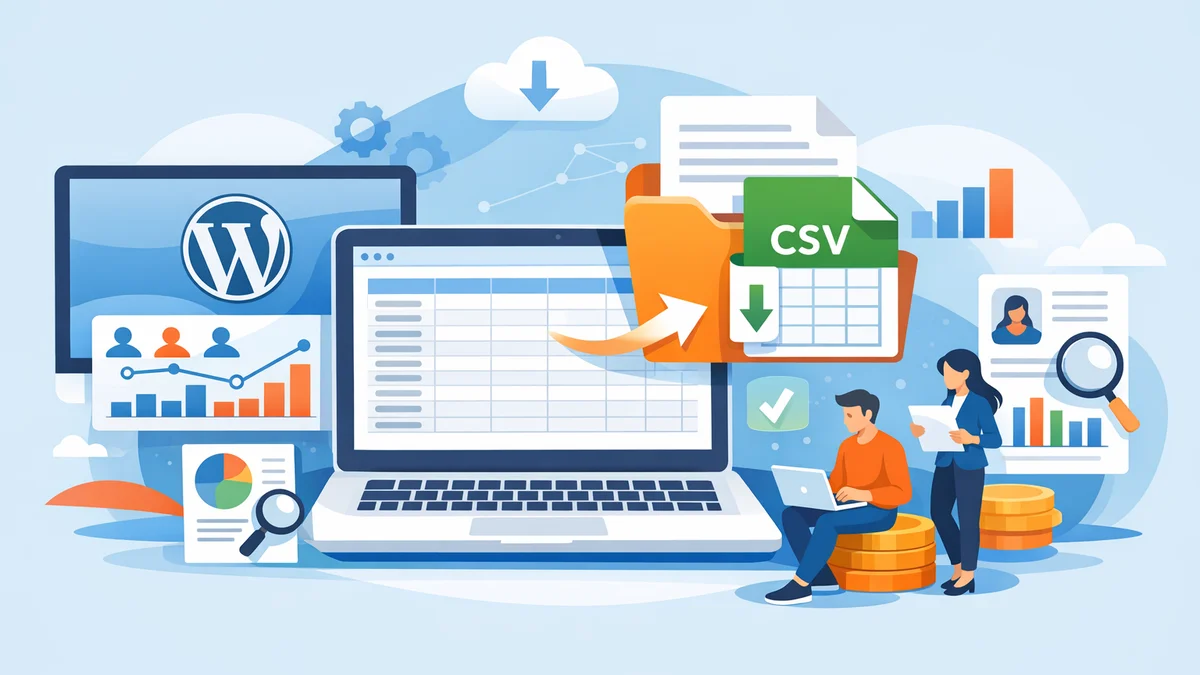
Tools like WordPress Gatekeeper Pro simplify this by offering per-access request analytics, an admin dashboard to view access patterns, and the ability to export this valuable wordpress access log CSV export data for further analysis or archiving. This enables small businesses to effectively track who downloaded file WordPress, providing a robust system for wordpress file download tracking.
Key Factors Influencing Log Retention Periods
Deciding how long to keep your content access logs is a balancing act. Several critical factors come into play, each with implications for your business, legal standing, and operational efficiency.
Legal and Regulatory Requirements
This is often the most significant driver for log retention policies. Various laws and industry-specific regulations dictate how long certain types of data, including access logs, must be kept, especially when they contain personally identifiable information (PII).
- General Data Protection Regulation (GDPR - EU): Requires data to be kept "no longer than is necessary for the purposes for which the personal data are processed." This emphasises data minimisation and purpose limitation.
- California Consumer Privacy Act (CCPA - US): Grants consumers rights over their personal information, including the right to know what data is collected and for how long.
- Industry-Specific Regulations:
- Healthcare (e.g., HIPAA in the US): Often requires detailed audit logs of access to protected health information (PHI) for several years.
- Financial Services (e.g., PCI DSS for credit card data): Mandates logging of all access to cardholder data environments, with specific retention periods.
- Professional Services (e.g., legal, accounting): May have requirements to retain records related to client engagements for many years, which could include access logs to shared documents.
- Contractual Obligations: Some client contracts might stipulate specific data retention requirements for shared content.
It's crucial to understand which regulations apply to your business based on your location, your customers' locations, and the type of data you handle. Consulting with a legal professional familiar with data privacy laws is always recommended.
Business Needs and Analytics Value
Beyond legal mandates, the practical utility of the data for your business operations is a major consideration. How long is the information truly valuable for making informed decisions?
- Sales Cycle Length: If your sales cycle is typically 6-12 months, keeping access logs for at least that period allows your sales team to see engagement patterns leading up to a purchase.
- Marketing Campaign Analysis: For evaluating the long-term effectiveness of content marketing campaigns, you might need to compare access data year-over-year.
- Content Performance Trends: To identify long-term trends in content popularity or to gauge the evergreen nature of certain resources, a multi-year view might be beneficial.
- User Journey Mapping: Understanding how users interact with your content over time can inform website design, content strategy, and user experience improvements.
Storage Costs and Performance Implications
Storing vast quantities of data isn't without its practical drawbacks. While modern storage is relatively inexpensive, managing large databases can impact performance and backup processes.
- Database Size: Each log entry adds to your WordPress database size. Over time, this can lead to slower database queries, longer backup times, and potentially impact overall site performance if not managed.
- Backup and Recovery: Larger databases take longer to back up and restore, increasing the time required for maintenance windows and recovery efforts in case of a disaster.
- Server Resources: Processing and querying extensive log data can consume significant server resources, especially on shared hosting environments.
Security Risks
Every piece of data you store represents a potential liability. The longer you keep sensitive information, the greater the risk in the event of a data breach.
- Increased Exposure: If your logs contain PII (e.g., user emails, IP addresses, names associated with access events), a breach could expose this information, leading to reputational damage, fines, and legal action.
- Target for Attacks: Log files themselves can sometimes be targeted by attackers looking for vulnerabilities or sensitive data.
Data minimisation – only collecting and retaining what is absolutely necessary – is a core principle of good data hygiene and security.
Privacy Concerns and User Expectations
Users are increasingly aware of their digital privacy. Being transparent about your data collection and retention policies builds trust and aligns with ethical business practices.
- Transparency: Clearly communicate your log retention policy in your privacy policy.
- User Rights: Be prepared to respond to data subject requests, such as the right to access or the right to erasure, as mandated by privacy regulations.
Recommended Retention Periods for Content Access Logs
There's no one-size-fits-all answer, but we can outline general recommendations based on the factors discussed above. Your specific business needs and legal obligations will ultimately dictate your final policy.
Short-Term Retention (3-6 Months)
This period is ideal for immediate operational insights, monitoring current trends, and quickly assessing the performance of recent campaigns or content releases. It's suitable for data that loses its practical value quickly and doesn't have strict long-term compliance requirements.
- Use Case: Analysing the initial uptake of a new product launch's supplementary materials, tracking daily or weekly engagement with blog resources, or identifying immediate issues with content delivery.
- Benefits: Minimal storage impact, reduced security risk due to shorter data lifespan, and quick insights for agile marketing adjustments.
- Consideration: Data for long-term trends or compliance will be lost if not archived or summarised.
For many small businesses focussed on current marketing performance and user engagement, a 3-6 month window provides sufficient data to make timely decisions without accumulating excessive historical baggage. This period is often sufficient to track who downloaded file WordPress for a specific campaign.
Medium-Term Retention (1-2 Years)
A 1-2 year retention period strikes a good balance between retaining valuable historical data for deeper analysis and managing data overhead. This timeframe is often aligned with annual business cycles, allowing for year-over-year comparisons and more comprehensive strategic planning.
- Use Case: Evaluating annual content performance, comparing user engagement across different seasons or product cycles, or informing content strategy for the upcoming year. This allows for in-depth wordpress content access analytics.
- Benefits: Provides a robust dataset for trend analysis, supports annual reporting and budgeting processes, and allows for retrospective analysis of longer sales cycles.
- Consideration: Requires more storage than short-term retention and needs a clear policy for what data is retained in full versus what is aggregated.
This is a common and often recommended period for general content access logs, providing enough depth for strategic insights without becoming overly burdensome. It helps track who downloaded file WordPress over a reasonable business cycle.
Long-Term Retention (2+ Years or Indefinite)
Long-term retention should only be applied when there's a clear, justifiable reason, typically driven by legal, regulatory, or significant audit requirements. This might involve keeping data for 5, 7, or even 10+ years, depending on the industry and specific obligations.
- Use Case: Maintaining audit trails for compliance with industry regulations (e.g., financial transaction records, access to certified training modules, legal document access), or for businesses with extremely long sales cycles or client relationships requiring historical proof of access.
- Benefits: Fulfils strict compliance mandates, provides comprehensive historical auditability, and supports very long-term strategic planning.
- Consideration: Significant storage costs and performance implications. Critically, data containing PII must be carefully managed, anonymised, or pseudonymised once its direct purpose is fulfilled to mitigate security and privacy risks.
If you require long-term retention, ensure you have a robust data management plan that includes secure storage, regular backups, and a clear process for anonymising or deleting PII that is no longer strictly necessary. For instance, you might retain a record that "a user accessed document X on date Y," but remove the specific user's name and email after a certain period if not legally required.
Best Practices for Managing Content Access Logs
Implementing a robust content access log management strategy goes beyond just deciding on a retention period. It involves a holistic approach to data governance.
1. Define and Document a Clear Retention Policy
Don't leave it to chance. Create a formal, written policy that outlines:
- What types of content access data you collect.
- The specific retention period for each data type (e.g., 6 months for general analytics, 5 years for compliance-related document access).
- The justification for these periods (e.g., legal requirement, business analytics value).
- How data will be securely stored, accessed, and eventually disposed of.
- Who is responsible for overseeing the policy.
Communicate this policy internally to your team and externally via your website's privacy policy. This transparency builds trust with your users.
2. Practice Data Minimisation
Only collect the data you genuinely need. Before logging any information, ask yourself:
- Is this data essential for my business purpose or legal obligation?
- Can I achieve the same outcome with less personal or granular data?
For instance, if you only need to know that *someone* downloaded a file, perhaps you don't need to log their specific IP address unless there's a security or compliance reason. WordPress Gatekeeper Pro allows you to track who downloaded file WordPress by the approved access request, but you can configure what additional information is requested in the access form.
3. Implement Secure Storage and Access Controls
Your access logs can contain sensitive information. Treat them with the same security rigour as other critical business data.
- Restrict Access: Ensure only authorised personnel have access to the log data, both within your WordPress dashboard and any exported files.
- Encryption: Consider encrypting your database or any exported log files, especially if they contain PII.
- Regular Backups: Include your log data in your regular website backup strategy to prevent data loss.
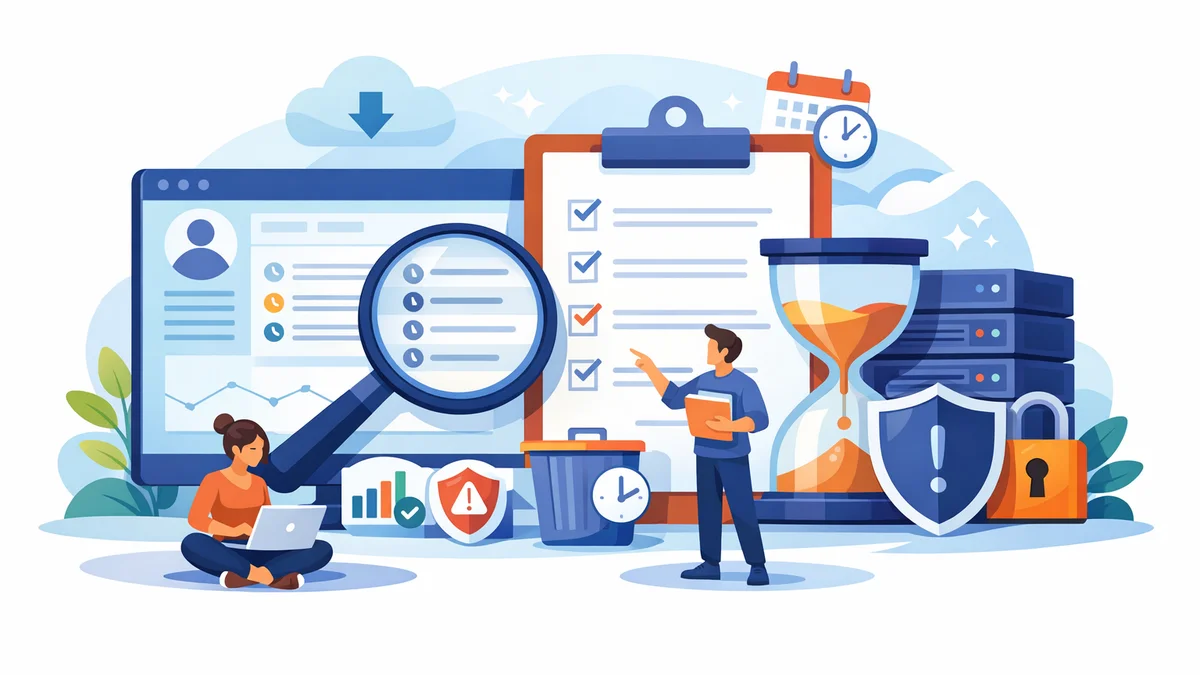
4. Automate Log Review and Cleanup
Manually sifting through and deleting old logs is impractical and prone to error. Automate the process wherever possible.
- Scheduled Deletion: Set up automated processes (e.g., cron jobs on your server, or features within your plugin) to regularly purge logs that have exceeded their retention period.
- Anonymisation Routines: If long-term retention is required for compliance but PII is not, implement routines to anonymise or pseudonymise data once the PII is no longer needed. For example, replacing a user's email with a unique, non-identifiable ID.
WordPress Gatekeeper Pro, for example, includes automatic cron jobs for log cleanup, helping you adhere to your defined retention policy without manual intervention.
5. Prioritise Auditability and Reporting
Your log data should be easily retrievable, understandable, and presentable for audits or reporting.
- Clear Formatting: Ensure logs are in a clear, consistent format that can be easily queried and understood.
- Export Capabilities: Tools that allow for easy wordpress access log CSV export are invaluable for analysis, reporting, and archiving. Gatekeeper Pro's admin dashboard offers this functionality, providing detailed per-access request analytics.
Implementing Log Management with WordPress Gatekeeper Pro
Managing content access logs on WordPress can seem daunting, but plugins like WordPress Gatekeeper Pro are designed to simplify this process for small business owners. It provides the necessary tools for robust wordpress file download tracking and content access analytics.
When you use Gatekeeper Pro to restrict access to your downloads, videos, or pages, it automatically tracks critical information:
- Who accessed the content: Based on the approved access requests.
- What content was accessed: The specific post or resource.
- When it was accessed: Timestamp of the access event.
- How often: Detailed access counts per approved access request per resource.
This per-access request analytics data is readily available in the Gatekeeper Pro admin dashboard, giving you a clear overview. You can easily see who downloaded file WordPress, viewed a gated video, or accessed a protected document.
For deeper analysis, compliance needs, or long-term archiving, the plugin allows for a simple wordpress access log CSV export. This means you can regularly download your log data, process it according to your retention policy (e.g., anonymise PII, move to long-term storage), and then rely on Gatekeeper Pro's built-in cleanup functions to remove older logs from your WordPress database automatically, aligning with your specified retention periods. This comprehensive approach ensures you get the full benefits of content access tracking while maintaining responsible data management.
Related Articles
Continue your learning with these related resources:
- How to Protect and Restrict Content on WordPress: The Complete Guide (Comprehensive Guide)
- How to Export Content Access Data as CSV From WordPress
- How to Track Who Downloads Files on Your WordPress Site
- WordPress Content Access Analytics: What to Track and Why It Matters for Agencies
- Unleashing the Power of Access Request Data for Lead Qualification on Your WordPress Site
- Mastering Gated Video Libraries on WordPress: Setup and Best Practices for Agencies
Conclusion
Effectively managing how long you keep content access logs on your WordPress site is a strategic decision that impacts your business intelligence, legal compliance, and overall security posture. By carefully considering legal obligations, the practical value of the data, and the associated risks, small business owners can establish a retention policy that serves their unique needs.
Adopting best practices like data minimisation, secure storage, and automated cleanup routines ensures that your valuable insights don't come at the cost of increased liability or operational inefficiency. Tools like WordPress Gatekeeper Pro empower you to not only track file downloads and gain sophisticated wordpress content access analytics but also to manage that data responsibly, giving you confidence in your data governance strategy.