Introduction
For agency owners and web professionals managing multiple client sites, a successful WordPress resource library often brings with it the challenge of maintaining security and efficient access control as traffic and demand increase. What works for a handful of users can quickly become unmanageable and insecure when hundreds or thousands of people are requesting access to your valuable gated content.
This article provides expert recommendations and industry best practices for securing your WordPress resource library at scale. We'll explore strategies for managing growing numbers of access requests, optimising token control, and ensuring your protected content remains secure without overwhelming your administrative resources.
The Evolving Challenge of Resource Library Security at Scale
As a resource library expands and attracts more users, the complexity of content access management grows exponentially. More users mean more access requests, a higher potential for link sharing or abuse, and an increased administrative burden if your systems aren't designed for scalability.
For agencies, this challenge is magnified across multiple client projects, each with unique content and user bases. Ensuring consistent security standards, managing diverse access policies, and providing a seamless user experience across client sites demands a robust approach to WordPress gated content at scale.
Common Security Vulnerabilities in Growing Libraries:
- Uncontrolled Link Sharing: Without proper token management, secure links can be easily shared, granting unauthorised access.
- Overwhelmed Administration: Manual approval processes become bottlenecks, delaying access for legitimate users and increasing workload.
- Inadequate Content Protection: Files stored in publicly accessible directories or served without proper validation are vulnerable to direct access.
- Lack of Visibility: Without analytics, it's hard to track who accessed what, when, or to identify suspicious activity.
Foundational Principles for Scalable Access Management
To effectively manage a growing WordPress resource library, you need a solid foundation built on secure content delivery, efficient workflows, and intelligent access control. These principles ensure your content remains protected while providing a smooth experience for legitimate users.
Secure Content Storage and Delivery
The first line of defence for any gated content is how it's stored and delivered. Simply hiding content behind a page isn't enough; the underlying files or streams need robust protection.
- Protected Uploads Directories: Store sensitive files in a dedicated directory that blocks direct access via
.htaccessrules. This prevents users from bypassing your access controls by simply guessing a file's URL. - Randomised Filenames: Rename uploaded files with SHA-256 randomised filenames. Even if a directory were compromised, the original file name would not be discoverable.
- Secure Proxy Streaming: For both downloads and video playback, route all content through a secure proxy endpoint. This endpoint should validate access tokens before serving any content, ensuring that only authorised users with valid tokens can access the material. This is precisely how plugins like WordPress Gatekeeper Pro protect your downloads and video streams.
Robust Access Request Workflows
As your user base expands, the volume of access requests will inevitably rise. An inefficient request system can quickly become a bottleneck, frustrating users and burdening administrators. Streamlining this process is key to managing WordPress access requests in bulk.
- Native, AJAX-Powered Forms: Utilise a built-in request form that operates seamlessly without page reloads, enhancing user experience and reducing server load. Ensure it includes essential fields like name, email, and potentially company or phone for lead qualification.
- One-Click Admin Approval: For administrators, the ability to approve or disapprove requests directly from an email notification—without logging into WordPress—is invaluable. This significantly reduces the time and effort required to process a large volume of requests, a feature central to WordPress Gatekeeper Pro's efficiency.
- Automated Notifications: Ensure requesters receive prompt confirmation of their submission, and once approved, an email with their secure access link. This transparency builds trust and reduces support queries.
Intelligent Token Management
Access tokens are the digital keys to your gated content. Managing these keys effectively is paramount for security and scalability, especially when dealing with WordPress token management for a high-traffic resource library.
- Cryptographically Secure Tokens: Use HMAC-SHA256 signed tokens that are tamper-proof and resistant to guessing. This ensures that only tokens generated by your system can grant access.
- Time-Limited Access (TTL): Implement Time-To-Live (TTL) for tokens, setting an expiry period (e.g., 24 hours, 30 days, 1 year). This reduces the window of opportunity for shared links to remain active and encourages users to re-engage for renewed access. Plugins like WordPress Gatekeeper Pro allow you to set TTL globally or per-post, or even offer unlimited access where appropriate.
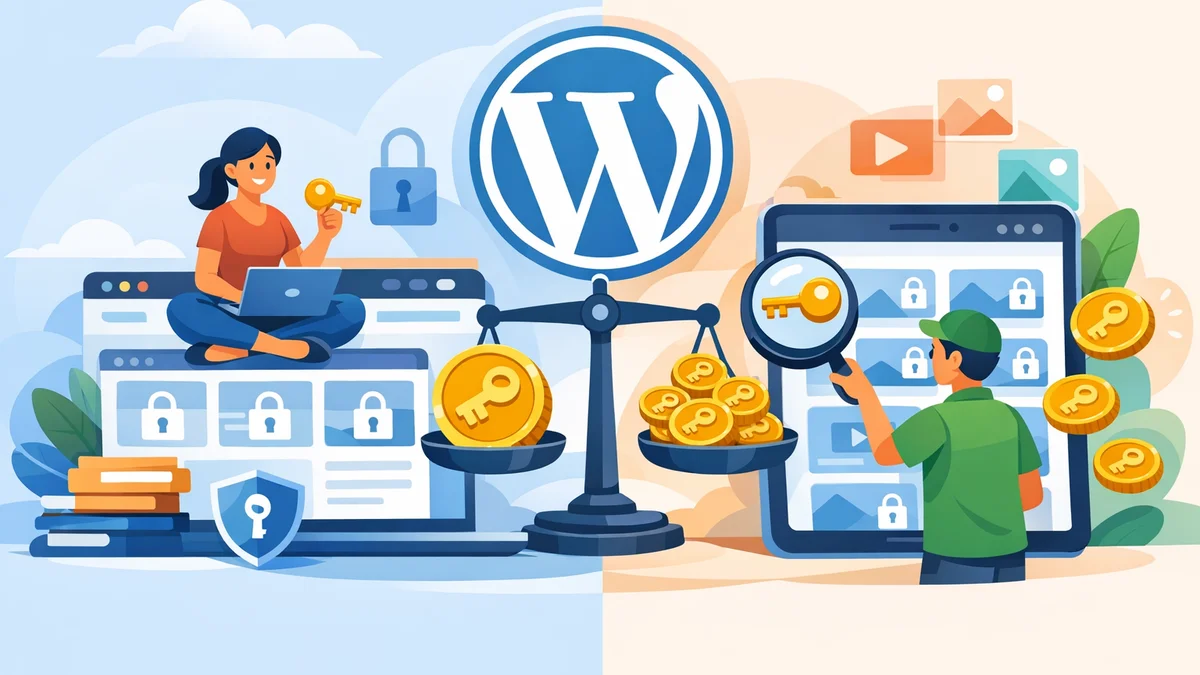
- Per-Item vs. Sitewide Tokens: Choose the appropriate token scope.
- Per-Item Mode: Each token grants access to a single, specific resource. Ideal for lead generation where you track access to individual whitepapers or reports.
- Sitewide Mode: A single token unlocks all locked content. Perfect for client portals or resource libraries where access is granted after an initial approval, such as those used by members.
- Rate Limiting: Configure limits on how often a token can be used within a certain timeframe (e.g., 5 downloads per hour). This is a crucial mechanism to prevent link-sharing abuse and protect your content from excessive, unauthorised access.
Strategies for Managing WordPress Gated Content at Scale
Beyond the foundational principles, implementing specific strategies will empower you to manage your WordPress gated content effectively as your resource library scales.
Streamlining Access Request Management (Bulk Actions)
Processing individual access requests manually quickly becomes untenable. For agencies managing numerous client portals or large lead-generation campaigns, efficiency is key.
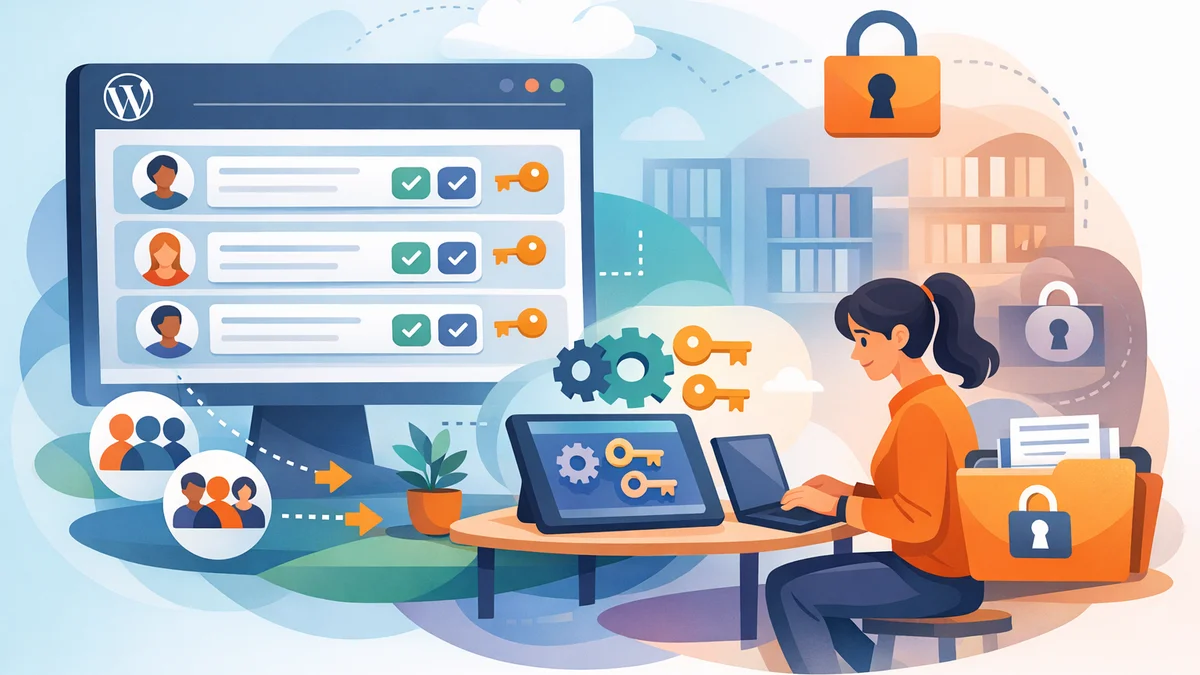
Actionable Tip: Utilise a plugin that offers a centralised admin dashboard with bulk actions. This allows you to select multiple pending access requests and approve, disapprove, or trash them simultaneously. For example, WordPress Gatekeeper Pro's admin dashboard provides comprehensive tools for bulk-processing requests, drastically reducing administrative overhead when you need to manage WordPress access requests in bulk.
Practical Example: A marketing agency might manage a single client site with multiple gated whitepapers. Instead of approving requests one by one, they can manage all pending requests from a single, unified view within that site's admin dashboard, performing bulk approvals to ensure rapid access for new leads.
Optimising WordPress Token Management
Effective token management is the backbone of secure access at scale. This involves not only issuing tokens but also monitoring and managing their lifecycle.
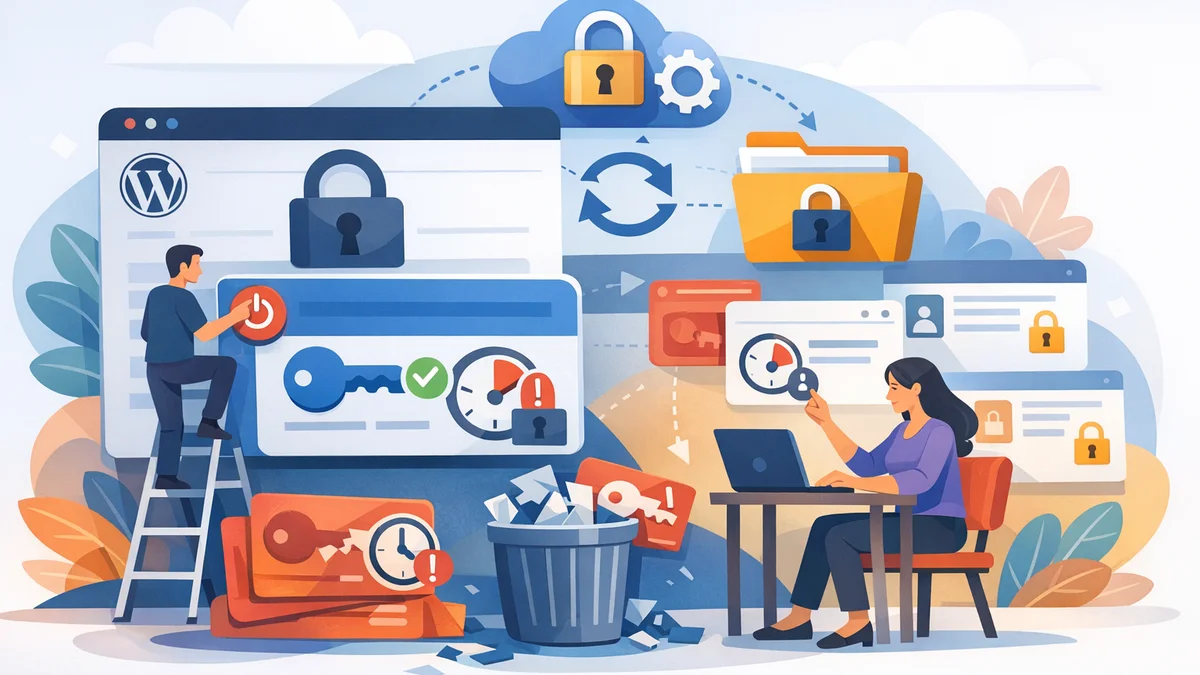
Actionable Tip: Regularly review token expiry settings. For evergreen resources, consider longer TTLs or unlimited access. For time-sensitive content (e.g., a limited-time course), use shorter expiry periods. Implement automatic expiry warning emails to notify users before their access runs out, giving them a chance to re-engage.
Practical Example: A training company offers a 30-day trial of a premium video course. They configure WordPress Gatekeeper Pro to issue tokens with a 30-day TTL. The plugin automatically sends an expiry warning email 24 hours before access ends, prompting users to consider options for continued access or requesting an extension.
Additionally, maintain the ability to revoke specific tokens if you suspect abuse or if access privileges change. This granular control is vital for maintaining security.
Preventing Abuse and Ensuring Compliance (Rate Limiting & Analytics)
Even with secure tokens, abuse can occur through excessive sharing. Furthermore, understanding content usage is critical for business intelligence and compliance.
Actionable Tip: Activate and configure rate limiting for your tokens. This prevents a single token from being used to download content an unreasonable number of times within a short period, deterring widespread sharing. Monitor per-user analytics from your admin dashboard to identify unusual access patterns that might indicate compromised tokens or malicious activity.
Practical Example: A professional services firm gates confidential reports. They set a rate limit of 3 downloads per hour per token. If analytics show a single token has been used for 50 downloads in an hour, it immediately flags suspicious activity, allowing administrators to investigate and potentially revoke the token. Plugins like WordPress Gatekeeper Pro offer detailed analytics and CSV export capabilities for comprehensive tracking and reporting, crucial for WordPress resource library management.
Automating Routine Tasks
Automation is key to managing a large resource library without increasing administrative overhead. Let your systems handle the repetitive tasks.
Actionable Tip: Ensure your content access management solution uses cron jobs for automated maintenance. This includes sending expiry warning emails, cleaning up expired tokens, and pruning old access logs. This frees up your team to focus on content creation and strategy rather than manual upkeep.
Practical Example: An internal knowledge base on WordPress has hundreds of gated documents. An automated system ensures that tokens for departing employees are revoked, and logs older than 365 days are automatically purged to maintain data hygiene and compliance, without any manual intervention from the IT team.
Choosing the Right Tools for WordPress Resource Library Management
Implementing these strategies requires a purpose-built solution. Generic security plugins often lack the specific features needed for comprehensive gated content management. When selecting a tool, look for one that directly addresses the challenges of scalability, security, and administrative efficiency.
WordPress Gatekeeper Pro, for instance, is engineered precisely for these scenarios. It offers secure file protection, an intuitive access request and approval workflow, granular token control (per-item/sitewide, TTL, rate limiting), and a powerful admin dashboard with bulk actions and analytics. Its design specifically caters to agencies and web professionals needing to manage WordPress content access at scale for diverse clients and resource libraries.
Related Articles
Continue your learning with these related resources:
- Gated Content on WordPress: When to Restrict Access and How to Do It Right (Comprehensive Guide)
- Revoking and Expiring Access Tokens on WordPress: When and How for Scaled Content
- Mastering Your WordPress Content Access: A Comprehensive Audit Guide
- How to Manage WordPress Access Requests in Bulk for Gated Content
- Sitewide vs. Per-Item Access: Choosing Your WordPress Token Strategy
- How to Set Time-Limited Access to Video Content on WordPress
Conclusion
Securing and efficiently managing a growing WordPress resource library is a critical task for agency owners and web professionals. By adopting foundational principles of secure content storage, streamlined workflows, and intelligent token management, you can protect your valuable assets while ensuring a positive experience for your users.
Implementing strategies like bulk access request processing, optimised token lifecycles, and proactive abuse prevention, supported by a robust plugin like WordPress Gatekeeper Pro, empowers you to scale your gated content operations with confidence and control. Prioritising these practices ensures your resource library remains a secure and valuable asset, even as its popularity soars.