Introduction
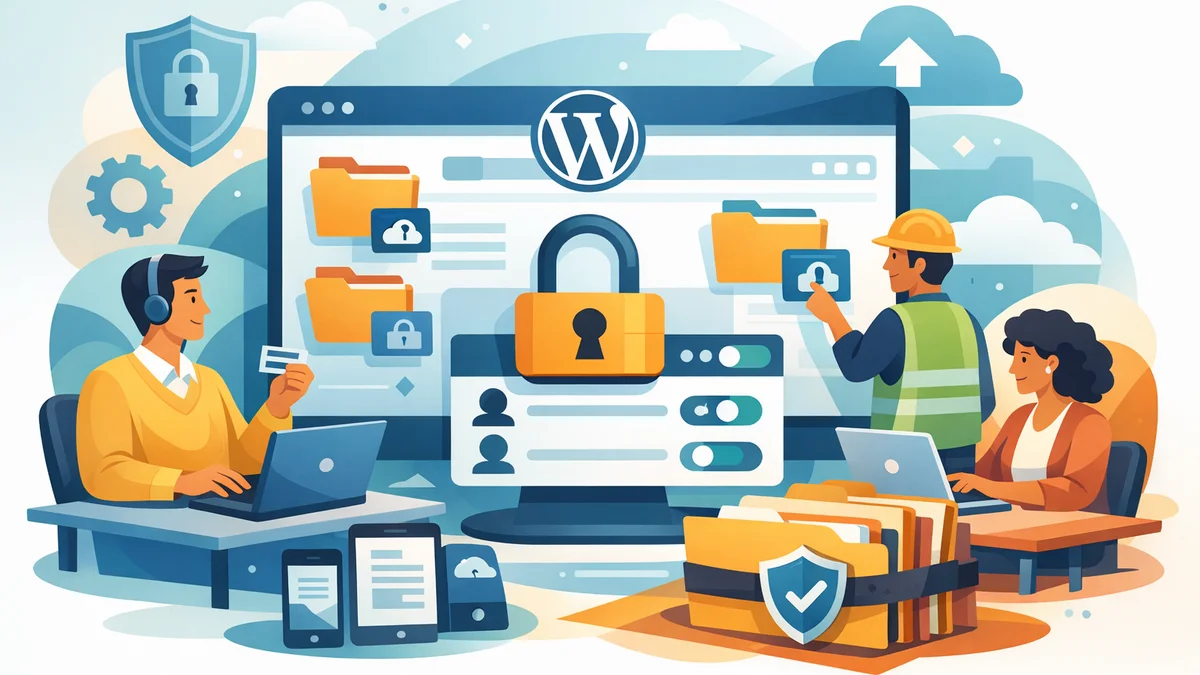
For many small businesses, agencies, and professional services firms, sharing confidential documents with clients is a daily necessity. Whether it's project proposals, financial reports, legal agreements, or proprietary research, the need for a secure, controlled method is paramount. Simply emailing attachments or using generic cloud storage can expose your business and clients to unnecessary risks.
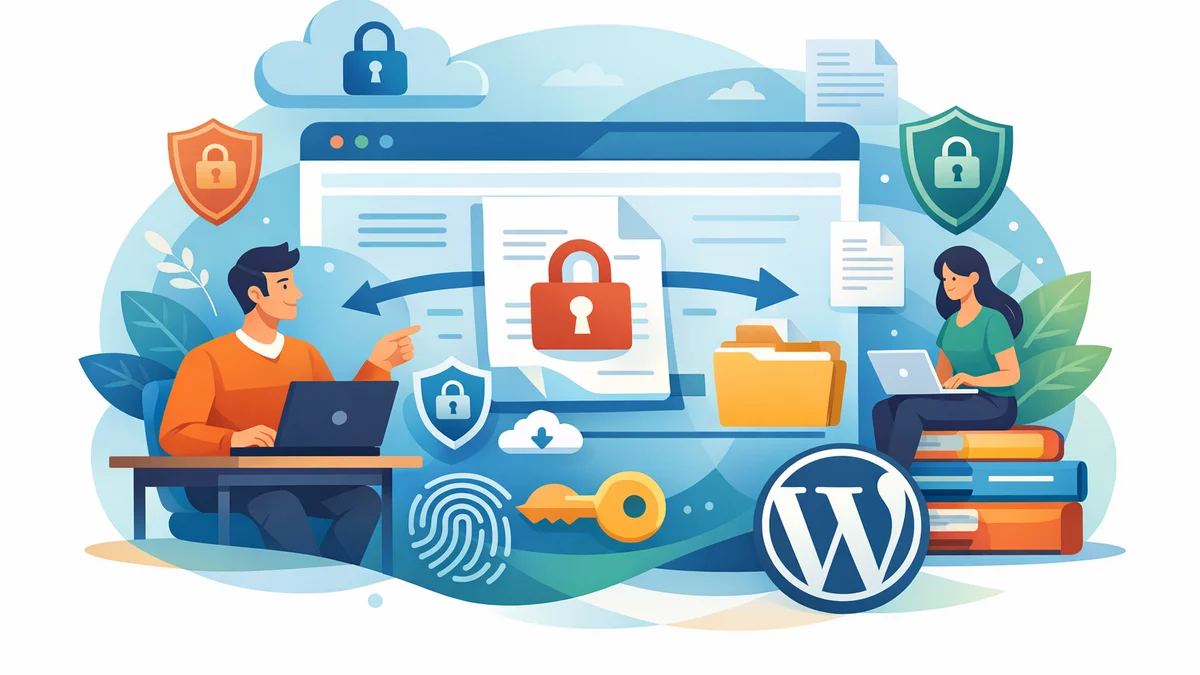
This article will guide you through establishing a secure approach to sharing confidential documents on your WordPress website. We'll explore industry best practices, highlight the importance of dedicated client portals, and show you how tools like WordPress Gatekeeper Pro can streamline this critical process, ensuring your sensitive information remains protected.
Why Secure Document Sharing Matters for Your Business
In today's digital landscape, data breaches are a significant threat. For businesses handling client data, the consequences of insecure document sharing can be severe, ranging from reputational damage and loss of client trust to hefty fines and legal repercussions. A robust security strategy isn't just a technical requirement; it's a fundamental part of maintaining client relationships and business integrity.
Protecting Client Trust and Reputation
Your clients entrust you with their sensitive information. Demonstrating a commitment to security builds and maintains that trust. A secure document sharing system signals professionalism and care, enhancing your business's reputation and client loyalty.
Mitigating Legal and Compliance Risks
Many industries have strict regulations regarding data privacy (e.g., GDPR, APPs in Australia). Failing to comply can result in significant penalties. Implementing secure document sharing practices helps you meet these legal obligations, reducing your exposure to costly legal battles and regulatory investigations.
Preventing Data Breaches and Unauthorised Access
Standard email is not inherently secure for confidential information. Public cloud storage, while convenient, can also be vulnerable if not configured correctly. A dedicated secure system minimises the risk of data falling into the wrong hands, protecting both your business's intellectual property and your clients' sensitive data.
Key Principles for Secure Document Sharing on WordPress
When building a system for sharing confidential documents on WordPress, several core principles should guide your approach. These principles ensure both security and usability, creating a reliable experience for your clients and your team.
1. Robust Access Control
The foundation of secure document sharing is precise access control. You need to ensure that only approved individuals can view or download specific documents. This means moving beyond generic passwords or public links.
- Individualised Access: Grant access on a per-client or per-project basis, rather than using broad permissions.
- Temporary or Timed Access: For some documents, access might only be needed for a specific period. The ability to set expiry dates on access ensures long-term security.
- Approval Workflows: Implement a system where access requests are reviewed and approved by an administrator before content is released.
2. Secure File Storage and Transmission
The documents themselves need protection, both when they are stored on your server and when they are being transmitted to your clients. Direct access to files should be blocked, and data in transit must be encrypted.
- Protected Directories: Store confidential files in server directories that are not publicly accessible via direct URL.
- Randomised Filenames: Obscure file names to prevent guessing or enumeration attacks.
- Secure Streaming/Proxying: Rather than direct downloads, serve files through a secure endpoint that validates access before delivery.
- SSL/TLS Encryption: Ensure your entire WordPress site uses HTTPS (SSL/TLS) to encrypt all communication between your server and client browsers.
3. Audit Trails and Analytics
Knowing who accessed what and when is crucial for accountability and security monitoring. An audit trail provides a clear record, which is invaluable for compliance, troubleshooting, and identifying potential security anomalies.
- Access Logs: Record when a client views or downloads a document.
- Request History: Keep a log of all access requests, approvals, and disapprovals.
- User Activity Tracking: Monitor individual client activity within their designated portal area.
4. User-Friendly Experience (for Clients and Admins)
Security should never come at the cost of usability. A complex or frustrating system will lead to workarounds, which often undermine security. The process of requesting and receiving documents should be intuitive for clients, and managing access should be straightforward for your team.
- Simple Request Forms: Clients should be able to request access without navigating complex menus.
- Automated Notifications: Keep clients informed about the status of their requests and provide clear instructions for accessing approved content.
- Easy Administration: Your team should be able to manage access, approve requests, and monitor activity efficiently, ideally without needing deep technical knowledge.
Building a WordPress Client Portal for Confidential Documents
Creating a dedicated client portal on WordPress is an excellent way to consolidate document sharing and ensure security. Instead of scattered emails or generic cloud links, your clients have one secure, branded location to access their materials.
Choosing the Right WordPress Tools
While WordPress itself is a powerful platform, it requires specific tools to create a secure client portal for confidential documents. This is where plugins designed for content restriction and access management become essential. For example, the WordPress Gatekeeper Pro plugin is purpose-built to address these exact needs without requiring complex coding or external services.
Implementing Access Requests and Approval Workflows
A key feature of a secure client portal is the ability to gate content behind an approval process. Clients should not have immediate access to sensitive files. Instead, they submit a request, which your team reviews.
- Native Request Forms: A plugin like Gatekeeper Pro provides built-in, customisable AJAX request forms. Clients fill in their details (name, email, company, etc.) directly on your WordPress site without a page reload.
- Admin Approval Workflow: When a request comes in, an administrator receives an email notification. With Gatekeeper Pro, admins can approve or disapprove requests directly from the email link, eliminating the need to log into WordPress repeatedly.
- Automated Client Notifications: Once approved, the client automatically receives an email with a secure, time-limited access link to their requested document. This streamlined process ensures quick communication and efficient delivery.
Protecting the Documents Themselves
Once a document is uploaded, it needs to be shielded from direct access. WordPress Gatekeeper Pro handles this by:
- Secure Storage: Uploaded files are stored in a dedicated protected directory with randomised SHA-256 filenames and .htaccess direct-access blocking, making direct URL access impossible.
- Secure Proxy Streaming: Instead of direct downloads, files and videos are served exclusively through a secure proxy endpoint. This proxy-only streaming validates the client's access token before delivering the content, ensuring only authorised users can retrieve the document.
- Cryptographically Secure Tokens: Access is granted via HMAC-SHA256 signed tokens. These tokens are cryptographically secure and tamper-proof, providing a robust layer of authentication for each access attempt.
Managing Access and Analytics
Once clients have access, you need tools to manage that access and track activity. A comprehensive admin dashboard is crucial for this.
- Token Management: With Gatekeeper Pro, you can choose between per-item tokens (each token unlocks one specific resource) or sitewide tokens (one token unlocks all locked content). You can also set token expiry globally or per-post, or grant unlimited access.
- Rate Limiting: Prevent link-sharing abuse by setting a configurable rate limit on how often a token can be used within a certain period.
- Expiry Warnings: Automated emails can be sent to clients before their access tokens expire, giving them a heads-up and allowing you to manage renewals or re-approvals efficiently.
- Activity Analytics: Track access patterns with per-user analytics, view active/expired/revoked tokens, and export data for further analysis. This provides a valuable audit trail for compliance and security monitoring.
Best Practices for Sharing Confidential Documents
Beyond the technical implementation, adopting these best practices will further enhance your security posture and client experience.
1. Organise and Categorise Documents Meticulously
A well-structured document library makes it easier for clients to find what they need and for you to manage access. Use clear naming conventions and categories for your documents within your WordPress client portal.
- Project-Specific Folders: Create dedicated areas for each client or project.
- Clear Naming: Use descriptive file names that indicate content and version (e.g., "ProjectX_Proposal_v2.pdf").
- Custom Post Types: Leverage WordPress custom post types for different document categories (e.g., "Client Reports," "Legal Agreements").
2. Educate Your Clients on Usage
Even with the most secure system, clients need to understand how to use it safely. Provide clear instructions on how to access their documents, what to do if they encounter issues, and the importance of keeping their access links private.
- Welcome Guides: Create a simple guide for new clients explaining how to navigate their portal.
- FAQ Section: Address common questions about document access and security.
- Direct Support: Ensure clients know who to contact if they have problems or security concerns.
3. Regularly Review and Update Your System
Security is an ongoing process, not a one-time setup. Regularly review your document sharing practices and ensure all software, including WordPress core, themes, and plugins (like Gatekeeper Pro), are up to date. Security patches often address newly discovered vulnerabilities.
- Plugin Updates: Stay current with all plugin and theme updates.
- Access Audits: Periodically review who has access to what, especially for long-term clients or completed projects, and revoke unnecessary access.
4. Implement Strong Authentication (Even If Not Login-Based)
Even if your system is token-based, ensuring the tokens are secure is vital. Gatekeeper Pro's use of HMAC-SHA256 signed tokens and rate limiting provides this strong authentication without requiring clients to remember another password.
- Unique Access Links: Ensure each client receives a unique, secure link for their documents.
- Token Expiry: Utilise token expiry to limit the window of vulnerability.
5. Consider Legal and Compliance Requirements
Before implementing any document sharing solution, understand your legal obligations. Depending on your industry and client locations, you might need to comply with specific data protection laws. Consult with legal professionals to ensure your approach meets all necessary requirements.
- Data Sovereignty: Understand where your data is hosted.
- Consent: Ensure you have client consent for storing and processing their data.
Real-World Applications
Consider a marketing agency using WordPress Gatekeeper Pro to share campaign reports, creative assets, and confidential strategy documents. They can create a custom post type for "Client Reports," mark each report as "locked," and clients submit a request via an AJAX form. The agency approves the request from their email, and the client receives a secure, time-limited link to download their personalised report. This streamlines client communication, maintains security, and provides an audit trail of who accessed which report.
Similarly, a consulting firm might use a WordPress partner resource portal to distribute proprietary methodologies, training videos, and market research. Each resource is gated, requiring partners to request access. Approved partners receive sitewide tokens, granting them access to all restricted materials for a set period, with expiry warnings prompting them to engage for continued access.
Related Articles
Continue your learning with these related resources:
- Gated Content on WordPress: When to Restrict Access and How to Do It Right (Comprehensive Guide)
- Revoking and Expiring Access Tokens on WordPress: When and How for Scaled Content
- Mastering Your WordPress Content Access: A Comprehensive Audit Guide
- How to Manage WordPress Access Requests in Bulk for Gated Content
- Sitewide vs. Per-Item Access: Choosing Your WordPress Token Strategy
- Keeping Your WordPress Resource Library Secure as Traffic Grows
Conclusion
Sharing confidential documents with clients on WordPress doesn't have to be a security headache. By understanding the core principles of secure access control, file protection, and audit trails, businesses can build robust, trustworthy systems. Tools like WordPress Gatekeeper Pro simplify this process significantly, offering a comprehensive solution for managing access requests, protecting sensitive files, and providing a secure, professional experience for your clients.
Implementing a dedicated WordPress client portal for document sharing is an investment in your business's security, reputation, and client relationships. It allows you to share critical information with confidence, knowing that your confidential data is well-protected and accessible only to authorised individuals.