Introduction
As agency owners and web professionals, you often encounter client needs to restrict access to certain content on their WordPress sites. However, not every content restriction scenario warrants a full-blown membership, subscription, or e-commerce system. Sometimes, a simpler, more streamlined approach is required.
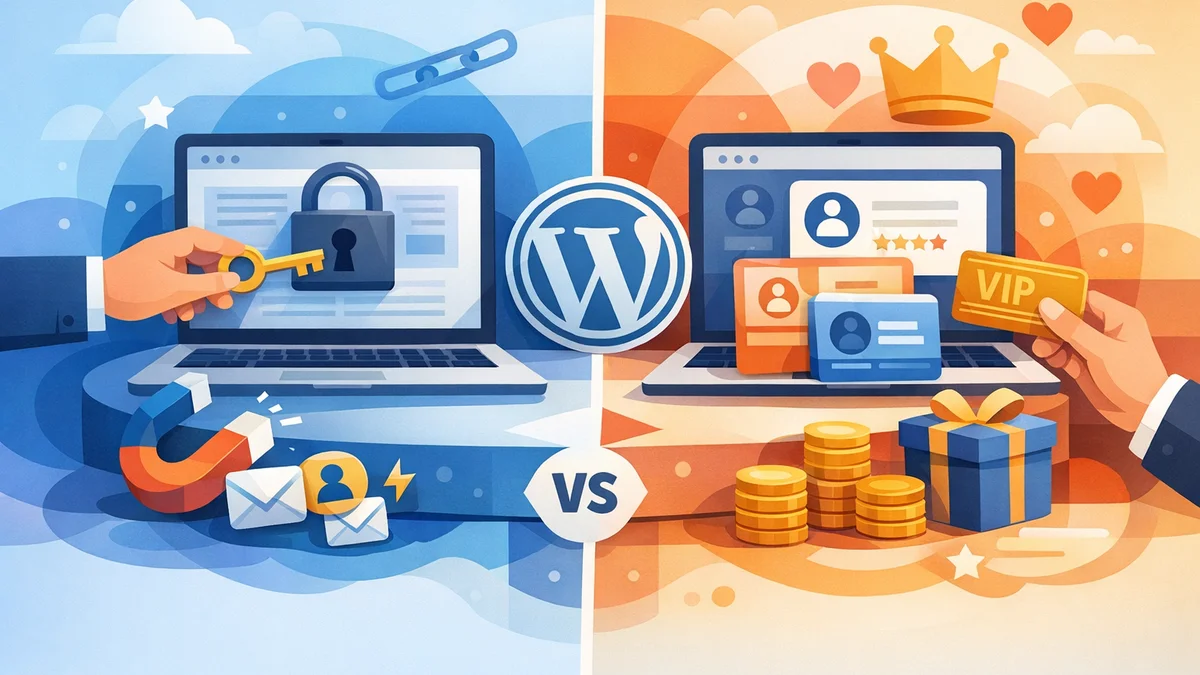
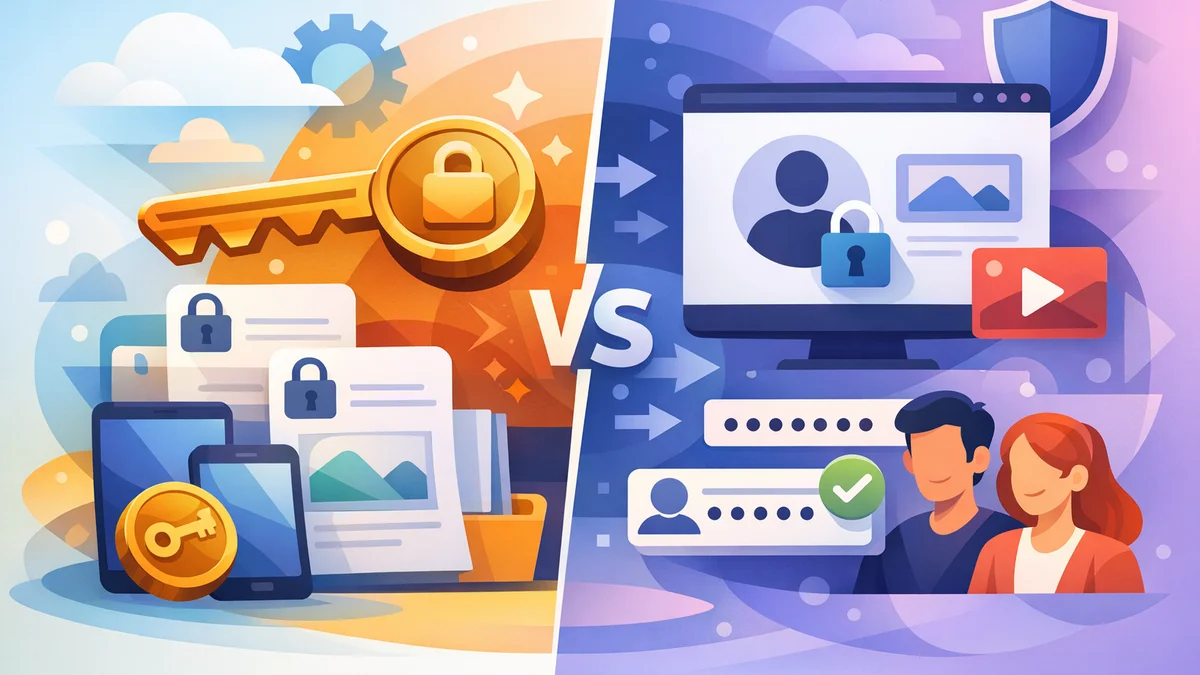
This article delves into two primary content restriction models for WordPress: the traditional user account-based approach and the more modern, lightweight token-based access model. We'll explore their mechanics, advantages, disadvantages, and ideal use cases to help you choose the right solution for your clients' specific requirements, particularly when you need to restrict content without membership plugins.
Understanding Content Restriction Without Membership Plugins
Many WordPress site owners mistakenly believe that content restriction automatically means implementing a complex membership plugin. While powerful, these plugins often come with unnecessary features, overhead, and costs when the goal is simply to gate a few downloads, videos, or specific pages.
The need for restricted content on WordPress without a full membership plugin arises in various scenarios:
- Lead Generation: Offering exclusive whitepapers or reports in exchange for contact details.
- Client Resources: Sharing confidential project documents, proposals, or training materials with specific clients.
- Premium Content Distribution: Providing access to select videos or files for a limited time.
- Internal Knowledge Bases: Restricting access to company policies or internal documentation for approved staff.
- Partner Portals: Gating resources exclusively for business partners.
In these situations, the goal is controlled access, not user profiles, recurring payments, or community features. Let's compare the models that can achieve this.
Model 1: User Account-Based Content Restriction
The user account-based model is the most traditional way to restrict content on WordPress. It leverages WordPress's built-in user management system, often extended by membership or role-based access control (RBAC) plugins.
How User Account-Based Restriction Works
With this model, visitors must register for an account on your WordPress site and log in to gain access to restricted content. Access permissions are typically tied to their user role (e.g., subscriber, contributor, custom roles) or specific capabilities assigned by a membership plugin. Once logged in, the system checks their credentials and permissions before displaying the content.
For example, a client might have a "Client" role that grants access to a specific "Client Documents" page, while a general "Subscriber" role would not.
Pros of User Account-Based Restriction
- Personalised Experience: Users can have profiles, dashboards, and personalised content.
- Granular Control: Offers sophisticated role-based access control, allowing different user groups to see different content.
- Integrated Ecosystems: Seamlessly integrates with e-commerce, forums, and learning management systems (LMS) for comprehensive platforms.
- Audit Trails: Activity can be tracked per user, providing detailed logs of who accessed what and when.
- Content Drip-Feeding: Many membership plugins offer features to gradually release content over time.
Cons of User Account-Based Restriction
- High Overhead: Requires significant user management – registration forms, password resets, profile editing, and dealing with spam registrations.
- User Friction: The login process itself can be a barrier for users who just want quick access to a specific resource.
- Increased Complexity: Adds layers of database tables, user roles, and potential conflicts, especially with multiple plugins.
- Security Concerns: Managing user accounts introduces security risks like brute-force attacks on login pages and data breaches if user data isn't properly secured.
- Overkill for Simple Needs: For a single whitepaper download or a few client documents, a full membership plugin is often an expensive and feature-heavy solution.
Typical Use Cases for User Account-Based Restriction
- Full-fledged membership websites with recurring subscriptions.
- Online courses requiring student logins and progress tracking.
- Forums or community platforms where users need profiles and interaction capabilities.
- E-commerce stores where customers manage their orders and personal information.
- Intranets where employees have individual accounts and access based on department roles.
Model 2: Token-Based Content Restriction
Token-based access offers a modern, lightweight alternative for WordPress content restriction, especially when you need to gate content without requiring user accounts or complex logins. This model focuses on granting specific, often temporary, access via unique digital tokens.
How Token-Based Restriction Works
Instead of logging in, users receive a cryptographically secure token – typically embedded in a unique URL or stored as a cookie – that grants them access to specific locked content. When a user tries to access a restricted resource, the system validates the token. If valid, access is granted; otherwise, it's denied.
Plugins like WordPress Gatekeeper Pro exemplify this model. With Gatekeeper Pro, visitors submit a simple request (name, email) through a form on the gated content page. An administrator approves the request, and the system automatically emails the user a secure, time-limited access link containing their unique token. This token then unlocks the specific download, video, or page content without any need for the user to register or log in to a WordPress account.
Pros of Token-Based Restriction
- No User Accounts or Logins: This is the biggest advantage, dramatically reducing friction for users and management overhead for administrators. No password resets, no user profile management, no spam registrations.
- Streamlined User Experience: Users get direct access via a link, which is ideal for one-off content consumption like downloading a report or watching a video.
- Lightweight and Efficient: Avoids the complexity and resource demands of a full membership system, making your site faster and easier to manage.
- Targeted Lead Generation: Excellent for capturing leads by requiring an email (and optional other fields) for access, without forcing a full registration.
- Secure Content Delivery: Plugins like Gatekeeper Pro protect content (downloads, videos) by serving them through a secure proxy endpoint, using SHA-256 randomised filenames, and .htaccess blocking, preventing direct URL access. Tokens are cryptographically signed (HMAC-SHA256) for tamper-proof security.
- Flexible Access Control:
- Per-Item Mode: Grant access to specific content items.
- Sitewide Mode: Allow access to all locked content with a single token.
- Configurable TTL (Time-To-Live): Set tokens to expire after a certain time (e.g., 24 hours, 30 days, or unlimited access), perfect for temporary access or time-sensitive materials.
- Rate Limiter: Prevent link-sharing abuse by limiting how often a token can be used within a certain period.
- Automated Workflow: Solutions like Gatekeeper Pro offer built-in access request forms, one-click admin approval (even from email notifications without logging into WordPress), and automated email delivery of secure links and expiry warnings.
- Works with Any Content Type: Restrict posts, pages, custom post types, downloads, and videos. Integrates seamlessly with Elementor (via dedicated widgets) and other major page builders (via shortcodes, including for Gutenberg).
- Actionable Analytics: Track access patterns for gated content without needing individual user profiles, allowing for data export.
Cons of Token-Based Restriction
- Less Personalisation: Without user accounts, there are no individual dashboards or profiles for users to manage their own access or history.
- Not for Role-Based Access: This model isn't designed for complex role-based permissions where different user groups need distinct, persistent access levels across a wide range of content.
- Not for Recurring Payments: It does not handle subscriptions or direct e-commerce integration for selling access to content.
- Link Sharing Potential: While rate limiter and expiry help, a valid token link can still be shared if not managed carefully by the recipient.
Typical Use Cases for Token-Based Restriction
- Gated Resources: Offering whitepapers, e-books, case studies, or premium reports for lead generation.
- Client Portals: Securely sharing sensitive documents, project updates, or proposals with specific clients without requiring them to manage a login.
- Protected Video Content: Distributing exclusive training videos or webinars with time-limited access.
- Internal Documents: Providing access to internal policies, HR documents, or company resources for approved staff members.
- Press Kits/Media Assets: Granting temporary access to media professionals for specific campaigns.
- Partner Resource Libraries: Sharing partner-only marketing materials or technical documentation.
Choosing the Right Model for Your WordPress Site
Deciding between token-based access and user account-based restriction hinges on your specific content, audience, and administrative overhead tolerance. Here's a breakdown of key decision factors:
Key Decision Factors
- User Interaction & Management Overhead:
- Do you need user profiles, dashboards, or self-service account management? If yes, user accounts are likely necessary.
- Do you want to avoid the complexities of user registration, password resets, and login issues? Token-based access significantly simplifies this.
- Content Type & Quantity:
- Are you restricting a few specific downloads, videos, or pages? Token-based access is ideal for this focused approach.
- Do you have a vast, evolving library of content that needs complex categorisation and drip-feeding? User accounts with a robust membership plugin might be more suitable.
- Monetisation Strategy:
- Are you selling subscriptions or one-time content purchases directly through your site? User accounts with an e-commerce or membership plugin are required.
- Is the content restriction for lead generation, client service, or internal use, not direct payment? Token-based access excels here.
- Access Duration & Flexibility:
- Do you need permanent, role-based access for different user groups? User accounts are structured for this.
- Do you need temporary, time-limited access or access to specific individual items? Token-based solutions offer this granular control without the baggage.
- Security & Simplicity:
- Is avoiding potential login security vulnerabilities a priority? Token-based access removes the login page as an attack vector.
- Do you want the simplest possible setup for content gating? Token-based systems are often much lighter.
Recommendation
- Opt for User Account-Based Restriction (with a membership plugin) if:
- You require extensive user profiles, personalised dashboards, or community features.
- Your content access is tied to recurring subscriptions, membership tiers, or direct payment.
- You need complex role-based access control where different user groups have vastly different, persistent permissions across the entire site.
- You plan to drip-feed content over time.
- Choose Token-Based Access (e.g., WordPress Gatekeeper Pro) if:
- You need to restrict content (downloads, videos, pages, posts) without the overhead of user accounts, registrations, or logins.
- Your primary goal is lead generation, capturing user details in exchange for valuable content.
- You're providing access to client-specific documents, internal resources, or partner materials where simplicity and direct access are key.
- You need secure, time-limited access to specific items rather than broad, role-based permissions.
- You want an easy-to-manage, efficient system for content gating that integrates seamlessly with your existing WordPress setup and page builders.
For agencies and web professionals, understanding this distinction is key to recommending the most appropriate, cost-effective, and user-friendly solution for your clients. WordPress Gatekeeper Pro provides a robust and flexible token-based solution that perfectly fills the gap for content restriction without the need for membership plugins, offering a streamlined workflow from request to secure delivery.
Related Articles
Continue your learning with these related resources:
- Gated Content on WordPress: When to Restrict Access and How to Do It Right (Comprehensive Guide)
- Revoking and Expiring Access Tokens on WordPress: When and How for Scaled Content
- Mastering Your WordPress Content Access: A Comprehensive Audit Guide
- How to Manage WordPress Access Requests in Bulk for Gated Content
- Sitewide vs. Per-Item Access: Choosing Your WordPress Token Strategy
- Keeping Your WordPress Resource Library Secure as Traffic Grows
Conclusion
The landscape of WordPress content restriction offers powerful choices beyond the traditional membership plugin. While user account-based systems serve specific, feature-rich needs, token-based access presents a compelling, lightweight alternative for many common scenarios.
By carefully considering whether your clients truly need user profiles and complex role management, or simply secure, controlled access to specific resources, you can select the most efficient and user-friendly model. For those requiring a streamlined content-gating workflow, lead generation capabilities, and robust protection for files and videos without the complexities of user accounts, a solution like WordPress Gatekeeper Pro offers a powerful, purpose-built approach.