Introduction
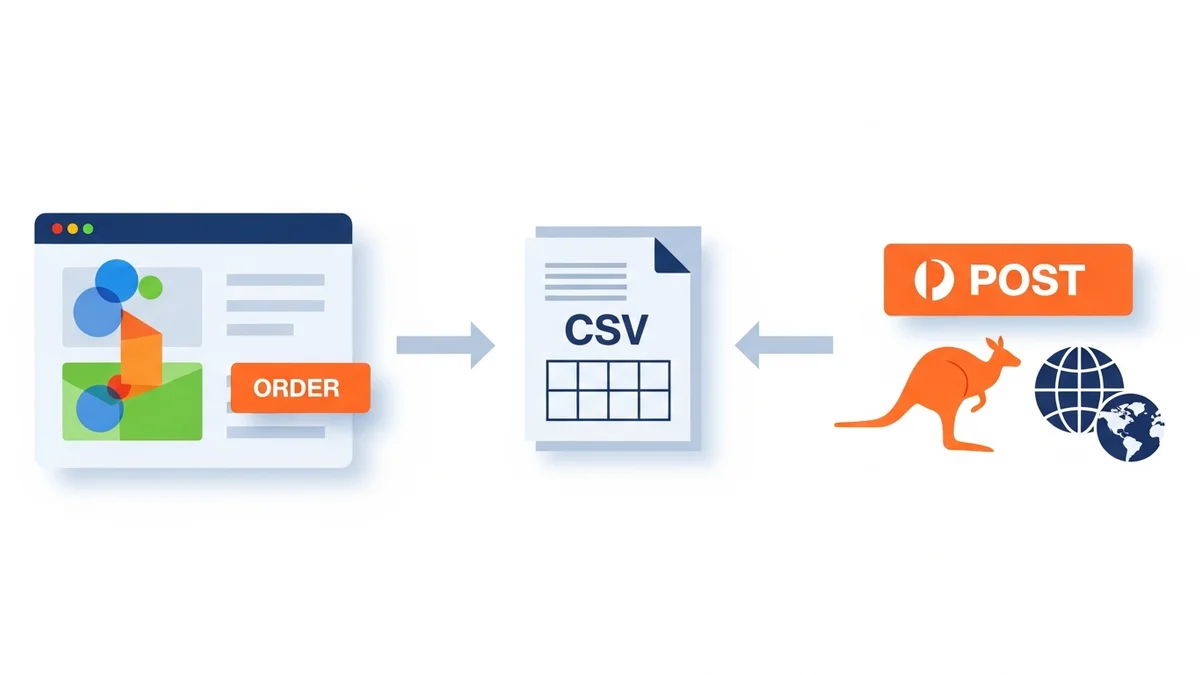
For e-commerce managers, streamlining the shipping process is crucial for operational efficiency and customer satisfaction. Manually processing domestic and international orders separately, especially when dealing with Australia Post, can be time-consuming and prone to errors. This guide will walk you through the process of exporting both types of WooCommerce orders into a single, compliant Australia Post CSV file, saving you valuable time and reducing shipping headaches.
Consolidating your order data into one export simplifies bulk shipping label creation, improves data accuracy, and ensures your international shipments meet customs requirements without extra manual steps. By following these steps, you can optimise your shipping workflow and boost your store's ROI through enhanced operational efficiency and reduced labour costs.
Understanding Australia Post CSV Requirements
Australia Post's MyPost Business and eParcel platforms accept CSV files for bulk order imports, enabling efficient shipping label generation. While many fields are common for all shipments, international orders require additional data crucial for customs declarations. These include customs item descriptions, HS (Harmonized System) codes, country of origin, and individual
Related Articles
Continue your learning with these related resources:
- The Complete Guide to WooCommerce Shipping for Australian Stores (Comprehensive Guide)
- How to Configure Default Shipping Service and Packaging in WooCommerce for Australia Post
- How to Customize Your Australia Post WooCommerce Export Table Columns
- How to Set Up Sender Details in WooCommerce for Australia Post CSV Export
- How to Set Up WooCommerce Product Weights for Accurate Australia Post CSV Export
- How to Set Signature on Delivery and Extra Cover Defaults for Australia Post WooCommerce Exports