Introduction
For small businesses delivering online training, premium courses, or exclusive client content, protecting your video assets is paramount. You want your valuable educational materials accessible only to those who should see them, whether they're paying customers, internal staff, or approved leads.
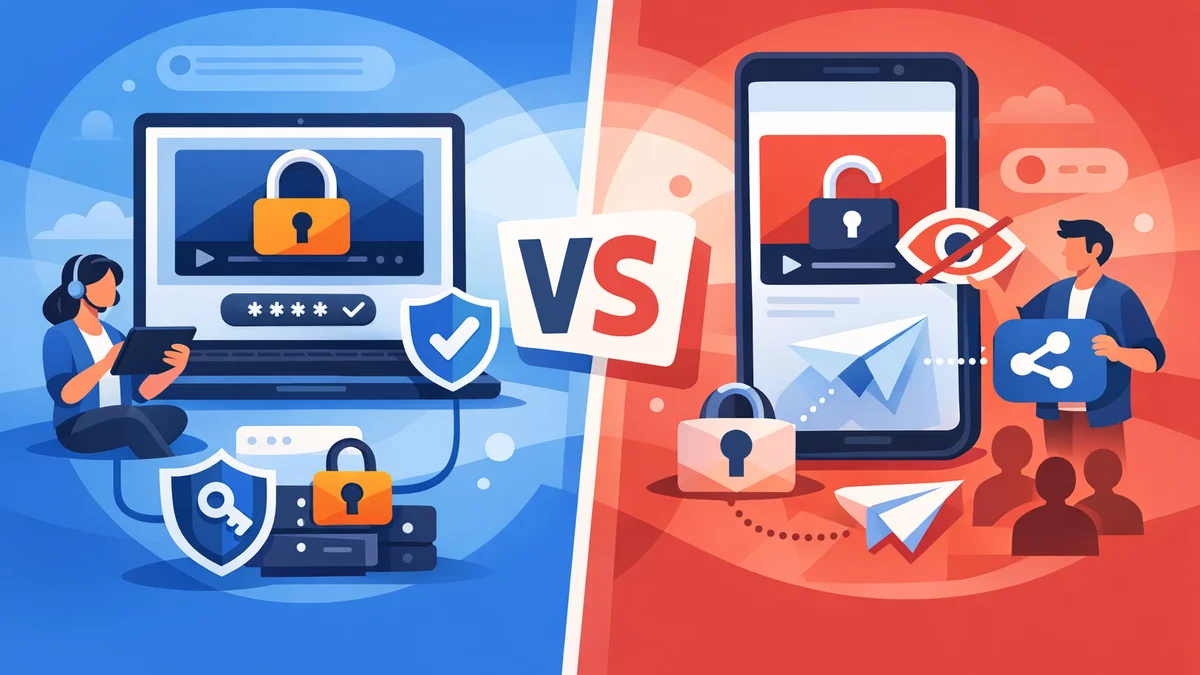
The challenge lies in choosing the right method to restrict access. Two common approaches often come to mind: leveraging YouTube's 'unlisted' video feature or implementing a dedicated WordPress video gating solution. Both have their merits, but their security implications and feature sets differ significantly.
This article will delve into a detailed comparison, weighing the pros and cons of each method. We'll explore their practical applications, security strengths, and weaknesses to help you make an informed decision for your WordPress protected video course or training platform.
Understanding Your Needs: Why Restrict Video Content?
Before diving into the technicalities, it's essential to understand why you need to restrict access to your video content. Your specific requirements will dictate the best approach. Common scenarios for needing to restrict video content on WordPress include:
- Online Courses and Memberships: If you sell access to a course or a membership, your premium videos are the product. You must ensure that only paying customers can view them, preventing unauthorised sharing and protecting your revenue. This is a prime example of needing a robust wordpress protected video course solution.
- Client Training & Onboarding: For service-based businesses, providing exclusive video training to clients can be a value-add. This content is often proprietary and should only be available to your specific clients, not the general public.
- Internal Company Training: Many organisations use video for employee onboarding, compliance training, or skill development. This content is for internal eyes only and should be secured against external access. Protecting these wordpress restrict training videos is vital for internal knowledge.
- Lead Generation: Gating high-value video content (e.g., a masterclass, an in-depth tutorial) behind a form can be an effective way to capture leads and build your email list. Access is granted only after a visitor provides their details.
- Exclusive Content for Partners or Affiliates: You might have specific video resources intended only for your partners or affiliate network. These require a controlled distribution method.
In all these cases, security, control, and a professional delivery experience are key. The goal is to provide seamless access for authorised users while making it genuinely difficult for unauthorised individuals to view or share your content without permission.
Option 1: Leveraging YouTube's Unlisted Links
YouTube is a ubiquitous platform for video sharing, and its "unlisted" privacy setting is often considered a quick way to restrict video content. But how secure is it, really?
What are YouTube Unlisted Links?
When you upload a video to YouTube, you can set its privacy to 'Public', 'Private', or 'Unlisted'.
- Public: Anyone can search for and watch the video.
- Private: Only you and specific YouTube users you invite can watch it. These users need a YouTube account.
- Unlisted: The video won't appear in search results, on your channel, or in suggested videos. Only people with the direct link can watch it.
Pros of Using YouTube Unlisted Links
- Free and Easy to Use: Uploading a video to YouTube and setting it to unlisted is straightforward and costs nothing.
- Excellent Streaming Infrastructure: YouTube boasts a world-class content delivery network (CDN). Videos load quickly and reliably for viewers globally, regardless of your WordPress hosting capabilities.
- No Server Bandwidth Strain: Since videos are hosted on YouTube, they don't consume your WordPress site's bandwidth or storage, which can be a significant cost saving for high-traffic videos.
- Familiar User Interface: Most users are familiar with the YouTube player, making for an intuitive viewing experience.
Cons of Using YouTube Unlisted Links
- "Security by Obscurity": This is the most significant drawback. An unlisted link is not truly secure. Anyone who obtains the link can view and share the video. There's no protection against a link being copied and pasted into an email, social media, or a public forum. Once the link is out, you lose control. This makes it unsuitable for a truly wordpress gated training platform.
- No Access Control Workflow: YouTube unlisted provides no mechanism to control who gets the link, when they get it, or for how long. You can't approve or disapprove access requests, nor can you revoke access once the link is shared.
- Branding Limitations: Even with unlisted videos, YouTube's branding is present. You might see related video suggestions (even from other channels) at the end of your video, which can distract viewers and undermine your brand's professional image.
- Limited Analytics Integration: While YouTube provides its own analytics, integrating this data seamlessly with your WordPress site's user data or CRM is challenging. You can't easily track who accessed what and when from your own dashboard.
- Data Ownership Concerns: Your content resides on YouTube's servers, subject to their terms of service and policies.
Use Cases for YouTube Unlisted Links
YouTube unlisted links are best suited for scenarios where:
- Low-Security Sharing: You need to share a video with a small, trusted group where the risk of unauthorised sharing is minimal and the content isn't highly sensitive or monetised.
- Supplementary Content: The video is a bonus or supplementary material for an existing offering, and its primary value isn't dependent on strict access control.
- Quick, Informal Sharing: You need a fast and free way to share a video without needing it to be publicly discoverable.
Option 2: Implementing WordPress Video Gating
For businesses serious about protecting their digital assets, a dedicated WordPress video gating solution offers robust security and comprehensive control. This approach involves hosting your videos securely (either on your server or a private video host) and using a plugin to manage access.
What is WordPress Video Gating?
WordPress video gating involves restricting access to specific video content on your WordPress website. Instead of relying on a link that anyone can share, it employs mechanisms like access requests, approvals, and secure tokens to ensure only authorised individuals can view the videos. This is ideal for creating a gated video training wordpress site.
Pros of Using WordPress Video Gating
- True Security and Control: This is the paramount advantage. Video gating solutions provide robust protection. They prevent direct link sharing and ensure content is only streamed to approved users.
- Full Branding and Seamless Integration: Videos are embedded directly into your WordPress pages, fully branded with your website's design. There are no distracting external logos or unrelated video suggestions. This creates a professional, cohesive experience for your users.
- Integrated Access Workflow: Solutions like WordPress Gatekeeper Pro offer a complete workflow. Visitors can submit an access request through a native form. As an administrator, you receive an email notification and can approve or disapprove the request with a single click, often without even logging into WordPress. Approved users automatically receive secure, time-limited access links.
- Granular Control Over Access: You can define exactly who gets access, for how long (e.g., 30 days, unlimited), and even limit how many times a link can be used (rate limiting). This is crucial for a wordpress protected video course.
- Enhanced Analytics and Audit Trails: Track access patterns directly from your WordPress dashboard. See who requested access, who was approved, and when your videos were viewed. This provides valuable insights and an audit trail.
- Monetisation Potential: Essential for businesses selling access to courses or premium content. You can confidently offer a wordpress gated training platform knowing your valuable content is protected.
- Data Ownership: You maintain full control and ownership of your video content and user data, hosted either on your server or a dedicated private video host.
Cons of Using WordPress Video Gating
- Cost: Implementing video gating typically requires a premium plugin, which involves an investment.
- Hosting Considerations: If you self-host your videos, they will consume your server's storage and bandwidth. For very high-volume video content, you might need more robust hosting or integrate with a dedicated private video hosting service (like Vimeo Pro or Wistia) and then gate the embeds.
- Initial Setup: While intuitive, setting up a video gating plugin is slightly more involved than simply uploading to YouTube. However, modern plugins are designed for ease of use.
How WordPress Video Gating Works (with Gatekeeper Pro Example)
Let's look at the mechanics of a robust WordPress video gating solution, using the capabilities of WordPress Gatekeeper Pro as an example:
- Secure Video Uploads: You upload your video files directly to your WordPress site. Gatekeeper Pro secures these files by storing them in a protected directory, using randomised filenames, and employing .htaccess rules to block direct URL access. This ensures nobody can simply guess or find the video file path.
- Access Request Workflow: Visitors to your gated video page see a request form instead of the video. They fill in their details (name, email, etc.) to ask for access. This built-in AJAX form is customisable and handles spam protection.
- Admin Approval: When a request comes in, you (the admin) receive an email notification. Gatekeeper Pro allows you to approve or disapprove the request directly from the email with a single click – no need to log into your WordPress dashboard.
- Secure Token Delivery: Upon approval, the user receives an email with a secure access link. This link contains a cryptographically signed token (HMAC-SHA256) that grants them temporary access.
- Proxy Endpoint Streaming: When the user clicks the link, Gatekeeper Pro streams the video through a secure proxy endpoint. This endpoint validates the token before serving the video, ensuring only legitimate requests are fulfilled. If the token is invalid, expired, or misused, access is denied.
- Flexible Access Control: You can configure tokens to unlock a single specific video (per-item mode) or all locked content on your site (sitewide mode). You can set token expiry (e.g., 24 hours, 30 days, or unlimited) and even rate-limit token usage to prevent abuse from sharing the access link.
- Comprehensive Management: An admin dashboard allows you to manage all access requests, view active and expired tokens, and track user analytics – providing full transparency and control over your wordpress gated training platform.
This systematic approach provides a level of security and control that YouTube's unlisted feature simply cannot match, making it ideal for a wordpress protected video course or premium training content.
Key Comparison Factors: WordPress Gating vs. YouTube Unlisted
To summarise, here's a direct comparison of the key factors:
- Security & Privacy:
- YouTube Unlisted: Relies on obscurity. Anyone with the link has access. Not truly private.
- WordPress Gating: Robust, token-based security. Prevents unauthorised sharing and direct access. True privacy and control.
- Control & Workflow:
- YouTube Unlisted: No control over who accesses, no approval workflow, no expiry.
- WordPress Gating: Full control over access requests, approval/disapproval, token expiry, and usage limits.
- Branding & User Experience:
- YouTube Unlisted: YouTube branding and potential for distracting 'related videos'.
- WordPress Gating: Fully branded experience within your website, consistent design, no distractions.
- Scalability & Performance:
- YouTube Unlisted: Excellent global streaming performance, no cost to your server.
- WordPress Gating: Performance depends on your hosting or private video host. A good plugin efficiently streams videos.
- Cost:
- YouTube Unlisted: Free.
- WordPress Gating: Requires investment in a premium plugin and potentially better hosting.
- Analytics:
- YouTube Unlisted: Separate YouTube analytics.
- WordPress Gating: Integrated analytics directly within your WordPress dashboard.
- Monetisation & Lead Generation:
- YouTube Unlisted: Poor for protecting monetised content; no built-in lead capture.
- WordPress Gating: Essential for protecting premium content and ideal for lead generation with gated forms.
Choosing the Right Solution for Your Small Business
The choice between WordPress video gating and YouTube unlisted links hinges entirely on your priorities for security, control, and user experience.
- Choose YouTube Unlisted if:
- Your video content is low-value, non-confidential, or supplementary.
- Security is not a primary concern, and you're comfortable with the risk of links being shared.
- You have a very tight budget and need the simplest, free solution possible.
- You don't need to track individual access or manage an approval workflow.
- Choose WordPress Video Gating (e.g., with Gatekeeper Pro) if:
- You offer a wordpress protected video course, premium training, or exclusive content that generates revenue.
- You need to wordpress restrict training videos for clients or employees, ensuring only authorised individuals can view them.
- Protecting your intellectual property and controlling access is critical.
- You require a professional, branded user experience without external distractions.
- You need a robust workflow for access requests, approvals, and secure, time-limited access.
- You want to leverage your video content for lead generation by gating it behind a form.
- An audit trail of who accessed what, and when, is important for your business.
For any small business aiming to build a credible and secure wordpress gated training platform or deliver valuable, protected content, a dedicated WordPress video gating solution is the clear winner. It transforms your website into a powerful, controlled content delivery hub, providing peace of mind and protecting your valuable assets.
Related Articles
Continue your learning with these related resources:
- Gated Content on WordPress: When to Restrict Access and How to Do It Right (Comprehensive Guide)
- Revoking and Expiring Access Tokens on WordPress: When and How for Scaled Content
- Mastering Your WordPress Content Access: A Comprehensive Audit Guide
- How to Manage WordPress Access Requests in Bulk for Gated Content
- Sitewide vs. Per-Item Access: Choosing Your WordPress Token Strategy
- Keeping Your WordPress Resource Library Secure as Traffic Grows
Conclusion
While YouTube's unlisted feature offers a free and convenient way to hide videos from public search, it provides only "security by obscurity." For small businesses, educators, and training companies serious about protecting their digital assets, this level of protection is often insufficient for valuable wordpress protected video course material or sensitive internal training.
Implementing a WordPress video gating solution, such as WordPress Gatekeeper Pro, offers genuine security, granular control, and a fully branded experience. It empowers you to define who accesses your content, when, and for how long, complete with an intuitive access request and approval workflow. Investing in a robust gating solution ensures your hard work and valuable content remain protected, transforming your WordPress site into a truly secure and professional wordpress gated training platform.