Introduction
For any WooCommerce store, email marketing is a powerful channel for driving sales, fostering customer loyalty, and building brand awareness. However, the effectiveness of your email campaigns hinges on one critical metric: the email open rate. If your emails aren't being opened, your carefully crafted messages and compelling offers simply won't reach your audience.
Improving email open rates isn't just about vanity metrics; it directly impacts your conversion rates and overall marketing ROI. This article will provide expert recommendations and actionable insights for WooCommerce merchants using Campaign Monitor, focusing on practical strategies to ensure your emails capture attention and encourage opens.
Understanding Email Open Rates in Campaign Monitor
Before diving into improvement strategies, it's crucial to understand what an email open rate is and how Campaign Monitor helps you track it. Your open rate is the percentage of recipients who opened your email out of the total number of successfully delivered emails. Campaign Monitor typically reports two types of open rates: unique opens (each subscriber counted once) and total opens (counting multiple opens by the same subscriber).
You can find your email open rates within Campaign Monitor's comprehensive analytics reports for each campaign. Navigate to your specific campaign report, and you’ll see a clear breakdown of opens, clicks, unsubscribes, and more. A healthy open rate for e-commerce can vary, but generally, aiming for 15-25% is a good starting point, with highly segmented and personalised campaigns often achieving much higher.
Core Strategies to Boost Your WooCommerce Email Open Rates
Craft Compelling Subject Lines
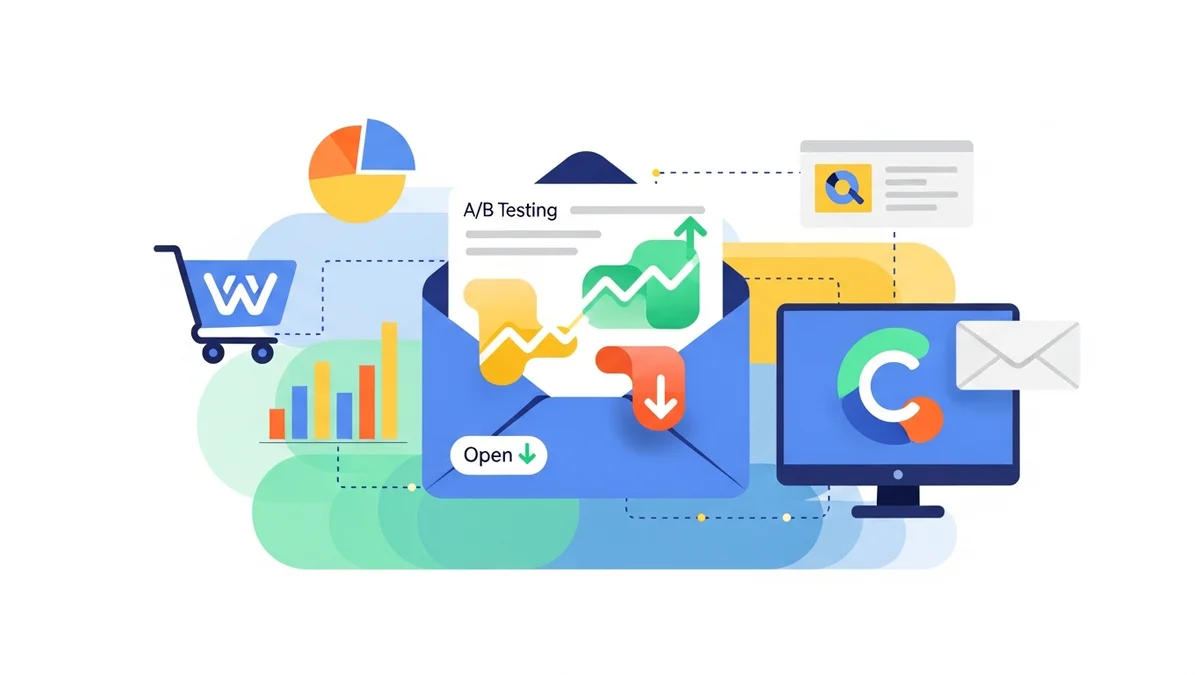
Your subject line is the gatekeeper to your email content. It's the first, and often only, impression you make on a recipient. A strong subject line can entice an open, while a weak one can send your email straight to the trash or spam folder. In Campaign Monitor, you can easily A/B test different subject lines to see what resonates most with your audience.
- Personalisation: Use Campaign Monitor's custom fields to insert the recipient's first name or specific interests. For example, "John, your abandoned cart awaits!" or "A special offer for [Category] lovers."
- Urgency and Scarcity: Phrases like "Flash Sale Ends Tonight!" or "Limited Stock: Don't Miss Out!" can create a sense of immediacy.
- Clear Value Proposition: Directly state what the reader will gain. "Save 20% on all Winter Gear" or "Your Weekly Dose of [Brand Name] News."
- Curiosity: Pose a question or hint at exclusive content. "Have you seen our latest collection?" or "A surprise just for you..."
- Emojis: Use relevant emojis sparingly to stand out, but ensure they don't look spammy or unprofessional. Campaign Monitor supports emojis, but always test how they render across different email clients.
Optimise Your Sender Name and Email Address
Who an email is from is almost as important as the subject line. Recipients are more likely to open emails from recognised and trusted sources. Ensure your sender name clearly identifies your WooCommerce store and builds trust.
- Brand Recognition: Use your actual brand name, e.g., "SauceCode" or "SauceCode Team." Avoid generic names like "Marketing Department" or "Info."
- Consistency: Stick to the same sender name across all your campaigns for consistent branding.
- Professional Email Address: Use an email address associated with your domain, such as "[email protected]" or "[email protected]." This enhances credibility and reduces the likelihood of being flagged as spam.
Segment Your Audience Effectively
Sending generic emails to your entire list is a surefire way to achieve low open rates. Relevancy is king. Campaign Monitor allows you to create highly targeted segments based on various criteria, which significantly boosts engagement because recipients receive content tailored to their interests and behaviour. It's important to note that the standard WooCommerce plugin for Campaign Monitor primarily syncs customer profile data (like name, email, and address). Direct synchronization of detailed purchase history, order data, or granular engagement patterns typically requires custom integrations or manual data imports.
- Customer Profile Data: Segment customers based on demographic information or other custom fields that are synced or manually added.
- Engagement Level: Segment active subscribers versus inactive ones. Send re-engagement campaigns to those who haven't opened emails recently.
- Demographics/Location: If relevant, segment by location for local promotions or events.
- Advanced Segmentation (Requires Custom Integration): For segmentation based on specific purchase history, browsing behaviour, or cart abandonment, you will need to leverage Campaign Monitor's API for custom integrations or use third-party tools that bridge this data gap, as the default WooCommerce plugin focuses on customer profile data.
Perfect Your Email Preheader Text
The preheader text is the short line of descriptive text that appears after the subject line in most email inboxes. It's your second chance to entice an open and should complement your subject line, not repeat it. Many marketers overlook this valuable space, allowing email clients to pull in random text from the email body.
- Summarise Value: Briefly expand on the subject line, providing more detail or a stronger call to action.
- Create Curiosity: Offer a sneak peek into the email's content without giving everything away.
- Mobile Optimisation: Preheader text is especially prominent on mobile devices. Ensure it's concise and impactful.
- Avoid Repetition: Do not just repeat your subject line; use this space to add new information or a complementary hook.
Time Your Emails Strategically
The best time to send an email isn't universal; it depends heavily on your specific audience and their habits. Sending emails when your subscribers are most likely to be checking their inbox can significantly impact open rates. Campaign Monitor's analytics can provide valuable insights here.
- Analyse Past Data: Look at your Campaign Monitor reports to identify peak open times for previous successful campaigns.
- Consider Audience Demographics: Think about your target audience's lifestyle. Are they professionals checking emails in the morning? Parents browsing in the evening?
- Test Different Times: Use Campaign Monitor's A/B testing feature to experiment with various send times and days of the week.
- Time Zones: If you have a geographically diverse audience, consider segmenting by time zone or using features that send at optimal local times.
Clean Your Email Lists Regularly
An unclean email list filled with inactive or invalid addresses can severely damage your sender reputation and lead to lower deliverability rates, which in turn impacts open rates. Regularly maintaining your list ensures you're sending to an engaged audience.
- Identify Inactive Subscribers: In Campaign Monitor, track subscribers who haven't opened or clicked your emails for an extended period (e.g., 6-12 months).
- Run Re-engagement Campaigns: Before removing inactive subscribers, try a targeted re-engagement campaign with a compelling offer or survey.
- Suppress or Remove: If re-engagement efforts fail, suppress or remove these subscribers from your active lists. This improves your overall deliverability and ensures your open rates are a true reflection of your engaged audience.
Implement Double Opt-In
While it might seem counter-intuitive to add an extra step to your signup process, implementing a double opt-in strategy can dramatically improve the quality of your email list and, consequently, your open rates. With double opt-in, new subscribers receive a confirmation email they must click to verify their subscription.
- Ensures Genuine Interest: Only truly interested individuals will take the extra step to confirm, meaning your list comprises highly engaged subscribers.
- Reduces Spam Complaints: Confirmed subscribers are less likely to mark your emails as spam, protecting your sender reputation.
- Eliminates Invalid Addresses: It filters out typos or fake email addresses, keeping your list clean from the start.
Leverage Personalisation Beyond the Subject Line
While personalising subject lines is effective, true personalisation extends throughout the email content. When you make your emails highly relevant to individual customer needs and preferences, they're not just more likely to open, but also to engage and convert.
- Dynamic Content: Use Campaign Monitor's dynamic content features to display different content blocks based on subscriber segments or other custom fields. For instance, show product recommendations based on manually imported data or through custom integrations that connect with customer activities.
- Contextual Recommendations: Suggest complementary products or items from categories a customer has previously shown interest in, utilizing data available through custom fields or advanced integrations.
- Milestone Emails: Send personalised emails for birthdays, anniversaries, or loyalty program milestones. These highly personalised messages often see exceptional open and click rates.
Measuring and Iterating with Campaign Monitor
Improving open rates is an ongoing process, not a one-time fix. Campaign Monitor's robust analytics are essential for continuous optimisation. Regularly review your campaign reports, paying close attention to open rates, click-through rates, and conversion metrics.
Utilise A/B testing for various elements like subject lines, sender names, and even different versions of preheader text. Over time, you'll gather valuable data on what works best for your specific WooCommerce audience. Don't be afraid to experiment and adjust your strategy based on the insights you gain. Consistency in monitoring and adapting will lead to sustained improvements in your email marketing performance.
Related Articles
Continue your learning with these related resources:
- The Complete Email Marketing Guide for WooCommerce Stores Using Campaign Monitor (Comprehensive Guide)
- How to Run a Black Friday Email Campaign for Your WooCommerce Store in Campaign Monitor
- What Email List Opt-in Incentives Work Best for WooCommerce Stores
- How to Create a Win-Back Email Campaign for Lapsed WooCommerce Customers in Campaign Monitor
- How to Re-Engage WooCommerce Customers Who Never Opted in to Your Email List
- How to Reduce WooCommerce Customer Churn with Targeted Retention Emails in Campaign Monitor
Conclusion
Achieving high email open rates for your WooCommerce store in Campaign Monitor requires a multi-faceted approach. By focusing on crafting irresistible subject lines, maintaining a trusted sender identity, segmenting your audience intelligently, and optimising every element from preheader text to send time, you can significantly boost your email engagement.
Remember, the goal is always to deliver value and relevance to your subscribers. Leverage Campaign Monitor's powerful features to test, measure, and refine your strategies continuously. A higher open rate not only means more eyes on your content but ultimately, more opportunities for sales and lasting customer relationships for your e-commerce business.