Introduction
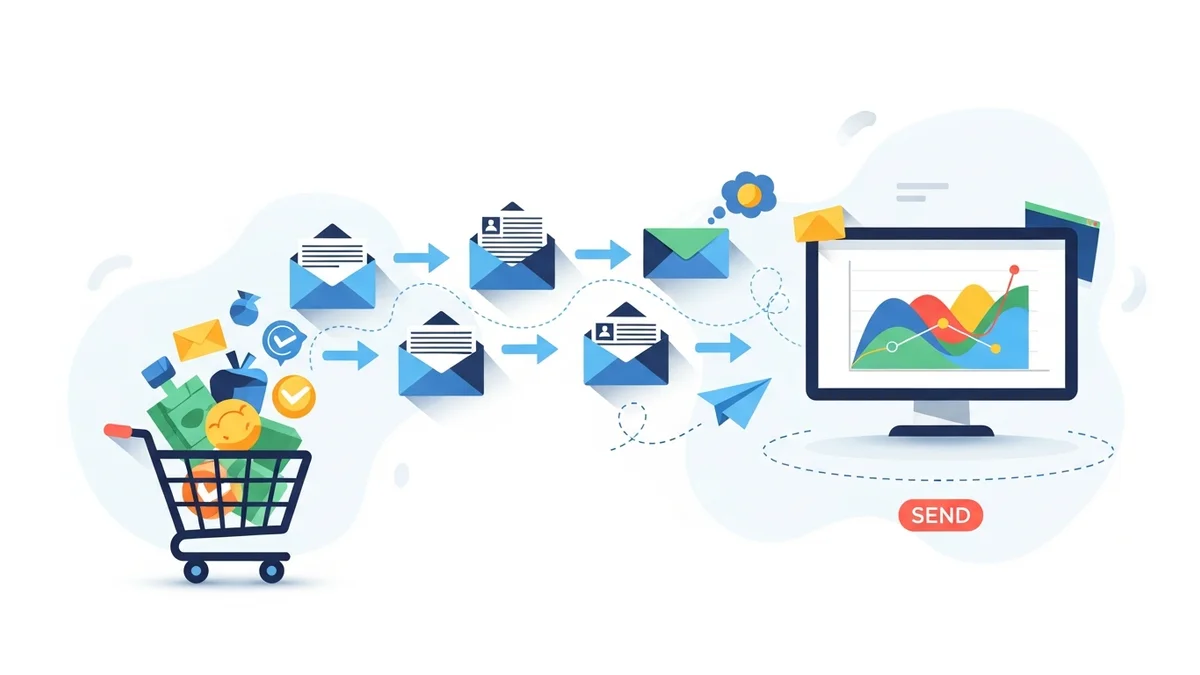
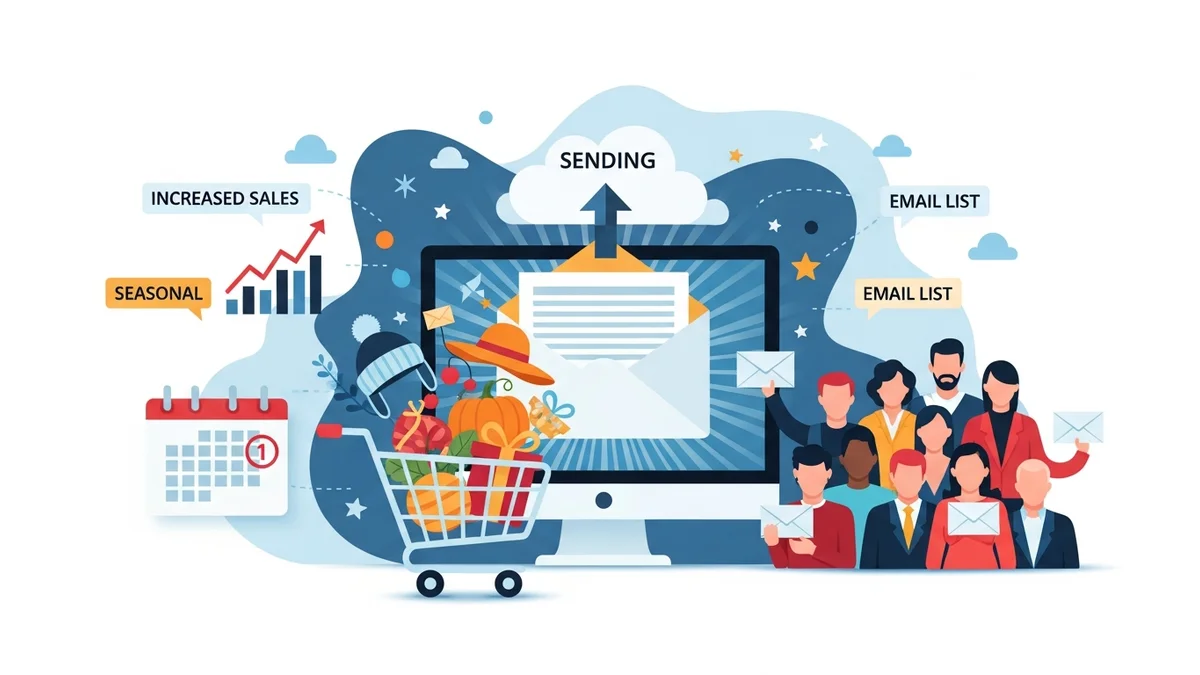
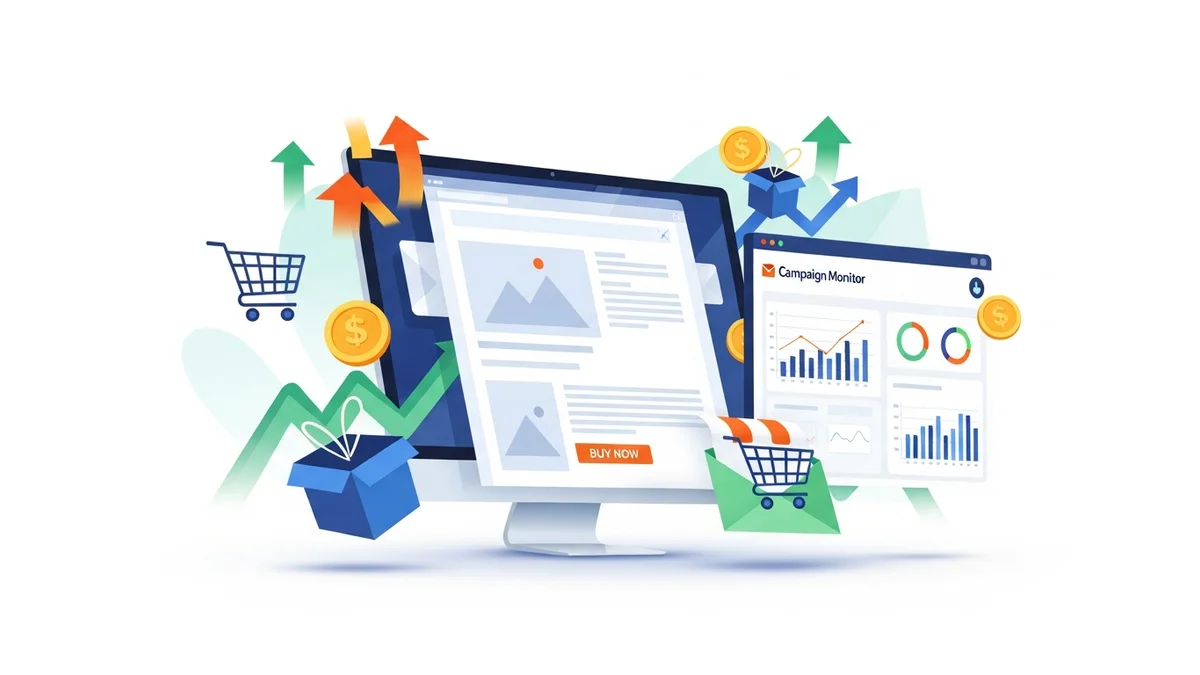
Black Friday and Cyber Monday (BFCM) represent one of the most critical sales periods for any e-commerce business, and your WooCommerce store is no exception. To truly capitalise on this high-traffic event, a well-executed email marketing strategy is paramount. Email campaigns allow you to directly reach your most engaged customers, announce deals, and drive them back to your online store.
This comprehensive guide will walk marketing professionals through the process of planning, creating, and optimising a successful Black Friday email campaign using Campaign Monitor for your WooCommerce store. We'll cover everything from initial setup and audience segmentation to crafting compelling content and automating your send schedule.
Why Black Friday Email Campaigns Are Crucial
In a crowded market, email stands out as a direct and highly effective communication channel. For Black Friday, email campaigns offer several distinct advantages:
- Direct Customer Reach: Emails land directly in your subscribers' inboxes, bypassing social media algorithms.
- High ROI: Email marketing consistently delivers one of the highest returns on investment for digital channels.
- Nurture Relationships: Beyond sales, these campaigns can reinforce brand loyalty and engage customers even after the event.
- Drive Urgency: Email is ideal for creating a sense of urgency and scarcity, prompting immediate action.
- Personalisation: Segmented campaigns allow for tailored offers, increasing relevance and conversion rates.
Pre-Campaign Planning: Setting Up for Success
Before you even open Campaign Monitor, some foundational work is required to ensure your Black Friday campaign runs smoothly and effectively.
Optimise Your WooCommerce Store
Ensure your WooCommerce store is ready for increased traffic and conversions. This includes:
- Stock Management: Verify inventory levels for all advertised products.
- Offer Strategy: Clearly define your Black Friday deals, discounts, and bundles.
- Site Performance: Test your website's loading speed and responsiveness, especially on mobile.
- Checkout Process: Streamline your checkout to minimise abandonment.
Integrate WooCommerce with Campaign Monitor
Seamless integration is key. Ensure your WooCommerce store is properly connected to Campaign Monitor. This allows for automatic syncing of customer profile data (such as name and email address), which is crucial for personalising your campaigns. It's important to note that the direct plugin integration primarily syncs customer profile data, not detailed purchase history, order data, or engagement patterns.
- Confirm your integration is active and customer profile data is flowing correctly.
Clean Your Email Lists
A clean list means better deliverability and engagement. Before a major campaign, remove inactive or unengaged subscribers. This improves your sender reputation and ensures your emails reach people who are most likely to convert.
- Identify subscribers who haven't opened or clicked an email in the last 6-12 months.
- Consider a re-engagement campaign for these dormant contacts before culling them.
Segment Your Audience Strategically
Effective segmentation is the cornerstone of a high-performing Black Friday campaign. While the direct WooCommerce integration primarily syncs customer profile data, you can still create targeted groups in Campaign Monitor using data available within Campaign Monitor itself or by manually importing specific segments from WooCommerce.
- Engaged Subscribers: Those who regularly open and click your emails within Campaign Monitor.
- New Subscribers: Recent sign-ups who may need an introductory offer or more brand context.
- Loyalty Members: If identified and tagged within Campaign Monitor or imported, offer exclusive early access or special discounts.
- Consider manual segmentation for groups like past purchasers or cart abandoners by exporting data from WooCommerce and importing it into Campaign Monitor with custom fields or tags, then segmenting based on those.
Crafting Your Black Friday Email Strategy
With your foundations in place, it's time to define the strategy for your email sequence.
Define Your Goals
What do you want to achieve? Common Black Friday goals include:
- Maximising total sales revenue.
- Increasing average order value (AOV).
- Acquiring new customers.
- Clearing old stock.
Outline Your Email Types and Schedule
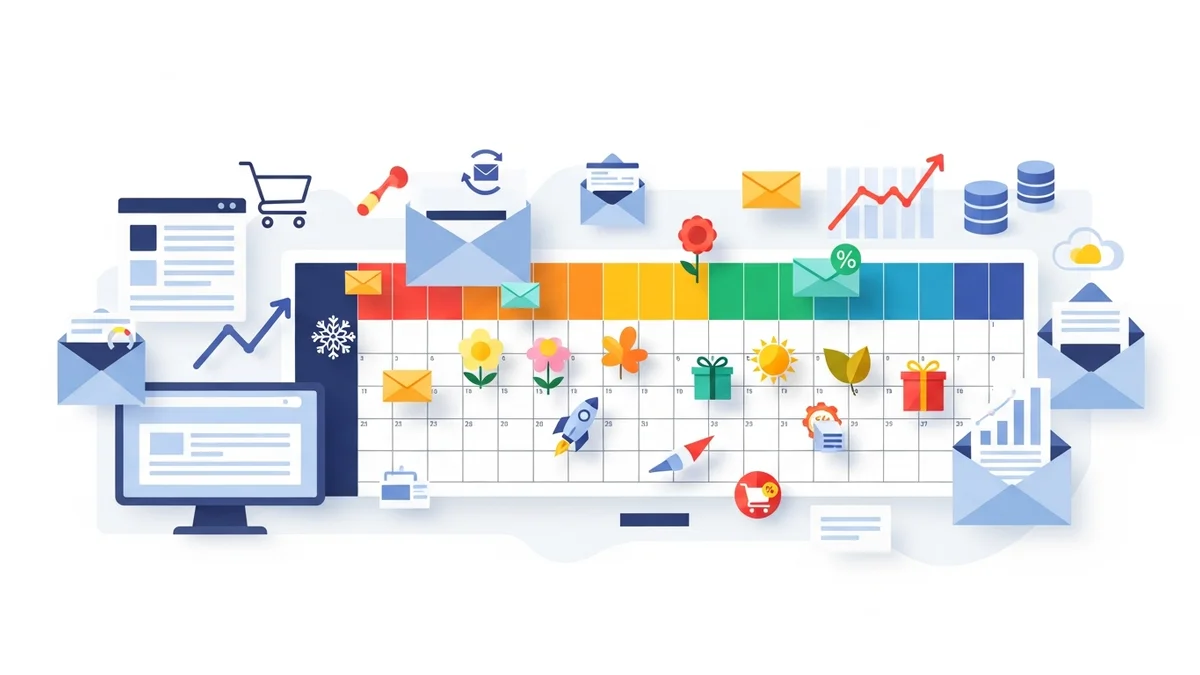
A single email won't cut it. A sequence of emails builds anticipation and drives conversions. Consider these types:
- Teaser Emails: Sent 7-10 days before Black Friday to build excitement and hint at upcoming deals.
- Early Access/VIP Emails: Sent to loyal customers 1-2 days before the public launch.
- Launch Emails: Sent when Black Friday deals go live.
- Mid-Sale Reminder Emails: Sent during the sales period, highlighting popular products or expiring deals.
- Last Chance/Urgency Emails: Sent as the sales period is ending (e.g., "Deals End Tonight!").
- Cyber Monday Emails: A dedicated push for Monday's deals.
- Post-Purchase/Thank You Emails: Not part of the sales push, but crucial for customer retention and follow-up.
Step-by-Step Guide: Running Your Campaign in Campaign Monitor
Now, let's get into the practical steps within Campaign Monitor.
Step 1: Setting Up Segments in Campaign Monitor
Leverage the customer profile data synced from WooCommerce, combined with engagement data from Campaign Monitor and any manually imported segments, to create precise groups.
- Navigate to "Lists & Subscribers": In your Campaign Monitor dashboard, select the list containing your WooCommerce customers.
- Create New Segments: Click on "Segments" and then "Create a new segment".
- Define Rules: Use criteria such as:
- "Opened any campaign in last X days" for engaged subscribers (based on Campaign Monitor's own tracking).
- If you've manually imported segments or used custom fields to tag subscribers (e.g., "Past Purchaser," "Loyalty Member"), you can segment based on these custom field values.
- For cart abandoners or specific purchase behavior, you would need a more advanced, separate integration or manual data export/import, as the standard WooCommerce plugin primarily syncs profile data.
- Name and Save: Give each segment a clear, descriptive name (e.g., "BFCM_PastPurchasers_2024").
Step 2: Designing Your Black Friday Email Templates
Your emails need to be visually appealing, on-brand, and mobile-optimised.
- Choose a Template: In Campaign Monitor, go to "Templates" and either select a pre-designed template or create one from scratch. Consider using a template that you can easily duplicate and modify for each email in your sequence.
- Branding: Ensure your brand logo, colours, and fonts are consistent with your WooCommerce store.
- Clear Call-to-Action (CTA): Design prominent buttons that clearly state the action (e.g., "Shop Black Friday Deals," "Get 50% Off").
- Mobile Responsiveness: Use Campaign Monitor's preview function to ensure your emails look great on all devices. Most templates are responsive by default, but always double-check.
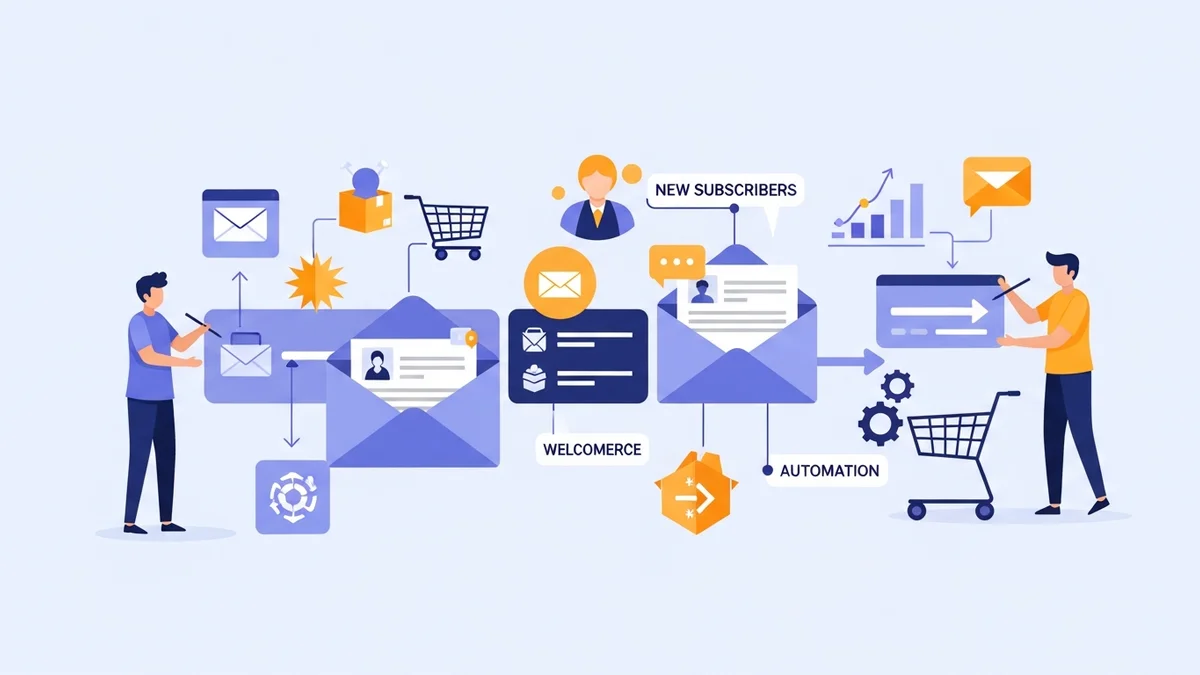
Step 3: Creating Your Black Friday Email Sequence with Journeys (Automation)
Campaign Monitor's Journeys feature is perfect for automating your multi-step email sequence.
- Start a New Journey: Go to "Automation" and click "Create a new journey."
- Choose a Starting Point: For Black Friday, you might choose "Send a single campaign" as the initial trigger, followed by timed delays for subsequent emails. Or, if you're offering early access, "When a subscriber is added to a segment" could be your trigger for VIPs.
- Add Emails and Delays:
- Teaser Email: Schedule this campaign to send a week before BFCM.
- Early Access (Optional): For your VIP segment, trigger this 2 days before BFCM.
- Launch Email: Schedule for Black Friday morning.
- Reminder Email: Add a delay (e.g., 24-36 hours) after the launch email, then send a reminder.
- Last Chance Email: Add another delay (e.g., 12-24 hours) and send this as the deals are ending.
- Cyber Monday Email: Add a delay to send on Cyber Monday morning.
- Conditional Splits: Use "If/else" conditions to send different content based on whether a subscriber opened a previous email or clicked a specific link. For example, if a subscriber clicked on "Shoes" in the launch email, the reminder email could highlight shoe deals.
- Exit Conditions: Ensure subscribers exit the journey once they've made a purchase, to avoid sending them further sales emails they no longer need.
Step 4: Crafting Compelling Content & Offers
The words and deals in your emails are what drive conversions.
- Subject Lines: Make them attention-grabbing, urgent, and clear. Use emojis sparingly. Examples: "🔥 Black Friday Starts NOW! Save Up to 60%," "Your Early Access to Black Friday Deals Awaits!," "Last Chance: Deals Disappearing Tonight!"
- Preheader Text: Complement your subject line with enticing summary text that appears next to it in the inbox.
- Personalisation: Use merge tags (e.g.,
[firstname]) to address subscribers by name. Recommend products strategically, perhaps based on popular items or general category interests, as direct integration for past purchases or browsing behavior is not typically supported. - Clear Offers: State the discount percentage or specific deal upfront. Use bold text for emphasis.
- Urgency and Scarcity: Incorporate countdown timers (if your template supports it), phrases like "Limited Stock," "Expires Soon," or "While Supplies Last."
- Product Highlights: Showcase your best-selling or most-discounted products with high-quality images and direct links to product pages on your WooCommerce store.
Step 5: Scheduling and Sending Your Campaigns
Careful timing can significantly impact open and click rates.
- Review and Test: Always send test emails to yourself and colleagues to check for broken links, display issues, and grammatical errors.
- A/B Test Elements: Before the main send, consider A/B testing subject lines, CTA button colours, or email layouts on smaller segments to optimise performance.
- Optimal Send Times: While there's no single "best" time, generally early mornings (8-10 AM AEST/AEDT) or early evenings can work well. Monitor your campaign reports for your audience's peak engagement times.
- Schedule in Advance: Use Campaign Monitor's scheduling feature to set up all your emails well before Black Friday to avoid last-minute stress.
Step 6: Monitoring Performance & Optimisation
Your work isn't over once the emails are sent. Analyse the results to inform future campaigns.
- Track Key Metrics: Monitor open rates, click-through rates (CTR), conversion rates, and revenue generated directly from your emails in Campaign Monitor's reports.
- Analyse Segment Performance: See which segments performed best and learn why. Did your VIPs respond better to early access?
- Identify Drop-off Points: If open rates are low, your subject lines might need work. If CTR is low, your content or CTAs might not be compelling enough.
- Post-Campaign Review: After BFCM, conduct a thorough review to understand what worked, what didn't, and how you can improve for the next major sales event.
Tips for Maximising Your Black Friday Success
- Personalise Beyond Name: Use dynamic content to display products based on general popularity, category interests, or data you've manually segmented and tagged.
- Create a Dedicated Landing Page: Direct all Black Friday email traffic to a specific landing page on your WooCommerce store that clearly showcases all deals.
- Incorporate Social Proof: Include customer testimonials or star ratings for featured products.
- Don't Forget Post-Purchase: After Black Friday, send a thank you email, provide tracking information, and perhaps offer a small discount on a future purchase to encourage repeat business.
- Comply with Regulations: Ensure all your emails comply with Australian spam laws (e.g., ACMA's Spam Act 2003) and include clear unsubscribe options.
Related Articles
Continue your learning with these related resources:
- The Complete Email Marketing Guide for WooCommerce Stores Using Campaign Monitor (Comprehensive Guide)
- What Email List Opt-in Incentives Work Best for WooCommerce Stores
- How to Create a Win-Back Email Campaign for Lapsed WooCommerce Customers in Campaign Monitor
- How to Re-Engage WooCommerce Customers Who Never Opted in to Your Email List
- How to Reduce WooCommerce Customer Churn with Targeted Retention Emails in Campaign Monitor
- How to Track WooCommerce Email Campaign Performance Using Campaign Monitor Reports
Conclusion
Running a successful Black Friday email campaign for your WooCommerce store using Campaign Monitor requires careful planning, strategic execution, and continuous optimisation. By segmenting your audience, crafting compelling content, automating your sequences, and monitoring your performance, you can significantly boost sales, engage your customers, and achieve your marketing objectives during this crucial retail period. Start planning early, be creative with your offers, and leverage Campaign Monitor's powerful features to make this Black Friday your most profitable yet.