Introduction
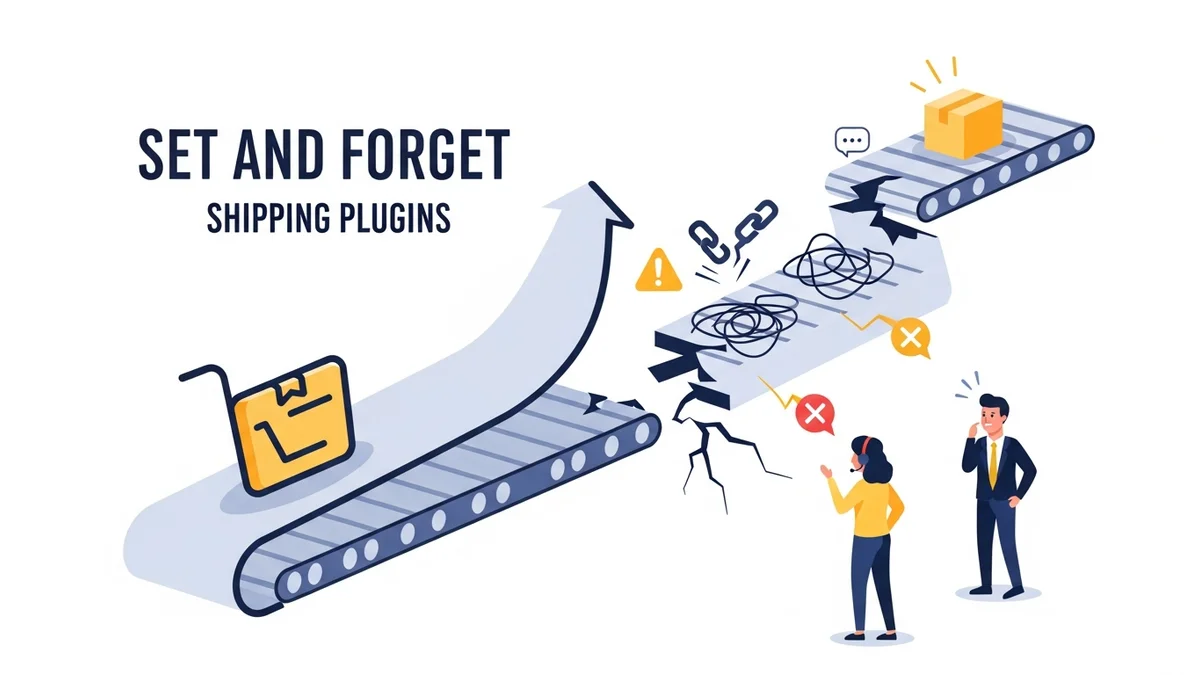
For many e-commerce store owners, setting up shipping in WooCommerce feels like a one-time task. You install a plugin, configure your rates, connect your carrier accounts, and then, ideally, never think about it again. This "set and forget" mentality is understandable; you have a business to run, and countless other aspects demand your attention.
However, relying on a "set and forget" approach for your WooCommerce shipping plugins is a dangerous gamble. In the dynamic world of online retail, shipping is a live, constantly evolving system that demands ongoing attention. Neglecting it can lead to frustrating customer experiences, lost sales, and a damaged reputation.
The Illusion of Shipping Stability
At first glance, a configured shipping plugin might seem robust. It's working today, so why wouldn't it work tomorrow? This illusion of stability often comes from the fact that many shipping processes are handled by external services – the very ones you rarely see.
The reality is that your WooCommerce shipping relies on a complex chain of interconnected systems. From your WordPress installation and WooCommerce core to specific shipping plugins and, crucially, external carrier APIs, any weak link can cause the entire system to fail. Ignoring these dependencies is a recipe for disaster.
Common Pitfalls of "Set and Forget" Shipping
Multiple factors can disrupt your WooCommerce shipping, turning a smooth checkout experience into a frustrating dead end for your customers. Understanding these common pitfalls highlights why continuous monitoring is a non-negotiable part of e-commerce shipping reliability.
External API Changes and Outages
This is arguably the most critical and often overlooked vulnerability. Most modern shipping plugins, especially those integrating with major carriers like Australia Post, rely on external Application Programming Interfaces (APIs) to fetch real-time rates and track parcels. These APIs are outside your control.
API providers can experience outages, perform maintenance, or retire old endpoints. In April 2026, Australia Post retired their old PAC API endpoint at /api/postage/, completing a transition to /postage/. Australia Post had responsibly run both endpoints during the transition period, giving plugin developers ample time to update. However, the official Australia Post Shipping Method for WooCommerce plugin, even at its most up-to-date version, wasn't updated to use the current endpoint. Sauce Code identified the root cause and notified the plugin developers, prompting the fix. This led to stores being unable to provide shipping quotes at checkout, and the issue was often discovered only when customers complained.
Plugin Conflicts and Updates
Your WooCommerce store is a living ecosystem of themes, plugins, and custom code. New plugin installations or updates, even seemingly unrelated ones, can introduce conflicts that break your shipping functionality. Without active monitoring, you might not discover these issues until customers start complaining or support tickets pile up.
WooCommerce and WordPress Core Updates
Keeping your WordPress and WooCommerce core up-to-date is vital for security and performance. However, major updates can sometimes introduce compatibility issues with older shipping plugins or customisations.
Server Environment Changes
Your hosting environment plays a significant role in your store's reliability. Changes to PHP versions, server firewalls, security settings, or even network configurations by your hosting provider can impact how your WooCommerce store communicates with external shipping APIs.
Configuration Drift and Data Errors
Over time, small, seemingly innocuous changes can accumulate. An employee might adjust a shipping zone, a product might be incorrectly categorised, or an integration setting might be tweaked. Individually, these changes seem minor, but collectively, they can lead to "configuration drift."
Why Proactive Monitoring is Essential for Shipping Reliability
The solution to the "set and forget" dilemma is proactive monitoring. Instead of waiting for customers to report problems, a proactive approach means you're alerted to issues the moment they arise, often even before they impact your customers.
Catching Issues Before They Impact Customers
Imagine knowing about an Australia Post API outage at 3 AM through an automated alert, rather than discovering it at 9 AM when your first customer complains. Proactive monitoring provides this invaluable early warning system.
Immediate Alerts and Actionable Insights
When an issue occurs, time is of the essence. Proactive monitoring tools don't just detect problems; they immediately alert you, often via email, with specific details about what went wrong. This might include the affected shipping provider, the exact API endpoint that failed, and the HTTP response code.
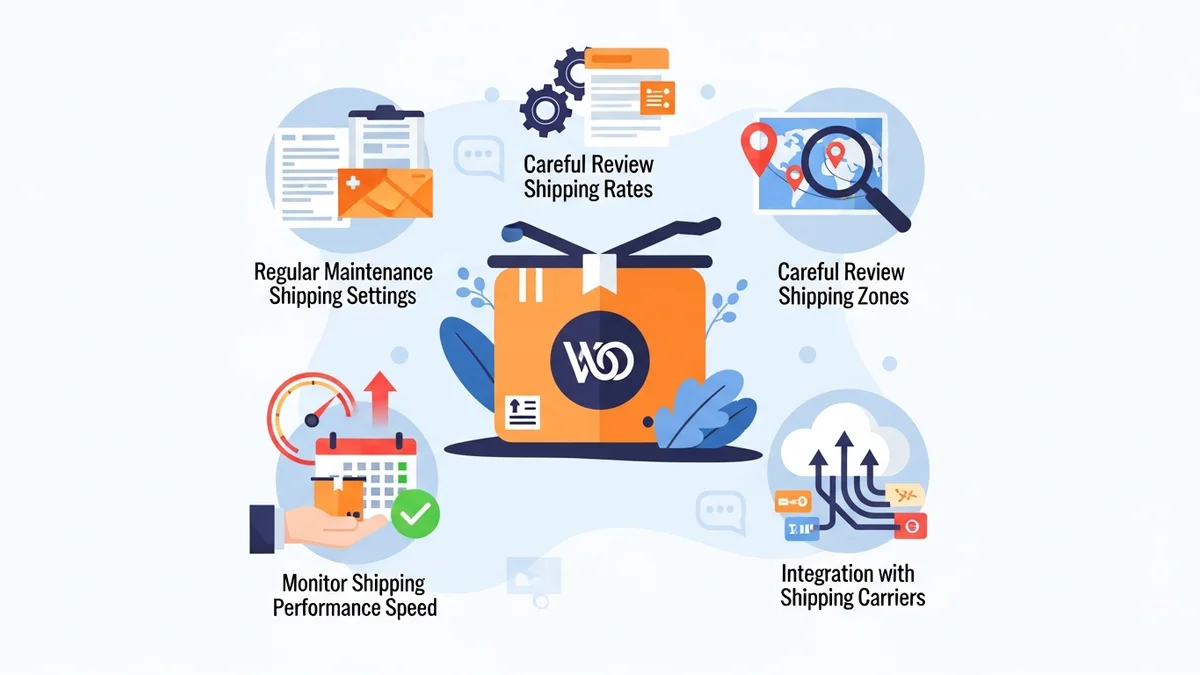
Key Practices for WooCommerce Shipping Reliability
Building a robust shipping strategy involves more than just selecting the right plugins. It requires a commitment to ongoing maintenance and monitoring.
Implement Regular Health Checks
Just like you'd check your vehicle's engine, your shipping system needs regular checks. Schedule automated health checks that periodically ping your shipping carrier's APIs to ensure they are responding correctly.
For instance, the WooCommerce Shipping Monitor Pro plugin runs scheduled health checks against your supported shipping providers, such as Australia Post, at configurable intervals.
Proactive API Endpoint Monitoring
Given the unpredictability of endpoint retirements (like when Australia Post retired their old PAC API path and the official plugin wasn't updated even at its latest version), continuously monitoring these endpoints is critical.
Tools like WooCommerce Shipping Monitor Pro are designed for this. They immediately alert you via email when a shipping API endpoint becomes unreachable. Moreover, as a last-resort safety net, it can attempt to cycle through previously known endpoints if the active one fails. In situations where your plugin is using a retired endpoint but an alternative is available, this can keep your checkout operational while you investigate and apply a permanent solution.
Configure Timely and Detailed Alerts
Getting an alert is good; getting a useful alert is better. Ensure your monitoring system sends HTML-formatted email alerts that include the provider name, timestamp, the endpoint tried, the HTTP response code, error details, and a direct link to the provider's admin page.
Utilise Staging Environments for Updates
Never apply major WooCommerce, WordPress, theme, or plugin updates directly to your live site. Always use a staging environment to test all updates thoroughly.
Document Your Shipping Setup and SOPs
Maintain clear documentation of your entire shipping configuration, including zones, methods, rates, plugin settings, and carrier account details.
Integrating WooCommerce Shipping Monitor Pro into Your Strategy
The WooCommerce Shipping Monitor Pro plugin by Sauce Code is purpose-built to address many of these reliability challenges, particularly those stemming from external API dependencies.
It acts as an essential component of your shipping reliability toolkit by:
- Detecting API Failures Immediately: It monitors shipping API requests during actual checkout and via scheduled health checks. When an API endpoint becomes unreachable, you receive an alert within minutes, not hours.
- Providing a Safety Net with Fallback Endpoints: In scenarios where your plugin is using a retired endpoint but an alternative is available (as happened in April 2026), the plugin attempts to cycle through previously known endpoints. If a fallback succeeds, your checkout continues to function, buying you time to investigate the root cause.
- Offering Proactive Health Checks: Configure automated health checks for providers like Australia Post, running hourly or daily, to proactively identify issues before customers encounter them.
- Delivering Actionable Alerts: Email alerts are detailed, including HTTP response codes, error specifics, and direct links to relevant settings.
- Maintaining a Comprehensive Event Log: Every health check, fallback attempt, and alert is logged with a full event history.
- Providing Clear Status Overviews: A dashboard shows the real-time provider status of each shipping provider (healthy, fallback active, down).
By incorporating tools like WooCommerce Shipping Monitor Pro, you move beyond the risky "set and forget" approach. You gain real-time visibility and a crucial safety net for the external services your WooCommerce shipping relies on.
Related Articles
Continue your learning with these related resources:
- Why WooCommerce Shipping Breaks (And How to Stop It From Costing You Sales) (Comprehensive Guide)
- The Real Cost of Shipping Downtime for WooCommerce Stores
- What Automatic Endpoint Fallback Means for Your WooCommerce Store
- How to Get Email Alerts When Your WooCommerce Shipping API Has Issues
- Your WooCommerce Shipping Reliability Checklist for Peak Season
- 5 Things Every WooCommerce Store Owner Should Do to Keep Shipping Working
Conclusion
In the competitive world of e-commerce, reliable shipping isn't just a convenience; it's a fundamental expectation. The "set and forget" approach to WooCommerce shipping plugins is a myth that can lead to significant business disruption. External API changes, plugin conflicts, and server environment shifts are constant threats that demand proactive attention.
By adopting best practices such as regular health checks, API endpoint monitoring, and immediate alerting, you transform your shipping strategy from reactive to proactive. Tools like WooCommerce Shipping Monitor Pro empower you to stay ahead of potential problems, ensuring your customers always have a smooth and reliable checkout experience.