Introduction
As an e-commerce manager, you know that peak season is both a golden opportunity and a significant challenge. While sales surge, so does the pressure on every aspect of your operation, especially shipping. A smooth, reliable shipping process isn't just about getting orders out the door; it's about customer satisfaction, brand reputation, and ultimately, your bottom line. Even a minor glitch can lead to abandoned carts, frustrated customers, and costly delays.
This article provides an essential WooCommerce shipping reliability checklist, designed to help you proactively identify and mitigate potential issues before they impact your business. We'll cover everything from operational habits to crucial tools, ensuring your shipping infrastructure is robust enough to handle any surge.
Why Shipping Reliability is Crucial for E-commerce Success
In today's competitive e-commerce landscape, customers expect fast, accurate, and transparent shipping. Any deviation from these expectations can have significant repercussions:
- Customer Churn: Slow or unreliable shipping is a top reason for customer dissatisfaction and can lead to lost repeat business.
- Brand Damage: Negative shipping experiences can quickly spread through social media and reviews, eroding trust and reputation.
- Operational Costs: Dealing with shipping errors, customer service enquiries about delays, and re-shipping items drains resources and impacts profitability.
- Lost Sales: If customers encounter issues at checkout, such as "no shipping options available," they will abandon their carts.
Proactive attention to shipping reliability is an investment that pays dividends in customer loyalty and operational efficiency, particularly during high-volume periods like the holiday season or major sales events.
Establishing Foundational Habits for Reliable Shipping
Consistent, disciplined habits form the backbone of a reliable shipping operation. Integrating these into your routine will help prevent issues before they escalate.
Regular Plugin and Theme Updates
Outdated software is a common culprit for unexpected issues. Developers frequently release updates to fix bugs, improve performance, and ensure compatibility with the latest versions of WordPress and WooCommerce.
- Action: Schedule regular updates for WooCommerce, your shipping plugins, payment gateways, and your WordPress theme.
- Why it Matters: Updates often include critical security patches and performance enhancements. However, as April 2026 showed, even the latest plugin version may not be current with carrier endpoint changes, which is why monitoring is also essential.
Backup Your WooCommerce Store Regularly
Despite best efforts, things can go wrong. A robust backup strategy is your ultimate safety net, allowing you to quickly restore your site to a working state if an update goes awry or a critical error occurs.
- Action: Implement an automated daily backup solution for your entire WordPress installation (files and database). Store backups off-site.
- Why it Matters: In the event of a critical shipping plugin failure or a wider site issue, a recent backup can minimise downtime and data loss.
Monitor Your Server Performance
Slow server response times can directly impact shipping rate calculations and checkout performance, especially when multiple customers are active simultaneously.
- Action: Use hosting providers known for WooCommerce optimisation. Monitor CPU usage, memory, and database queries, especially during peak traffic.
- Why it Matters: If your server struggles under load, API calls to shipping carriers might time out, leading to "no shipping options" errors at checkout.
Essential Checks and Configurations for Your Shipping Setup
Beyond general maintenance, specific checks within your WooCommerce and shipping plugin settings are crucial for ongoing reliability.
Verify Shipping Zones and Methods
Incorrectly configured shipping zones or methods can prevent customers from completing their purchases or lead to incorrect charges.
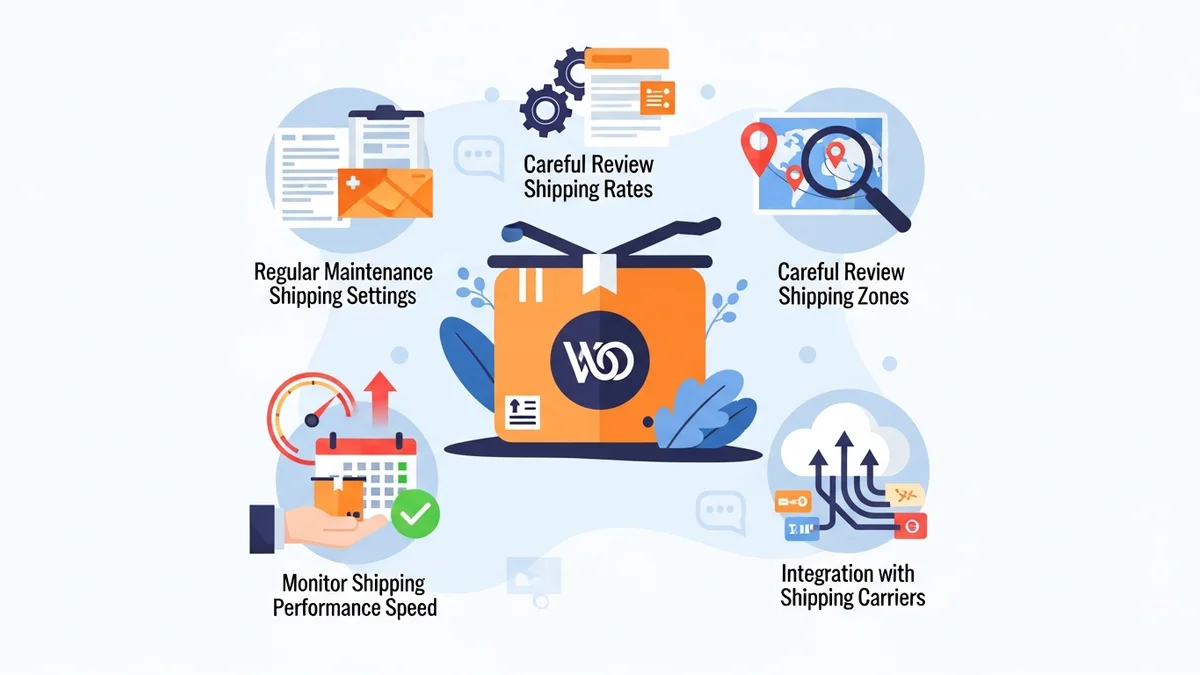
- Action: Periodically review your WooCommerce shipping zones. Test the checkout process for various customer locations (local, national, international) to ensure correct rates and options appear.
- Why it Matters: As your business grows or shipping carrier rules change, your zones and methods might need adjustment.
Audit Shipping Carrier API Keys and Credentials
Shipping plugins rely on API keys to communicate with carrier services (e.g., Australia Post, Sendle, FedEx). Expired, incorrect, or rate-limited keys can cause immediate shipping failures.
- Action: Confirm your API keys for all integrated shipping carriers are correct and active within your respective shipping plugins. Check carrier portals for any notifications about key changes or rate limits.
- Why it Matters: A single invalid API key can render your entire shipping calculation useless for that carrier, resulting in abandoned carts.
Review Shipping Plugin Settings
Each shipping plugin has its own set of configurations that can impact reliability, from packaging settings to service availability.
- Action: Regularly review your shipping plugin's specific settings, ensuring they align with your current business needs and carrier agreements. Pay attention to fallback options or error handling settings.
- Why it Matters: Incorrect weight/dimension settings can lead to inaccurate quotes. Disabled services or misconfigured fallback options can leave customers without choices during an outage.
Implement a Manual Flat-Rate Fallback (When Necessary)
While automated solutions help, having a manual emergency plan is critical for when all else fails. A simple flat-rate option can save sales during a widespread carrier outage.
- Action: Prepare a low-cost, last-resort flat-rate shipping method in WooCommerce that you can quickly enable if your primary carrier integrations fail completely.
- Why it Matters: If a carrier's API is genuinely down (e.g., Australia Post experiences a national outage), no plugin can get real-time rates. A flat-rate fallback can help customers complete their purchase.
Leveraging Proactive Monitoring Tools
While manual checks are important, automated monitoring provides real-time insights and alerts, catching issues before they impact customers.
Monitor Shipping API Endpoint Status
Shipping plugins communicate with external carrier APIs to fetch rates. These APIs can become unreachable, change, or experience outages, leading to checkout disruptions.
- Action: Utilise a dedicated tool like WooCommerce Shipping Monitor Pro. This plugin monitors the external API endpoints your WooCommerce shipping plugins depend on. For example, it specifically monitors the Australia Post PAC API.
- Why it Matters: In April 2026, Australia Post retired their old PAC API endpoint at
/api/postage/, completing a transition to/postage/. Australia Post had responsibly run both endpoints during the transition period, giving plugin developers time to update. However, the official Australia Post Shipping Method for WooCommerce plugin, even at its most up-to-date version, wasn't updated to use the current endpoint. Sauce Code identified the root cause and notified the plugin developers, prompting the fix. Without proactive monitoring, you might only discover such an issue when customers complain about "no shipping options."
How WooCommerce Shipping Monitor Pro Enhances Reliability
WooCommerce Shipping Monitor Pro acts as your early warning system and first line of defence against shipping API disruptions:
- Immediate Alerts: You receive an email alert within minutes when a shipping API becomes unreachable, preventing prolonged customer impact.
- Proactive Health Checks: The plugin runs scheduled health checks (e.g., every hour, every 6 hours) against each monitored API, catching problems proactively even outside of checkout attempts.
- Fallback Safety Net: As a last-resort, it attempts to cycle through previously known API endpoints if the active one fails. In situations where your plugin is using a retired endpoint but an alternative is available, this can keep your checkout functioning while you investigate and apply a proper fix.
- Detailed Logging: Every health check, alert, and fallback attempt is logged, providing a full event history per provider directly in your WordPress admin.
- Recovery Detection: The plugin detects when a previously failing primary endpoint starts working again, restoring the provider to "healthy" status and sending a recovery alert.
- Configurable Alerts: You can set specific alert email addresses per provider, configure alert cooldown periods to prevent inbox flooding, and customise health check intervals.
By using such a tool, you move from reactive problem-solving to proactive prevention, ensuring your shipping functions reliably even when external services encounter issues.
Ongoing Maintenance and Review
Reliability isn't a one-time setup; it's an ongoing commitment. Regular reviews and process improvements are vital.
Regularly Review Shipping Costs and Carrier Performance
Shipping is a significant cost centre. Periodically reviewing your carrier contracts and performance helps you optimise expenses and identify potential service issues.
Stay Informed About Carrier Updates
Shipping carriers frequently update their services, pricing, and API specifications. Staying informed can help you anticipate and prepare for changes.
- Action: Subscribe to newsletters from your primary shipping carriers. Follow industry news and community forums where WooCommerce shipping plugin updates are discussed.
- Why it Matters: Early knowledge of a carrier's API changes, price increases, or service modifications allows you to update your plugins or configurations before they cause disruptions.
Solicit Customer Feedback
Your customers are often the first to experience shipping issues. Creating channels for feedback can provide invaluable insights.
- Action: Include a feedback option in your post-purchase emails or monitor social media for comments about shipping experiences.
- Why it Matters: Direct customer feedback can highlight problems you might not detect through internal monitoring.
Related Articles
Continue your learning with these related resources:
- Why WooCommerce Shipping Breaks (And How to Stop It From Costing You Sales) (Comprehensive Guide)
- The Real Cost of Shipping Downtime for WooCommerce Stores
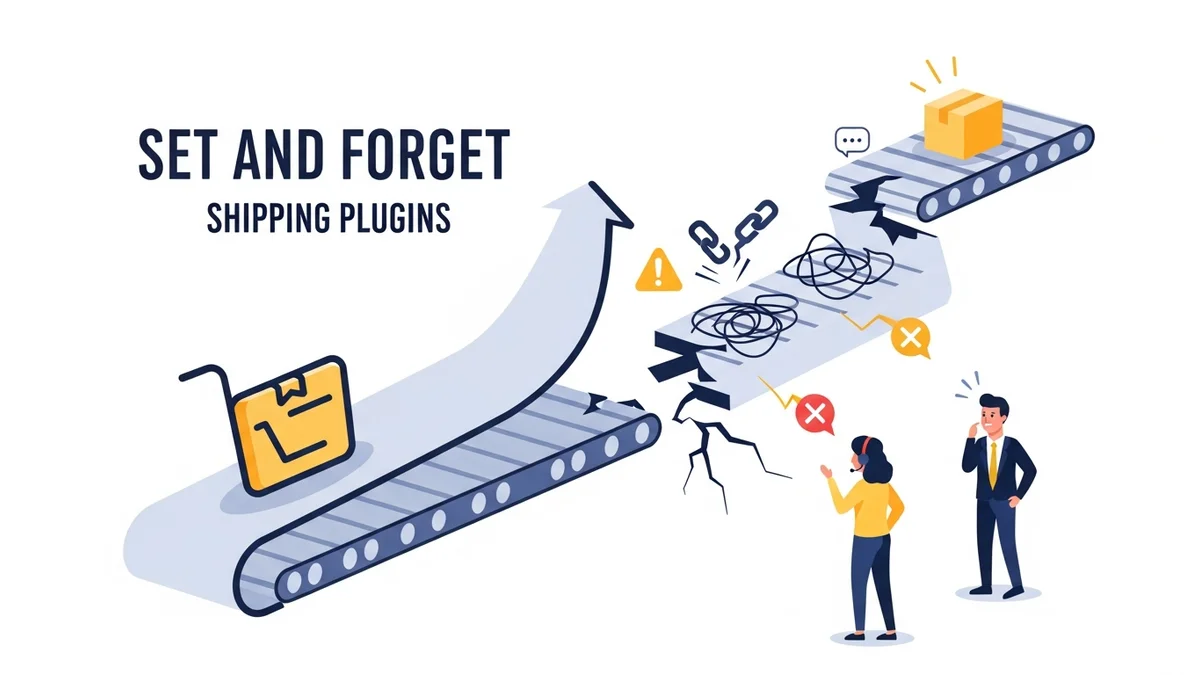
- Why "Set and Forget" Doesn't Work for WooCommerce Shipping Plugins
- What Automatic Endpoint Fallback Means for Your WooCommerce Store
- How to Get Email Alerts When Your WooCommerce Shipping API Has Issues
- 5 Things Every WooCommerce Store Owner Should Do to Keep Shipping Working
Conclusion
Achieving and maintaining WooCommerce shipping reliability, especially during peak season, requires a multi-faceted approach. It combines diligent operational habits, meticulous configuration checks, and the strategic use of proactive monitoring tools. By implementing this checklist, you're not just preventing potential headaches; you're safeguarding your customer experience, protecting your brand reputation, and ensuring sustained business growth.
Remember, a seamless shipping experience is a cornerstone of modern e-commerce. Prioritising reliability now will pay dividends well into the future, transforming potential challenges into opportunities for customer delight and operational excellence.