Introduction
For any e-commerce store owner, reliable shipping isn't just a convenience; it's the backbone of your business. When shipping fails, customers get frustrated, carts are abandoned, and your store's reputation takes a hit. Ensuring your WooCommerce shipping consistently works as expected requires a proactive approach, rather than waiting for problems to arise.
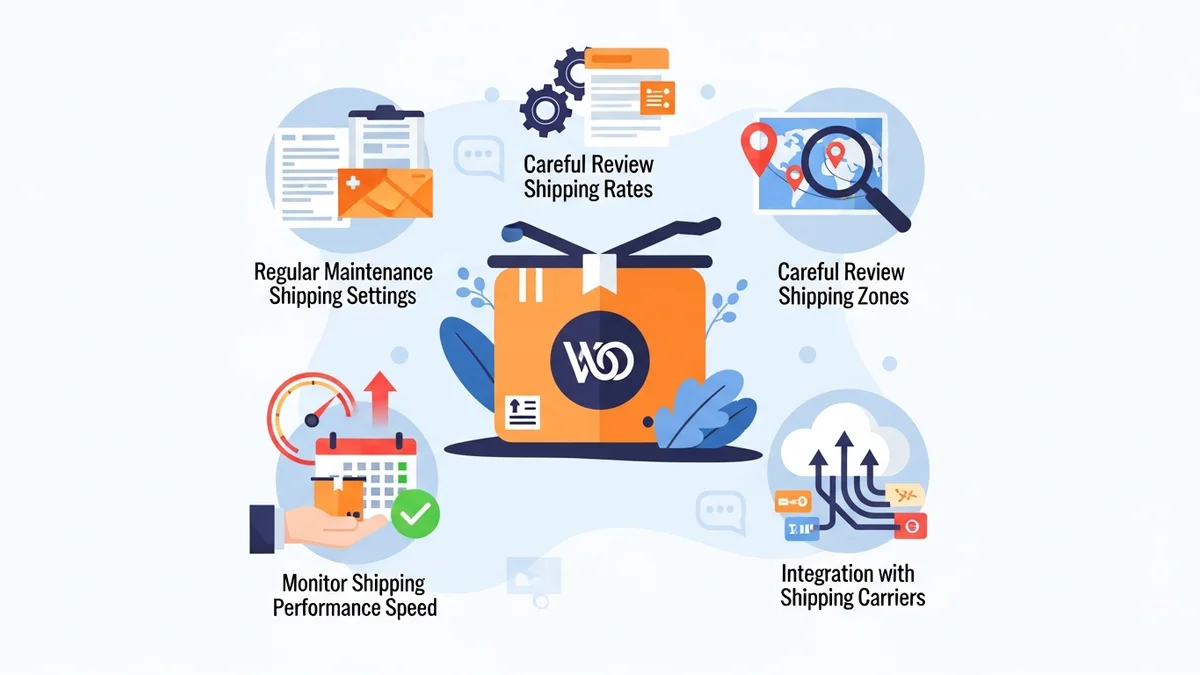
From accurate rate calculations to seamless checkout experiences, every step of the shipping journey impacts your bottom line. By implementing a few key `woocommerce shipping best practices`, you can significantly enhance your `woocommerce store reliability` and provide a better experience for your customers. Let's explore five essential actions every WooCommerce store owner should undertake to `keep woocommerce shipping working` flawlessly.
1. Regularly Test Your Checkout with a Real Order
One of the most effective ways to ensure your shipping is working correctly is to experience it exactly as your customers do: by placing a real test order. This isn't just about clicking through; it means going through the entire process, from adding items to your cart, through to the checkout, and even processing a dummy payment (which you can later refund or cancel). This end-to-end testing helps you catch issues that automated checks might miss.
Consider the various scenarios your customers encounter. Test with different shipping addresses, especially those in various states or regional areas, to verify that your shipping zones and rates are calculated accurately. Use different product combinations – a single light item, multiple heavy items, or products that might fall into different shipping classes. This ensures your shipping plugin correctly handles varying weights, dimensions, and destinations. Regularly performing these checks, perhaps quarterly or after any significant store updates, is a crucial aspect of `woocommerce shipping maintenance`.
Pay close attention to the available shipping methods and their displayed costs. Are they what you expect? Are there any unexpected error messages or "no shipping options available" notices? If you offer free shipping thresholds, test those too. Verifying the customer's journey from start to finish ensures that your shipping configuration translates into a smooth, error-free experience, preventing cart abandonment due to shipping surprises.
2. Keep Your Shipping Plugins and WooCommerce Up-to-Date
In the dynamic world of e-commerce, software updates are constant, and for good reason. Keeping your WooCommerce core, themes, and especially your shipping plugins updated is paramount for `ecommerce shipping reliability`. These updates often contain critical security patches, bug fixes, performance enhancements, and compatibility improvements that prevent conflicts and ensure smooth operation with other plugins and services.
Outdated plugins can lead to a host of problems, from security vulnerabilities that put your store and customer data at risk, to broken functionality where shipping rates fail to display or calculate correctly. Carriers periodically retire old API endpoints and introduce new ones, and shipping plugin updates are essential to reflect these changes. For instance, when a shipping carrier like Australia Post retires an old endpoint, your shipping plugin needs to be updated to use the current one.
While updates are crucial, always follow best practices: create a full backup of your site before initiating any major updates, and ideally, test updates on a staging environment first. This minimises the risk of unforeseen issues on your live store. Scheduled, consistent updates are a cornerstone of effective `woocommerce shipping maintenance`, protecting your store from common technical glitches and ensuring long-term stability.
3. Ensure All Products Have Accurate Weight and Dimensions Filled In
Accurate shipping rate calculation hinges entirely on the data you provide for your products. For most carrier-calculated shipping methods, the weight and dimensions of each item in an order are fundamental. Without precise figures, your shipping plugin cannot accurately determine the correct postage cost, leading to potential undercharging, overcharging, or even error messages that prevent customers from completing their purchase.
Imagine selling a large, lightweight item like a pillow, but forgetting to enter its dimensions. The carrier API might default to a minimum size or weight, leading to an incorrect quote. Conversely, an item with incorrect, excessively high dimensions could lead to inflated shipping costs, scaring customers away. These discrepancies erode trust and can result in customer service headaches, such as refund requests for overpaid shipping or requests for additional payment if you undercharged.
Take the time to meticulously enter the weight and dimensions (length, width, height) for every product in your WooCommerce catalogue. For variable products, ensure each variation has its own specific weight and dimensions. Regularly audit your product data, especially for new inventory or updated product lines. This attention to detail is a simple yet incredibly powerful step towards ensuring your `woocommerce shipping working` as intended and maintaining transparent, fair pricing for your customers.
4. Have a Fallback Shipping Method Configured and Ready
Even with the most diligent `woocommerce shipping maintenance`, external factors beyond your control can sometimes disrupt your primary shipping methods. What happens if your carrier's API goes down, or there's a temporary glitch with your shipping plugin? Without a backup plan, your customers could suddenly see "no shipping options available" at checkout, leading directly to abandoned carts and lost sales.
This is where a simple, reliable fallback shipping method becomes invaluable. A common approach is to set up a flat-rate shipping option that can be quickly enabled if your live rates fail. You might set it to a reasonable average cost, or even offer free shipping temporarily, to keep sales flowing during an outage. Another option could be a "Local Pickup" method if that's viable for your business. The key is to have it pre-configured and ready to activate with minimal fuss.
The ability to swiftly switch to a fallback method is a critical component of `ecommerce shipping reliability`. While the ultimate goal is to fix the underlying issue, a fallback ensures your store remains operational and your customers can still complete their purchases without encountering frustrating errors. This demonstrates foresight and commitment to customer service, even in challenging circumstances. Knowing when to activate this fallback is crucial, which brings us to the next essential point.
5. Implement Proactive Shipping API Monitoring
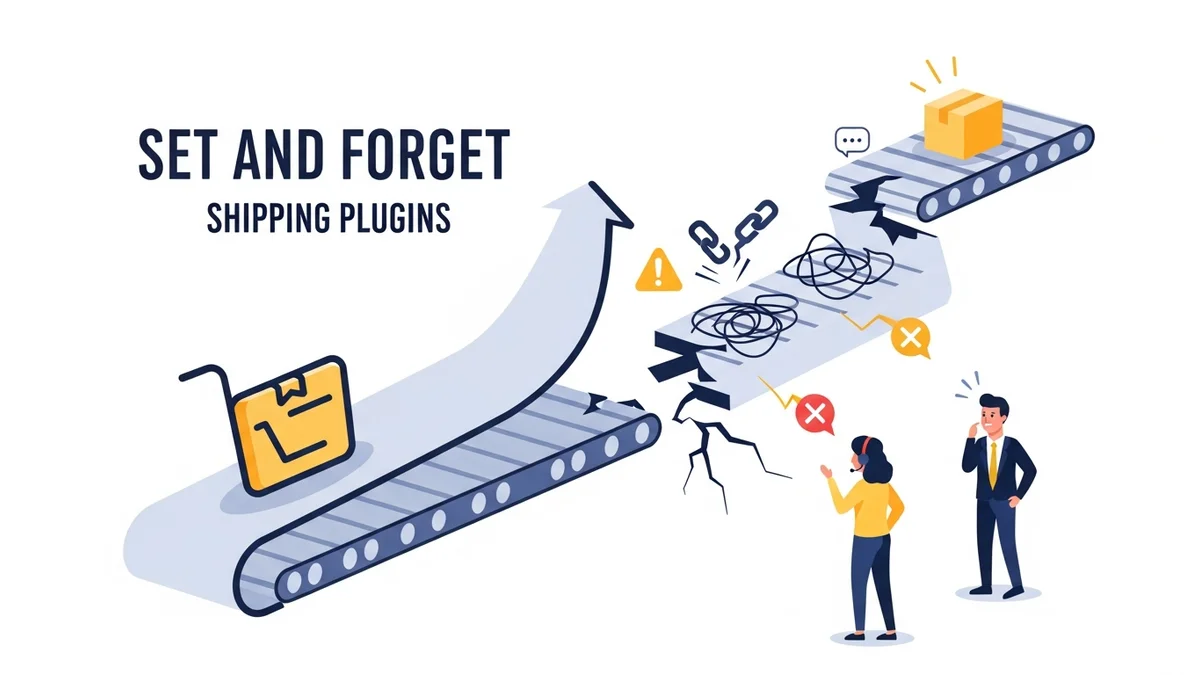
The most sophisticated shipping plugins rely on external Application Programming Interfaces (APIs) provided by shipping carriers (like Australia Post, Sendle, or FedEx) to fetch real-time rates and track parcels. While these APIs are powerful, they are also external services that can experience outages, or retire old endpoints in favour of new ones. When your shipping plugin can no longer reach its configured endpoint, your WooCommerce shipping breaks, often without you knowing until customers complain.
A prime example of this is the April 2026 Australia Post endpoint retirement. Australia Post retired their old PAC API endpoint at /api/postage/, completing a transition to the current endpoint at /postage/. Australia Post had responsibly run both endpoints during the transition period, giving plugin developers time to update. However, the official Australia Post Shipping Method for WooCommerce plugin, even at its most up-to-date version, wasn't updated to use the current endpoint. When the old endpoint was retired, stores using the plugin suddenly found their shipping rates failing. Sauce Code identified the root cause and notified the plugin developers, prompting the fix. Without proactive monitoring, store owners were left scrambling, often discovering the problem hours or days later through customer complaints.
This highlights the critical need for proactive `woocommerce store reliability` measures like the WooCommerce Shipping Monitor Pro plugin. This tool is designed specifically to monitor the external API endpoints that your WooCommerce shipping plugins depend on. Here's how it helps `keep woocommerce shipping working`:
- Immediate Alerts: When a shipping API endpoint becomes unreachable, Shipping Monitor Pro immediately alerts the store administrator via email. You know about problems within minutes, not hours, allowing you to react swiftly.
- Scheduled Health Checks: The plugin runs scheduled health checks against each monitored API using lightweight test requests. This catches problems proactively, often before any customer is affected, even outside of peak shopping hours.
- Last-Resort Fallback: As a safety net, if the active endpoint fails, the plugin attempts to cycle through previously known endpoints. In situations like April 2026, where the plugin was using a retired endpoint but an alternative was available. This fallback could keep your checkout working, buying you precious time to investigate and apply a proper fix.
- Detailed Event Logging: Every health check, alert, and fallback attempt is meticulously logged to a custom database table, providing a full event history. This makes troubleshooting significantly easier, giving you clear insights into when and why issues occurred.
By implementing proactive API monitoring, you shift from a reactive problem-solving approach to a preventative one. You gain visibility into your shipping infrastructure's health, receive timely notifications, and can even benefit from temporary fallback measures that keep your checkout operational during disruptions. This significantly enhances your overall `ecommerce shipping reliability` and safeguards your customer experience.
Related Articles
Continue your learning with these related resources:
- Why WooCommerce Shipping Breaks (And How to Stop It From Costing You Sales) (Comprehensive Guide)
- The Real Cost of Shipping Downtime for WooCommerce Stores
- Why "Set and Forget" Doesn't Work for WooCommerce Shipping Plugins
- What Automatic Endpoint Fallback Means for Your WooCommerce Store
- How to Get Email Alerts When Your WooCommerce Shipping API Has Issues
- Your WooCommerce Shipping Reliability Checklist for Peak Season
Conclusion
Maintaining a reliable shipping operation in your WooCommerce store is an ongoing commitment, not a one-time setup. By consistently implementing these five `woocommerce shipping best practices`, you empower your business to deliver a smoother, more dependable experience for your customers. From the foundational steps of testing and accurate product data to the essential maintenance of updates and the strategic safety net of a fallback method, each practice contributes to robust `woocommerce store reliability`.
Crucially, proactive API monitoring, as offered by tools like WooCommerce Shipping Monitor Pro, adds a vital layer of defence. It ensures you're immediately aware when your shipping plugin can no longer reach its configured endpoint, allowing you to address issues before they impact your customers. By embracing these habits and leveraging the right tools, you can `keep woocommerce shipping working` efficiently, foster customer loyalty, and secure your store's long-term success.