Introduction
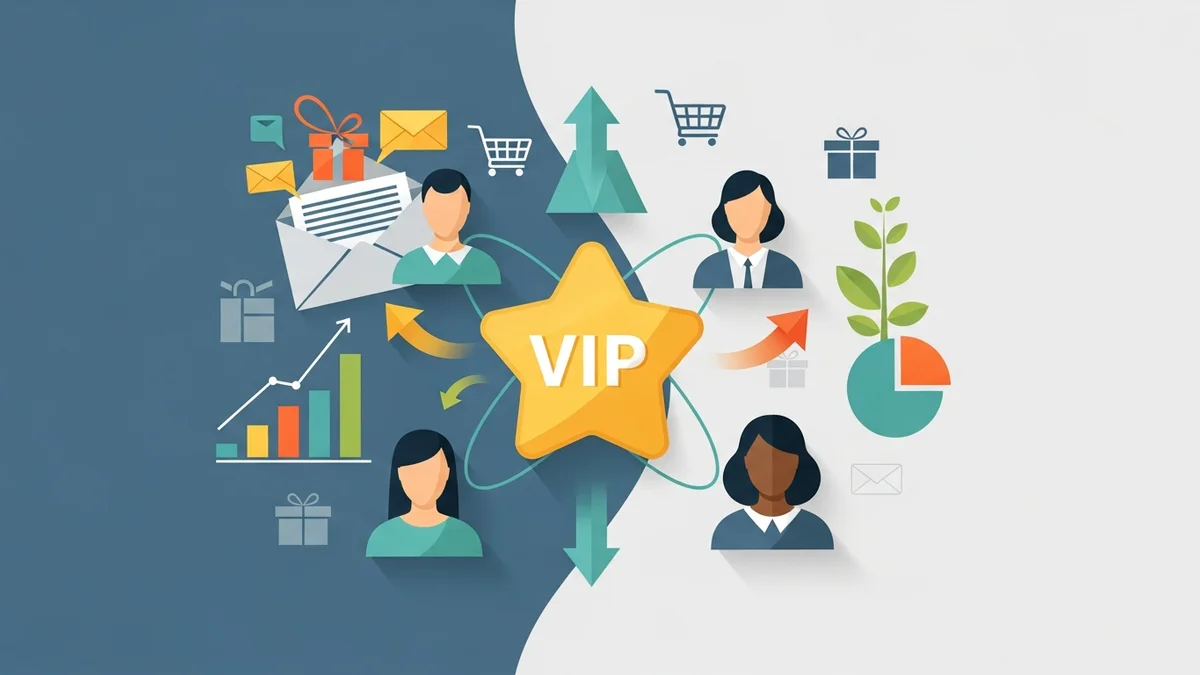
For any e-commerce manager, understanding and nurturing your most loyal customers is paramount. These are the individuals who drive repeat purchases, offer valuable word-of-mouth marketing, and ultimately contribute most significantly to your store's profitability. Identifying these valuable customers and communicating with them effectively is a cornerstone of sustainable business growth.
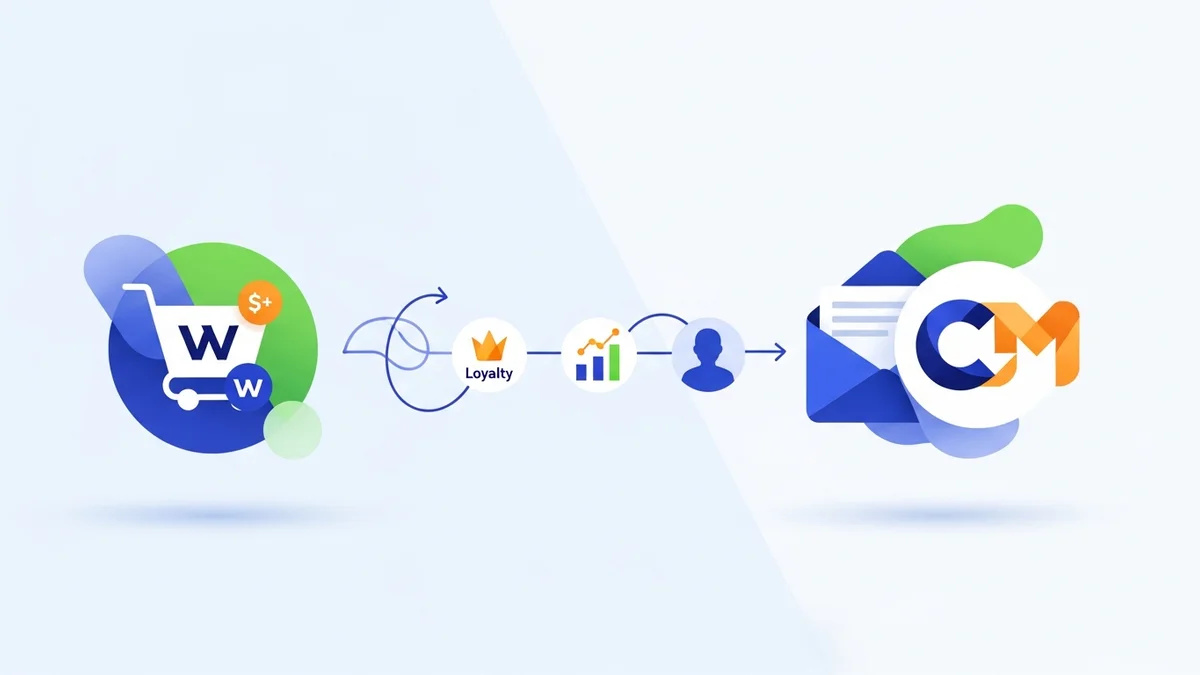
This article will guide you through the process of leveraging your WooCommerce customer data within Campaign Monitor. By following these steps, you can pinpoint your loyal customers (by defining loyalty in WooCommerce), segment them precisely using synced profile data, and craft targeted email campaigns that foster deeper relationships, enhance customer retention, and boost your overall business metrics.
Why Prioritise Your Most Loyal Customers?
Focussing on your loyal customer base isn't just a good idea; it's a strategic imperative. The operational efficiency and ROI from retaining existing customers far outweigh the costs of acquiring new ones.
- Increased Customer Lifetime Value (LTV): Loyal customers spend more over time, significantly increasing their LTV.
- Higher Average Order Value (AOV): Repeat buyers often feel more comfortable purchasing higher-value items or adding more to their cart.
- Cost-Efficiency: Acquiring a new customer can be five times more expensive than retaining an existing one.
- Brand Advocacy: Loyal customers are more likely to recommend your brand to friends and family, acting as invaluable, organic marketers.
- Valuable Feedback: Engaged, loyal customers are often willing to provide feedback, helping you refine products and services.
Prerequisites for Targeted Loyalty Campaigns
Before you dive into segmenting and emailing, ensure you have the foundational elements in place to seamlessly connect your e-commerce platform with your email marketing service.
You will need:
- An Active WooCommerce Store: This is where your customer and order data resides.
- A Campaign Monitor Account: Your chosen platform for email marketing, segmentation, and campaign management.
- A Robust Syncing Solution: A reliable plugin or integration that accurately transfers your WooCommerce customer profile data into Campaign Monitor. It's crucial to understand that while customer contact details and custom fields are typically synced, detailed purchase history, order specifics, and engagement patterns are often *not* transferred to Campaign Monitor via standard plugins. This means segmentation based on deeper metrics like total spend or number of orders will need to be managed by first identifying loyalty in WooCommerce and then syncing a custom field (like a loyalty tag) that represents that status.
Step-by-Step: Identifying and Emailing Loyal Customers
Let's walk through the process of identifying your most loyal customers and reaching out to them with targeted communications in Campaign Monitor.
Step 1: Ensure WooCommerce Data Syncs to Campaign Monitor
The first critical step is to verify that your WooCommerce customer profile data is flowing correctly into Campaign Monitor. Your syncing solution should push essential details, such as contact information and any relevant custom fields, that enable segmentation based on available profile attributes.
What data points are vital?
- Customer Details: Name, email address, physical address.
- Customer Tags/Groups: Any custom fields you use in WooCommerce to categorise customers, especially those indicating loyalty status (e.g., "VIP", "Loyal Customer").
Regularly check your Campaign Monitor lists to confirm that new customer sign-ups and any custom fields indicating loyalty status are updating correctly. This data integrity is the bedrock of effective segmentation, particularly when detailed purchase history isn't directly synced.
Step 2: Define "Loyal Customer" for Your Business
What constitutes a "loyalty customer" can vary significantly between businesses. Before you build segments, establish clear criteria that align with your business model and product lifecycle. These definitions will be used to identify loyal customers *within your WooCommerce data*.
- Purchase Frequency: Customers who have placed X number of orders (e.g., 3 or more).
- Total Spend: Customers whose cumulative spend exceeds $Y (e.g., $500).
- Time Since Last Purchase: Customers who have purchased within a specific timeframe, indicating ongoing engagement (e.g., within the last 6 months).
- Specific Product Purchases: Customers who regularly buy high-margin or subscription products.
- Engagement Metrics: Customers who frequently open emails and click through, indicating strong interaction with your brand's communications.
For a typical e-commerce store, a strong starting point might be customers who have made 3 or more purchases or have a total lifetime spend exceeding $300. Once identified within your WooCommerce analytics or reports, these loyal customers need to be marked. The most effective way to leverage this definition in Campaign Monitor is to assign a custom tag or field to these customers in WooCommerce (e.g., 'Loyalty Tier: VIP', 'Loyal Customer: Yes'). Ensure your syncing solution is configured to transfer these custom fields as part of the customer profile data to Campaign Monitor.
Step 3: Create a Segment for Loyal Customers in Campaign Monitor
Now that your data is synced, and you've identified and tagged your loyal customers in WooCommerce (with these tags syncing to Campaign Monitor), it's time to create a dynamic segment in Campaign Monitor based on these custom fields. This segment will automatically update as customer profiles (including their loyalty status) are synced.
- Log in to Campaign Monitor: Navigate to your audience lists.
- Select Your Main List: Choose the list where your WooCommerce customer data is synced.
- Go to 'Segments': Click on the 'Segments' tab or section within your chosen list.
- Create a New Segment: Select the option to 'Create a segment' or 'Add new segment'.
- Define Your Rules: Use the available customer profile data fields, particularly the custom fields you've synced from WooCommerce that indicate loyalty status.
- Example Rule: "Custom Field 'Loyalty Status'" (or whatever your custom field is named) is equal to "VIP"
- Name Your Segment: Give it a clear, descriptive name like "Loyal Customers" or "VIP Shoppers".
- Save Your Segment: Once saved, Campaign Monitor will populate this segment with all matching subscribers.
Regularly review and refine your segment definitions. As your business evolves, so too might your definition of loyalty, requiring updates to your custom fields in WooCommerce and subsequent syncing to Campaign Monitor.
Step 4: Craft a Targeted Email Campaign for Your Loyal Customers
With your loyal customer segment ready, you can now design email campaigns specifically for them. These emails should make them feel valued and appreciated, not just like another sales target.
Key elements of an effective loyalty campaign:
- Personalisation: Always use their name.
- Exclusive Offers & Previews: Give them early access to new products, special discounts not available to the general public, or double loyalty points. This reinforces their VIP status.
- Thank You Messages: A simple, heartfelt "thank you" for their continued support can go a long way. This isn't about selling; it's about appreciation.
- Gathering Feedback: Loyal customers are a goldmine for insights. Ask them for product reviews, survey their preferences, or invite them to a private focus group.
- Community Building: Invite them to a private Facebook group, a VIP online event, or share user-generated content featuring them (with their permission).
- Behind-the-Scenes Content: Share stories about your brand, product development, or team. This builds an emotional connection.
Remember, the goal is to deepen the relationship, not just to sell more. Focus on value, appreciation, and exclusive benefits.
Step 5: Schedule, Send, and Monitor Your Campaign
Once your email content is finalised, it's time to send it to your loyal segment and track its performance.
- Review and Test: Always send a test email to yourself and colleagues to check for broken links, display issues across devices, and grammatical errors.
- Schedule Your Campaign: Choose an optimal send time. Consider when your customers are most likely to open emails – this might differ from your general audience.
- Monitor Performance: After sending, closely track key metrics in Campaign Monitor:
- Open Rate: How many recipients opened your email?
- Click-Through Rate (CTR): How many clicked on links within the email?
- Conversion Rate: Did they complete the desired action (e.g., make a purchase, fill out a survey)?
- Bounce Rate: How many emails failed to deliver?
- Unsubscribe Rate: How many opted out? A low unsubscribe rate for loyalty campaigns is a good sign.
- Analyse and Iterate: Use these insights to refine future campaigns. What subject lines worked best? What type of offers resonated most?
Optimising Your Loyalty Email Campaigns for Maximum Impact
Building a loyal customer base is an ongoing process. Continuously refine your strategy to maximise ROI and strengthen relationships.
A/B Testing Key Elements
Don't just set and forget. Experiment with different elements to see what resonates most with your loyal segment:
- Subject Lines: Test different angles – urgency, exclusivity, curiosity.
- Call-to-Actions (CTAs): Vary button text, colour, and placement.
- Offer Types: Compare percentage discounts vs. dollar-off, free shipping, or bonus products.
- Email Design: Test different layouts, image usage, and text-to-image ratios.
Refining Segmentation
As you gather more data, consider creating sub-segments within your loyal customer base by assigning more granular custom fields in WooCommerce (e.g., 'Loyalty Tier: Gold', 'Loyalty Tier: Silver'). This allows for even more hyper-personalised messaging based on their assigned loyalty status.
Integrating with Other Channels
Email is powerful, but consider how it integrates with other customer touchpoints. Could loyal customers receive a special SMS alert for a flash sale? Or a personalised note with their next order? A cohesive omnichannel approach reinforces their importance.
Measuring the Success of Your Loyalty Campaigns
To demonstrate ROI and justify your efforts, track specific business metrics associated with your loyalty initiatives:
- Repeat Purchase Rate: The percentage of customers who have made more than one purchase. This should increase.
- Customer Lifetime Value (LTV): The total revenue a customer is expected to generate over their relationship with your business. This should show an upward trend for your loyal segment.
- Average Order Value (AOV): Loyal customers often have higher AOVs.
- Engagement Metrics: High open rates, click-through rates, and low unsubscribe rates on loyalty emails indicate strong engagement.
- Referral Program Participation: If you have one, loyal customers are prime candidates to become referrers.
While metrics like Repeat Purchase Rate, Customer Lifetime Value (LTV), and Average Order Value (AOV) are primarily tracked within your WooCommerce analytics, your Campaign Monitor loyalty campaigns should aim to positively influence these figures. By monitoring these KPIs, you can quantify the tangible benefits of your targeted loyalty efforts and continuously optimise your strategy.
Related Articles
Continue your learning with these related resources:
- The Complete Email Marketing Guide for WooCommerce Stores Using Campaign Monitor (Comprehensive Guide)
- How to Run a Black Friday Email Campaign for Your WooCommerce Store in Campaign Monitor
- What Email List Opt-in Incentives Work Best for WooCommerce Stores
- How to Create a Win-Back Email Campaign for Lapsed WooCommerce Customers in Campaign Monitor
- How to Re-Engage WooCommerce Customers Who Never Opted in to Your Email List
- How to Reduce WooCommerce Customer Churn with Targeted Retention Emails in Campaign Monitor
Conclusion
Identifying and nurturing your loyal WooCommerce customers through targeted Campaign Monitor emails is a highly effective strategy for boosting customer retention, increasing LTV, and driving sustainable growth. By ensuring robust customer profile data synchronisation (including custom loyalty fields), defining clear loyalty criteria within WooCommerce, creating dynamic segments based on these synced custom fields, and crafting personalised campaigns, e-commerce managers can build stronger customer relationships and achieve measurable business success.
Embrace the power of your existing customer data. Turn insights into action, and watch your most valuable customers become even stronger advocates for your brand.