Introduction
In the bustling world of e-commerce, strengthening customer relationships is paramount for sustained growth. While acquisition is vital, retaining existing customers and nurturing their loyalty often yields higher returns. One incredibly effective strategy for achieving this is through the strategic use of milestone emails.
Milestone emails are personalised, automated messages sent to customers to celebrate specific points in their journey with your brand. When integrated with your WooCommerce store data and managed through a robust platform like Campaign Monitor, these emails transform transactional interactions into meaningful engagements, fostering deeper loyalty and encouraging repeat business.
Understanding Milestone Emails
Milestone emails mark significant points in a customer's lifecycle, moving beyond standard promotional or transactional messages. They acknowledge a customer's loyalty, celebrate their journey, and often provide exclusive value. These are not just automated messages; they are opportunities to show appreciation and reinforce the customer's connection to your brand.
The power of milestone emails lies in their ability to make customers feel seen and valued. By recognising moments like a purchase anniversary, a loyalty tier upgrade, or even a birthday, you demonstrate that your brand cares beyond the immediate transaction. This personalised touch can significantly impact customer sentiment and retention.
Why Milestone Emails are Essential for E-commerce
- Boost Customer Retention: By celebrating loyalty, you give customers a reason to stay.
- Increase Lifetime Value (LTV): Engaged and loyal customers tend to spend more over time.
- Enhance Brand Perception: Personalised appreciation makes your brand feel more human and customer-centric.
- Drive Repeat Purchases: Often, milestone emails include exclusive offers, directly encouraging another purchase.
- Gather Valuable Insights: Tracking engagement with these emails can reveal what resonates most with your loyal customers.
The Power of WooCommerce Data in Campaign Monitor
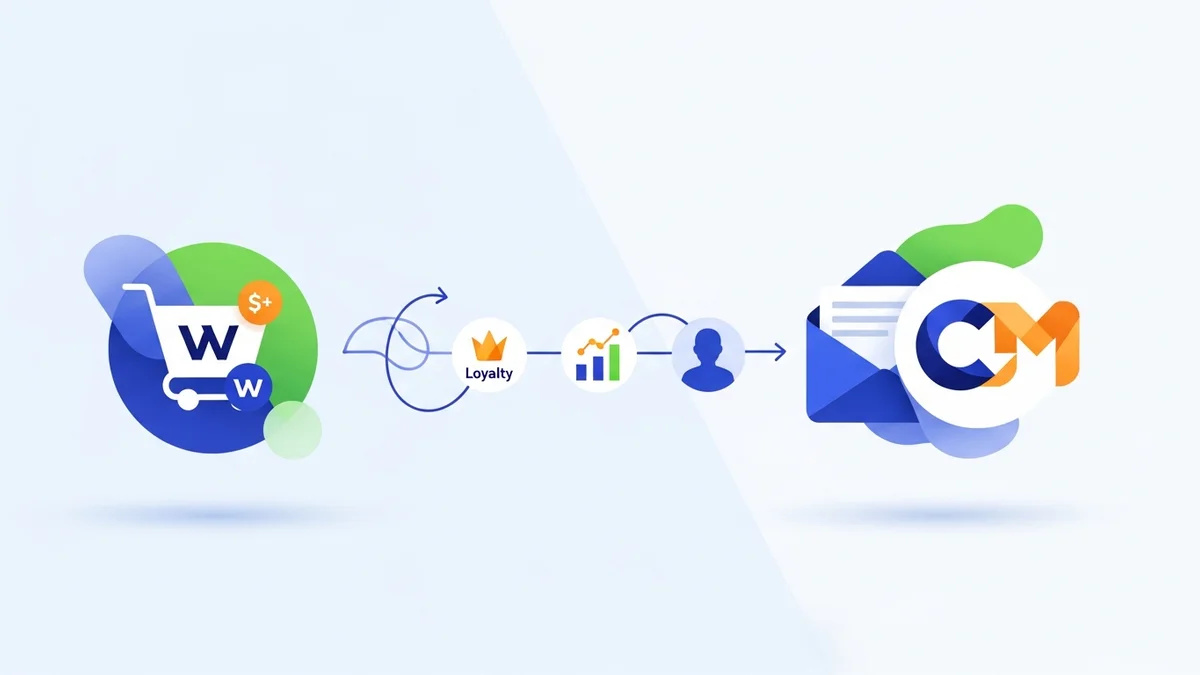
The foundation of any successful milestone email strategy is robust customer data. For WooCommerce merchants, syncing this data accurately and comprehensively with Campaign Monitor is non-negotiable. This integration, typically facilitated by a dedicated plugin, bridges the gap between your e-commerce platform and your email marketing automation tool.
It's important to clarify that while the plugin syncs core customer profile data, such as name, email, and registration date, it typically does not sync detailed purchase history, individual order data, or complex engagement patterns. Instead, some plugins are designed to calculate and pass summary attributes derived from customer activity, such as their first purchase date or total orders count, as part of their profile. Once these customer profile attributes are synchronised, Campaign Monitor becomes a powerhouse for highly targeted segmentation and automation. This allows you to move beyond generic campaigns and create truly personalised customer experiences based on these key milestones.
Key Data Points for Milestone Campaigns
- First Purchase Date: Crucial for purchase anniversary campaigns.
- Customer Registration Date: Useful for celebrating a customer's 'join date' anniversary.
- Total Number of Orders: Enables 'Xth order' celebration emails (e.g., 5th or 10th purchase).
- Birthday: A classic and highly effective personal milestone.
- Loyalty Programme Status: For recognising tier achievements or tenure within a loyalty scheme.
Step-by-Step Guide: Setting Up Milestone Email Automation
Here’s how WooCommerce merchants can leverage Campaign Monitor to create powerful milestone email automations that strengthen customer relationships.
Step 1: Ensure WooCommerce Data Sync with Campaign Monitor
Before you can build milestone campaigns, confirm that your WooCommerce data is flowing correctly into Campaign Monitor. This usually involves installing and configuring a dedicated integration plugin. Verify that key customer data points, such as customer details and any derived summary attributes like first purchase date or total orders count, are accurately mapped to custom fields or subscriber attributes within your Campaign Monitor list.
- Check Plugin Settings: Ensure the integration plugin is active and configured to sync all relevant WooCommerce customer profile data.
- Verify Custom Fields: Log into Campaign Monitor and check that custom fields for derived summary attributes like
First Purchase DateorTotal Ordersare populated with data from your WooCommerce store. - Initial Sync: Perform an initial sync to bring all historical data across, if not already done.
Step 2: Identify Key Customer Milestones
Think about the moments in your customer's journey that are worth celebrating. These should align with your brand's values and customer lifecycle. Common and effective milestones for e-commerce include:
- First Purchase Anniversary: Celebrating one year (or more) since their initial order.
- Xth Order Placed: Acknowledging customers who reach a significant number of purchases (e.g., their 5th, 10th, or 20th order).
- Birthday: A timeless personal touch, if you collect birth dates.
- Loyalty Programme Tier Achievement: For businesses with tiered loyalty programmes, celebrating an upgrade.
- Time Since Registration: A general "happy anniversary" for being a subscriber or customer for a certain period.
Step 3: Segment Your Audience in Campaign Monitor
Once you’ve identified your milestones and confirmed your data, create dynamic segments in Campaign Monitor. These segments will automatically include customers who meet the criteria for a specific milestone, acting as the trigger for your automated journeys.
- For First Purchase Anniversary: Create a segment where
First Purchase Dateis 365 days ago (or a multiple of 365 days, e.g., 730 days for two years). Campaign Monitor's date-based segmentation tools are perfect for this. - For Xth Order Placed: Segment subscribers where
Total Ordersequals 5 (or your chosen number). - For Birthday: If you have a
Birthdaycustom field, create a segment for subscribers whose birthday month and day match the current month and day.
Step 4: Design Compelling Milestone Email Content
The content of your milestone emails should be celebratory, appreciative, and provide genuine value. This is where you connect with your customers on a personal level.
- Personalise Deeply: Use the customer's name and acknowledge their journey with your brand.
- Offer Exclusive Value: Include a special discount code, free shipping, early access to new products, or loyalty points. Make them feel special.
- Reinforce Brand Loyalty: Remind them why they chose your brand and what makes your products unique.
- Clear Call to Action: Encourage them to shop, explore new collections, or redeem their offer.
- Visually Appealing Design: Use your brand's colours and imagery to create an attractive, celebratory email.
Example: For a 1-year purchase anniversary, an email might say, "Happy 1st Anniversary, [Customer Name]! It's been a whole year since your first purchase with us, and we're so grateful for your loyalty. As a thank you, enjoy 15% off your next order!"
Step 5: Create Automated Journeys in Campaign Monitor
Campaign Monitor's "Journeys" feature is where you'll build the automation flow for each milestone. This ensures emails are sent automatically when a customer meets the segment criteria.
- Select a Trigger: Choose "A subscriber enters a segment" as your trigger. Select the specific milestone segment you created (e.g., "1st Anniversary Customers").
- Define the Action: Drag and drop an "Email" step into your journey. Select the designed milestone email template.
- Add Delays (Optional): For multi-step journeys (e.g., a reminder email), add delays between steps. For simple milestone emails, a single email step is usually sufficient.
- Activate the Journey: Once configured, activate your journey. Campaign Monitor will then automatically send the email to any subscriber who enters that segment.
Step 6: Monitor and Optimise Your Milestone Campaigns
Setting up the automation is just the beginning. Regularly monitor the performance of your milestone emails to ensure they are effective and to identify areas for improvement.
- Track Key Metrics: Pay attention to open rates, click-through rates, conversion rates, and unsubscribe rates for each milestone email.
- A/B Test Elements: Experiment with different subject lines, call-to-actions, offer values, and even email designs to see what resonates best with your audience.
- Review Feedback: Look for any direct customer feedback or changes in customer behaviour after receiving these emails.
- Adjust Segments: Refine your segmentation criteria as you gather more data or if your customer base evolves.
Examples of Effective Milestone Emails
Let's consider how these automations translate into real-world examples:
Purchase Anniversary Email
Trigger: Customer's First Purchase Date is exactly one year ago today.
Content: A warm, celebratory message thanking them for being a valued customer for a year. It could offer a special anniversary discount or a free gift with their next purchase. The tone is appreciative and nostalgic, reinforcing their connection to your brand.
Xth Order Celebration Email
Trigger: Customer's Total Orders custom field updates to 5 (or 10, or 20).
Content: Acknowledge their loyalty for reaching a significant purchase count. This email can be framed as an exclusive reward for their continued support. Offering a significant discount, early access to new products, or a loyalty points bonus can be highly effective here. It encourages them to continue their purchasing journey with you.
Loyalty Tier Upgrade Email
Trigger: Customer's Loyalty Status custom field changes (e.g., from 'Silver' to 'Gold').
Content: Congratulate them on their new status and clearly outline the enhanced benefits they now receive (e.g., higher discount, priority support, exclusive product previews). This email validates their loyalty and motivates them to enjoy their new perks, driving further engagement and spending.
Best Practices for Milestone Emails
To maximise the impact of your milestone email campaigns:
- Be Authentic: Your appreciation should feel genuine, not just a marketing tactic.
- Keep it Concise: Get straight to the point and clearly communicate the celebration and any offer.
- Mobile Optimise: Ensure your emails look great on all devices, as many customers will check them on their phones.
- Integrate with Other Channels: Consider reinforcing the milestone on social media or in-app notifications if applicable.
- Avoid Over-Communication: While valuable, don't spam customers with too many milestone
Related Articles
Continue your learning with these related resources:
- The Complete Email Marketing Guide for WooCommerce Stores Using Campaign Monitor (Comprehensive Guide)
- How to Run a Black Friday Email Campaign for Your WooCommerce Store in Campaign Monitor
- What Email List Opt-in Incentives Work Best for WooCommerce Stores
- How to Create a Win-Back Email Campaign for Lapsed WooCommerce Customers in Campaign Monitor
- How to Re-Engage WooCommerce Customers Who Never Opted in to Your Email List
- How to Reduce WooCommerce Customer Churn with Targeted Retention Emails in Campaign Monitor