Introduction
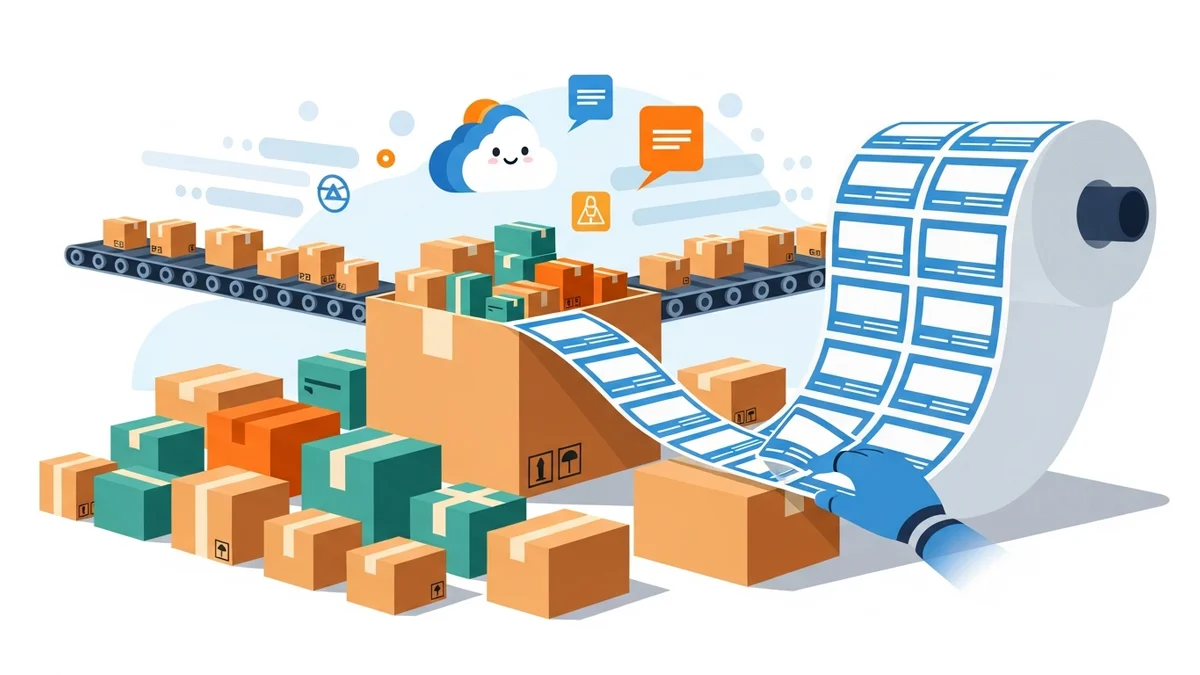
As your WooCommerce store grows, so does the excitement of increased sales. However, this growth often brings a significant challenge: managing a rising tide of orders, especially when it comes to shipping. Manually processing dozens, or even hundreds, of daily orders can quickly overwhelm your team, leading to long hours, potential errors, and the looming question of whether you need to hire more staff.
The good news is that scaling your shipping operations doesn't always mean scaling your workforce. This article will explore how smart automation, specifically with bulk shipping label solutions, can empower your WooCommerce store to handle 100+ daily orders efficiently. We'll walk through an illustrative case study, demonstrating how a thriving Australian e-commerce business tackled this exact challenge.
The Challenge: Growing Pains at "Aussie Treasures"
Meet "Aussie Treasures," a fictional but typical Australian WooCommerce store specializing in unique, handcrafted gifts. After a successful marketing campaign and a surge in holiday sales, their daily order volume skyrocketed from a manageable 20-30 orders to a consistent 100-120 orders per day. This sudden growth was fantastic for revenue but created a bottleneck in their shipping department.
The Manual Bottleneck
Prior to the sales surge, Aussie Treasures' shipping process was straightforward. Their single shipping manager would manually copy customer details (name, address, suburb, state, postcode) from each WooCommerce order into the Australia Post Business Portal. Then, they'd manually select the shipping service, input parcel weight, and generate a single label at a time. This process, while functional for lower volumes, became a nightmare with 100+ daily orders.
- Time-Consuming: Each order took 2-3 minutes to process manually. For 100 orders, that's 3-5 hours spent just on data entry and label generation, every single day.
- Prone to Errors: Copying and pasting details repeatedly led to typos in addresses, incorrect service selections, and misplaced labels. These errors resulted in delayed deliveries, frustrated customers, and costly re-shipments.
- High Stress & Overtime: The shipping manager was working late nights, trying to keep up. The business owner faced the dilemma: hire another full-time staff member or find a more efficient solution. Hiring meant increased overheads, training time, and a potential dip in profit margins.
Aussie Treasures needed a way to drastically cut down the time spent on shipping label creation without compromising accuracy or adding to their payroll.
The Solution: Streamlining with Bulk Export for Australia Post
The turning point for Aussie Treasures came when they discovered the power of bulk shipping label generation, specifically designed for Australia Post. Instead of manually entering each order, the goal was to export all necessary shipping data from WooCommerce in a format Australia Post could directly understand.
This approach promised to transform their workflow from a tedious, order-by-order task into a quick, batch process. The key was to find a solution that could seamlessly bridge the gap between their WooCommerce store and the Australia Post Business Portal.
Introducing the WooCommerce Australia Post CSV Export Pro Plugin
After researching various options, Aussie Treasures chose the WooCommerce Australia Post CSV Export Pro plugin. This plugin offered a direct and non-technical solution to their problem. It's specifically built for Australian WooCommerce store owners, enabling them to export "Processing" orders into a CSV (Comma Separated Values) file that is perfectly formatted for Australia Post's bulk import feature.
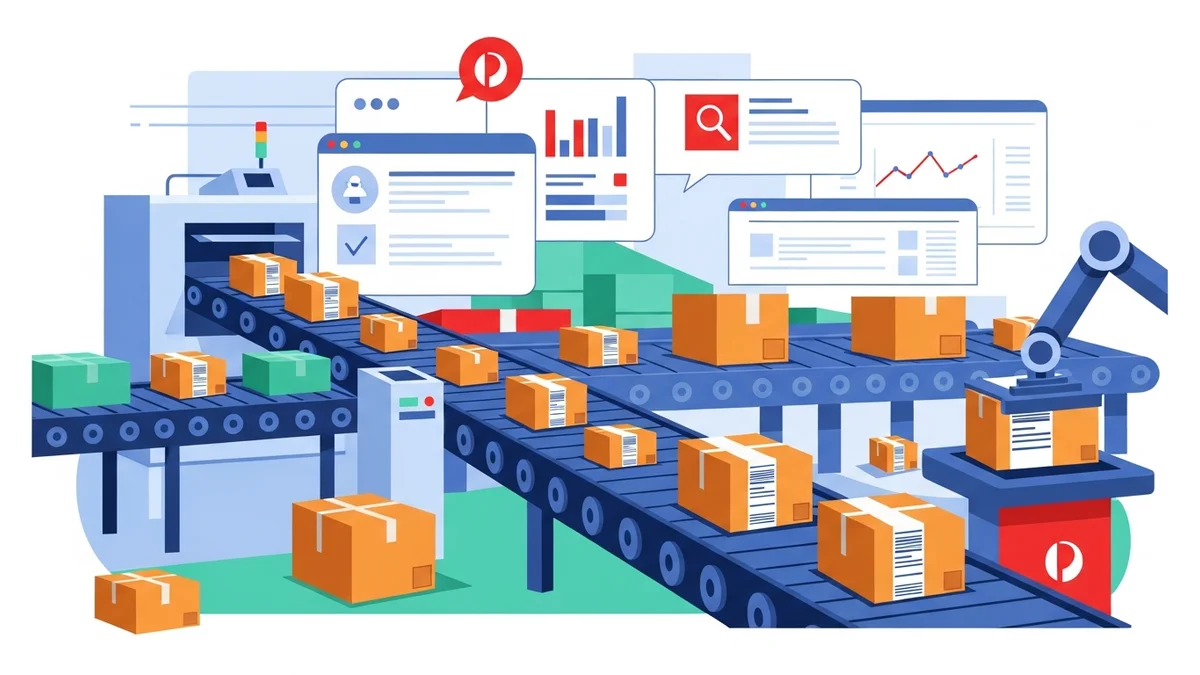
The plugin acts as a bridge, pulling all relevant shipping details directly from WooCommerce orders and preparing them for quick upload to the Australia Post Business Portal. This eliminates the need for manual data entry, saving hours of work and drastically reducing the chance of human error.
Implementation: A Step-by-Step Transformation
Implementing the WooCommerce Australia Post CSV Export Pro plugin at Aussie Treasures was straightforward, even for their non-technical team. Here’s how they transformed their shipping workflow:
1. Easy Setup and Configuration
The first step was installing the plugin on their WordPress website. The setup involved configuring their sender details (store name, address, contact) which the plugin would use for all shipments. They also set up smart defaults, such as their preferred domestic shipping service (Parcel Post) and packaging type (Australia Post Medium Satchel), which could be overridden for individual orders if needed.
2. Reviewing "Processing" Orders
Each morning, the shipping manager logged into their WooCommerce admin area. The plugin added a new section where all orders with a "Processing" status were neatly displayed in two tables: one for domestic shipments and one for international. This clear separation made it easy to manage different types of orders.
- Quick Overview: They could see all essential order details at a glance: customer name, address, order items, and calculated parcel weight. The plugin automatically pulled product weights from WooCommerce product data, ensuring accurate weight declarations.
- Per-Order Adjustments: For specific orders, like those where a customer paid for express delivery, the shipping manager could quickly change the service from Parcel Post to Express Post. They could also select different packaging, like "Own Packaging" if an item required a custom box, or choose a larger Australia Post satchel.
- Extra Options: For high-value items, they could easily enable "Signature on Delivery" or "Extra Cover" directly within the plugin interface for individual orders, ensuring peace of mind.
3. Handling International Shipments with Ease
International orders, which previously required filling out customs declarations manually, became much simpler. The plugin automatically generated customs declarations for international shipments, pre-filling parcel contents, values, weights, and country of origin directly from the WooCommerce order data. This saved significant time and ensured compliance.
4. The Bulk Export
Once all orders for the day were reviewed and adjusted, the shipping manager had three export options:
- Domestic Only: For days when they only had local orders.
- International Only: If they preferred to process international shipments separately.
- Combined CSV: This became their most used option, exporting both domestic and international orders into a single, comprehensive CSV file.
With a single click, the plugin generated and downloaded the CSV file to their computer. This file contained all the necessary data for hundreds of orders, perfectly formatted for Australia Post.
5. Upload and Print in the Australia Post Business Portal
The final step was to log into the Australia Post Business Portal. They navigated to the bulk import section, uploaded the CSV file generated by the plugin, and within moments, all their shipping labels were ready to be printed. What used to take hours of manual entry now took less than 15 minutes from WooCommerce export to printed labels.
The Results: More Orders, Same Staff, Happier Business
The implementation of the WooCommerce Australia Post CSV Export Pro plugin brought transformative results for Aussie Treasures:
- Massive Time Savings: The daily time spent on shipping label creation dropped from 3-5 hours to under 30 minutes. This reclaimed time allowed the shipping manager to be focussed on other crucial tasks, like inventory management and packaging quality.
- Significantly Reduced Errors: By eliminating manual data entry, address errors and incorrect service selections virtually disappeared. This meant fewer re-deliveries, less customer frustration, and lower operational costs.
- Increased Capacity Without New Hires: Aussie Treasures could now comfortably process 100-120 daily orders, and even handle peak periods of 150+ orders, with their existing staff. The initial dilemma of hiring more staff was resolved through automation, saving them thousands of dollars in salary and associated costs.
- Faster Dispatch Times: Orders were dispatched much quicker, leading to improved customer satisfaction and positive reviews. Customers appreciated the prompt service.
- Professional Workflow: The entire shipping process became more organised and professional, reducing stress for the team and allowing the business to scale confidently.
Aussie Treasures not only survived their growth spurt but thrived, proving that with the right tools, high order volumes can be managed efficiently without the immediate need for additional headcount.
Beyond the Basics: Maximising Your Bulk Export Workflow
To get the most out of a bulk export solution like the WooCommerce Australia Post CSV Export Pro plugin, consider these best practices:
- Accurate Product Weights & Dimensions: Ensure all your WooCommerce products have accurate weights. The plugin automatically calculates total parcel weight, but it relies on this foundational data. For dimensions, it uses the maximum product dimensions to help determine parcel size.
- Leverage Default Settings: Configure your sender details and preferred default shipping services (e.g., Parcel Post) in the plugin settings. This saves time by pre-selecting common options for most orders.
- Regularly Review Orders: Before exporting, always do a quick scan of your "Processing" orders. This allows you to catch any special requests, express upgrades, or unique packaging requirements and make per-order adjustments efficiently.
- Utilise Combined CSV Exports: For mixed domestic and international shipments, the combined CSV export option is a huge time-saver, allowing you to process all orders in one go.
- Consider Your Packaging Strategy: The plugin supports Australia Post satchels (XS, S, M, L, XL) and boxes (S, M, L, XL), as well as "Own Packaging." Strategically choose packaging that balances cost, protection, and ease of use for your products.
- Explore Other Bulk Options: While CSV export is a powerful tool, it's one of several methods for bulk label generation. If you're exploring other options or want a comparison, check out our article on 5 Ways to Print Bulk Shipping Labels in WooCommerce (Compared).
Related Articles
Continue your learning with these related resources:
- The Complete Guide to WooCommerce Shipping for Australian Stores (Comprehensive Guide)
- How to Configure Default Shipping Service and Packaging in WooCommerce for Australia Post
- How to Customize Your Australia Post WooCommerce Export Table Columns
- How to Set Up Sender Details in WooCommerce for Australia Post CSV Export
- How to Set Up WooCommerce Product Weights for Accurate Australia Post CSV Export
- How to Set Signature on Delivery and Extra Cover Defaults for Australia Post WooCommerce Exports
Conclusion
Processing 100+ daily orders in WooCommerce doesn't have to be a daunting task that forces you to expand your team. As Aussie Treasures discovered, embracing smart automation through bulk shipping label export can dramatically streamline your operations, save countless hours, reduce costly errors, and enable your business to scale gracefully.
The WooCommerce Australia Post CSV Export Pro plugin offers a practical, non-technical solution for Australian store owners looking to professionalise their shipping workflow. By exporting your WooCommerce orders directly to Australia Post's CSV format, you can reclaim valuable time, enhance efficiency, and continue growing your e-commerce business with confidence, all without the immediate need to hire extra staff.