Introduction
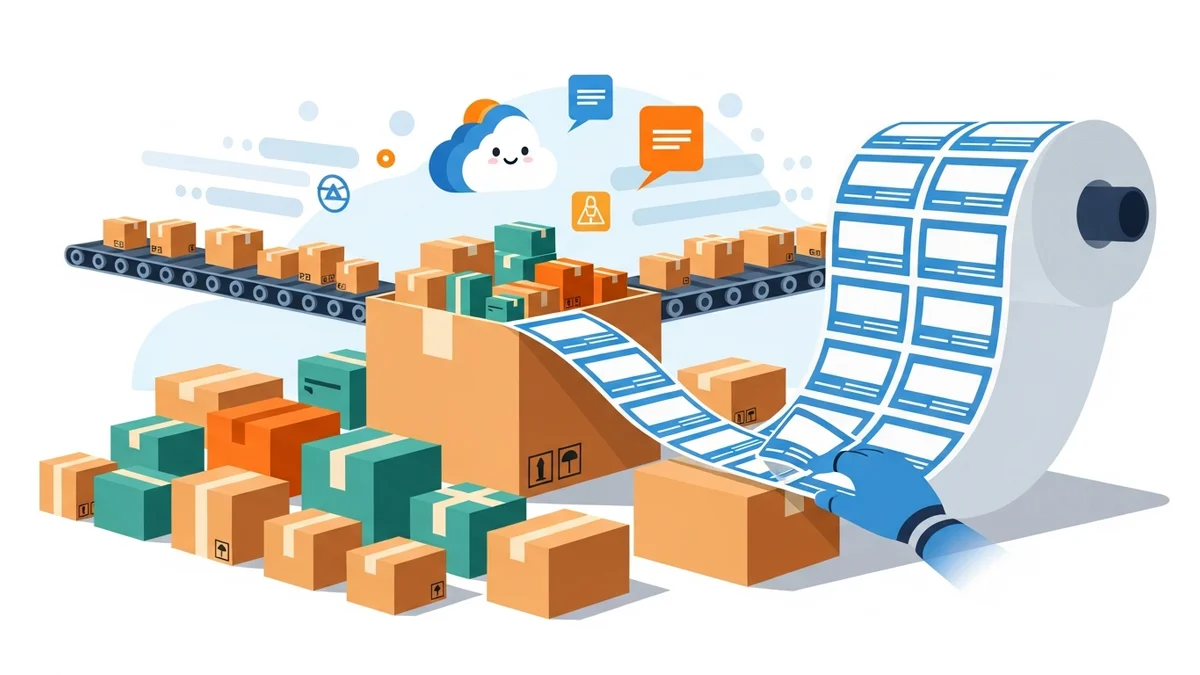
In the fast-paced world of e-commerce, every moment counts. For WooCommerce store owners, especially those managing a growing volume of orders, the process of generating shipping labels can quickly become a significant bottleneck. Manually creating labels one by one is not only tedious but also prone to errors, directly impacting operational efficiency and customer satisfaction.
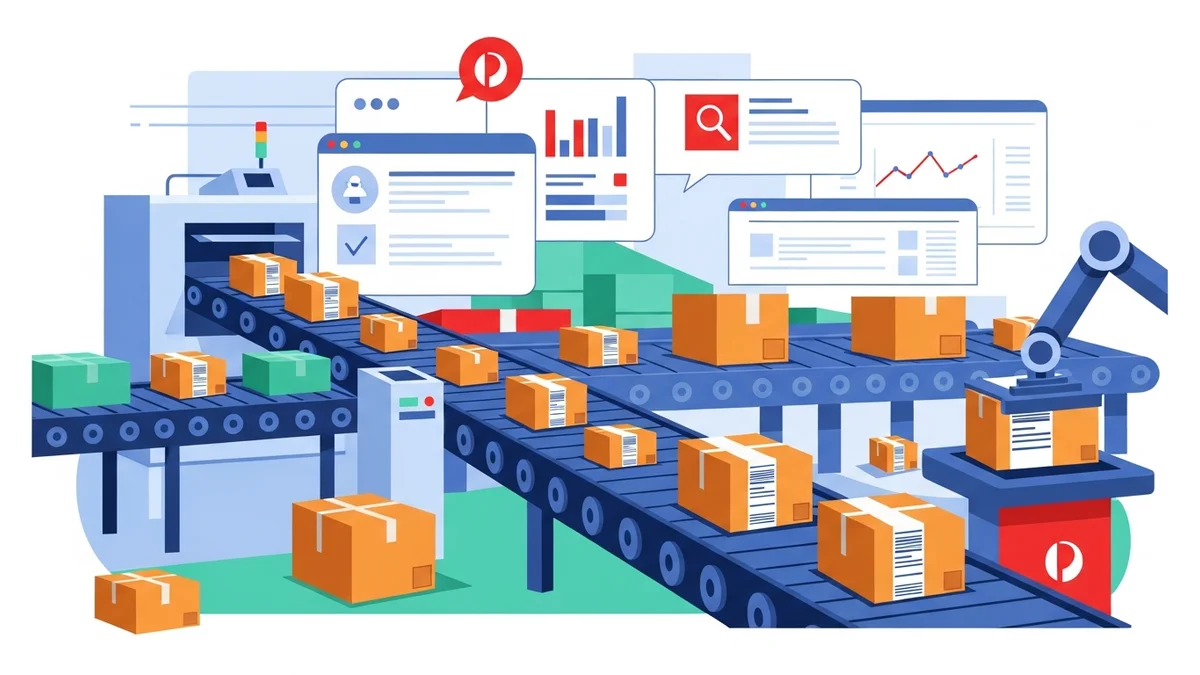
This comprehensive guide dives deep into the world of batch processing WooCommerce shipping labels. We'll explore various methods, from simple CSV exports to advanced integrations, designed to help e-commerce managers reclaim valuable time, reduce operational costs, and build a more robust, scalable shipping workflow. Understanding these strategies is key to transforming your shipping department from a cost centre into an engine of efficiency.
Why Batch Processing Shipping Labels is Crucial for E-commerce Success
For any e-commerce business, the ability to efficiently process orders directly correlates with profitability and customer loyalty. Batch processing shipping labels isn't just about saving a few clicks; it's a fundamental shift that impacts your entire operational structure and bottom line.
The Operational Benefits
The most immediate and tangible benefit of batch processing is the substantial time savings. Instead of individually entering recipient details, package dimensions, and shipping preferences for each order, you can process dozens or even hundreds of orders simultaneously. This frees up valuable staff time, allowing your team to focus on more strategic tasks like inventory management, customer service, or marketing.
Beyond time, batch processing significantly reduces the potential for human error. Manual data entry is inherently susceptible to typos in addresses, incorrect service selections, or mislabelled packages. By automating the data transfer from your WooCommerce store to your shipping label system, you minimise these risks, leading to fewer misdeliveries, returns, and customer complaints.
The Financial Impact
Operational efficiency directly translates into financial gains. Reduced labour costs from optimised workflows, fewer errors leading to costly reshipments, and the ability to handle higher order volumes without increasing headcount all contribute to a healthier profit margin. Investing in batch processing solutions delivers a clear return on investment (ROI) by cutting down on variable costs associated with shipping.
Furthermore, faster processing times mean orders get out the door sooner. This not only improves delivery speed but also allows you to manage peak seasons, like holiday rushes, without being overwhelmed. The ability to scale shipping operations without proportional cost increases is a significant competitive advantage.
Customer Satisfaction and Brand Reputation
In today's competitive market, shipping speed and accuracy are critical components of customer satisfaction. Customers expect quick, reliable delivery, and any delays or errors can tarnish your brand reputation. Batch processing ensures orders are shipped promptly and correctly, leading to happier customers and positive reviews.
A smooth, professional shipping experience reinforces trust in your brand. When customers receive their orders on time and without issues, they are more likely to become repeat buyers and recommend your store to others. This positive cycle of efficiency, satisfaction, and loyalty is invaluable for long-term e-commerce success.
Understanding the Different Methods for Batch Label Generation
The landscape of WooCommerce shipping label generation offers various approaches, each with its own level of automation, cost, and complexity. Choosing the right method depends on your store's volume, budget, and specific carrier requirements. For a broader comparison, you might find our article "5 Ways to Print Bulk Shipping Labels in WooCommerce (Compared)" a useful resource.
Method 1: Manual Data Entry (Least Efficient)
This method involves copying and pasting shipping details from each WooCommerce order directly into a carrier's online portal or a third-party shipping software. While it requires no additional tools or plugins, it is by far the least efficient approach, especially for stores processing more than a handful of orders daily.
Manual entry is highly susceptible to human error, leading to misdeliveries and customer service issues. The time consumed by this repetitive task quickly accumulates, becoming a significant drain on resources and a bottleneck during periods of high order volume. For businesses focussed on growth and efficiency, this method is unsustainable.
Method 2: Carrier-Specific Portals with CSV Import (Efficient for Single Carrier)
Many national postal services and major carriers offer business portals that allow for bulk order uploads via a Comma Separated Values (CSV) file. This method significantly streamlines the process compared to manual entry, making it an excellent option for businesses primarily using a single carrier, such as Australia Post.
The workflow typically involves exporting order data from WooCommerce into a CSV format that matches the carrier's specifications. This CSV file is then uploaded to the carrier's portal, where you can review, select services, and generate bulk shipping labels. This approach drastically reduces manual data entry and error rates.
For Australian e-commerce managers using Australia Post, this method is highly advantageous. Tools like the WooCommerce Australia Post CSV Export Pro plugin excel here. It's specifically designed to convert your WooCommerce order data into the precise CSV format required by the Australia Post Business Portal, directly addressing the pain points of manual entry and ensuring data accuracy.
Method 3: Dedicated Shipping Software Integrations (Comprehensive, Multi-Carrier)
For high-volume stores or those using multiple shipping carriers, dedicated shipping software solutions (e.g., ShipStation, Shippo, Starshipit) offer comprehensive integration. These platforms connect directly to your WooCommerce store, pull in order data, and allow you to select carriers, compare rates, and generate labels in bulk from a single dashboard.
These solutions often provide advanced features like automated rule sets for service selection, batch manifest creation, and sophisticated tracking capabilities. While they offer immense flexibility and power, they typically come with a subscription fee and can have a steeper learning curve. The ROI is usually strong for businesses with complex shipping needs or very high volumes.
Method 4: WooCommerce Shipping Plugins with Direct Label Printing (Integrated, but may have limitations)
Several WooCommerce plugins offer direct integration with various carriers' APIs, allowing you to generate and print shipping labels directly from your WooCommerce admin area. These plugins can display real-time shipping rates at checkout and, once an order is placed, allow you to create labels without leaving your WordPress dashboard.
While convenient for generating individual labels, their bulk processing capabilities can vary. Some offer robust batch printing, while others may be more focussed on single-label creation. The key advantage is the seamless workflow within WooCommerce, but they are often carrier-specific and may have recurring costs or transaction fees.
A Deep Dive into CSV Export for Australia Post (Featuring WooCommerce Australia Post CSV Export Pro)
For Australian e-commerce businesses leveraging Australia Post, utilising a CSV export solution offers a powerful balance of efficiency and cost-effectiveness. This method eliminates the tedious manual entry into the Australia Post Business Portal by providing a structured data export from your WooCommerce store. The WooCommerce Australia Post CSV Export Pro plugin exemplifies this approach, designed specifically to streamline your bulk shipping label creation process.
Setting Up Your Export Workflow
An efficient CSV export workflow starts with proper configuration within your WooCommerce store and the export plugin. This ensures that the data pulled for your shipping labels is accurate and formatted correctly, saving significant time downstream.
Configuring Sender Details and Defaults
The WooCommerce Australia Post CSV Export Pro plugin allows you to define your sender details directly within its settings. This includes your business name, address, and contact information. Having this pre-configured means every exported CSV file will automatically populate the sender information required by Australia Post, eliminating repetitive manual input.
Furthermore, you can set smart defaults for common shipping preferences. For instance, you can pre-select Parcel Post as the default domestic service or Standard International for overseas shipments. You can also define default packaging types, such as a specific Australia Post satchel size (e.g., Large Satchel) or select "Own Packaging" if you use your own boxes. These defaults accelerate the bulk processing by minimising the need for per-order adjustments.
Managing Product Weights and Dimensions
Accurate parcel weight and dimensions are crucial for correct shipping calculations and to prevent surcharges. The plugin intelligently calculates the total parcel weight by summing the weights of individual products in an order, provided these are correctly set up in your WooCommerce product data. If product weights aren't specified, the plugin uses a sensible default weight, typically 0.5kg, ensuring every parcel has a weight assigned for export.
Similarly, for dimensions, the plugin automatically determines the maximum product dimensions within an order to suggest
Related Articles
Continue your learning with these related resources:
- The Complete Guide to WooCommerce Shipping for Australian Stores (Comprehensive Guide)
- How to Configure Default Shipping Service and Packaging in WooCommerce for Australia Post
- How to Customize Your Australia Post WooCommerce Export Table Columns
- How to Set Up Sender Details in WooCommerce for Australia Post CSV Export
- How to Set Up WooCommerce Product Weights for Accurate Australia Post CSV Export
- How to Set Signature on Delivery and Extra Cover Defaults for Australia Post WooCommerce Exports