Introduction
In today's digital landscape, many small businesses use their WordPress sites to share valuable content, from exclusive reports and training videos to internal documents. Ensuring that only authorised individuals can access this content is crucial for maintaining security and protecting your intellectual property.
This is where WordPress token-based access comes into play. Instead of relying on traditional usernames and passwords, tokens provide a secure, temporary key to unlock specific resources. But when it comes to implementing this, you face a key decision: should you use per-item tokens or sitewide tokens?
This article will delve into both unlock modes, examining their advantages, disadvantages, and ideal use cases. We'll help you understand which approach best suits your content strategy and administrative preferences, enhancing your WordPress content access security.
Understanding Token-Based Access in WordPress
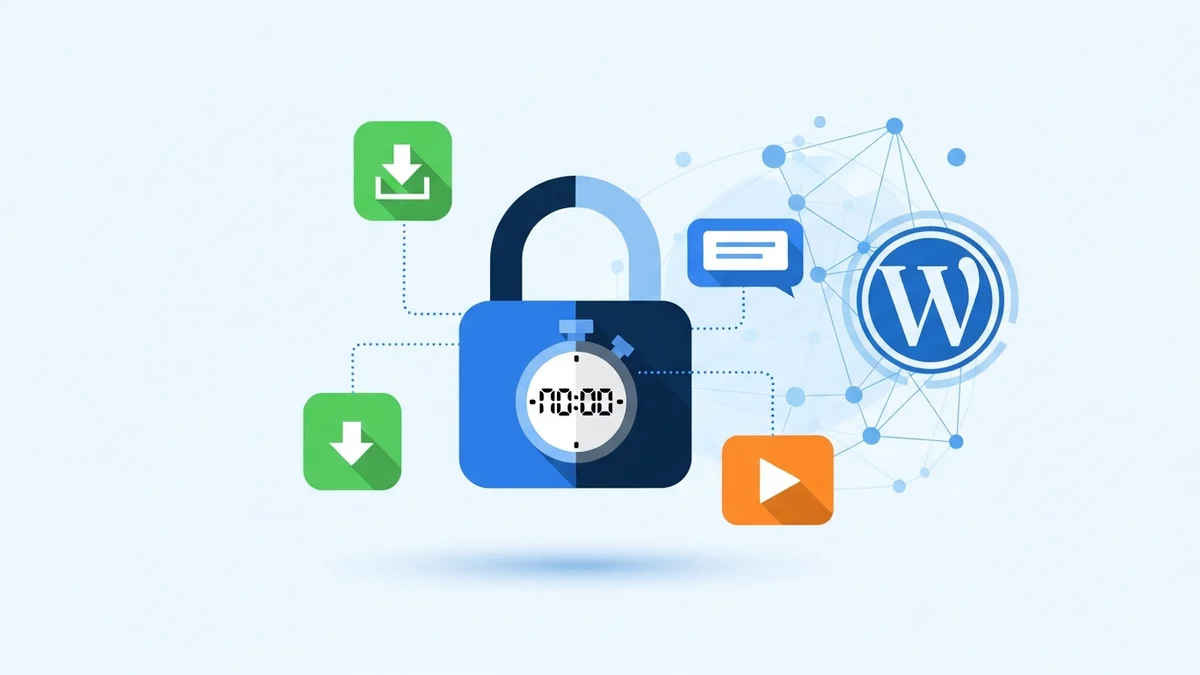
At its core, token-based access is a modern security method that grants temporary, secure access to digital content without requiring a traditional login. Instead, a unique, cryptographically signed "token" is issued to an authorised user. This token acts as a digital key, allowing access to protected resources for a set period.
What are Access Tokens?
An access token is a secure string of characters generated by your WordPress site. When a user requests access to protected content, and their request is approved, a token is created specifically for them. This token is then used to validate their permission each time they try to view or download the content.
For robust security, solutions like WordPress Gatekeeper Pro utilise HMAC tokens WordPress, which are cryptographically signed. This means they are tamper-proof and cannot be easily forged or altered, providing a high level of assurance that only legitimate tokens grant access.
Why Use Tokens for Content Protection?
Tokens offer several advantages over traditional methods. They provide a lightweight, secure way to grant access without the overhead of user accounts or membership systems. Key benefits include:
- Enhanced Security: Tokens are often time-limited (WordPress access token expiry) and can be rate-limited, preventing widespread sharing or abuse.
- Simplified Access: Users don't need to register or log in, streamlining their experience.
- Granular Control: You can often control exactly what content a token unlocks and for how long.
- Audit Trails: Many token systems, including Gatekeeper Pro, track token usage, giving you insights into who accessed what and when.
Per-Item Tokens: Granular Control for Specific Resources
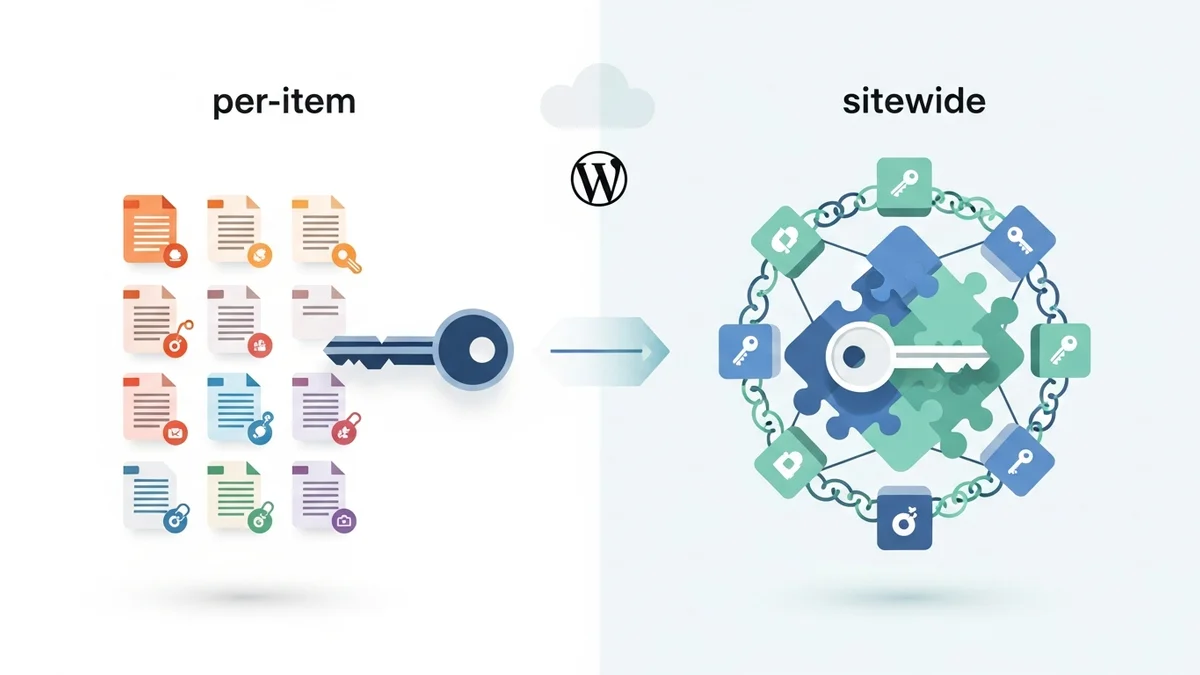
Per-item tokens represent a highly precise approach to content protection. In this mode, each token is specifically tied to a single piece of protected content – a specific file, video, or page. If a user needs to access three different whitepapers, they would receive three separate tokens, one for each whitepaper.
Description of Per-Item Tokens
When you configure content in a "per-item" mode, an approved access request for a particular resource (e.g., "Our Annual Industry Report") generates a token that only unlocks that report. This means that even if a user has a token for one report, they cannot use it to access another protected document on your site.
This method offers the ultimate level of specificity in access control. Each piece of content is independently protected, and access is granted on a one-to-one basis. This makes it ideal for situations where content items have distinct values or audiences.
Pros of Per-Item Tokens
- Maximum Security: If one token is compromised, only that specific piece of content is at risk, not your entire library.
- Granular Control: You have precise control over who accesses each individual item. This is excellent for selective content distribution.
- Detailed Analytics: You can track access to each specific resource independently, providing valuable data on what content is most popular or sought after.
- Targeted Lead Generation: Perfect for lead magnets where each download request is tied to a specific offer.
- Flexible Expiry: You can set different WordPress access token expiry times for different pieces of content, tailoring access duration to the content's value or sensitivity.
Cons of Per-Item Tokens
- User Management Complexity: If users need to access many different protected items, they will accumulate many tokens, potentially leading to a cluttered inbox or difficulty tracking their access.
- Increased Administration: For site owners, managing individual requests and approvals for numerous distinct items can become more time-consuming.
- Potential for Redundant Requests: A user might submit multiple requests if they don't realise they need separate access for each item, leading to more admin work.
Use Cases for Per-Item Tokens
Per-item tokens are best suited for scenarios where content is distinct, valuable, or requires individual tracking:
- Lead Magnets: Offering a free ebook, whitepaper, or checklist in exchange for an email address. Each download gets its own token.
- Premium Reports: Providing access to high-value industry reports or research papers that are meant for a very specific audience.
- Individual Course Modules: If you offer a course where modules can be purchased or accessed separately, each module's content could be protected by a unique token.
- Client-Specific Documents: An agency sharing a project brief or final deliverable with a single client, ensuring only that client has access.
WordPress Gatekeeper Pro excels in this mode. You can mark any post or custom post type as "Locked," attach a file or video, and when an access request is approved, a token is generated that specifically unlocks that resource. This allows for precise control over your valuable content.
Sitewide Tokens: Streamlined Access for Broad Content Libraries
In contrast to per-item tokens, sitewide tokens offer a broader, more encompassing form of access. With this method, a single token, once approved, grants the user access to all protected content across your entire WordPress site.
Description of Sitewide Tokens
When you configure your content protection in a "sitewide" mode, an approved access request for any locked item results in a token that acts as a master key. This single token can then be used to unlock any other content marked as protected on your site. The user experience is significantly simplified, as they only need one approval and one token to access your full library of restricted resources.
This approach is particularly beneficial for content libraries where the expectation is that once a user is approved, they should have access to everything available behind the gate. It reduces friction for the user and streamlines administrative tasks.
Pros of Sitewide Tokens
- Simplified User Experience: Users only need to request and manage one token, making it easy to access multiple resources.
- Reduced Administrative Overhead: Site owners have fewer individual tokens to manage and track, as one approval covers all gated content.
- Ideal for Membership-Style Access: Perfect for a resource library where members or partners should have broad access to all relevant materials.
- Easy Content Expansion: As you add new protected content, existing sitewide token holders automatically gain access without needing new approvals.
Cons of Sitewide Tokens
- Less Granular Control: You lose the ability to track access to individual items per token. While overall access is tracked, specific item popularity per token isn't as easily discernible.
- Higher Security Risk (if compromised): If a sitewide token is compromised or widely shared, all your protected content becomes vulnerable, not just a single item.
- Less Flexibility in Expiry: Typically, all content unlocked by a sitewide token will share the same WordPress access token expiry, meaning you can't set unique expiry dates for specific sub-sections.
Use Cases for Sitewide Tokens
Sitewide tokens are best suited for scenarios where a broad, comprehensive access pass is desired:
- Member Resource Libraries: Providing all paid members or approved community members access to a full library of documents, videos, and guides.
- Internal Knowledge Bases: Granting all employees or team members access to an intranet's protected documentation.
- Partner Portals: Allowing approved business partners to access a suite of marketing materials, product specifications, or training videos.
- Full Course Access: If a user gains access to an entire online course, a sitewide token can unlock all course materials and videos.
WordPress Gatekeeper Pro allows you to easily enable sitewide token mode. Once an access request is approved, the user receives a single secure token that unlocks any content you've marked as "Locked" across your site. This simplifies management while still ensuring robust WordPress content access security.
Key Factors to Consider When Choosing Your Unlock Mode
The decision between per-item and sitewide tokens depends heavily on your specific business needs and content strategy. Consider these factors carefully:
1. Your Content's Sensitivity and Value
- High Sensitivity/Value (e.g., confidential reports, premium content): Per-item tokens offer maximum security and granular control, making them ideal.
- General Access/Library (e.g., member resources, internal docs): Sitewide tokens provide convenience, assuming the entire library has a similar level of sensitivity.
2. Desired User Experience
- One-off Downloads (e.g., lead magnets): Per-item tokens are straightforward; users get one thing for one request.
- Ongoing Access to a Library: Sitewide tokens are far more user-friendly, as users don't need to juggle multiple links or tokens.
3. Administrative Overhead and Scalability
- Small Number of Gated Items, High Value: Per-item management is feasible.
- Large, Growing Content Library: Sitewide tokens significantly reduce the administrative burden of managing individual approvals and tokens. Consider how much time you want to spend approving requests.
4. Content Type and Structure
- Disparate, Unrelated Items: Per-item mode is suitable for distinct content pieces.
- Interconnected or Thematic Content: Sitewide mode works well for content that belongs together, like a complete course or a resource library.
5. Analytics and Reporting Needs
- Need to Track Individual Item Popularity: Per-item tokens give you precise data on each specific download or view.
- Overall Access Trends are Sufficient: Sitewide tokens track general usage but won't easily distinguish specific item popularity by token. Gatekeeper Pro still provides per-user analytics, which can help here.
6. Security Features
Regardless of your chosen mode, features like WordPress access token expiry and WordPress rate limiting token usage are crucial. Gatekeeper Pro allows you to set token time-to-live (TTL) globally or per-post, and also configure rate limiting to prevent link-sharing abuse, regardless of whether you choose per-item or sitewide tokens.
Making the Right Choice: Recommendations
Based on these considerations, here are some general recommendations:
- Choose Per-Item Tokens if:
- You offer distinct lead magnets or one-off premium downloads.
- Each piece of content has a different value, target audience, or expiry requirement.
- You need precise tracking and analytics for individual resources.
- Security for each specific item is paramount.
- Choose Sitewide Tokens if:
- You manage a comprehensive resource library, internal knowledge base, or partner portal.
- Users are expected to access multiple protected items once approved.
- You want to simplify the user experience and reduce administrative burden.
- Your content is largely uniform in value and sensitivity.
Remember that your strategy can evolve. What works best today might change as your business grows or your content offerings expand. The flexibility of a solution like WordPress Gatekeeper Pro allows you to adapt your approach as needed.
Implementing Token-Based Access with WordPress Gatekeeper Pro
WordPress Gatekeeper Pro provides a robust and flexible solution for implementing both per-item and sitewide token access on your site. It handles the secure generation of HMAC tokens WordPress, manages the access request and approval workflow, and ensures content is delivered safely.
Whether you opt for the granular control of per-item tokens for your premium downloads or the streamlined access of sitewide tokens for your member library, Gatekeeper Pro offers the tools to:
- Protect Content Easily: Mark any post or custom post type as "Locked" with a simple checkbox.
- Automate Approvals: Manage access requests with a built-in workflow, including one-click admin approval directly from email.
- Ensure Security: Benefit from secure proxy streaming, randomised filenames for protected files, and robust WordPress content access security features.
- Control Access Duration: Configure WordPress access token expiry globally or per-post, with options for unlimited access.
- Prevent Abuse: Implement WordPress rate limiting token usage to stop token sharing.
By leveraging a dedicated plugin, small business owners can implement sophisticated content protection without needing technical expertise, freeing up time to focus on their core business activities.
Related Articles
Continue your learning with these related resources:
- How to Protect and Restrict Content on WordPress: The Complete Guide (Comprehensive Guide)
- How to Export Content Access Data as CSV From WordPress
- How Long Should You Keep Content Access Logs on WordPress?
- How to Track Who Downloads Files on Your WordPress Site
- WordPress Content Access Analytics: What to Track and Why It Matters for Agencies
- Unleashing the Power of Access Request Data for Lead Qualification on Your WordPress Site
Conclusion
Choosing between per-item and sitewide tokens is a strategic decision that impacts both your content security and user experience. Per-item tokens offer unparalleled granularity and security for individual, high-value resources, while sitewide tokens provide a seamless, convenient experience for accessing broad content libraries.
By carefully evaluating your content, audience, and administrative capacity, you can select the unlock mode that best aligns with your business goals. Solutions like WordPress Gatekeeper Pro empower you to implement these sophisticated WordPress token-based access strategies effectively, ensuring your valuable content remains protected and accessible only to those you authorise.