Introduction
As a small business owner, protecting your valuable digital content on WordPress is paramount. Whether it's premium reports, confidential client documents, or exclusive training videos, you need a robust way to ensure only authorised individuals can access them. This is where token-based content access comes in – a sophisticated yet practical method to secure your digital assets without the complexities of traditional membership systems.
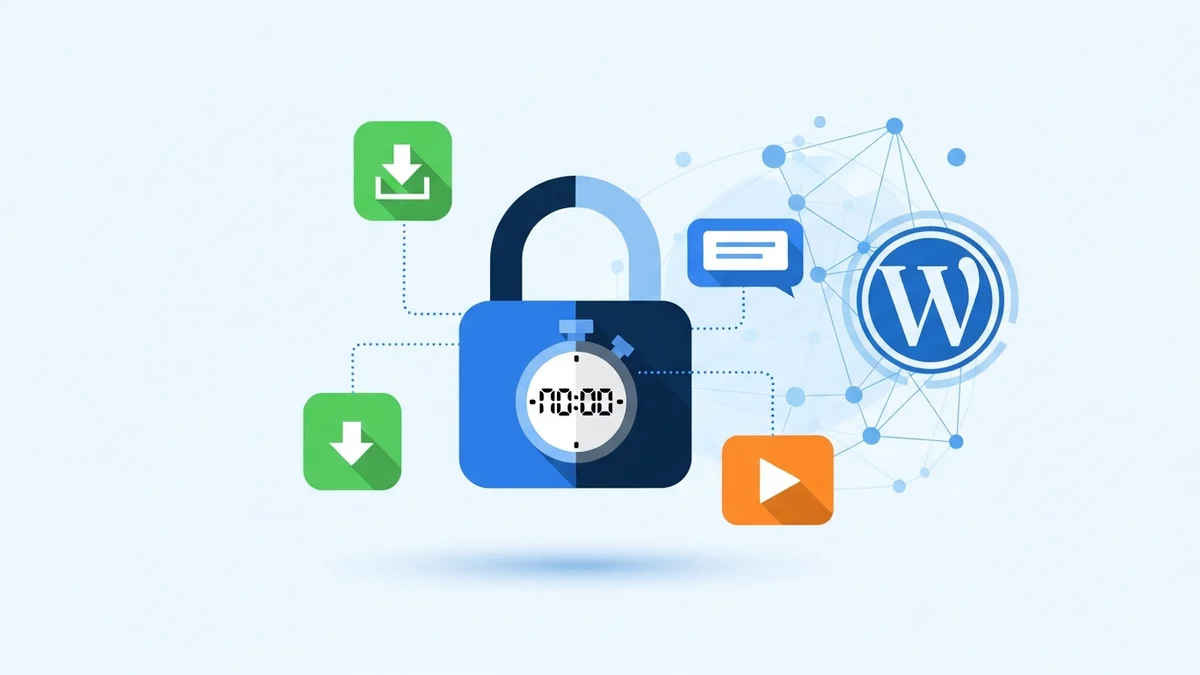
Token-based access uses a unique, cryptographically signed "digital key" or token to grant temporary, secure access to specific content. Unlike a username and password, a token doesn't require users to log in or create an account, offering a streamlined experience while maintaining high security. This guide will demystify the mechanics behind WordPress token based access, explaining how it works from generation to expiry, and how it bolsters your content security.
The Fundamentals of Token-Based Access
At its core, token-based access is about granting temporary, permission-based entry to a specific resource. Imagine giving someone a single-use or time-limited key to a particular room, rather than a master key to the entire building. This principle applies to your digital content on WordPress.
When you protect a file, video, or page, it becomes "locked." Instead of direct access, visitors must first obtain a valid token. This token acts as proof of permission, allowing them to view or download the content. It’s a powerful alternative to traditional user logins, especially when you need to share resources with external partners, clients, or leads without onboarding them into a full membership system.
The entire process relies on several key components working in harmony: token generation, secure distribution, rigorous validation, and effective management of expiry and usage. Understanding these elements is crucial for any site owner looking to implement robust WordPress content access security.
How Tokens Are Generated and Distributed
What is a Token?
A token is essentially a unique string of characters that contains information about the access grant, protected by a cryptographic signature. This might include details like which specific content it unlocks, who requested it (e.g., their email address), and how long it's valid for. To ensure these tokens cannot be tampered with or forged, they are typically cryptographically signed.
A common and highly secure signing method is HMAC-SHA256. This creates a Hash-based Message Authentication Code using a secret key, making the token tamper-proof. If anyone tries to alter the token, the signature will no longer match, and the token will be rejected as invalid. This foundational security measure is what makes HMAC token WordPress implementations so reliable.
The Generation Process
Token generation usually begins when an access request is approved. For instance, with a plugin like WordPress Gatekeeper Pro, a visitor submits a request form for a locked document. An administrator reviews and approves this request, often with a simple click from an email notification. At this point, the plugin's backend automatically generates a unique token.
This generation process involves combining the relevant data (content ID, user email, expiry time) with a secret key and then running it through the HMAC-SHA256 algorithm. The resulting signed token is then ready for distribution. This ensures that each token is unique and specifically tied to the approved access.
Distribution Methods
Once generated, the token needs to be securely delivered to the authorised user. The most common and effective method is via email. The user receives an email containing a secure link. When they click this link, the token is passed along to your WordPress site.
This email delivery method ensures that the token goes directly to the intended recipient and is not publicly exposed. It also provides a clear audit trail of who received access and when. For instance, Gatekeeper Pro sends an automated approval email to the requester, which includes the secure access link, making the distribution seamless and efficient.
Secure Content Delivery and Token Validation
The Role of the Proxy Endpoint
When content is protected by tokens, it's never directly accessible via its usual URL. Instead, all requests for locked content are routed through a special "proxy endpoint." Think of this as a security checkpoint that all content requests must pass through before reaching the actual file or video.
For example, if you've uploaded a protected PDF document, its direct URL might be `yourdomain.com/wp-content/uploads/protected/random_filename.pdf`. However, a user will never see or access this URL directly. Instead, they interact with a URL that looks more like `yourdomain.com/gatekeeper-pro/download?token=XYZ`. The proxy endpoint intercepts this request, validates the token, and only then serves the actual file from its secure location.
WordPress Gatekeeper Pro employs such a proxy endpoint, ensuring that files are streamed securely and videos are played only after successful token validation. This prevents direct URL access and adds a crucial layer of protection.
The Validation Process
When a user clicks on an access link containing a token, the proxy endpoint immediately initiates a rigorous validation process. This involves several critical checks:
- HMAC Signature Verification: The system first verifies the HMAC-SHA256 signature of the token. It recalculates the signature using its internal secret key and compares it to the signature embedded in the token. If they don't match, the token is rejected as tampered or invalid.
- Expiry Check: The system checks the token's embedded expiry timestamp. If the current time is past the expiry time, the token is no longer valid. This is key to managing WordPress access token expiry.
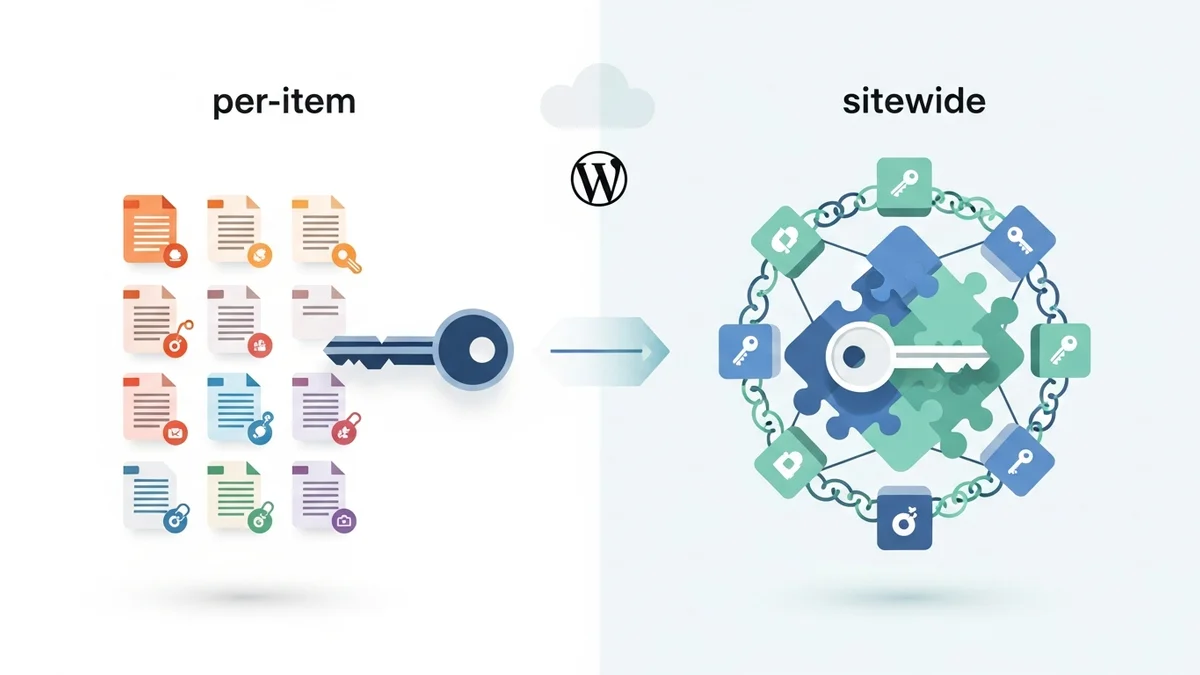
- Resource Match: For "per-item" tokens (where
Related Articles
Continue your learning with these related resources:
- How to Protect and Restrict Content on WordPress: The Complete Guide (Comprehensive Guide)
- How to Export Content Access Data as CSV From WordPress
- How Long Should You Keep Content Access Logs on WordPress?
- How to Track Who Downloads Files on Your WordPress Site
- WordPress Content Access Analytics: What to Track and Why It Matters for Agencies
- Unleashing the Power of Access Request Data for Lead Qualification on Your WordPress Site