Introduction
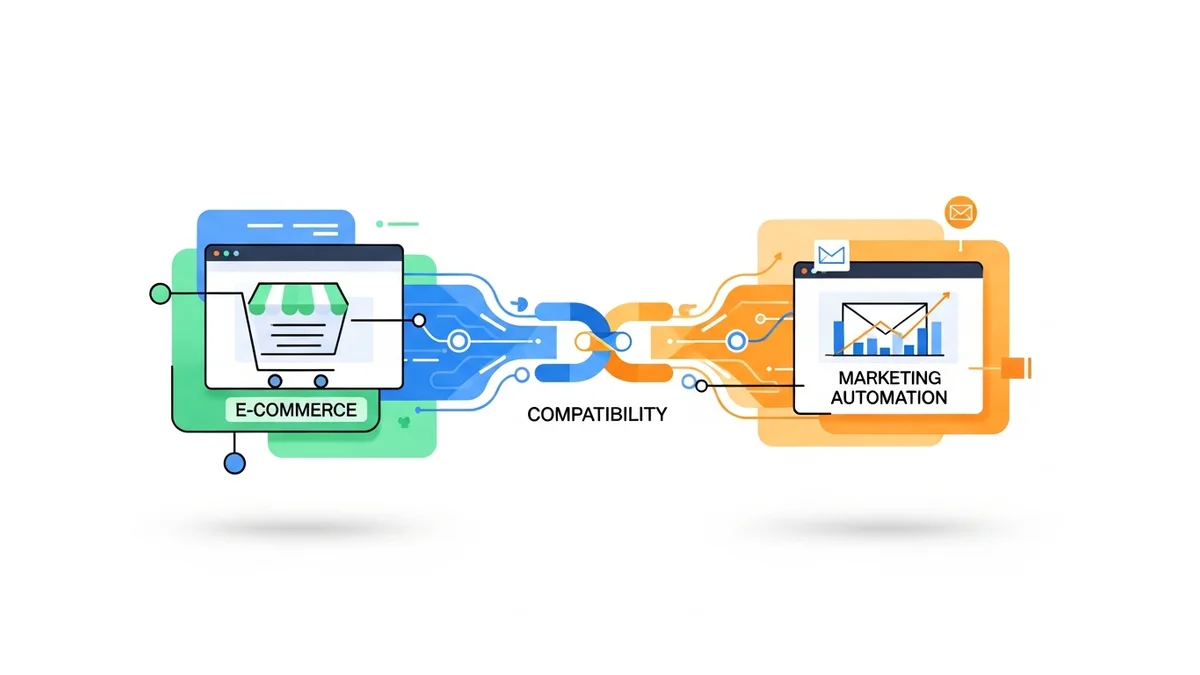
In the fast-paced world of e-commerce, every integration needs to be robust, reliable, and transparent. Connecting your WooCommerce store with an email marketing platform like Campaign Monitor is no exception. While the seamless flow of subscriber data is the desired outcome, understanding what happens behind the scenes is paramount for effective management. This is where activity logging steps in as an indispensable tool for e-commerce managers.
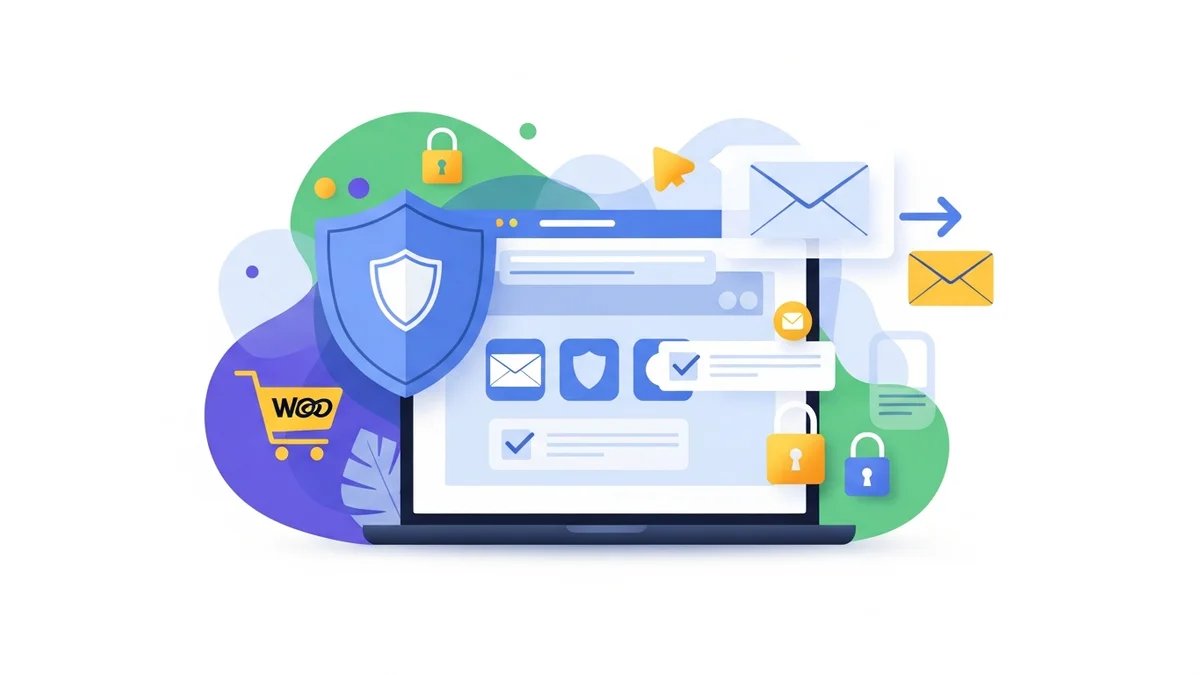
Activity logging provides a detailed, timestamped record of every significant event occurring within your plugin's operation. For the WooCommerce Campaign Monitor Pro plugin, this means comprehensive insights into subscriber syncs, API calls, and system actions. Far from being a mere technical detail, robust activity logging is a cornerstone of operational efficiency, compliance, and strategic decision-making.
The Critical Role of Activity Logging in E-commerce Operations
For e-commerce managers, operational efficiency and ROI are always top of mind. While the primary goal of integrating WooCommerce with Campaign Monitor is to grow your newsletter list and nurture customer relationships, ensuring that integration works flawlessly is key. Activity logging offers the transparency needed to achieve this, transforming potential issues into actionable insights.
Beyond basic troubleshooting, well-structured logs provide a continuous feedback loop on your system's health and performance. They allow you to proactively identify patterns, verify data integrity, and ensure your marketing efforts are supported by a solid technical foundation. This proactive approach minimizes downtime, reduces support overhead, and ultimately contributes to a better customer experience and stronger business metrics.
Why Logs are Essential for E-commerce Managers
Effective e-commerce management requires visibility into every process. Activity logs demystify the data synchronization process between WooCommerce and Campaign Monitor. They provide concrete evidence of successful operations and clear explanations for any discrepancies, empowering managers to make informed decisions without relying solely on developer intervention.
Consider the typical challenges: a customer reports not being added to Campaign Monitor, which might lead to them not receiving a welcome email, or a bulk import seems to have missed some subscribers. Without detailed logs, investigating these issues can be a time-consuming, frustrating guessing game. With them, you have a precise audit trail, enabling quick diagnosis and resolution, reinforcing trust in your systems and your team's ability to manage them.
How WooCommerce Campaign Monitor Pro Utilises Activity Logging
The WooCommerce Campaign Monitor Pro plugin is engineered with comprehensive activity logging to provide unparalleled transparency into your subscriber synchronization process. It meticulously records the lifecycle of every interaction between your WooCommerce store and the Campaign Monitor API, offering a granular view of operations.
Specifically, the plugin logs critical events related to subscriber opt-ins at checkout, bulk imports of existing customers, and all subsequent data updates. This includes both successful data transfers and any instances where the sync encounters an issue. By capturing this vital information, the plugin ensures that you have a complete, verifiable history of how customer data is being managed and transferred, directly supporting your operational and compliance needs.
Key Benefits of Robust Activity Logging
Robust activity logging offers a multitude of benefits that extend beyond simple problem-solving. For e-commerce managers, these benefits translate directly into improved efficiency, enhanced compliance, and greater control over their marketing ecosystem.
Troubleshooting and Error Resolution
One of the most immediate and tangible benefits of activity logging is its role in troubleshooting. When a customer reports not being added to your Campaign Monitor list after opting in, or a bulk import doesn't seem to complete as expected, the logs are your first point of reference. They provide the necessary context and specific error messages to quickly diagnose and resolve issues.
- Identifying Sync Failures: Logs instantly highlight if an API key is invalid, if a Campaign Monitor list ID is incorrect, or if there's a network communication error preventing data transfer. This saves countless hours of investigation.
- Pinpointing Specific Customer Data Issues: If a customer fails to sync, the log entry will often specify the reason, such as an invalid email format, a missing required field in Campaign Monitor, or a temporary API rate limit.
- Practical Example: Customer Not Subscribed: A customer contacts support, claiming they opted into your newsletter but haven't received a welcome email. By checking the activity log for their email address, you can quickly see if their subscription attempt was logged, if it synced successfully, or if there was an error (e.g., "Email address already exists on list," "Campaign Monitor API error: Invalid email format"). This precise information allows for swift resolution and clear communication with the customer.
Compliance and Accountability (GDPR & Privacy)
In today's privacy-first landscape, robust data handling and explicit consent are non-negotiable, particularly with `gdpr woocommerce newsletter` subscriptions. Activity logging provides an invaluable audit trail, offering proof of consent and demonstrating adherence to regulations like GDPR.
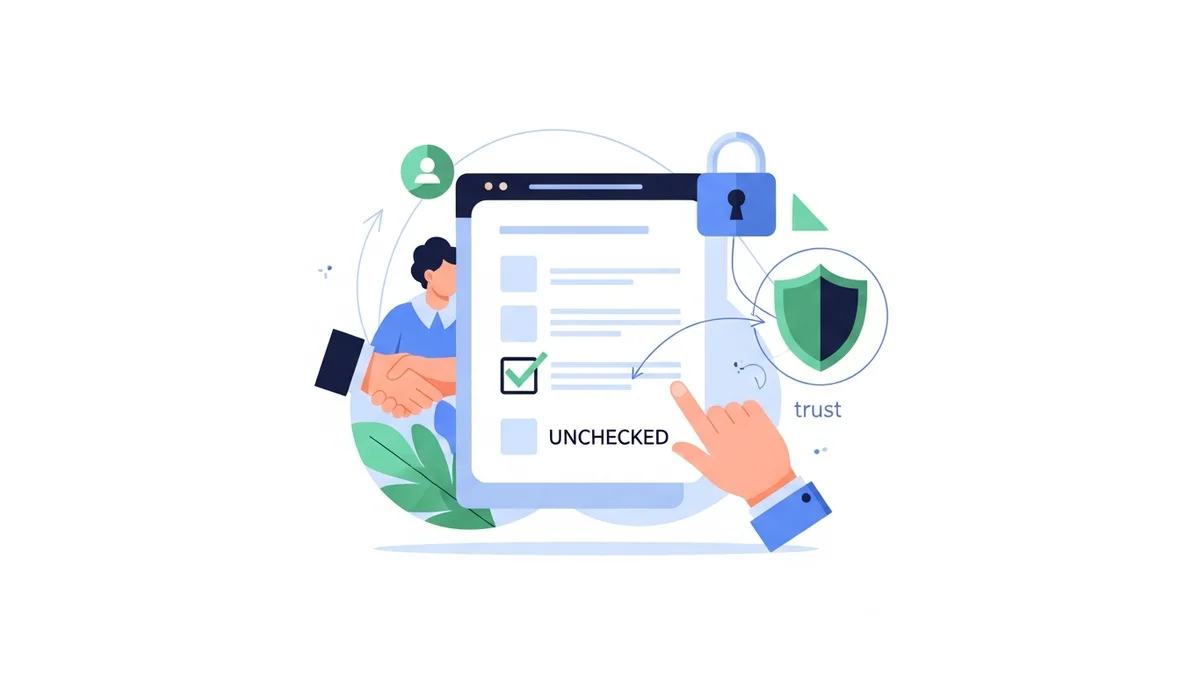
- Demonstrating Consent: For customers who opt-in via the checkout checkbox (which is unchecked by default for GDPR compliance), the logs can record the exact timestamp of their successful subscription, providing proof of their active consent.
- Audit Trails for Data Transfers: Every instance of customer data being synced from WooCommerce to Campaign Monitor is recorded. This includes details like the customer ID and the Campaign Monitor list ID, creating an undeniable record of data processing activities.
- Proof of Proper Data Handling: Should a data audit occur, or a customer inquire about their subscription history, the detailed logs serve as verifiable evidence that your store is managing personal data responsibly and in compliance with privacy regulations. This transparency is crucial for maintaining customer trust and avoiding potential legal repercussions related to `gdpr woocommerce newsletter` practices.
Performance Monitoring and Optimisation
Activity logs aren't just for fixing problems; they're also for optimising performance. For e-commerce managers dealing with growing customer databases, understanding system behaviour under load is vital. The WooCommerce Campaign Monitor Pro plugin utilises WordPress Action Scheduler for background processing of bulk imports, and its logs provide full visibility into these operations.
- Tracking Bulk Import Progress: When performing a bulk import of existing customers, logs show the start and end times, the number of customers processed, and any errors encountered during the batch processing. This is especially important for stores utilising `woocommerce hpos compliance` to handle large order volumes efficiently.
- Identifying Potential Bottlenecks: If syncs are consistently failing due to timeouts or API rate limits, the logs will reveal these patterns, allowing you to adjust your plugin configuration or consult Campaign Monitor support if necessary.
- Understanding Sync Volumes Over Time: Analysing log data can help you understand peak sync times and overall data transfer volumes, informing decisions about server resources or proactive maintenance. This insight contributes to overall operational smoothness, especially for high-traffic stores.
Security Posture and API Key Security WooCommerce
The security of your e-commerce platform and its integrations is paramount. The WooCommerce Campaign Monitor Pro plugin stores API keys securely, and activity logging adds another layer of security by providing a verifiable record of API interactions. This is critical for `api key security woocommerce` practices.
- Logging API Call Attempts: Every attempt to communicate with the Campaign Monitor API is logged, whether successful or failed. This provides a clear picture of all outbound data transfer activities.
- Detecting Unusual Activity: By regularly reviewing logs, you can spot unusual patterns, such as an excessive number of failed API calls or attempts from unexpected sources, which could signal a security concern or misconfiguration related to your `api key security woocommerce` settings.
- Reinforcing Trust: The ability to review specific API interactions provides transparency and reinforces trust in the plugin's secure handling of your integration, showing that data is being accessed and transferred legitimately.
Operational Efficiency and Resource Management
Ultimately, robust activity logging contributes directly to the operational efficiency of your e-commerce business. By providing self-service diagnostic capabilities, it frees up valuable time and resources.
- Reducing Support Tickets: Many common issues can be self-diagnosed and resolved by reviewing the logs, reducing the burden on your customer support and technical teams.
- Informing Configuration Decisions: Insights from logs can help you fine-tune plugin settings, such as adjusting when customers are synced (e.g., on order processing vs. order completion) to best suit your workflow and how Campaign Monitor processes list activity.
- Streamlining Workflows: With clear visibility into data flow, you can better understand how your WooCommerce data feeds into Campaign Monitor for segmentation and automations, ensuring your marketing funnel is working as intended.
Deep Dive: What Information is Logged?
To truly leverage activity logging, it’s important to understand the specific types of information the WooCommerce Campaign Monitor Pro plugin captures. The level of detail in these logs is designed to provide maximum diagnostic utility while respecting data privacy.
Types of Events Logged
The plugin tracks a comprehensive range of events to ensure a complete audit trail:
- Successful Syncs: Records when a new customer or an updated customer successfully subscribes or has their data synced to Campaign Monitor.
- Failed Syncs: Captures instances where data transfer failed, along with the specific error message provided by the Campaign Monitor API.
- Bulk Import Operations: Logs the initiation, progress, and completion of bulk imports, including any errors encountered for specific customers within a batch.
- Configuration Changes: Important changes to the plugin's settings (e.g., API key updates, list selections, field mapping adjustments) are recorded, helping to trace back potential issues to recent modifications.
- API Interactions: Details about the requests sent to and responses received from the Campaign Monitor API, offering a low-level view of communication.
Data Points Within Logs
Each log entry is rich with contextual information, aiding in precise diagnosis:
- Timestamp: The exact date and time an event occurred, crucial for chronological troubleshooting and compliance.
- User Involved: If an action was initiated by a WordPress user (e.g., a bulk import), the user ID or name might be logged.
- Action Performed: A clear description of the event, such as "Customer subscribed," "Customer data updated," or "Bulk import initiated."
- Outcome: Indicates whether the action was successful, failed, or completed with warnings.
- Specific Error Messages: For failures, the detailed error message from Campaign Monitor API or the plugin itself (e.g., "Invalid API key," "Email address already on list," "Required field missing").
- Customer ID: A reference to the WooCommerce customer (e.g., order ID, customer email address) involved in the sync, allowing you to quickly locate specific records. While sensitive data is handled with care, enough information is provided to link the log entry to a specific customer without exposing excessive personal data directly in the log file itself. This is particularly important for managing `gdpr woocommerce newsletter` consent effectively.
- Campaign Monitor List ID: The specific Campaign Monitor list targeted by the sync action.
This detailed logging ensures that when you need to investigate why a customer isn't receiving their welcome email, you have a precise record confirming whether their data ever reached Campaign Monitor and, if not, exactly why it failed. This level of transparency is invaluable for maintaining data integrity and customer satisfaction.
Accessing and Interpreting Activity Logs
The WooCommerce Campaign Monitor Pro plugin makes accessing and interpreting activity logs straightforward, placing powerful diagnostic tools directly within your WordPress admin dashboard.
Where to Find Them in WordPress Admin
You can typically access the activity logs directly from your WordPress admin panel. Navigate to WooCommerce > Campaign Monitor Pro > Activity Log. This dedicated section presents a clear, sortable, and filterable view of all recorded events, allowing you to quickly find the information you need.
Filtering and Searching Logs for Specific Events or Customers
The plugin's activity log interface is designed for usability. You can often filter logs by date range, event type (e.g., successful syncs, errors), or even search for specific keywords, such as a customer's email address or an order ID. This capability is crucial for isolating specific incidents and performing targeted investigations, significantly reducing the time spent on troubleshooting.
Understanding Common Log Messages
Familiarising yourself with common log messages can greatly expedite issue resolution:
- Success: Indicates that the customer data was successfully sent to Campaign Monitor. This confirms the data flow is working as expected.
- API Error: Points to an issue with the communication between your site and Campaign Monitor. This could range from an invalid API key to a temporary service outage on Campaign Monitor's end.
- Validation Error: Often means that the data being sent (e.g., an email address) doesn't meet Campaign Monitor's requirements or that a required custom field is missing or incorrectly formatted.
- Example: "Customer X not synced due to invalid email address." This specific message immediately tells you that the customer's email in WooCommerce has a formatting issue, preventing Campaign Monitor from accepting it. You can then correct the customer's record in WooCommerce or follow up with them directly.
- "Customer Y already exists on Campaign Monitor list." This isn't an error, but confirmation that the system correctly identified an existing subscriber and updated their details rather than creating a duplicate.
By understanding these messages, e-commerce managers can often resolve issues themselves or provide highly specific information to their support teams, leading to faster resolution times and increased operational efficiency.
Best Practices for Managing Activity Logs
While invaluable, activity logs also require proper management to ensure they remain effective and don't become a burden. Implementing best practices for log retention, review, and security is essential for any `activity logging wordpress` strategy.
Log Retention Policies
Activity logs, especially on busy e-commerce sites, can grow rapidly. Storing an indefinite history can consume significant database resources. The WooCommerce Campaign Monitor Pro plugin offers configurable log retention, typically defaulting to a reasonable period like 30 days.
- Configurable Retention: Adjust the retention period based on your operational needs and compliance requirements. For high-volume stores, a shorter period might be appropriate, while those with strict audit trails might opt for longer retention.
- Balancing Storage vs. Diagnostic Needs: Find a balance where you retain enough historical data for troubleshooting and compliance without overloading your database. Regularly review your log size to inform this decision.
- Consider `Activity Logging WordPress` Implications: Be mindful that extensive logging, across all plugins, can impact database size and performance. Integrate the plugin's log retention into your broader WordPress log management strategy.
Regular Review
Logs are only useful if they are reviewed. Implement a routine to check your activity logs, even when things appear to be running smoothly.
- Proactive Identification of Recurring Issues: Regular review helps you spot patterns of errors that might indicate a systemic problem, such as a misconfigured custom field or a persistent API issue.
- Spotting Trends in Sync Errors: Notice if errors increase during peak traffic times or after specific website updates. This can help you anticipate and prevent future problems.
- Verification of Successful Operations: Confirm that bulk imports completed successfully and that new subscribers are consistently being added, ensuring your marketing efforts are on track.
Security Considerations
Logs often contain information that, while not always personally identifiable, could be sensitive in the wrong hands. Secure management of logs is crucial.
- Restricting Access to Logs: Ensure that only authorised personnel with appropriate user roles (e.g., Administrators, Shop Managers) can access the activity log interface within WordPress.
- Ensuring Logs Don't Expose Sensitive Data: The WooCommerce Campaign Monitor Pro plugin is designed to log necessary diagnostic information without overtly exposing highly sensitive customer data directly within the log entries. However, always exercise caution and review what's being logged.
- How `API Key Security WooCommerce` Benefits: Monitoring API call logs helps in identifying any unauthorised or suspicious API activity, thereby safeguarding your `api key security woocommerce` by providing an audit trail of its usage.
Integration with Broader WordPress Activity Logging Strategy
For comprehensive site monitoring, consider how the WooCommerce Campaign Monitor Pro logs fit into your overall `activity logging wordpress` strategy. Many sites use dedicated security or auditing plugins that consolidate logs from various sources. While the plugin provides its own robust logging, understanding its place within a larger system can enhance your overall security and diagnostic capabilities.
Activity Logging and WooCommerce HPOS Compliance
WooCommerce's High-Performance Order Storage (HPOS), formerly known as Custom Order Tables, is
Related Articles
Continue your learning with these related resources:
- Mastering WooCommerce Campaign Monitor Pro: Your Ultimate Integration Guide for E-commerce Growth (Comprehensive Guide)
- How to Optimize WooCommerce Order Sync Timing for Campaign Monitor
- How to Set the Subscriber Name Format Sent from WooCommerce to Campaign Monitor
- How to Manually Sync a WooCommerce Order to Campaign Monitor from the Order Admin
- How to Choose the Right Campaign Monitor List for Your WooCommerce Store
- How to Bypass Campaign Monitor Double Opt-in for WooCommerce Checkout Subscribers