Introduction
For any WooCommerce store, an engaged email list is a powerful asset, driving repeat purchases and fostering customer loyalty. The checkout page offers a prime opportunity to convert customers into subscribers, but the method you choose has significant implications for list quality, legal compliance, and ultimately, your return on investment.
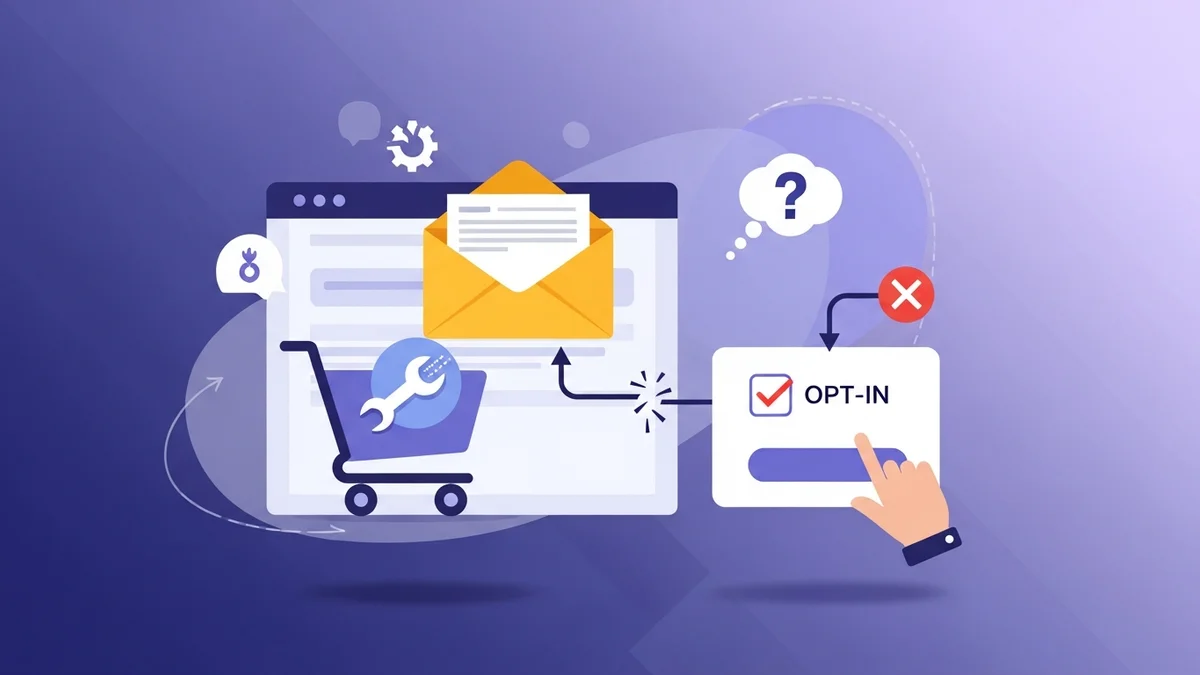
Deciding between an explicit "checkout opt-in" checkbox and an "auto-subscribe" mode isn't just a technical choice; it's a strategic business decision that impacts your email marketing effectiveness and brand reputation. This article will dissect both approaches, providing e-commerce managers with the insights needed to make an informed choice.
Understanding Subscriber Acquisition at Checkout
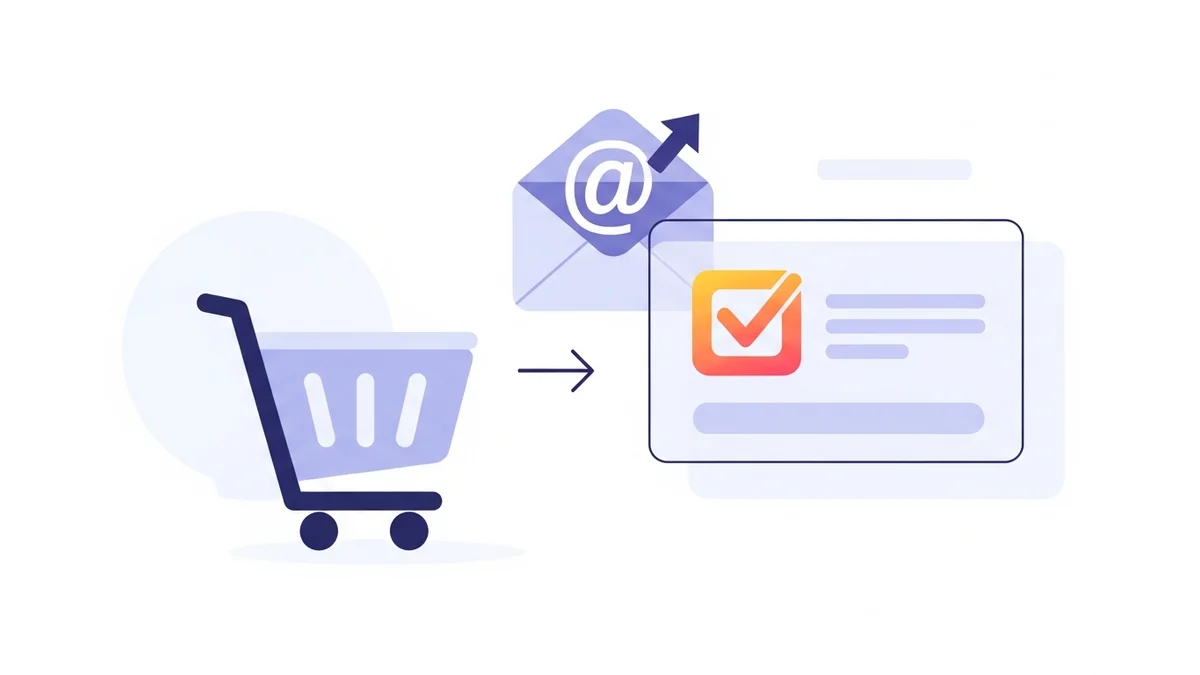
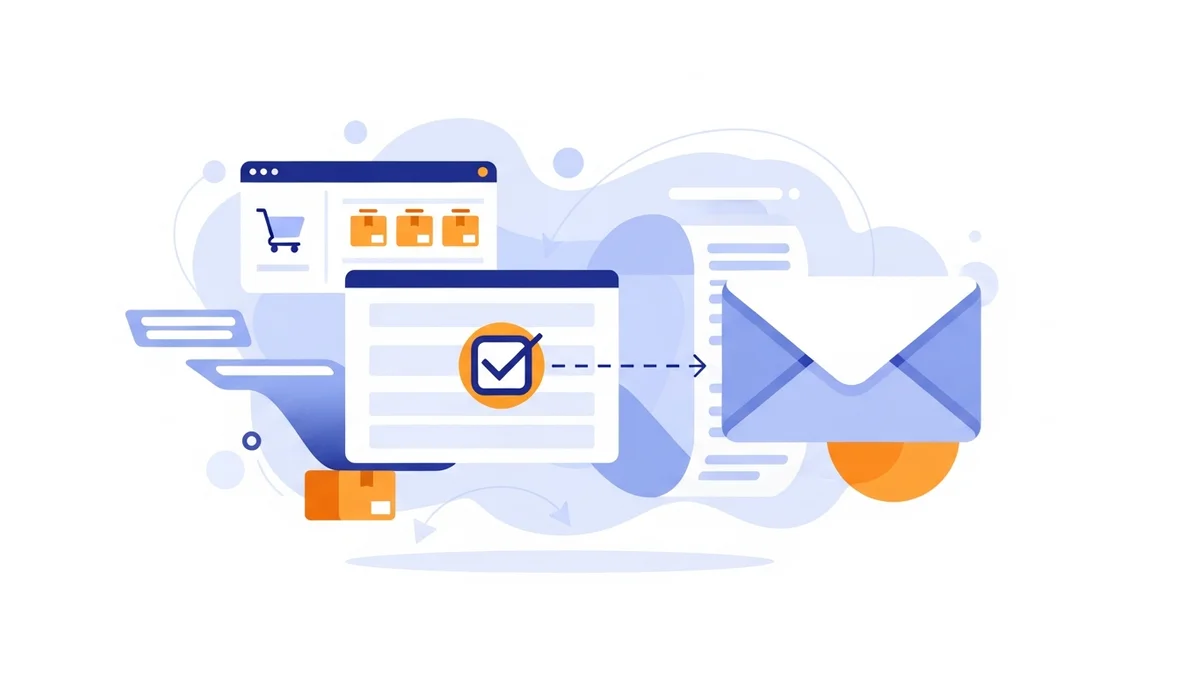
Your WooCommerce checkout funnel is where customers are most committed to your brand. They've found products they love, added them to their cart, and are ready to finalize a purchase. This moment of high intent is ideal for asking them to join your mailing list, extending the customer relationship beyond a single transaction.
Effective email subscriber collection directly from the checkout page eliminates manual data entry and ensures that new customers are promptly added to your communication flow. Tools like WooCommerce Campaign Monitor Pro are specifically designed to streamline this process, connecting your store directly to Campaign Monitor by syncing customer profile data only (such as name, email, phone, and billing address). Once synced, Campaign Monitor takes over, handling email delivery, automations, and segmentation based on the subscriber data provided by the plugin.
Mode 1: The Explicit Checkout Opt-in
What is Explicit Opt-in?
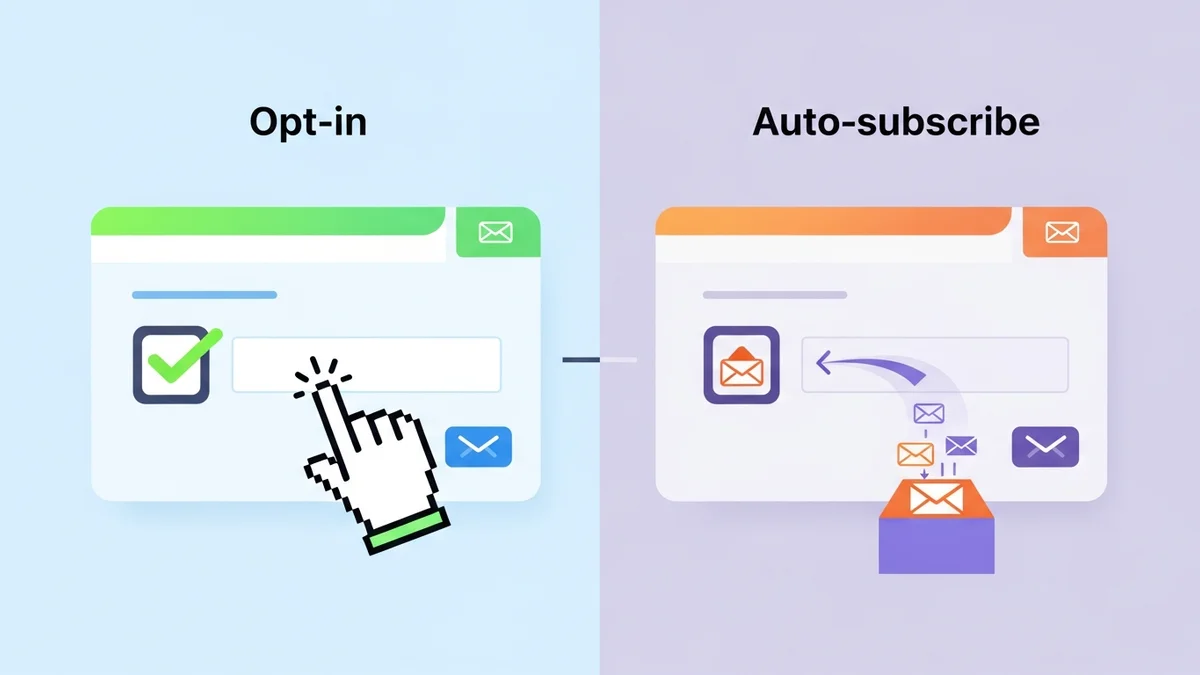
Explicit opt-in refers to the practice of requiring customers to actively and unambiguously consent to receive marketing communications. At the WooCommerce checkout, this typically manifests as an unchecked checkbox that customers must manually tick to subscribe to your newsletter. This action signifies a clear, affirmative choice to join your mailing list.
This method aligns with the principles of privacy-by-design, ensuring customers are fully aware of what they are agreeing to. It empowers them to control their communication preferences, fostering trust and transparency.
Key Features and How it Works
Implementing an explicit checkout opt-in is straightforward with the right tools. With WooCommerce Campaign Monitor Pro, you can easily add a newsletter opt-in checkbox to your checkout page. You have full control over its position, allowing you to place it strategically among billing details, order notes, or payment sections, and customize its label text to clearly communicate the benefits of subscribing.
Crucially, the checkbox is unchecked by default, adhering to GDPR and other privacy regulations. When a customer ticks the box and completes their purchase, their email address and any mapped customer profile data (such as name, billing country, or phone number) are automatically synced to your designated Campaign Monitor list. It's important to note that the target Campaign Monitor list and any custom fields for mapping must be created in Campaign Monitor *before* configuring the plugin. This seamless integration ensures that your subscriber data is always up-to-date without any manual intervention.
Pros of Explicit Opt-in
- Higher Engagement Rates: Subscribers who actively choose to opt-in are generally more interested in your content and promotions. This leads to higher open rates, click-through rates, and ultimately, better conversion rates from your email campaigns. They value the communication because they requested it.
- Improved Email Deliverability: Email service providers (ESPs) monitor subscriber engagement. Lists with high engagement and low spam complaints are favoured, improving your sender reputation. Explicit opt-ins reduce the likelihood of customers marking your emails as spam, safeguarding your deliverability.
- Stronger Legal and Privacy Compliance: Explicit consent is a cornerstone of privacy regulations like GDPR, CCPA, and Canada's CASL. Using an unchecked opt-in checkbox ensures you are collecting consent lawfully, minimizing legal risks and building consumer trust.
- Reduced Unsubscribe Rates: Because subscribers genuinely want to hear from you, they are less likely to unsubscribe. This contributes to a stable and growing list of genuinely interested prospects and customers, reducing churn and increasing the long-term value of your email list.
- Higher Quality Leads: An explicit opt-in filters out less interested individuals, allowing you to build a list composed of high-quality leads. This means your marketing efforts are concentrated on an audience more likely to convert into repeat customers.
- Enhanced Brand Trust: Transparency in data collection builds trust. When customers feel their privacy is respected, they are more likely to engage positively with your brand, fostering loyalty and positive word-of-mouth.
Cons of Explicit Opt-in
- Lower Subscriber Volume: The primary drawback is a generally lower volume of new subscribers compared to auto-subscribe methods. Many customers may overlook or simply choose not to tick the box, even if they might otherwise be receptive to your communications.
- Potential for Missed Opportunities: Some customers who might have enjoyed your newsletter may not opt-in due to cognitive load at checkout, rushing through the process, or simply forgetting. This means you might miss out on connecting with potentially valuable customers.
- Requires Clear Value Proposition: To encourage opt-ins, you often need a compelling reason for customers to subscribe (e.g., "Get 10% off your next order," "Exclusive product updates"). Crafting and testing this message takes effort.
When to Use Explicit Opt-in
Explicit opt-in is the recommended default for most WooCommerce stores, especially those operating in regions with stringent data protection laws like Europe (GDPR) or California (CCPA). It’s ideal for:
- Building a Highly Engaged Audience: If your priority is quality over sheer quantity, and you want to nurture a deeply engaged community that truly values your content.
- Ensuring Legal Compliance: For any business serious about privacy and avoiding legal repercussions, explicit consent is the safest and most compliant approach.
- Industries with Sensitive Data: If your products or services involve personal or sensitive information, explicit consent provides an extra layer of ethical and legal protection.
- Long-Term Relationship Building: When your strategy focuses on creating lasting customer relationships through personalized and relevant email marketing, knowing your subscribers genuinely opted-in provides a strong foundation.
SauceCode's WooCommerce Campaign Monitor Pro plugin is designed with explicit opt-in as its primary, GDPR-compliant mode, making it easy to implement this best practice.
Mode 2: The Auto-subscribe Mode
What is Auto-subscribe?
Auto-subscribe mode, sometimes referred to as implicit consent, automatically adds every customer who completes a purchase to your email marketing list without requiring them to tick a checkbox. In this scenario, there is no visible opt-in field on the checkout page; consent is assumed by virtue of completing a transaction.
This method aims to maximize list growth by removing any friction or decision-making on the customer's part regarding subscription. It operates on the premise that a customer who has purchased from you is likely interested in future communications.
Key Features and How it Works
While often frowned upon for compliance reasons, auto-subscribe mode is an option offered by some platforms and plugins, including WooCommerce Campaign Monitor Pro, for specific use cases. When enabled, the plugin will not display a newsletter subscription WooCommerce checkout field. Instead, every customer who successfully places an order will have their email address and any mapped customer profile data automatically synced to your designated Campaign Monitor list. As with explicit opt-in, the Campaign Monitor list and any custom fields for mapping must be set up in Campaign Monitor beforehand.
This mode is typically implemented by simply activating a setting within your plugin's configuration, bypassing the need for a visible checkbox. The automation ensures that your Campaign Monitor signup list grows with every transaction, requiring no customer interaction beyond completing their purchase.
Pros of Auto-subscribe
- Maximum Subscriber Volume: The most significant advantage is the potential for rapid and extensive list growth. By subscribing every customer, you maximize the number of email addresses captured, leading to a much larger list in a shorter amount of time.
- Effortless Implementation: From a customer's perspective, there's no extra step; from a store owner's perspective, enabling this mode is usually a simple toggle in plugin settings. This removes any friction at checkout, potentially improving conversion rates on the checkout page itself.
- Broader Reach for Marketing Messages: A larger list means your marketing messages can reach a wider audience of past purchasers, potentially re-engaging customers who might not have otherwise opted in.
- Simplified Customer Journey: For the customer, the checkout process is streamlined, as they don't have to make an additional decision about subscribing to a newsletter, leading to a smoother user experience.
Cons of Auto-subscribe
- Significant Legal and Privacy Risks: This is the most critical drawback. Auto-subscribing customers without explicit consent is often non-compliant with major privacy laws like GDPR and CASL. It can lead to hefty fines, legal challenges, and damage to your brand reputation.
- Lower Engagement and Higher Unsubscribe Rates: Many auto-subscribed customers may not recall opting in or simply aren't interested in marketing emails. This results in lower open rates, lower click-through rates, and significantly higher unsubscribe and spam complaint rates.
- Damaged Sender Reputation and Deliverability Issues: High complaint rates tell ESPs that your emails are unwanted. This can lead to your emails being flagged as spam, blocked entirely, or routed to junk folders, severely impacting your ability to reach *any* subscriber, even those who genuinely want your emails.
- Reduced ROI from Email Marketing: Sending emails to a disengaged list is costly and yields poor results. Your email marketing efforts will be less effective, and the ROI will diminish due to wasted resources on uninterested recipients.
- Erosion of Customer Trust: Customers may feel their privacy has been violated if they start receiving unsolicited marketing emails. This can lead to negative brand perception and a loss of trust, potentially impacting future purchases.
- Increased Administration: Dealing with a high volume of unsubscribes and potential complaints can create additional administrative burden and detract from core business activities.
When to Use Auto-subscribe
Given the significant legal and marketing risks, auto-subscribe mode should be approached with extreme caution and is generally NOT recommended for most businesses, especially those engaging with customers in GDPR-regulated regions. It may only be considered in very specific, legally reviewed scenarios:
- Transactional Communications Only (Not Marketing): If the "subscription" is strictly for essential service updates, warranty information, or critical product recalls, and clearly *not* for marketing, it might be permissible in some jurisdictions. However, this is distinct from a marketing newsletter.
- Jurisdictions with Lenient Consent Laws: In certain countries where privacy laws are less strict about implicit consent for existing customer relationships, and you have explicit legal advice confirming its permissibility. This is a rare and specific case.
- Internal or Very Niche Communications: For highly specialized B2B scenarios where customers have a clear expectation of ongoing communication related to their purchase and are explicitly informed during the sales process (though even then, an opt-out mechanism is crucial).
Crucial Warning: Always consult with legal counsel regarding your specific situation and target markets before implementing an auto-subscribe strategy. The risks associated with non-compliance far outweigh the perceived benefits of a larger, less engaged list.
Choosing the Right Mode for Your WooCommerce Store
The decision between explicit checkout opt-in and auto-subscribe mode boils down to balancing legal compliance, marketing objectives, and customer experience. For most e-commerce businesses focused on sustainable growth and strong customer relationships, explicit consent is the clear winner.
Legal & Compliance Considerations
This is paramount. Regulations like GDPR (Europe), CCPA (California), and CASL (Canada) are clear: consent for marketing communications must be freely given, specific, informed, and unambiguous. A pre-ticked box or an auto-subscribe mechanism generally fails to meet these standards. Non-compliance can result in substantial fines, reputational damage, and loss of consumer trust.
By default, always assume explicit consent is required. If your customer base includes individuals in these regulated regions, an unchecked opt-in checkbox at checkout is not just a best practice, it's a legal necessity. The WooCommerce Campaign Monitor Pro plugin is built to facilitate this GDPR-compliant approach, ensuring your subscriber collection methods are above board.
Marketing Goals & Audience Expectations
Consider whether you prioritize list quantity or list quality. A larger list from auto-subscribe might seem appealing, but if it's filled with disengaged subscribers, your email deliverability will suffer, and your ROI will plummet. A smaller, highly engaged list built through explicit opt-in will yield far better results in terms of open rates, click-throughs, and conversions.
Think about your audience. Do they expect transparency and control over their data? Most modern consumers do. Aligning your subscription practices with these expectations builds a stronger, more positive brand perception.
Operational Efficiency & Integration
Regardless of the mode you choose, operational efficiency is key. Manual processes for adding subscribers are prone to errors and consume valuable time. A robust plugin like WooCommerce Campaign Monitor Pro automates the entire process, whether it's syncing opted-in customers or managing a bulk import of existing customers to Campaign Monitor.
This automation extends to field mapping, allowing you to sync crucial WooCommerce customer profile fields, such as first name, last name, billing city, billing country, and phone number, in addition to email addresses. This rich customer profile data is invaluable for segmenting your audience within Campaign Monitor, enabling highly targeted and personalized campaigns that drive better results. Remember that custom fields for this data must be set up in Campaign Monitor prior to mapping in the plugin.
Implementing Your Chosen Strategy with WooCommerce Campaign Monitor Pro
SauceCode's WooCommerce Campaign Monitor Pro plugin provides the flexibility and features to implement either strategy effectively, though its core design prioritizes explicit, compliant opt-in. For most stores, activating the explicit checkout opt-in is the recommended path.
- Easy Opt-in Setup: Simply enable the opt-in checkbox, customize its label and position, and set it to be unchecked by default. Customers who subscribe are automatically synced.
- Seamless Data Synchronization: Beyond just email, map crucial WooCommerce customer profile fields to Campaign Monitor custom fields. This allows you to sync data like first name, last name, billing city, and country. These custom fields must exist in your Campaign Monitor account before you can map them within the plugin, enabling powerful segmentation for more personalized email campaigns.
- Bulk Import for Existing Customers: If you're new to Campaign Monitor or implementing a new strategy, the plugin allows you to bulk import your existing WooCommerce customers. This feature syncs customer profile data to your chosen Campaign Monitor list. You can filter which customers to import based on criteria like date range of their last order or their current customer status, ensuring you only transfer relevant subscribers. The plugin can also intelligently detect previous opt-in consent for existing customers, ensuring compliance during the bulk transfer.
Related Articles
Continue your learning with these related resources:
- Mastering WooCommerce Campaign Monitor Pro: Your Ultimate Integration Guide for E-commerce Growth (Comprehensive Guide)
- How to Optimize WooCommerce Order Sync Timing for Campaign Monitor
- How to Set the Subscriber Name Format Sent from WooCommerce to Campaign Monitor
- How to Manually Sync a WooCommerce Order to Campaign Monitor from the Order Admin
- How to Choose the Right Campaign Monitor List for Your WooCommerce Store
- How to Bypass Campaign Monitor Double Opt-in for WooCommerce Checkout Subscribers