Introduction
For any e-commerce business, shipping is the final, critical step in the customer journey. While we often focus on optimising product pages and conversion funnels, the reliability of your shipping methods is equally vital. WooCommerce stores, in particular, frequently integrate with third-party shipping carriers via their APIs (Application Programming Interfaces). These APIs are the silent workhorses that fetch real-time shipping rates, track parcels, and generate labels.
However, what happens when these external APIs become unreachable? A WooCommerce shipping API failure can cause immediate and significant disruption, often without any upfront warning. This article will explore the hidden costs of shipping downtime, explain why these failures occur, what your customers experience, and how to safeguard your store against them.
Understanding WooCommerce Shipping API Failures
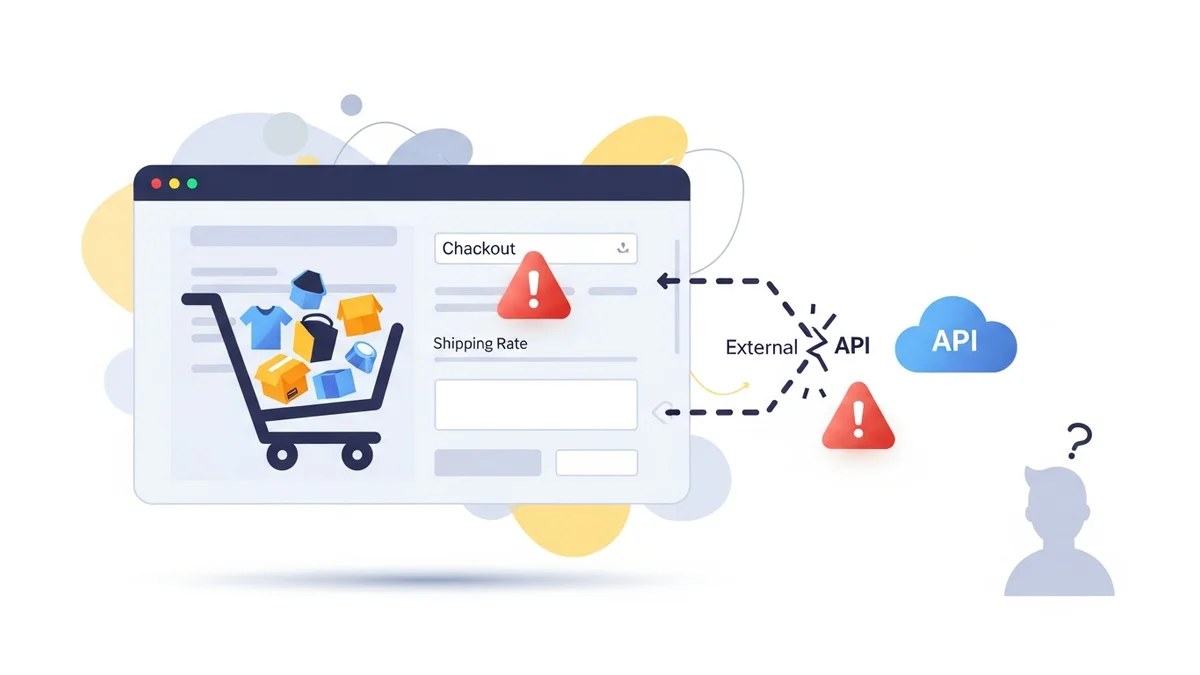
Many WooCommerce shipping plugins depend on external services like Australia Post, Sendle, or FedEx to function. These services expose an API that your plugin "talks" to. For instance, when a customer enters their address at checkout, your shipping plugin sends a request to the carrier's API, asking for available shipping methods and their costs. The API responds with the data, which is then displayed to the customer.
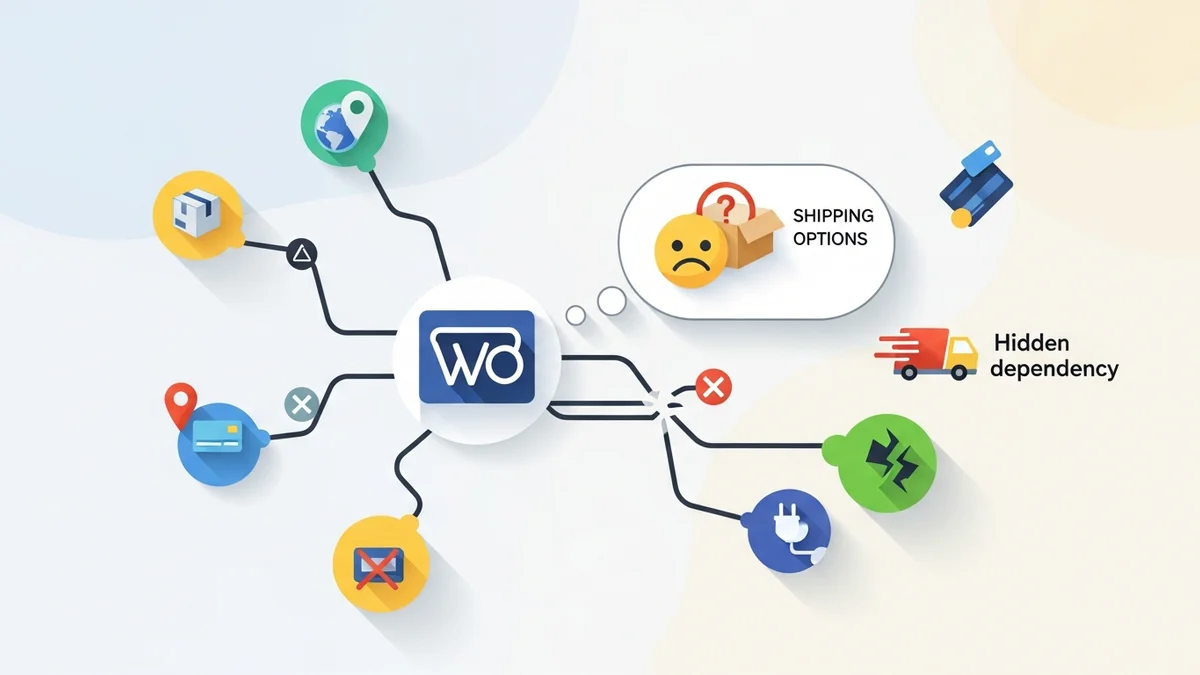
This dependency creates a single point of failure. If the carrier's API is unavailable, slow, or your plugin is using a retired endpoint, your shipping plugin cannot retrieve rates. The result? Customers see messages like "No shipping options available" or "There are no shipping methods available for your cart or address," even if products are in stock and addresses are valid.
Why Do Shipping APIs Become Unreachable?
Several factors can lead to a shipping plugin stopped working WooCommerce scenario:
- Provider API Outages: The most common reason. The shipping carrier's servers might be down, undergoing maintenance, or experiencing technical difficulties.
- Plugin Using a Retired Endpoint: Providers sometimes retire old API endpoints when transitioning to new ones. In April 2026, Australia Post retired their old PAC API endpoint at
/api/postage/, completing a transition to/postage/. Australia Post had responsibly run both endpoints during the transition period, giving plugin developers time to update. However, the official Australia Post Shipping Method for WooCommerce plugin, even at its most up-to-date version, wasn't updated to use the current endpoint. Sauce Code identified the root cause and notified the plugin developers, prompting the fix. - Network Issues: Problems with your server's internet connection, the provider's network, or any point in between can prevent API requests from reaching their destination.
- Rate Limiting: If your store sends too many API requests in a short period, the provider's API might temporarily block your access.
- Authentication Issues: Expired API keys, incorrect credentials, or changes to the provider's authentication requirements can lead to failed requests.
The Customer Experience: What Happens During Downtime?
From a customer's perspective, a shipping API failure is frustrating and confusing. They've found products they want, added them to their cart, and proceeded to checkout, only to hit a brick wall. Here's a typical scenario:
- Customer adds items to their cart.
- Proceeds to checkout, fills in their address.
- Waits for shipping rates to load.
- Sees a message like "No shipping options available" or "Please enter your address to view shipping options" – even if they just did.
- Becomes frustrated, abandons the cart, and potentially takes their business elsewhere.
This isn't just a minor inconvenience; it's a direct assault on the customer experience and your brand reputation. They don't know (or care) that a third-party API is the culprit; they only know your store isn't working.
The Real Cost to Your WooCommerce Store
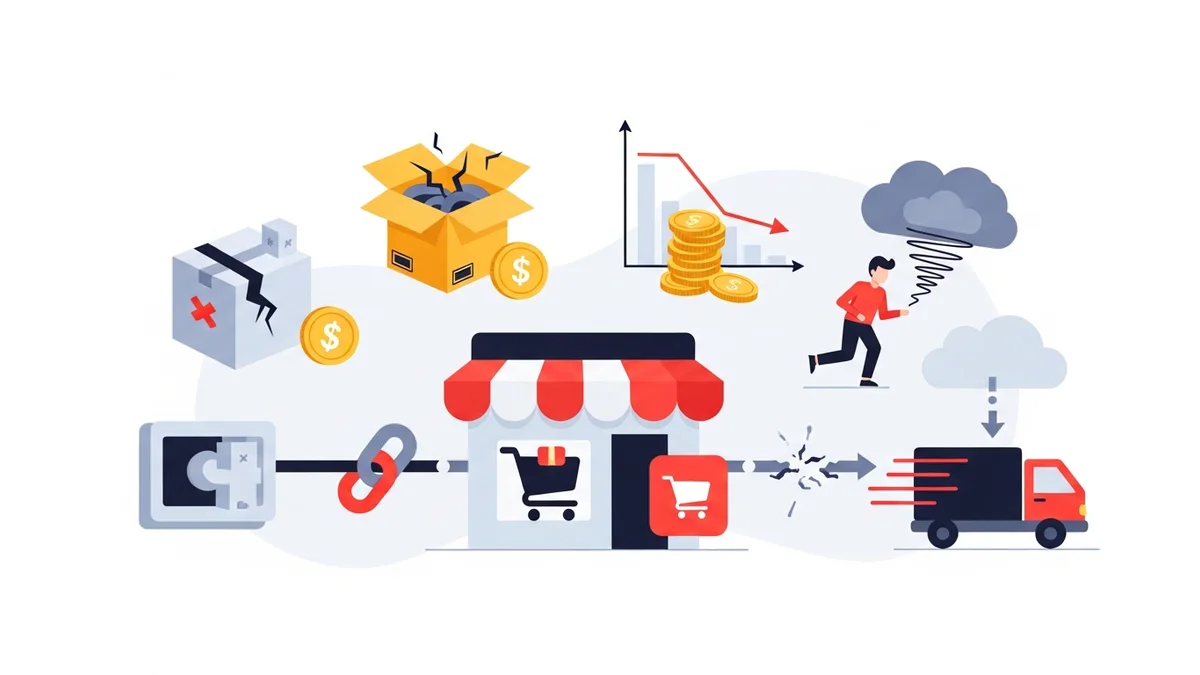
The impact of WooCommerce shipping rates disappeared or shipping plugin outages extends far beyond a few lost sales. These costs can be categorised into several key areas:
1. Direct Revenue Loss and Abandoned Carts
This is the most obvious and immediate cost. Every customer who encounters a "no shipping options" message is a potential lost sale. During an outage, your conversion rate plummets, and cart abandonment rates skyrocket. If you're running a sale or an advertising campaign, the loss is amplified.
2. Damaged Customer Trust and Brand Reputation
When customers experience technical issues at checkout, it erodes their trust in your brand. They might perceive your store as unreliable, unprofessional, or even insecure. This can lead to negative reviews, reduced repeat business, and word-of-mouth deterioration. Rebuilding trust is a long and arduous process, far more expensive than preventing the initial problem.
3. Increased Operational Costs and Employee Time
Shipping downtime creates a cascade of operational headaches: customer support inquiries, manual order processing, troubleshooting time, and potentially expedited shipping costs to appease angry customers.
4. Loss of Competitive Advantage
In a crowded e-commerce landscape, seamless experiences are paramount. If your checkout process is unreliable, competitors offering a smoother journey will quickly capture your market share.
Proactive Strategies to Mitigate Shipping Downtime Costs
Understanding the costs is the first step; implementing solutions is the next. Here are expert recommendations to protect your WooCommerce store:
1. Implement Real-Time API Monitoring
The most crucial step is to know about an API failure the moment it happens, not hours later when customers complain. Tools like WooCommerce Shipping Monitor Pro are specifically designed for this. This plugin monitors the external API endpoints your shipping plugins depend on, such as the Australia Post PAC API.
- Immediate Alerts: It sends email alerts within minutes when a shipping API becomes unreachable, providing details like the endpoint tried, HTTP response code, and error.
- Scheduled Health Checks: The plugin runs regular health checks (e.g., hourly, every 6 hours) via WordPress cron, catching issues proactively before they impact customer-facing checkout.
- Event Logging: Every health check, alert, and fallback attempt is logged, giving you a full history to diagnose and understand patterns.
2. Leverage Fallback Mechanisms
Sometimes, an API failure isn't a complete outage but your plugin using a retired endpoint. In such cases, a fallback mechanism can be a lifesaver. WooCommerce Shipping Monitor Pro offers a last-resort safety net that attempts to cycle through previously known endpoints if the active one fails.
- Buy Time: If a fallback endpoint works, it keeps your checkout operational, buying you precious time to investigate the root cause and apply a proper fix (like waiting for a plugin update).
- Minimise Disruption: This can prevent a full outage and ensure customers can still complete their purchases.
It's important to note that fallback isn't guaranteed; if the entire provider service is down, no alternate endpoint will work. However, for specific scenarios like your plugin using a retired endpoint while an alternative is available, it provides a vital temporary solution.
3. Prepare a Manual Flat-Rate Fallback Option
Even with monitoring and fallback, a full carrier-wide outage can occur. In such scenarios, you need a pre-planned emergency measure. Configure a simple flat-rate shipping option in WooCommerce that you can enable manually when all external APIs are failing.
4. Maintain Up-to-Date Plugins and WooCommerce Core
Regularly updating your WooCommerce core, themes, and especially shipping plugins is crucial. Developers often release updates to accommodate API changes, fix bugs, and improve compatibility. However, as April 2026 showed, even the latest version may not be current with carrier endpoint changes, which is why monitoring is essential.
5. Establish Clear Communication Protocols
In the event of an outage, quick and transparent communication is key. Have a plan for how you'll inform customers via website banners, social media, and email.
Related Articles
Continue your learning with these related resources:
- Why WooCommerce Shipping Breaks (And How to Stop It From Costing You Sales) (Comprehensive Guide)
- Why "Set and Forget" Doesn't Work for WooCommerce Shipping Plugins
- What Automatic Endpoint Fallback Means for Your WooCommerce Store
- How to Get Email Alerts When Your WooCommerce Shipping API Has Issues
- Your WooCommerce Shipping Reliability Checklist for Peak Season
- 5 Things Every WooCommerce Store Owner Should Do to Keep Shipping Working
Conclusion
The real cost of shipping downtime for WooCommerce stores is far more extensive than just a few lost sales. It encompasses revenue loss, damaged reputation, increased operational expenses, and a loss of competitive edge. In today's interconnected e-commerce world, relying solely on the assumption that third-party shipping APIs will always be available is a risky gamble.
Proactive monitoring and management are no longer optional; they are essential for business continuity and customer satisfaction. By investing in tools like WooCommerce Shipping Monitor Pro, preparing fallback strategies, and maintaining open communication, you can significantly mitigate the impact of shipping API failures and ensure your store remains resilient and profitable, even when external services falter.