Introduction
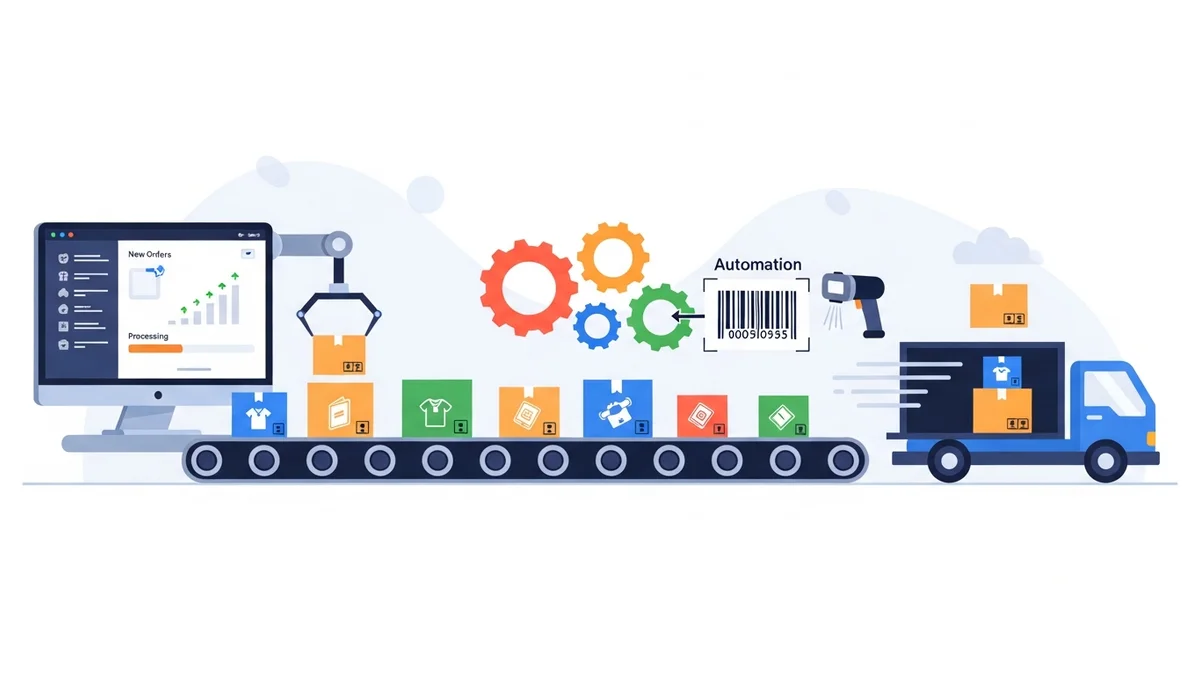
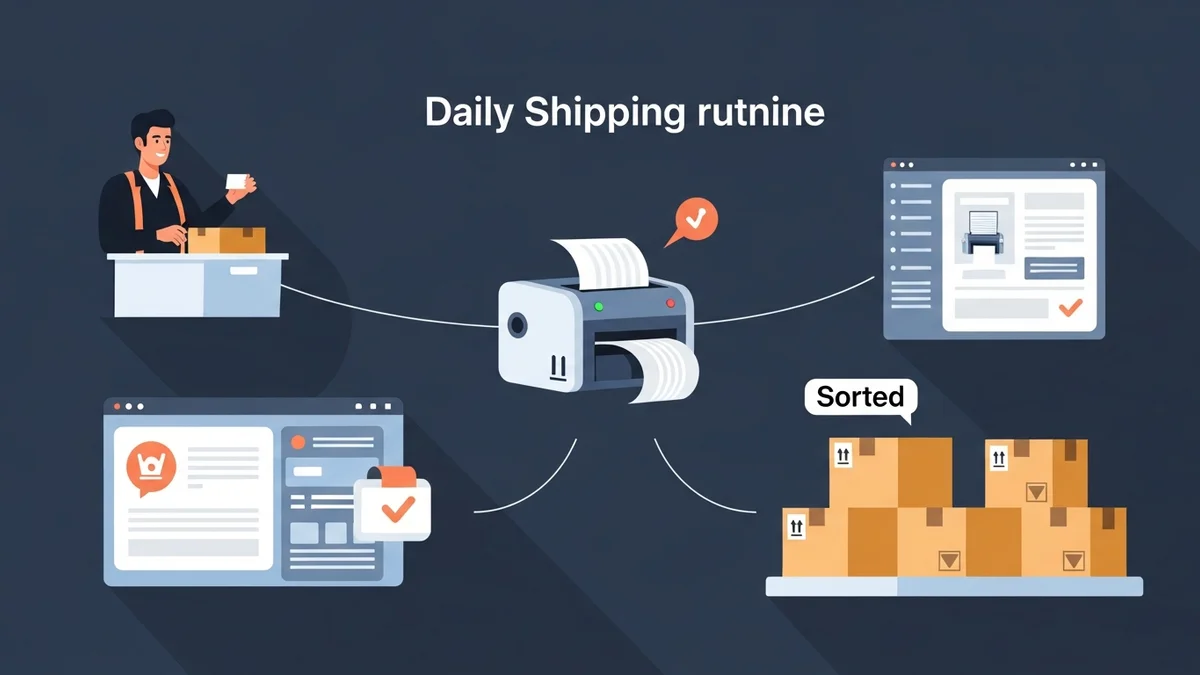
For any WooCommerce store, an efficient daily shipping routine isn't just about getting packages out the door; it's a cornerstone of operational success and customer satisfaction. Manual, error-prone processes can quickly become bottlenecks, especially as order volumes grow. Developing a streamlined, automated approach to order fulfilment is key to reclaiming valuable time and boosting your bottom line.
This article provides expert recommendations and industry best practices to help e-commerce managers build a highly efficient daily shipping routine. We'll explore strategies for automation, error reduction, and scalability, ensuring your store is equipped to handle orders seamlessly, day in and day out.
The Foundation: Understanding Your Shipping Workflow
Before you can optimise, you must first understand. A thorough audit of your current shipping workflow is the essential first step in building a more efficient routine. This involves identifying every touchpoint an order goes through from "placed" to "shipped."
Audit Your Current Process
Begin by mapping out your current order fulfilment journey. Document each step, from order retrieval to package pickup. Ask critical questions:
- Where are the manual data entry points? These are prime candidates for errors and time sinks.
- How long does each step take? Quantify the time spent on tasks like printing invoices, copying addresses, or creating shipping labels.
- What are the common bottlenecks? Identify stages where orders frequently pile up or where staff get overwhelmed.
- Are there redundant steps? Look for any activities that don't add value or are duplicated elsewhere.
Understanding these inefficiencies provides a clear roadmap for where automation and process improvements will yield the greatest ROI.
Define Your Daily Cut-off Times
Establishing clear, consistent daily cut-off times for order processing is crucial for both internal operations and customer expectations. This sets a clear target for your team to process orders received by a certain hour for same-day dispatch.
- Internal Planning: A cut-off time dictates when your picking, packing, and label creation must be completed. This allows for predictable scheduling of staff and resources.
- Carrier Pickups: Align your cut-off with your chosen carrier's pickup schedule. Missing a pickup means a day's delay, impacting delivery times and customer satisfaction.
- Customer Transparency: Clearly communicate your cut-off times on your website. "Order by 2 PM for same-day dispatch" sets realistic expectations and can even encourage immediate purchases.
Streamlining Order Processing and Data Export
The core of an efficient shipping routine lies in how effectively you manage your orders and prepare their data for shipping. Manual data entry is the enemy of efficiency and accuracy.
Centralise Order Management
Your WooCommerce dashboard should be the central hub for all order-related activities. Leverage its capabilities to filter and manage orders efficiently. For daily shipping, focusing on orders with a "Processing" status is usually the most effective approach.
Regularly review your "Processing" orders table. This gives you a quick overview of pending shipments and allows you to prioritise or identify any orders requiring special attention before export. Tools that clearly segment these orders, perhaps into domestic and international, can further enhance clarity.
Automate Data Export to Carrier Formats
One of the biggest time-sinks in traditional shipping is manually transferring customer and parcel data into a carrier's system. This repetitive task is not only tedious but highly prone to errors, leading to misdeliveries and customer frustration. The solution lies in automating this data export.
For Australian WooCommerce stores shipping with Australia Post, manually entering each customer's address, parcel weight, and service preference into the Australia Post Business Portal can consume hours each day. This is where a specialised tool like the WooCommerce Australia Post CSV Export Pro plugin becomes invaluable. It directly addresses the challenge of preparing your WooCommerce order data into a format Australia Post can instantly understand.
This plugin streamlines the bulk shipping label creation process by exporting your WooCommerce orders directly to CSV files that can be uploaded to the Australia Post Business Portal. Instead of copying and pasting dozens or hundreds of customer addresses one by one, you can export all your "Processing" orders with a single click.
Key benefits for your daily routine include:
- Significant Time Savings: Imagine processing 50 orders in minutes rather than hours. The plugin automatically pulls shipping addresses, calculates parcel weights from product data, and formats everything to Australia Post's exact CSV specification. This is particularly impactful during peak seasons when order volumes surge.
- Reduced Errors: Eliminating manual data entry drastically cuts down on typos and incorrect address information, leading to fewer misdeliveries and re-shipping costs.
- Flexible Shipping Options: You can configure options per-order or set smart defaults that apply automatically. This includes choosing between Parcel Post and Express Post for domestic shipments, or Standard and Express for international orders. You can also select packaging types, including Australia Post satchels (Extra Small through Extra Large) or use your own packaging.
- Full International Support: For stores with global reach, the plugin exports international orders with automatically generated customs declarations. It pre-fills parcel contents, values, weights, and country of origin from your WooCommerce order data, removing the need for manual customs form completion. This ensures compliance and speeds up cross-border shipping.
- Organised Workflow: The plugin displays all "Processing" orders in organised domestic and international tables. You can review order details, adjust shipping services or packaging for individual orders if needed, and then export the precise CSV file you need for Australia Post. You can even combine both domestic and international orders into a single CSV for upload, further simplifying your process.
By integrating such an export tool, you transform a tedious, error-prone step into a swift, accurate part of your daily routine. This frees up your team to focus on packaging and other value-added tasks, directly contributing to your WooCommerce fulfilment workflow's peak efficiency.
Optimising Label Generation and Printing
Once your order data is accurately formatted, the next step is efficiently generating and printing your shipping labels.
Bulk Label Creation
The power of CSV export truly shines when it comes to bulk label creation. After you've exported your orders using a tool like WooCommerce Australia Post CSV Export Pro, you simply upload this file to the Australia Post Business Portal. The portal then processes all the data in one go, allowing you to generate and print all your shipping labels in a single batch.
This method drastically reduces the time spent waiting for individual labels to load and print. It ensures consistency across all your labels and is a cornerstone of a scalable shipping operation. For high-volume stores, this can turn hours of manual label generation into minutes.
Dedicated Printing Station
Invest in a dedicated printing station for shipping labels. A thermal label printer is a worthwhile investment, eliminating the need for ink and toner, and producing crisp, durable labels quickly. Position this station conveniently within your packing area.
- Location: Near your packing station to minimise movement.
- Hardware: Thermal label printer (4x6 inch labels are standard).
- Supplies: Ensure a consistent stock of thermal labels.
- Process: Print labels in bulk immediately after uploading your CSV, then distribute them to the corresponding packages at the packing station.
Packaging, Packing, and Quality Control
Efficiently preparing packages for dispatch is just as important as the data handling. A well-organised packing station and clear procedures are vital.
Standardise Packaging Materials
Using a consistent range of packaging materials offers multiple benefits. It can reduce costs through bulk purchasing, speed up packing times as staff become familiar with standard sizes, and enhance your brand's professional image.
- Cost-Effectiveness: Buy common box sizes and mailing satchels in bulk.
- Brand Consistency: Consider custom-branded packaging for a premium unboxing experience.
- Product Fit: Match packaging types to common product sizes and weights to minimise void fill and shipping costs. The WooCommerce Australia Post CSV Export Pro plugin allows you to specify Australia Post satchels or "Own Packaging" during the export process, aligning with your chosen packaging strategy.
Efficient Packing Stations
Design your packing stations for maximum efficiency. Everything a packer needs should be within easy reach.
- Layout: Arrange tools, void fill, tape, and labels ergonomically.
- Tools: Keep tape dispensers, box cutters, and scales handy.
- Batch Picking: Instead of picking items for one order at a time, pick all items for a batch of orders simultaneously. This reduces travel time within your warehouse or storage area.
- Clear Process: Implement a clear, step-by-step packing guide to ensure consistency and reduce errors, especially for new staff.
Implement Quality Control Checks
Even with automation, human error can occur. A final quality control check before packages leave your facility is crucial to prevent customer complaints and returns.
- Order Verification: Quickly scan the shipping label against the packing slip or order manifest to ensure the correct items are in the correct package.
- Damage Check: Visually inspect packages for any signs of damage before sealing.
- Secure Packaging: Confirm that packages are securely sealed and labels are firmly affixed.
Post-Shipment Operations and Customer Communication
An efficient routine doesn't end when the package leaves your facility. What happens next significantly impacts customer satisfaction.
Tracking and Notifications
Once packages are dispatched, providing customers with tracking information is paramount. While the WooCommerce Australia Post CSV Export Pro plugin focuses on preparing data for label generation, the next step in your routine should be to ensure customers receive their tracking numbers. Many WooCommerce extensions can help automate sending shipping confirmation emails with tracking links, improving transparency and reducing "Where is my order?" inquiries.
Returns Management
Even in the most efficient systems, returns are inevitable. Establish a clear, easy-to-understand returns policy and a streamlined process for handling returned goods. This contributes to a positive customer experience, even when an order doesn't work out.
Leveraging Automation for Scalability and Growth
Building an efficient daily shipping routine is not a one-time task; it's an ongoing commitment to optimisation. The principles of woocommerce shipping automation are designed to empower your business to grow without being stifled by operational challenges.
By automating tasks like data export for shipping labels, you lay the groundwork for a scalable operation. This means you can handle increased order volumes during holiday rushes or successful marketing campaigns without needing to exponentially increase manual labour. Solutions like WooCommerce Australia Post CSV Export Pro become even more critical during these high-volume periods, transforming what could be an overwhelming task into a manageable daily process.
Regularly review your shipping routine, gather feedback from your packing team, and stay updated on new tools and features that can further enhance your efficiency. Continuous improvement is the hallmark of a truly optimised e-commerce fulfilment strategy.
Related Articles
Continue your learning with these related resources:
- The Complete Guide to WooCommerce Shipping for Australian Stores (Comprehensive Guide)
- How to Configure Default Shipping Service and Packaging in WooCommerce for Australia Post
- How to Customize Your Australia Post WooCommerce Export Table Columns
- How to Set Up Sender Details in WooCommerce for Australia Post CSV Export
- How to Set Up WooCommerce Product Weights for Accurate Australia Post CSV Export
- How to Set Signature on Delivery and Extra Cover Defaults for Australia Post WooCommerce Exports
Conclusion
Building an efficient daily shipping routine is a strategic investment in your WooCommerce store's future. By auditing your current processes, centralising order management, and leveraging automation tools for data export for shipping labels, you can dramatically reduce manual effort, minimise errors, and improve customer satisfaction. Embracing solutions like the WooCommerce Australia Post CSV Export Pro plugin for seamless integration with carrier portals allows e-commerce managers to transform shipping from a bottleneck into a competitive advantage, paving the way for sustainable growth and operational excellence.