Introduction
For any e-commerce business manager, optimizing operational efficiency is paramount. In the fast-paced world of online retail, a bottleneck in your fulfillment process can quickly erode profits, delay deliveries, and impact customer satisfaction. Automating your WooCommerce fulfillment is no longer a luxury but a necessity for sustainable growth and a healthy bottom line.
This article delves into practical strategies and expert recommendations to streamline your `woocommerce shipping automation`. We'll explore how intelligent automation can transform your `woocommerce fulfillment` process, from order processing to `automate shipping labels`, ensuring your business operates at peak efficiency.
The Imperative for Shipping Automation in E-commerce
Manual shipping processes are a significant drain on resources for growing WooCommerce stores. They consume valuable time, introduce human error, and struggle to scale with increasing order volumes. For e-commerce managers, these inefficiencies directly translate into higher operational costs and reduced profitability.
Implementing `woocommerce shipping automation` allows businesses to redirect resources from repetitive tasks to strategic initiatives. It ensures faster order processing, reduces the likelihood of shipping errors, and ultimately enhances the customer experience with quicker, more accurate deliveries. The ROI on automation investments is often swift and substantial, impacting everything from labor costs to customer retention.
Why Manual Processes Are Costly
- Time Consumption: Manually entering recipient details, selecting services, and generating labels for each order can take minutes per order. For hundreds of daily orders, this quickly escalates into hours of unproductive labor.
- Error Proneness: Human error in data entry leads to mislabeled packages, incorrect addresses, and wrong shipping services, resulting in costly re-shipments, customer complaints, and lost trust.
- Scalability Challenges: As order volumes grow, manual processes hit a ceiling. Hiring more staff to manage an inefficient system only compounds costs without solving the underlying problem.
- Delayed Dispatch: The time spent on manual tasks directly delays dispatch, impacting delivery times and potentially violating service level agreements (SLAs).
Key Pillars of WooCommerce Shipping Automation
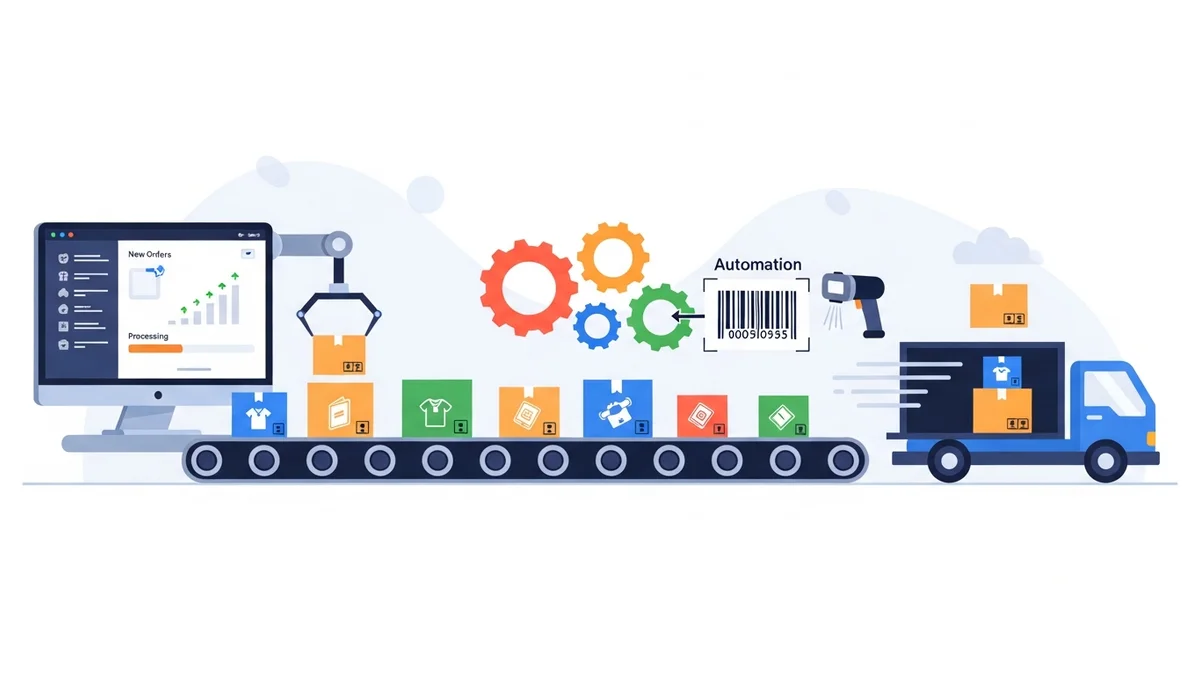
Achieving peak efficiency in your `woocommerce fulfillment` requires a multi-faceted approach. By focusing on automated order processing, streamlined shipping label generation, and optimized packaging workflows, businesses can significantly reduce manual effort and improve throughput.
Automated Order Processing and Data Management
The foundation of efficient fulfillment is accurate and readily accessible order data. Your WooCommerce store naturally captures critical information, but the challenge lies in seamlessly transferring this data to your shipping workflow. Automation ensures data consistency and reduces the need for manual intervention.
- Consistent Order Status Management: Ensure your WooCommerce orders are correctly transitioned through statuses like "Processing" once payment is received. This standardized status is crucial for identifying orders ready for fulfillment.
- Data Accuracy at Source: Encourage customers to provide accurate shipping information at checkout. Implementing address validation tools within WooCommerce can preemptively catch errors, though these are typically separate from shipping export plugins.
- Centralized Order Hub: Utilize your WooCommerce dashboard as the central source of truth for all order details, making it easy for your fulfillment team to access necessary information without jumping between systems.
Streamlining Shipping Label Generation
Generating shipping labels is often the most time-consuming part of the fulfillment process. The key to speeding this up is to `automate shipping labels` creation as much as possible, moving away from individual label generation for each order.
Instead of manually copying and pasting customer addresses and order details into a carrier's portal, robust automation involves exporting your WooCommerce order data in a format directly compatible with your shipping carrier. For Australian e-commerce businesses using Australia Post, this often means leveraging a specific CSV format.
The WooCommerce Australia Post CSV Export Pro plugin exemplifies this automation. It allows you to efficiently export all your "Processing" WooCommerce orders into a single, structured CSV file specifically designed for Australia Post's bulk upload system. This capability is a game-changer for businesses aiming to `automate shipping labels` for domestic and international shipments.
- Bulk Export Capabilities: The plugin displays all orders with the "Processing" status, neatly separated into domestic and international tables. This clear distinction aids in organizing your daily shipping tasks.
- Service and Packaging Selection: For each order, you can quickly select the appropriate Australia Post service (e.g., Parcel Post, Express Post for domestic; Standard, Express for international) and packaging type (Australia Post satchels like XS, S, M, L, XL, or boxes, or your own packaging). This flexibility ensures cost-effective and appropriate shipping for every parcel.
- Automated Weight and Dimension Calculation: The plugin automatically calculates the total parcel weight by summing the weights of products in the order. It also estimates parcel size using the maximum product dimensions, simplifying a complex part of shipping preparation.
- Customs Declaration Generation: For international orders, the plugin seamlessly generates customs declarations, pre-filling necessary details from the order data. This crucial feature significantly reduces the complexity and potential for error in cross-border shipping.
- Configurable Defaults: Set default sender details and shipping preferences within the plugin to further accelerate the export process, minimizing repetitive inputs.
- Flexible Export Options: Whether you need to process domestic orders only, international orders only, or a combined CSV, the plugin provides options to suit your specific workflow. This allows for focused processing batches, which is particularly useful during peak periods or for specialized international shipping teams.
By using such a tool, you download a formatted CSV file to your computer. This file is then uploaded to the Australia Post Business Portal, where the actual `bulk label generation` occurs. This separation means the plugin efficiently prepares your data, and Australia Post handles the label printing, providing a clear division of labor in your `woocommerce fulfillment` workflow.
Efficient Packaging and Dispatch
Beyond label generation, optimizing your physical packing and dispatch processes is vital for overall efficiency. This involves having a clear system that minimizes time spent locating items and preparing parcels.
- Optimized Picking Routes: If your warehouse is large, design logical picking routes to minimize travel time for your fulfillment team.
- Standardized Packaging: Utilize Australia Post satchels or standard box sizes whenever possible. The plugin supports these options, and having a consistent packaging strategy simplifies material procurement and packing.
- Dedicated Packing Stations: Set up packing stations with all necessary materials (packaging, tape, void fill, and your printed labels) readily accessible to avoid delays.
Best Practices for Implementing WooCommerce Shipping Automation
Implementing `woocommerce shipping automation` effectively requires more than just installing a plugin. It demands a holistic approach to your operations, focusing on integration, standardization, and continuous improvement.
Integrate Smart Tools and Plugins
The right tools are the backbone of automation. Look for plugins that seamlessly integrate with WooCommerce and address specific pain points in your workflow. For example, for businesses shipping with Australia Post, a tool like the WooCommerce Australia Post CSV Export Pro simplifies the data preparation for `bulk label generation`.
Consider how different tools can work together to create an end-to-end automated system. While the Australia Post CSV Export Pro handles the data export, other plugins might manage inventory synchronization or provide advanced order filtering capabilities, complementing your overall `woocommerce fulfillment` strategy.
Standardize Your Fulfillment Workflow
Consistency is key to efficiency. Develop clear, step-by-step procedures for every stage of your fulfillment process, from order reception to parcel handover. Document these procedures and train your team thoroughly.
- Defined Order Statuses: Ensure orders move through a predictable sequence of statuses (e.g., Pending Payment → Processing → Completed). Automation tools often trigger actions based on these statuses.
- Consistent Data Entry: Implement checks to ensure all necessary order information is present and accurate before an order moves to fulfillment.
- Clear Roles and Responsibilities: Assign specific tasks to team members to avoid duplication of effort or missed steps.
Leverage Data for Continuous Improvement
Automation generates valuable data. Analyze your fulfillment metrics regularly to identify bottlenecks and areas for further optimization. This data-driven approach is crucial for achieving peak efficiency and maximizing ROI.
- Monitor Processing Times: Track how long it takes from an order being placed to it being dispatched. Identify where delays occur and address them.
- Analyze Shipping Costs: Review your shipping expenses to ensure you're using the most cost-effective services and packaging for different types of orders.
- Evaluate Customer Feedback: Pay attention to delivery speed and accuracy comments from customers to pinpoint areas for improvement in your `woocommerce fulfillment` process.
Real-World Scenarios: Automation in Action
Let's look at how `woocommerce shipping automation` can be applied in common daily and seasonal e-commerce scenarios, leveraging tools like the WooCommerce Australia Post CSV Export Pro plugin.
Daily Shipping Routine
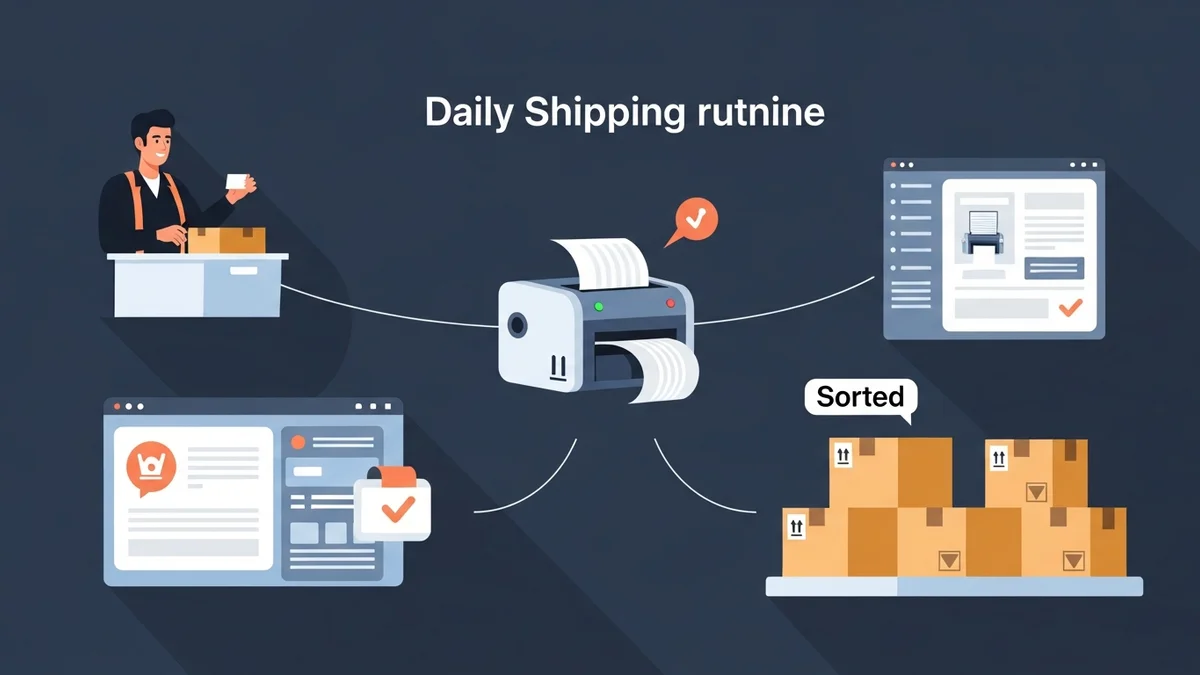
Every morning, your fulfillment team can access the plugin to view all new "Processing" orders. They quickly review each order, select Parcel Post or Express Post for domestic shipments, choose the appropriate Australia Post satchel or specify "Own Packaging," and then generate a single Domestic CSV export file. This file is then uploaded to the Australia Post Business Portal, and labels are printed in bulk, drastically cutting down daily processing time.
Handling Express Upgrades
A customer calls asking to upgrade their recent order to Express Post. Before performing the daily CSV export, your team can easily locate that specific order within the plugin's interface. They change the selected service from Parcel Post to Express Post for that order, ensuring it's included correctly in the next batch's CSV export for priority shipping.
Efficient Management of International Orders
For international orders, the process is equally streamlined. The plugin automatically aggregates product weights and dimensions, and importantly, prepares customs declarations based on order details. Your team can generate a separate International CSV export, or a combined CSV, ensuring all necessary international shipping data is accurately prepared for the Australia Post portal, minimizing delays at customs.
Peak Season Preparedness
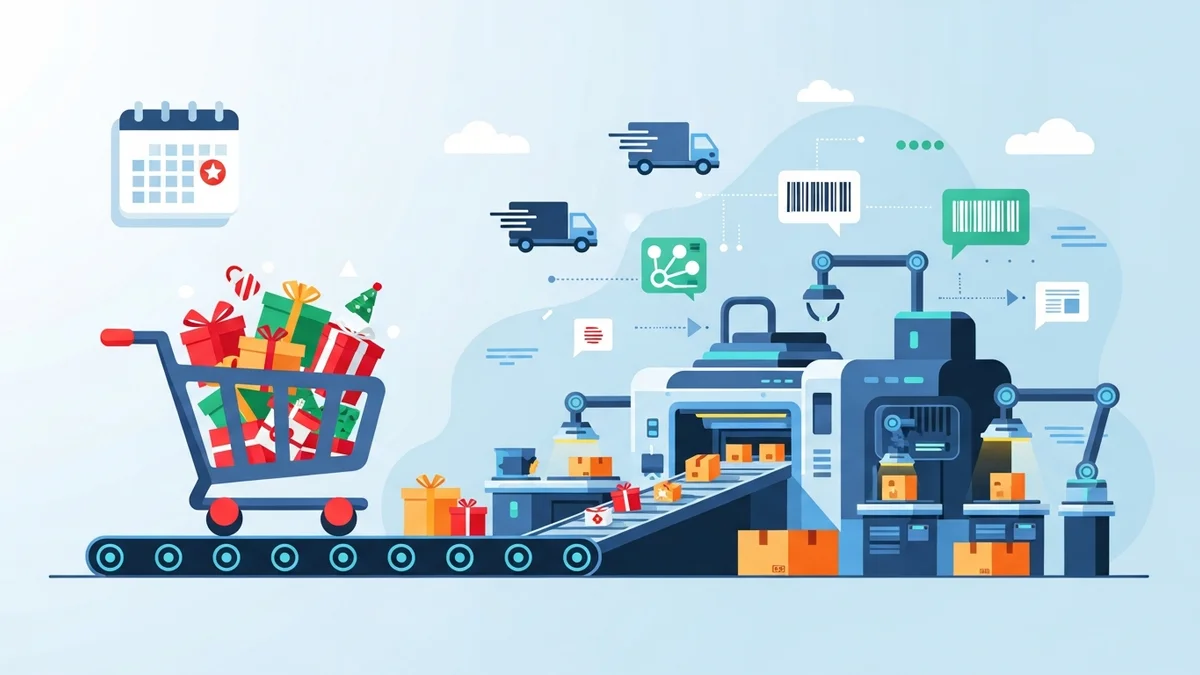
During sales events like Black Friday or Christmas, order volumes surge. Instead of being overwhelmed by manual tasks, your team can use the `woocommerce shipping automation` tools to export and process orders multiple times a day. This allows for continuous `bulk label generation` and dispatch, preventing backlogs and ensuring customers receive their parcels promptly, even during the busiest periods.
Measuring Success: The ROI of Automation
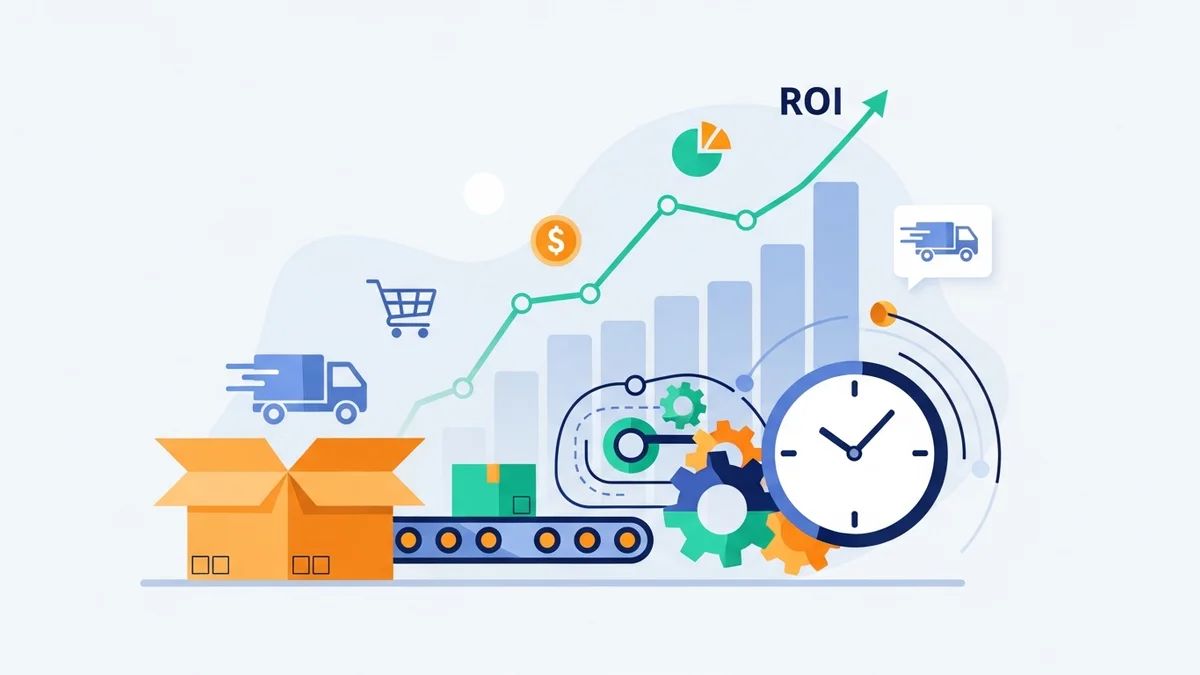
The decision to `automate shipping labels` and streamline `woocommerce fulfillment` is ultimately about business growth and profitability. The return on investment for such automation is multifaceted and significant.
- Reduced Labor Costs: By eliminating repetitive manual data entry, your staff can focus on higher-value tasks, or you can manage higher order volumes with the same team size, leading to direct savings.
- Faster Fulfillment Times: Automated processes accelerate the journey from order placement to dispatch, improving delivery speed and meeting customer expectations for quick service.
- Improved Accuracy & Fewer Errors: Automation minimizes human error in address entry, service selection, and customs declaration, reducing costly re-shipments and customer service issues.
- Enhanced Customer Satisfaction: Faster, more accurate deliveries lead to happier customers, positive reviews, and increased repeat business.
- Scalability for Growth: An automated system can handle increasing order volumes without a proportional increase in manual effort, positioning your business for sustainable growth.
- Better Resource Allocation: Free up your team to focus on strategic tasks like marketing, product development, or customer engagement, driving overall business value.
Related Articles
Continue your learning with these related resources:
- The Complete Guide to WooCommerce Shipping for Australian Stores (Comprehensive Guide)
- How to Configure Default Shipping Service and Packaging in WooCommerce for Australia Post
- How to Customize Your Australia Post WooCommerce Export Table Columns
- How to Set Up Sender Details in WooCommerce for Australia Post CSV Export
- How to Set Up WooCommerce Product Weights for Accurate Australia Post CSV Export
- How to Set Signature on Delivery and Extra Cover Defaults for Australia Post WooCommerce Exports
Conclusion
Automating your WooCommerce fulfillment workflow is a strategic imperative for any e-commerce business aiming for peak efficiency and sustainable growth. By embracing `woocommerce shipping automation` and leveraging smart tools like the WooCommerce Australia Post CSV Export Pro plugin, you can transform your shipping operations.
From seamlessly generating Australia Post-compatible CSV files for `bulk label generation` to optimizing your entire dispatch process, automation empowers you to save time, reduce errors, and significantly enhance your operational efficiency. Invest in `woocommerce fulfillment` automation today to boost your ROI and deliver an exceptional experience to every customer.