Introduction
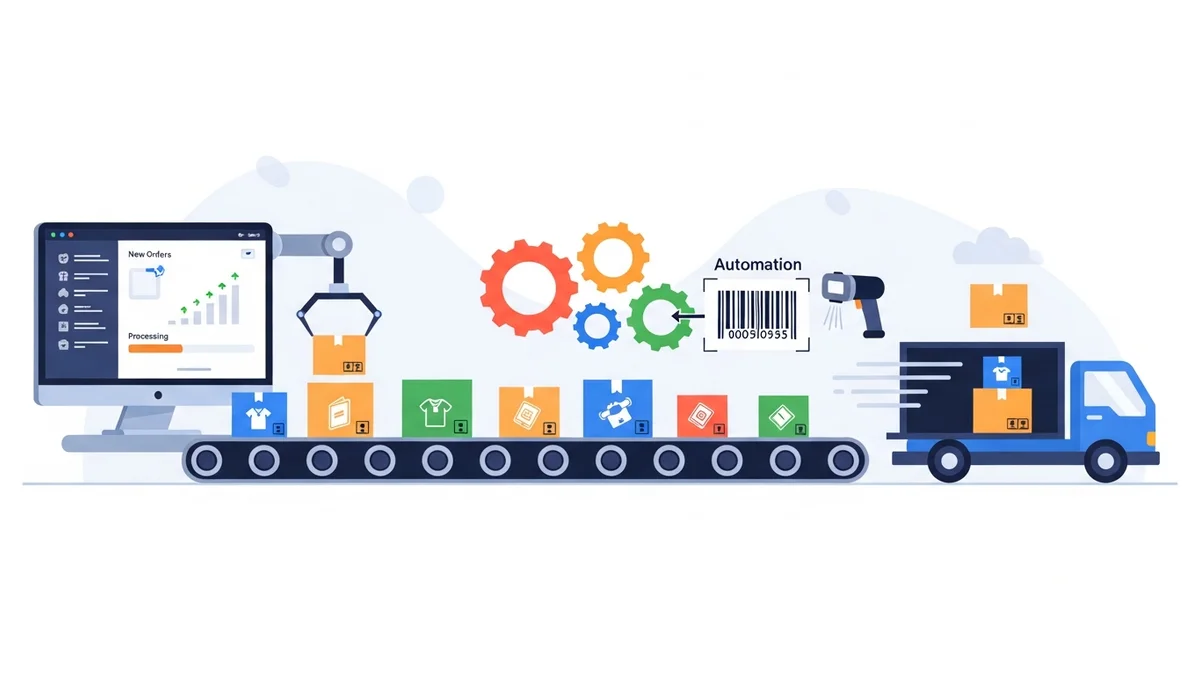
For many e-commerce businesses, growth is the ultimate goal. However, rapid scaling often exposes cracks in operational workflows, particularly in shipping and fulfilment. A process that works smoothly for 20 daily orders can quickly become a bottleneck, a source of errors, and a drain on resources when that volume jumps to 200.
This case study delves into the journey of "Aussie Essentials," a fictional yet representative WooCommerce store specialising in artisanal Australian products. We'll explore how they navigated the complexities of scaling their shipping operations, transforming a manual, time-consuming process into an efficient, automated system capable of handling significant volume increases.
The Challenge: When 20 Orders Felt Like 200
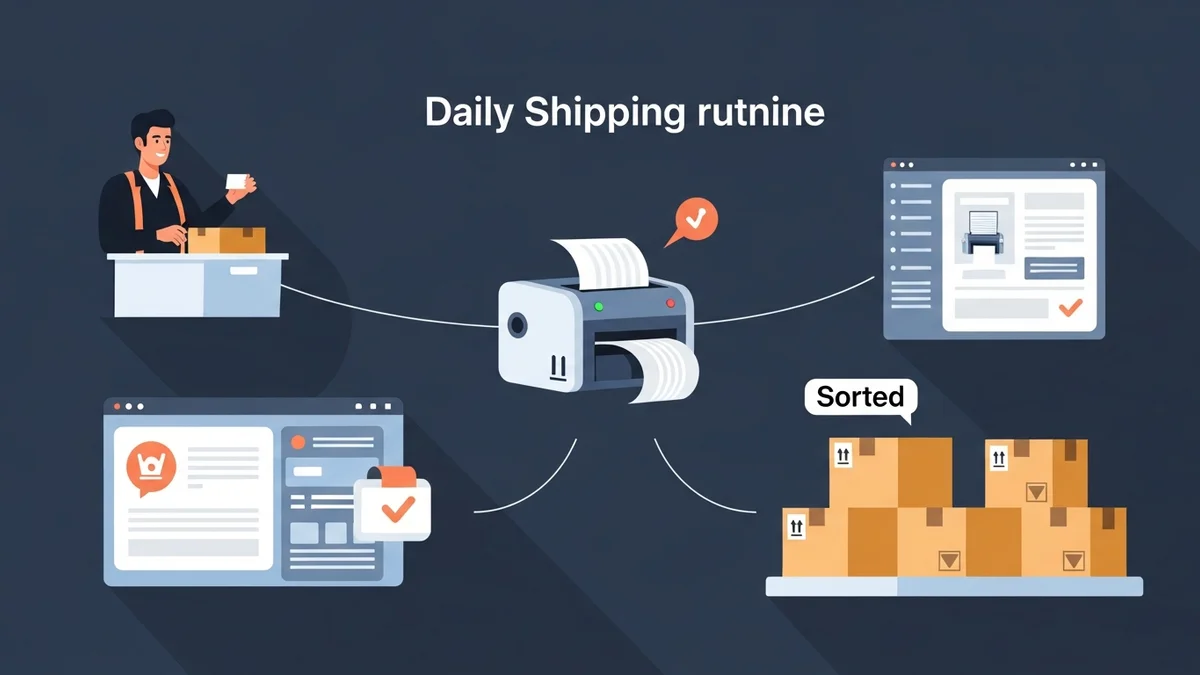
Aussie Essentials started as a passion project, handling around 20 orders per day. Their fulfilment process was straightforward but highly manual. Each morning, the owner, Sarah, would log into her WooCommerce store, review "Processing" orders, then painstakingly copy and paste customer details one by one into the Australia Post Business Portal to generate shipping labels.
This approach was manageable initially, but even at 20 orders, it consumed a significant portion of her day. "I was spending nearly two hours just on shipping labels," Sarah recalls. "It was tedious, repetitive, and prone to mistakes. A single typo in an address meant a delayed parcel or, worse, a return."
The Hidden Costs of Manual Fulfilment
As Aussie Essentials gained traction through targeted marketing and positive customer reviews, order volume began to climb steadily. The first signs of strain appeared when daily orders approached 50. What was once two hours of manual work quickly escalated to four or five hours. This wasn't just about time; it impacted every aspect of the business:
- Lost Productivity: Sarah, who should have been focussing on product development, marketing, and customer engagement, was trapped in administrative shipping tasks.
- Increased Error Rates: The higher the volume, the greater the chance of human error. Incorrect addresses, wrong shipping services, or forgotten customs declarations for international orders became more frequent.
- Delayed Shipments: The sheer volume of manual data entry meant orders sometimes weren't shipped the same day, impacting customer satisfaction and delivery expectations.
- Hiring Pressure: The thought of hiring someone solely for data entry was daunting, adding overhead without directly contributing to growth.
- Scalability Barrier: Sarah quickly realised that reaching 100, let alone 200 daily orders, was impossible with her existing workflow. The business was hitting a critical bottleneck.
The need for robust WooCommerce shipping automation became undeniable. Sarah knew she couldn't continue to grow without a fundamental change in her fulfilment strategy.
Seeking a Scalable Solution: Embracing WooCommerce Shipping Automation
Sarah's objective was clear: find a way to automate the data preparation for shipping labels and streamline the entire process of getting parcels out the door. Her primary carrier was Australia Post, so any solution needed to integrate seamlessly with their system and her WooCommerce store.
She researched various options, from full-fledged shipping platforms to specialised plugins. Her criteria focussed on efficiency, accuracy, and ease of use. She needed a solution that would:
- Significantly reduce manual data entry for Australia Post.
- Handle both domestic and international shipments efficiently.
- Integrate directly with WooCommerce order data.
- Be user-friendly for her and any future team members.
- Provide a clear ROI by saving time and reducing errors.
During her search, Sarah discovered the WooCommerce Australia Post CSV Export Pro plugin. This tool promised to export WooCommerce orders directly into the specific CSV format required by the Australia Post Business Portal for bulk label generation. It seemed to tick all the boxes for her specific needs.
Rather than connecting to Australia Post APIs for label printing (which can be complex and often incur additional fees), this plugin focussed on the critical data transfer step. It would generate a compliant CSV file, allowing her to leverage Australia Post's existing bulk upload feature, a feature she was already familiar with but couldn't easily populate manually.
Implementation: Integrating the WooCommerce Australia Post CSV Export Pro Plugin
The implementation of the WooCommerce Australia Post CSV Export Pro plugin was a turning point for Aussie Essentials. Sarah describes the setup as "surprisingly straightforward," a crucial factor for a busy e-commerce manager.
Initial Setup and Configuration
The first step involved installing and activating the plugin within her WordPress environment. She then navigated to the plugin's settings to configure her sender details. The plugin allowed her to input her store's address, which would be pre-filled on all future exports, eliminating another piece of repetitive data entry.
Next, she set up default shipping options. Knowing that most of her domestic shipments went via Parcel Post, she configured that as the standard. For international orders, she chose Standard shipping, reserving Express for specific customer requests. She also defined her preferred packaging types, opting for a mix of Australia Post satchels (Medium and Large) and her "Own Packaging" for bulkier items.
The plugin's ability to automatically calculate parcel weights from product data within WooCommerce was a significant advantage. Sarah ensured all her product listings had accurate weight attributes, which the plugin would then use to populate the CSV, further reducing manual input and ensuring correct postage calculations when she uploaded the CSV to Australia Post.
Streamlining the Daily Fulfilment Workflow
With the plugin configured, Aussie Essentials' daily WooCommerce fulfilment workflow underwent a dramatic transformation. What once took hours of copying and pasting now involved a few clicks.
Each morning, Sarah would access the plugin's dedicated export interface. It cleanly presented all her "Processing" orders, neatly separated into domestic and international tables. This clear overview allowed her to quickly scan for any urgent orders requiring special attention.
For example, if a customer paid for Express Post, she could easily select that specific order and change its service type from Parcel Post to Express Post directly within the plugin's interface before export. Similarly, if an order contained an unusually fragile item, she could enable "Signature on Delivery" or "Extra Cover" with a simple checkbox.
Once she reviewed the orders, the process was simple:
- Select whether to export Domestic only, International only, or a Combined CSV.
- Click the "Export" button.
- A CSV file, perfectly formatted for Australia Post, downloaded to her computer.
- She then uploaded this single CSV file to the Australia Post Business Portal.
- From there, she could generate and print all her shipping labels in bulk, ready for dispatch.
This streamlined approach meant that the entire data preparation process for dozens of orders was completed in minutes, not hours.
Handling International Orders and Customs Declarations
International shipping had previously been a major headache for Aussie Essentials due to the complexities of customs declarations. The WooCommerce Australia Post CSV Export Pro plugin simplified this significantly. It automatically populated the CSV export with data for customs declarations for international shipments, pre-filling essential details like parcel contents, values, weights, and country of origin directly from the WooCommerce order data.
This eliminated the need for Sarah to manually complete customs forms or painstakingly enter each item's details, drastically reducing the potential for customs-related delays or errors. The ability to export international orders separately or combined with domestic orders offered great flexibility.
The Results: Scaling to 200 Daily Orders with Ease
The impact of implementing the WooCommerce Australia Post CSV Export Pro plugin was immediate and profound for Aussie Essentials. Within six months of adoption, their daily order volume consistently hovered around 150-200 orders, a ten-fold increase from their starting point. Crucially, their shipping workflow not only coped but thrived.
Dramatic Time Savings and Operational Efficiency
The most significant outcome was the time saved. Sarah's two hours of daily shipping work for 20 orders had ballooned to an unsustainable eight to ten hours for 200 orders with the old manual method. With the plugin, she could now process 200 orders in under an hour, including review and export. This freed up nearly an entire workday, allowing her to:
- Focuss on strategic business growth initiatives like marketing campaigns and supplier relations.
- Dedicate more time to new product development and sourcing.
- Improve customer service and engagement.
- Maintain a healthier work-life balance, reducing burnout.
"It's not an exaggeration to say the plugin gave me back my business," Sarah states. "I went from feeling overwhelmed and trapped by shipping to having the capacity to actually grow."
This enhanced operational efficiency also meant Aussie Essentials could handle peak seasons and promotional spikes with far greater ease. Instead of dreading a big sale, they could now confidently plan for increased volume, knowing their fulfilment system could keep up.
Reduced Errors and Improved Customer Satisfaction
The automation of data transfer virtually eliminated human error in address entry and service selection. This led to a substantial reduction in misdeliveries, returned parcels, and customer complaints related to shipping. Customers received their orders accurately and on time, bolstering Aussie Essentials' reputation for reliability.
The streamlined process also meant orders were dispatched faster, often on the same day they were placed. This improved delivery speed directly translated to higher customer satisfaction and repeat purchases, a crucial metric for any growing e-commerce business.
Unlocking Growth Potential and ROI
The ability to handle 200 daily orders without needing to hire dedicated shipping staff represented a significant cost saving for Aussie Essentials. The investment in the WooCommerce Australia Post CSV Export Pro plugin quickly paid for itself by eliminating the need for additional labour hours, demonstrating a clear and compelling return on investment.
More importantly, the plugin removed a critical barrier to scaling. Sarah no longer had to limit her marketing efforts or sales promotions for fear of being overwhelmed by fulfilment. The business was truly poised for unlimited growth, supported by a robust and efficient backend operation.
As discussed in related articles like "How to Automate Your WooCommerce Fulfilment Workflow for Peak Efficiency," automating specific touchpoints in your fulfilment chain yields exponential benefits. Aussie Essentials' journey is a testament to this principle.
Lessons Learned for E-commerce Managers
Aussie Essentials' success story offers valuable insights for any e-commerce manager looking to scale their operations:
- Identify Bottlenecks Early: Don't wait until your workflow breaks. Proactively identify manual, repetitive tasks that won't scale with increased order volume.
- Prioritise Automation: Invest in tools that automate critical, time-consuming processes like the data preparation for shipping labels. These investments often have rapid ROI.
- Choose Targeted Solutions: While comprehensive ERPs exist, sometimes a specific, well-designed plugin like WooCommerce Australia Post CSV Export Pro is the most effective and cost-efficient solution for a particular pain point (e.g., Australia Post CSV export).
- Leverage Existing Carrier Features: Instead of costly API integrations, consider solutions that integrate with your carrier's existing bulk upload capabilities.
- Focuss on Data Accuracy: Ensure your product data (especially weights) in WooCommerce is accurate. This foundational data is crucial for effective automation.
- Empower Your Team: Automation frees up your team (or yourself) to focuss on higher-value activities that directly drive growth and customer satisfaction.
Related Articles
Continue your learning with these related resources:
- The Complete Guide to WooCommerce Shipping for Australian Stores (Comprehensive Guide)
- How to Configure Default Shipping Service and Packaging in WooCommerce for Australia Post
- How to Customize Your Australia Post WooCommerce Export Table Columns
- How to Set Up Sender Details in WooCommerce for Australia Post CSV Export
- How to Set Up WooCommerce Product Weights for Accurate Australia Post CSV Export
- How to Set Signature on Delivery and Extra Cover Defaults for Australia Post WooCommerce Exports
Conclusion
The transition from 20 to 200 daily orders presented Aussie Essentials with a formidable challenge. However, by strategically implementing WooCommerce shipping automation, specifically leveraging the WooCommerce Australia Post CSV Export Pro plugin, they transformed a potential crisis into a growth opportunity.
Their journey underscores a fundamental truth for modern e-commerce: manual processes are unsustainable at scale. By embracing smart automation, businesses can dramatically reduce operational overhead, minimise errors, enhance customer satisfaction, and, most importantly, unlock their true potential for growth. For any e-commerce manager aiming for scalability and peak efficiency, automating shipping and fulfilment is not just an option—it's a necessity.