Introduction
In the competitive landscape of e-commerce, sending generic emails to your entire customer list is a surefire way to be ignored. E-commerce managers understand that relevance drives engagement, and engagement drives sales. This is where customer segmentation becomes a powerful tool, transforming broad outreach into personalised conversations.
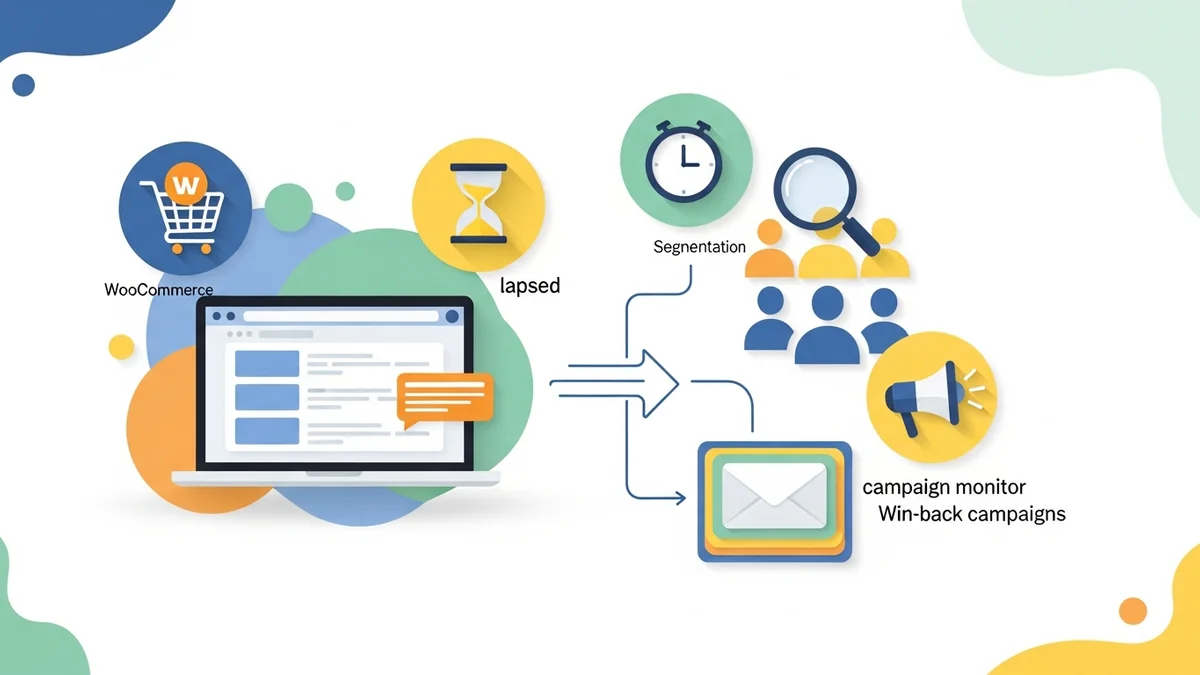
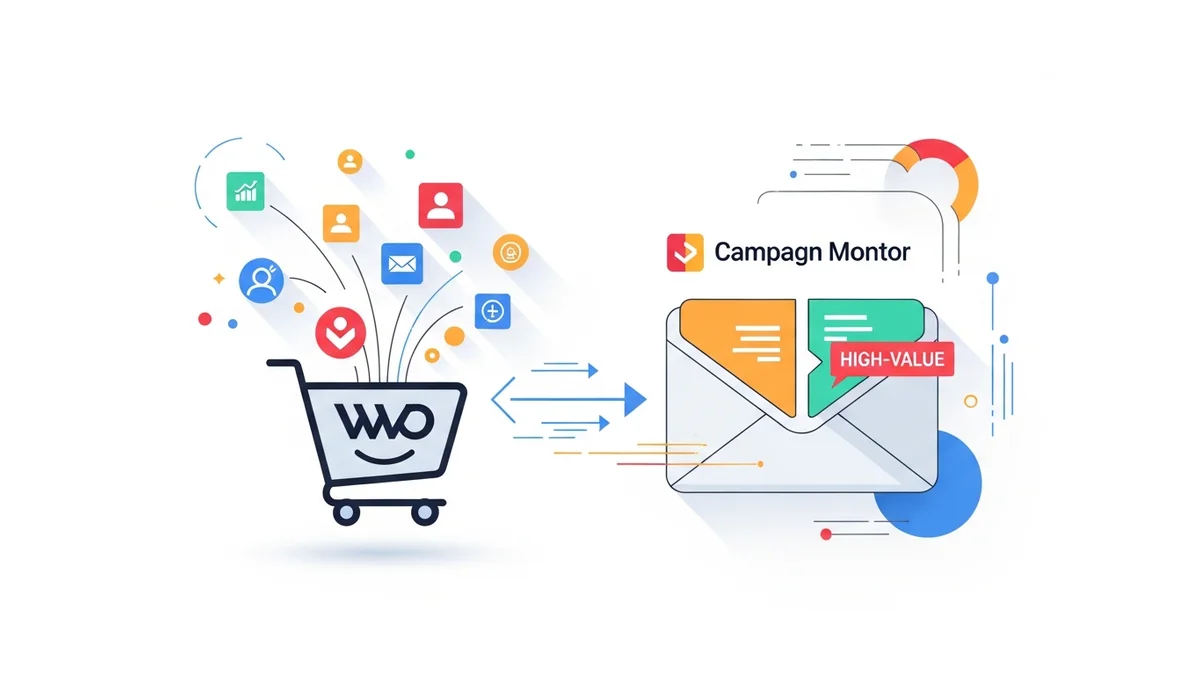
For WooCommerce store owners, integrating your customer data with an email marketing platform like Campaign Monitor opens up a world of possibilities. By accurately segmenting your WooCommerce customer base within Campaign Monitor, you can deliver highly targeted email campaigns that resonate with specific groups, ultimately boosting your return on investment (ROI) and improving customer lifetime value (CLV).
The Power of Segmentation in E-commerce
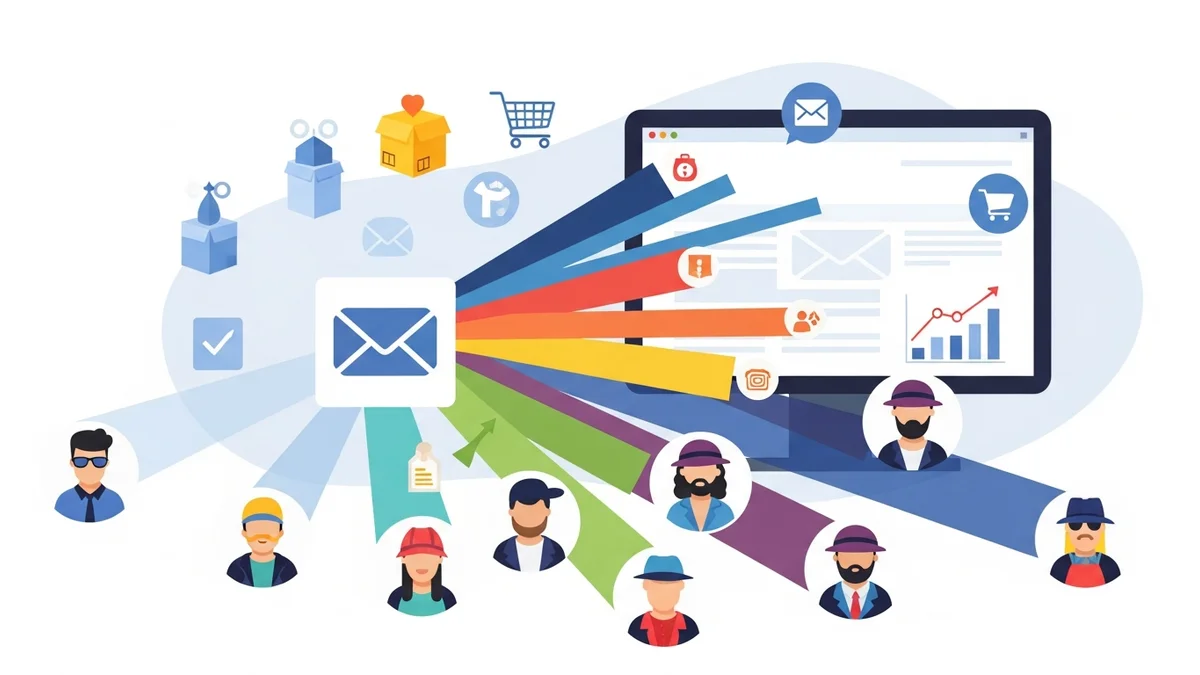
Customer segmentation is the process of dividing your customer base into distinct groups based on shared characteristics. For e-commerce businesses, these characteristics often revolve around demographics, and engagement levels. The goal is to understand your customers better and tailor your marketing efforts accordingly.
The benefits of effective segmentation are tangible and directly impact your business metrics:
- Increased Engagement: Relevant content leads to higher open and click-through rates.
- Higher Conversion Rates: Tailored offers and recommendations are more likely to convert.
- Improved Customer Retention: Personalised communication fosters loyalty and reduces churn.
- Optimised Marketing Spend: Focus resources on the most responsive segments, avoiding wasted effort on uninterested customers.
- Enhanced Customer Lifetime Value (CLV): Nurturing relationships with targeted campaigns encourages repeat engagement.
Integrating WooCommerce with Campaign Monitor
Before you can segment your WooCommerce customers, their data needs to be accurately synced with Campaign Monitor. This integration is the foundation upon which all your segmentation efforts will be built. Typically, this involves a dedicated plugin or a third-party connector that bridges the two platforms.
Once integrated, key customer profile data points from your WooCommerce store flow into Campaign Monitor. This typically includes customer contact information, and billing and shipping addresses. It's important to note that most standard integrations primarily sync customer profile data. Purchase history, order data (like products bought, total spend, or number of orders), and engagement patterns (such as abandoned carts or viewed products) are generally NOT synced directly to Campaign Monitor via these plugins. Ensure your integration is robust and provides real-time or near real-time data synchronization for the most accurate segmentation of available customer profile data.
Core WooCommerce Data Points for Segmentation
Campaign Monitor leverages the rich customer profile data provided by WooCommerce to create powerful segments. Understanding which data points are most valuable is key:
- Customer Demographics: Location (city, state, country), signup date.
- Basic Customer Status: Subscriber only (if your integration allows distinguishing non-buyers).
These data points form the building blocks for creating highly specific and actionable customer segments within Campaign Monitor.
Getting Started: Setting Up Segments in Campaign Monitor
Creating a segment in Campaign Monitor is an intuitive process. Here's a general overview of the steps:
- Navigate to "Lists & Subscribers": From your Campaign Monitor dashboard, select the relevant subscriber list that contains your synced WooCommerce customers.
- Go to "Segments": Within your subscriber list, you'll find an option to manage segments.
- Create a New Segment: Click on "Create a new segment" or a similar button.
- Define Your Rules: This is where you'll use the WooCommerce profile data. Campaign Monitor allows you to set conditions based on various fields. You'll specify criteria like "Location is [City Name]" or "Signup Date is before [Date]."
- Use AND/OR Logic: Combine multiple conditions using "AND" (all conditions must be met) or "OR" (any of the conditions can be met) to build complex segments. For example, "City is New York AND Signup Date is in the last 30 days."
- Preview Segment Size: Campaign Monitor will typically show you the number of subscribers who currently fall into your defined segment. This helps validate your criteria.
- Name and Save Your Segment: Give your segment a clear, descriptive name (e.g., "Subscribers from California," "New Signups - This Month").
Once saved, this segment is dynamic. As new WooCommerce customer profile data syncs, customers will automatically enter or exit segments based on whether they meet the defined criteria.
Practical Segmentation Strategies for WooCommerce
Now, let's explore actionable segmentation strategies that e-commerce managers can implement using WooCommerce customer profile data in Campaign Monitor, complete with campaign ideas.
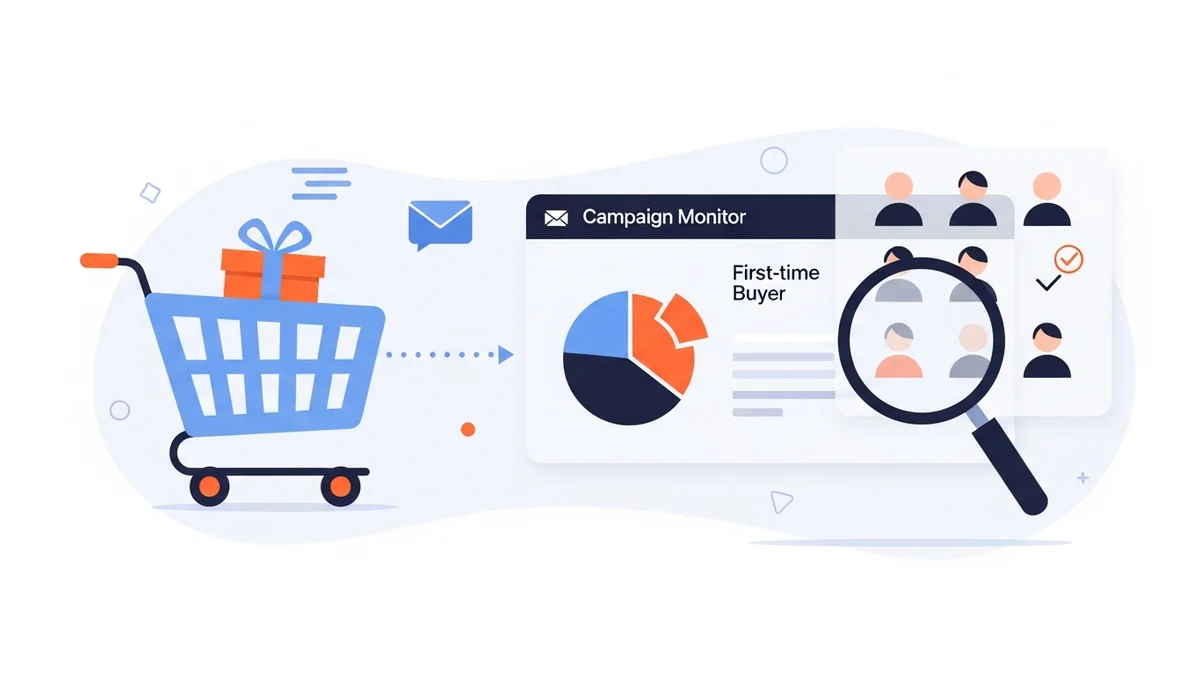
New Subscribers: Welcome and Onboarding
Why it's effective: The period immediately after a customer subscribes is a critical moment for engagement. Nurturing new subscribers can introduce them to your brand, build trust, and encourage their first interaction or purchase.
How to set it up: Create a segment where "Signup Date is in the last X days" (e.g., last 30 days) or "Signup Date is [Specific Date Range]".
Campaign Ideas:
- Welcome Series: A sequence of emails introducing your brand story, values, and benefits.
- General Product Highlights: Showcase your most popular products or broad product categories.
- Initial Offer: A small discount or free shipping offer to encourage a first purchase.
- Content Introduction: Share valuable blog posts or resources related to your brand's niche.
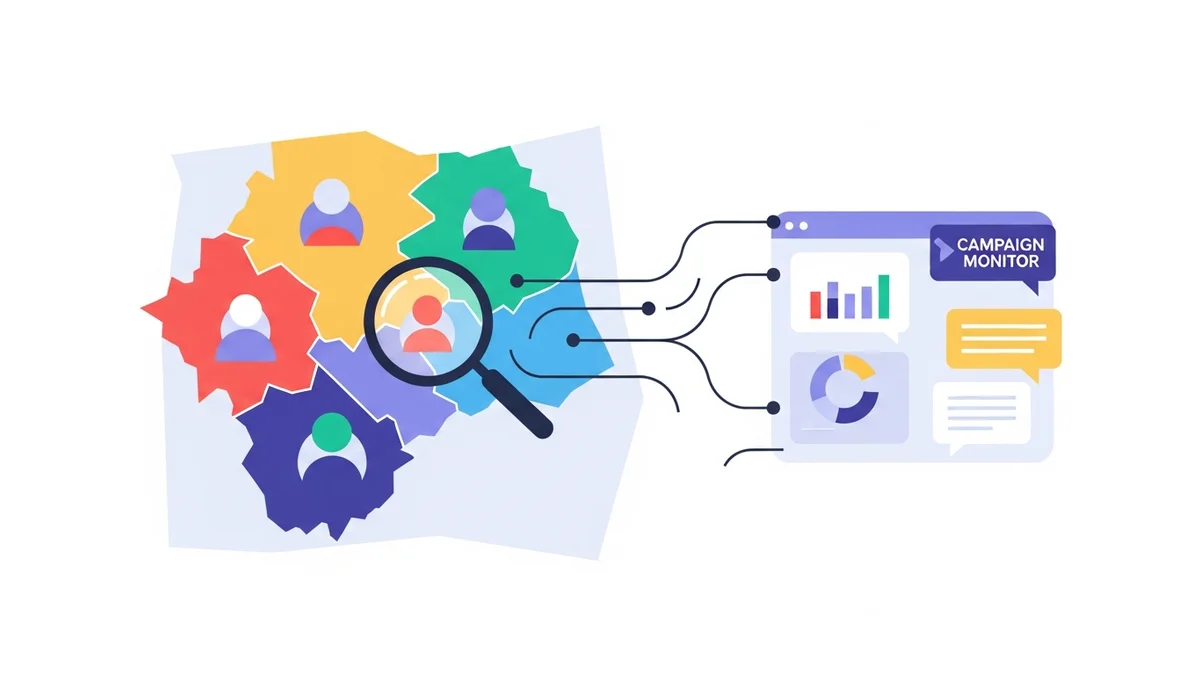
Geographic Segments: Localised Promotions
Why it's effective: Location-based targeting allows for highly relevant promotions, especially for businesses with physical stores, regional events, or varying shipping costs.
How to set it up: Create a segment based on customer "City," "State," or "Country" (from their billing/shipping address).
Campaign Ideas:
- Local Events or Pop-ups: Announce store openings, workshops, or special regional sales.
- Region-Specific Shipping Offers: Promote free shipping thresholds or expedited options for certain areas.
- Weather-Related Promotions: Tailor product suggestions based on local climate (e.g., winter gear in colder regions).
Advanced Segmentation Techniques
Beyond single-condition segments, you can combine criteria for even greater precision:
- Exclusion Segments: Sometimes it's useful to send a campaign to everyone EXCEPT a certain group. For instance, send a general promotion to all subscribers except those from a specific region who might receive a different, localised offer.
- Custom Fields: If your WooCommerce setup uses custom fields for additional customer profile data (e.g., interests collected during signup, preferences not tied to purchases), ensure these sync to Campaign Monitor and use them for highly specialised segmentation.
Measuring Success and Iteration
Segmentation isn't a "set it and forget it" strategy. Continuously monitor the performance of your segmented campaigns and be prepared to iterate:
- Key Metrics: Track open rates, click-through rates, conversion rates, and revenue generated per segment. Compare these to your non-segmented campaigns.
- A/B Testing: Test different subject lines, email content, and offers within your segments to optimise performance.
- Segment Health: Regularly review your segment definitions. Are they still relevant? Are segments growing or shrinking as expected? Adjust your criteria as your customer base and product offerings evolve.
By analysing the data, you can refine your segments and campaigns, continuously improving your email marketing ROI.
Best Practices for Targeted Email Campaigns
Even with perfect segmentation, the content of your emails must be high quality. Keep these best practices in mind:
- Deep Personalisation: Go beyond just using a customer's first name. Reference their location, signup date, or other profile-based custom fields in the email body.
- Clear Call to Action (CTA): Make it obvious what you want the customer to do next. Use compelling language and prominent buttons.
- Mobile Optimisation: A significant portion of your audience will open emails on mobile devices. Ensure your emails are responsive and easy to read on any screen.
- Respect Preferences: Always provide an easy unsubscribe option and honour opt-out requests promptly.
- Automate Where Possible: Set up automated journeys (welcome series, birthday emails if date of birth is a custom field) that use your segments to trigger relevant emails at the right time.
Related Articles
Continue your learning with these related resources:
- The Complete Email Marketing Guide for WooCommerce Stores Using Campaign Monitor (Comprehensive Guide)
- How to Run a Black Friday Email Campaign for Your WooCommerce Store in Campaign Monitor
- What Email List Opt-in Incentives Work Best for WooCommerce Stores
- How to Create a Win-Back Email Campaign for Lapsed WooCommerce Customers in Campaign Monitor
- How to Re-Engage WooCommerce Customers Who Never Opted in to Your Email List
- How to Reduce WooCommerce Customer Churn with Targeted Retention Emails in Campaign Monitor
Conclusion
Segmenting your WooCommerce customers in Campaign Monitor is not just a marketing tactic; it's a strategic imperative for modern e-commerce. By transforming your customer profile data into actionable segments, you move beyond generic broadcasts to deliver highly personalised, relevant, and timely communications.
This approach not only enhances the customer experience but also directly impacts your bottom line through increased engagement, higher conversion rates, and improved customer loyalty. Embrace the power of precise segmentation to unlock the full potential of your email marketing efforts and drive sustainable growth for your WooCommerce store.