Introduction
For any WooCommerce merchant, shipping costs represent a significant portion of operational expenses. Without diligent tracking and review, these costs can quietly erode your profit margins. Understanding your Australia Post shipping spend is not just about knowing how much you pay; it's about identifying opportunities for optimisation, refining your pricing strategies, and ultimately boosting your business's financial health.
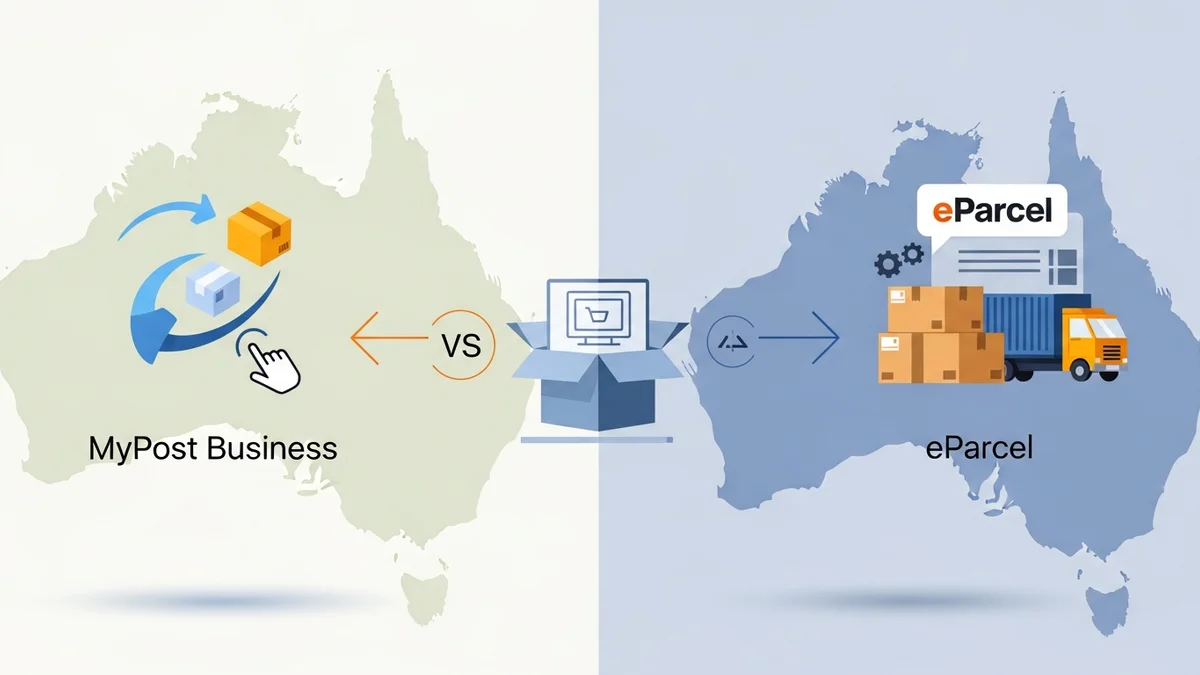
This guide will walk you through the process of tracking and reviewing your Australia Post shipping expenditure. We'll cover methodologies for both MyPost Business and eParcel account holders, detail the key metrics to monitor, and offer actionable strategies to help you gain better control over your logistics budget and drive greater efficiency.
Why Shipping Spend Tracking Matters for Your WooCommerce Business
Tracking your Australia Post shipping spend goes beyond basic accounting; it's a strategic imperative for sustainable e-commerce growth. Accurate financial oversight empowers you to make informed decisions that directly impact your bottom line.
- Cost Optimisation: Identify where your money is going and pinpoint areas for potential savings. This could involve choosing different service levels or optimizing packaging.
- Budgeting and Forecasting: Develop more accurate financial projections for future periods. Understanding past spend patterns helps in setting realistic budgets and forecasting demand.
- Pricing Strategy: Ensure your product pricing and shipping fees accurately cover your actual costs. This prevents undercharging and protects your profit margins.
- Negotiation Leverage: Detailed spending data can be powerful in future negotiations with Australia Post for better rates, especially as your shipping volume increases.
- Operational Efficiency: Analyzing spend can reveal inefficiencies in your packing or shipping processes. For example, consistently paying for oversized parcels might indicate a need for better packaging solutions.
Understanding Australia Post Account Types and Billing
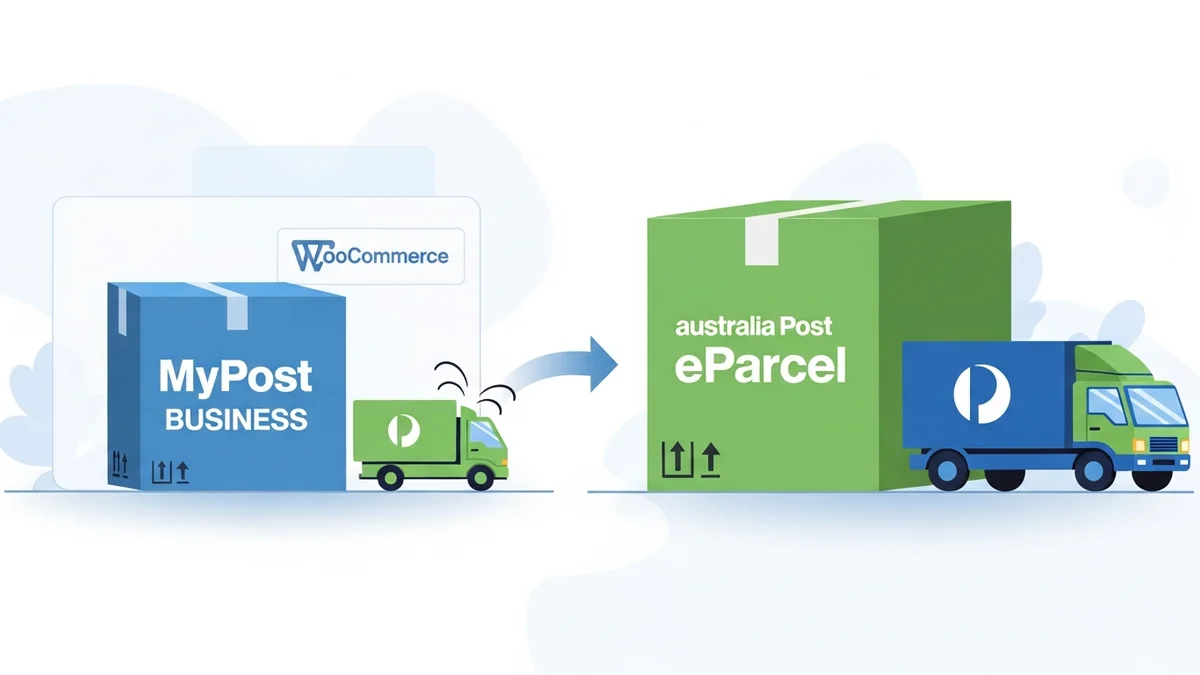
Your method of tracking shipping spend will largely depend on the type of Australia Post business account you operate: MyPost Business or eParcel. Each has distinct billing and reporting capabilities.
MyPost Business Accounts
MyPost Business is generally suited for small to medium-sized businesses with moderate shipping volumes. Payments are typically made upfront via credit card or a prepaid account balance. While simpler, the reporting features are more basic compared to eParcel.
- Billing: Pay-as-you-go or top-up a prepaid balance. Transactions are charged instantly.
- Reporting: Access to transaction history and basic statements, often showing individual shipment costs.
eParcel Accounts (Australia Post Business Portal)
eParcel is designed for businesses with higher shipping volumes, offering more comprehensive features. Billing is typically invoice-based, providing detailed breakdowns that are invaluable for in-depth cost analysis.
- Billing: Monthly invoicing, often with credit terms. Provides a consolidated bill for all shipments within a period.
- Reporting: Extensive reporting tools available through the Australia Post Business Portal, including detailed consignment reports, invoice summaries, and data exports.
Step-by-Step Guide: Tracking Shipping Spend in MyPost Business
If you primarily use MyPost Business for your WooCommerce store's shipping, here’s how to access and review your expenditure.
1. Log In to Your MyPost Business Account
Navigate to the MyPost Business website and log in using your registered email and password. Ensure you are on the correct business account dashboard.
2. Access Your Transaction History
Once logged in, look for a section related to "Activity," "Transactions," or "Statements." The exact naming might vary slightly depending on recent interface updates, but it's usually prominent in the main navigation or dashboard.
- On the MyPost Business dashboard, click on "My Activity" or a similar link.
- This section typically displays a list of your recent shipping labels purchased and other transactions.
3. Review Individual Transactions
The transaction history will show details for each shipment. For each entry, you should see:
- The date of the transaction.
- The service used (e.g., Express Post, Parcel Post).
- The destination.
- The cost of the shipment.
- Tracking numbers associated with the shipment.
You can often filter this view by date range to focus on a specific month or quarter.
4. Export Your Data (If Available)
Some versions of MyPost Business offer an option to export your transaction history, usually as a CSV or Excel file. Look for an "Export" button or link within the transaction history section.
- If an export option exists, select your desired date range and download the file.
- This CSV file can then be opened in a spreadsheet program (like Microsoft Excel or Google Sheets) for easier aggregation and analysis.
Tip: Even without an export function, you can manually record or sum up costs for a given period. For smaller volumes, this can be manageable, but for growing stores, an eParcel account might offer better reporting tools.
Step-by-Step Guide: Tracking Shipping Spend with eParcel (Business Portal)
For WooCommerce merchants using an eParcel account, the Australia Post Business Portal offers much more robust tools for tracking and reviewing shipping spend.
1. Log In to the Australia Post Business Portal
Go to the Australia Post Business Portal website and log in with your eParcel account credentials. This is distinct from the MyPost Business login.
2. Navigate to "Reports" or "Invoices"
Once logged in, you'll find navigation options for various business functions. Look for sections titled "Reports," "Invoices," or "Account Management."
- Click on "Reports" to access detailed shipping data.
- Click on "Invoices" to view your monthly statements.
3. Access and Understand Your Invoices
Your monthly eParcel invoices provide a consolidated view of your shipping costs. Download these invoices in PDF format for your records.
- Summary Page: Gives an overview of total charges, including base postage, fuel surcharges, and any additional services.
- Detailed Breakdown: Subsequent pages list individual consignments, their service type, weight, destination, and exact cost. Review these to understand how surcharges are applied to specific shipments.
4. Generate and Export Detailed Consignment Reports
The "Reports" section is where you'll find the most granular data for analysis.
- Select Report Type: Look for options like "Consignment Detail Report" or "Shipping Activity Report." This report provides line-item details for every parcel shipped.
- Specify Date Range: Choose the period you wish to analyze (e.g., last month, last quarter, custom range).
- Apply Filters: You can often filter by service type (e.g., Express Post, Parcel Post, International), destination state, or even specific customer references if you've used them.
- Generate Report: Click the "Generate" or "Run Report" button.
- Export Data: Once the report is generated, look for an "Export" or "Download" option, usually allowing you to save the data as a CSV or Excel file. This is crucial for detailed analysis in a spreadsheet program.
Tip: The Consignment Detail Report is your best friend for in-depth spend analysis. It contains every piece of information you need to break down costs by service, destination, weight, and more.
Analyzing Your Exported Shipping Data
Once you have your Australia Post shipping data in a CSV or Excel file, it's time to import it into a spreadsheet program (like Microsoft Excel or Google Sheets) and start analyzing. This is where you transform raw data into actionable insights.
1. Prepare Your Data
Open the CSV file in your chosen spreadsheet program. You may need to format columns (e.g., convert text to numbers for calculations). Ensure headers are clear and consistent.
2. Key Metrics to Track
Focus on these metrics to understand your shipping spend comprehensively:
- Total Spend by Period: Sum up all shipping costs for a given month, quarter, or year. Compare this against previous periods to identify trends.
- Spend by Service Type: Categorize and sum costs for Express Post, Parcel Post, International services, etc. This helps evaluate if you're using the most cost-effective service for each need.
- Average Cost Per Parcel: Divide total shipping spend by the total number of parcels shipped. Track this metric to see if your average cost is increasing or decreasing.
- Surcharges Incurred: Identify costs for fuel levies, remote area surcharges, signature on delivery, oversized parcel fees, or re-delivery fees. High surcharge costs often highlight areas for operational improvement.
- Spend by Destination: Break down costs by state, postcode, or even country for international shipments. This can inform your shipping zone pricing.
- Weight/Dimension Analysis: Cross-reference actual shipping costs with the recorded weight and dimensions. Look for discrepancies or opportunities to optimise packaging to reduce dimensional weight charges.
- Cost vs. Revenue Per Order: Compare the actual shipping cost for an order against the shipping fee charged to the customer and the overall product margin. This shows true profitability.
3. Identify Trends and Anomalies
Use your analysis to spot patterns and unusual occurrences:
- Are your shipping costs growing faster than your revenue?
- Are certain service types consistently more expensive than anticipated?
- Are there specific destinations that incur higher costs due to remote area surcharges?
- Do you see spikes in surcharges during particular months?
Visualizing this data with charts and graphs (e.g., bar charts for monthly spend, pie charts for service type breakdown) can make trends much clearer.
Strategies for Reviewing and Optimising Your Shipping Spend
Once you've tracked and analyzed your Australia Post shipping spend, the next step is to use these insights to optimise your costs and improve profitability.
1. Conduct Regular Audits
Schedule quarterly or monthly reviews of your shipping data. Compare actual spend against your budget and previous periods. Look for any discrepancies between what you were charged and what you expected.
2. Negotiate Better Rates
As your WooCommerce store grows and your shipping volume increases, leverage your historical data to negotiate more favorable rates with Australia Post. Presenting clear, consistent shipping volumes can be a powerful bargaining chip.
3. Optimise Packaging
Review your packaging practices. Oversized or unnecessarily heavy packaging can lead to higher shipping costs due to dimensional weight pricing. Use the smallest appropriate packaging and lightweight materials to reduce charges.
- Right-sized boxes: Avoid "shipping air" by matching package size to product size.
- Lightweight fillers: Use bubble wrap or paper instead of heavy packing peanuts where possible.
4. Choose the Right Service Level
Are you always using Express Post when Parcel Post would suffice for the customer's needs and expectations? Analyze your data to ensure you're not overspending on faster services for orders where speed isn't critical. Offer multiple shipping options to customers, allowing them to choose based on urgency and cost.
5. Refine Your Shipping Fee Strategy
Based on your true shipping costs, adjust your customer-facing shipping fees. Consider:
- Flat Rate Shipping: Ensure your flat rates cover the average cost across different zones and weights.
- Real-time Rates: Integrate with Australia Post's APIs to provide accurate, real-time shipping costs to customers at checkout.
- Free Shipping Thresholds: Set free shipping thresholds at a point that encourages higher order values while still covering most of your shipping expenses.
6. Leverage Technology and Integrations
Utilize WooCommerce plugins that integrate directly with Australia Post. Solutions that provide real-time rate calculations, generate labels, and even help in logging estimated shipping costs against orders, making reconciliation with your actual Australia Post invoices much smoother.
These integrations can help flag potential cost discrepancies before they become an issue, streamlining your accounting and providing immediate insights into per-order shipping profitability.
Related Articles
Continue your learning with these related resources:
- The Complete Guide to Managing Australia Post Shipping for Your WooCommerce Store (Comprehensive Guide)
- How Volumetric Weight Affects Your Australia Post Costs for WooCommerce Shipments
- Return to Sender vs. Abandon: Optimizing Australia Post Undeliverable Options for WooCommerce
- How to Reduce Packaging Weight to Lower Your Australia Post Costs for WooCommerce Orders
- Navigating Australia Post Dangerous Goods Rules for WooCommerce Stores
- How to Communicate Australia Post Delivery Delays to Your WooCommerce Customers
Conclusion
Tracking and reviewing your Australia Post shipping spend is an ongoing, vital practice for any WooCommerce merchant. By diligently monitoring your MyPost Business transactions or thoroughly analyzing eParcel reports, you gain a clear picture of your logistics costs. This transparency empowers you to identify areas for optimisation, negotiate better rates, refine your pricing, and ultimately enhance your store's profitability and operational efficiency.
Embrace the data. Make it a regular part of your financial review process, and watch as informed decisions lead to significant savings and a healthier bottom line for your e-commerce business.