Campaign Monitor Connection & Plugin Setup
Plugin-specific setup and configuration — connecting to Campaign Monitor, choosing the right list, configuring sync timing, managing double opt-in, setting name format, and using the manual sync option.
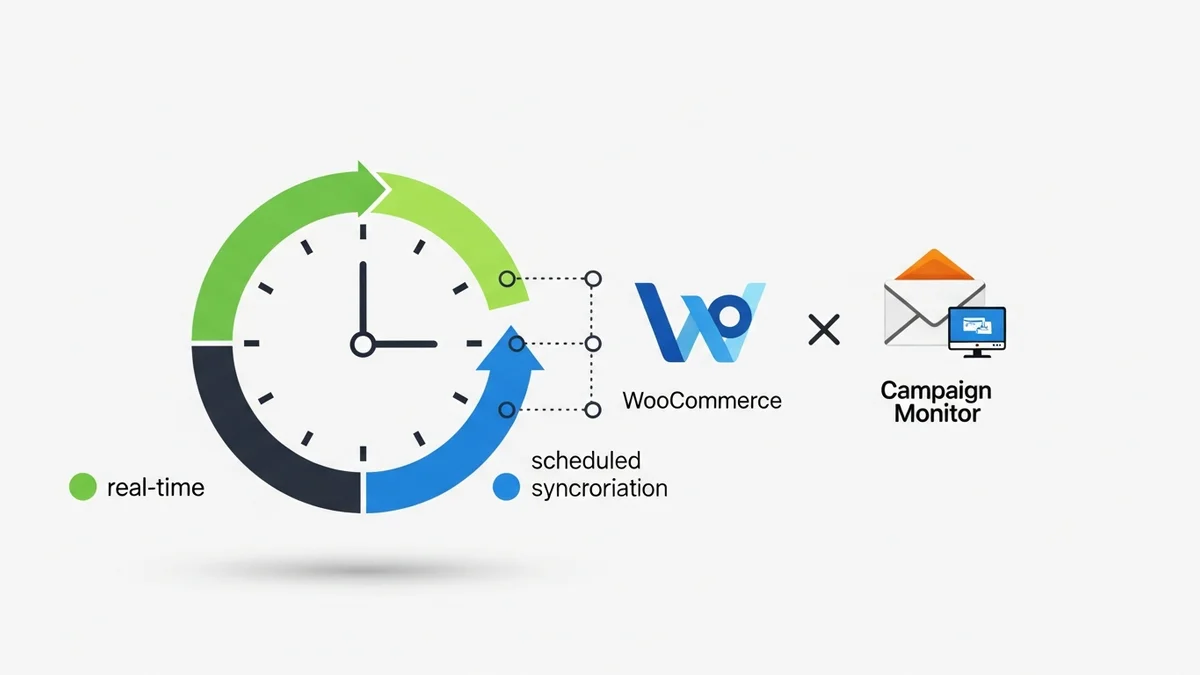
How to Optimize WooCommerce Order Sync Timing for Campaign Monitor
Configuring WooCommerce order sync timing for Campaign Monitor is vital for effective e-commerce marketing. Learn how to choose between real-time and scheduled synchronization to power your customer campaigns.
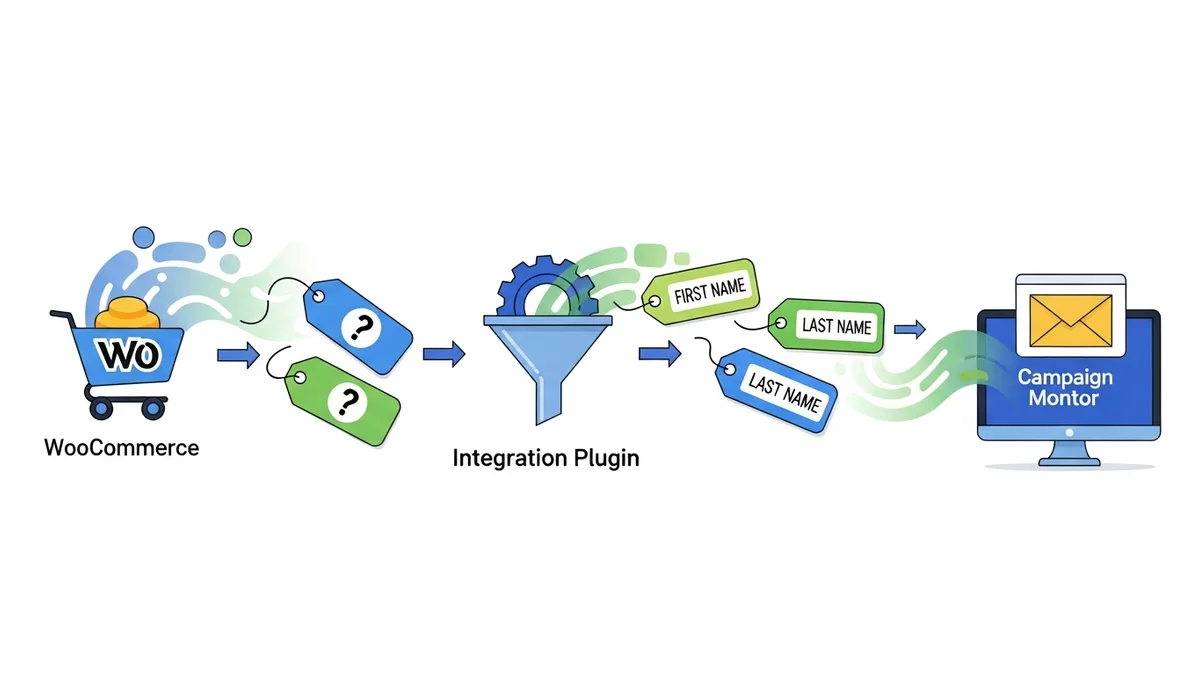
How to Set the Subscriber Name Format Sent from WooCommerce to Campaign Monitor
Properly formatting subscriber names from WooCommerce to Campaign Monitor significantly improves your email personalization efforts. This guide provides a step-by-step walkthrough on how to set this up within your integration plugin.
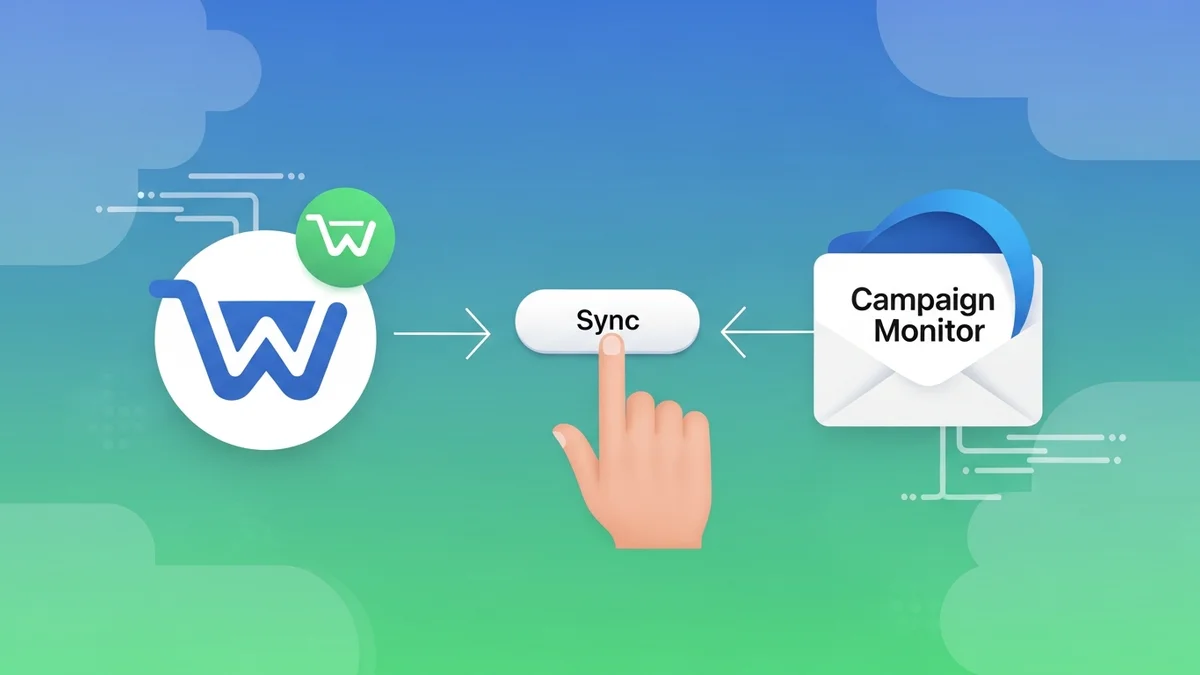
How to Manually Sync a WooCommerce Order to Campaign Monitor from the Order Admin
Manually syncing WooCommerce orders to Campaign Monitor is crucial for maintaining accurate customer data and purchase history. This guide provides a step-by-step tutorial for e-commerce managers.
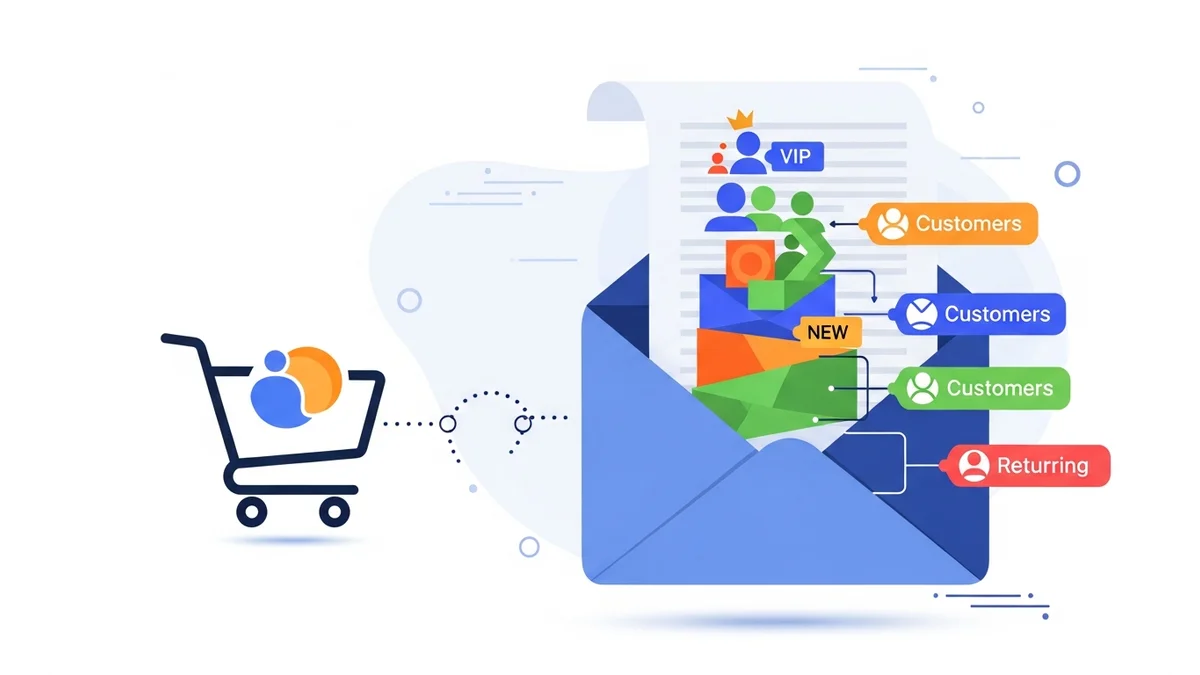
How to Choose the Right Campaign Monitor List for Your WooCommerce Store
Choosing the right Campaign Monitor list is crucial for effective email marketing with your WooCommerce store. This guide walks you through planning your strategy and selecting the perfect list for customer segmentation.

How to Bypass Campaign Monitor Double Opt-in for WooCommerce Checkout Subscribers
Bypassing Campaign Monitor's double opt-in for WooCommerce checkout subscribers can significantly boost your email list growth. This guide shows you how to streamline the process while ensuring full legal compliance.
How to Connect WooCommerce to Campaign Monitor: Complete Setup Guide
Connecting WooCommerce to Campaign Monitor empowers your email marketing efforts, allowing you to segment customers and send targeted campaigns. This comprehensive guide walks you through every step of setting up this powerful integration.