Introduction
For Australian e-commerce managers, streamlining shipping operations is paramount to business success and customer satisfaction. The choice between Australia Post Business Portal and MyPost Business for integrating with WooCommerce can significantly impact your operational efficiency, shipping costs, and overall ROI.
Both platforms offer pathways to ship with Australia Post, but they cater to different business sizes and shipping volumes. Understanding their nuances is key to selecting the ideal solution for your WooCommerce store's unique needs. This article will provide a detailed comparison, outlining the pros, cons, and practical integration methods for each, ensuring you can make a well-informed decision for your australia post woocommerce shipping strategy.
Understanding Australia Post's Commercial Offerings
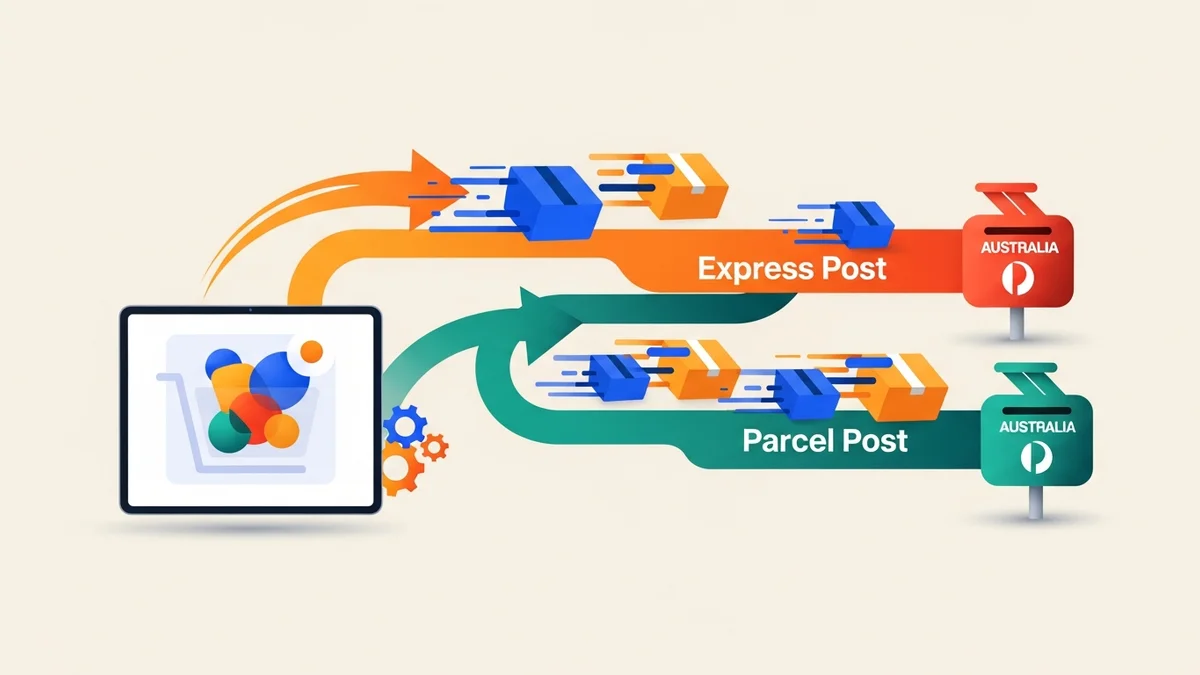
Australia Post provides two primary commercial platforms for businesses to manage their shipping: the Australia Post Business Portal and MyPost Business. While both facilitate parcel delivery, they are designed with different business models and operational scales in mind.
Australia Post Business Portal
The Australia Post Business Portal is tailored for medium to large-sized businesses with higher shipping volumes. It typically involves a direct commercial agreement or contract with Australia Post, offering negotiated rates and advanced features designed for scale. Access usually requires an account manager and a more formal setup process.
MyPost Business
MyPost Business is a more accessible, pay-as-you-go service aimed at small to medium businesses or those with lower, less predictable shipping volumes. It doesn't require a contract, allowing businesses to create labels and manage shipments online with standard retail or near-retail rates. It's often the first step for many new e-commerce ventures.
WooCommerce Integration Pathways for Australia Post Shipping
Connecting your WooCommerce store to Australia Post can take several forms, each offering different levels of automation and control. The primary methods include direct API integrations via australia post plugin solutions and file-based exports for bulk processing.
API-Based Integrations (Direct Connection)
Many WooCommerce Australia Post plugins leverage Australia Post's APIs to provide real-time shipping rates at checkout, generate labels directly within WooCommerce, and sometimes even update tracking information. These integrations offer the highest level of automation, reducing manual touchpoints and enhancing the customer experience. They typically require API keys and a more involved setup.
CSV Export and Manual Upload (File-Based Processing)
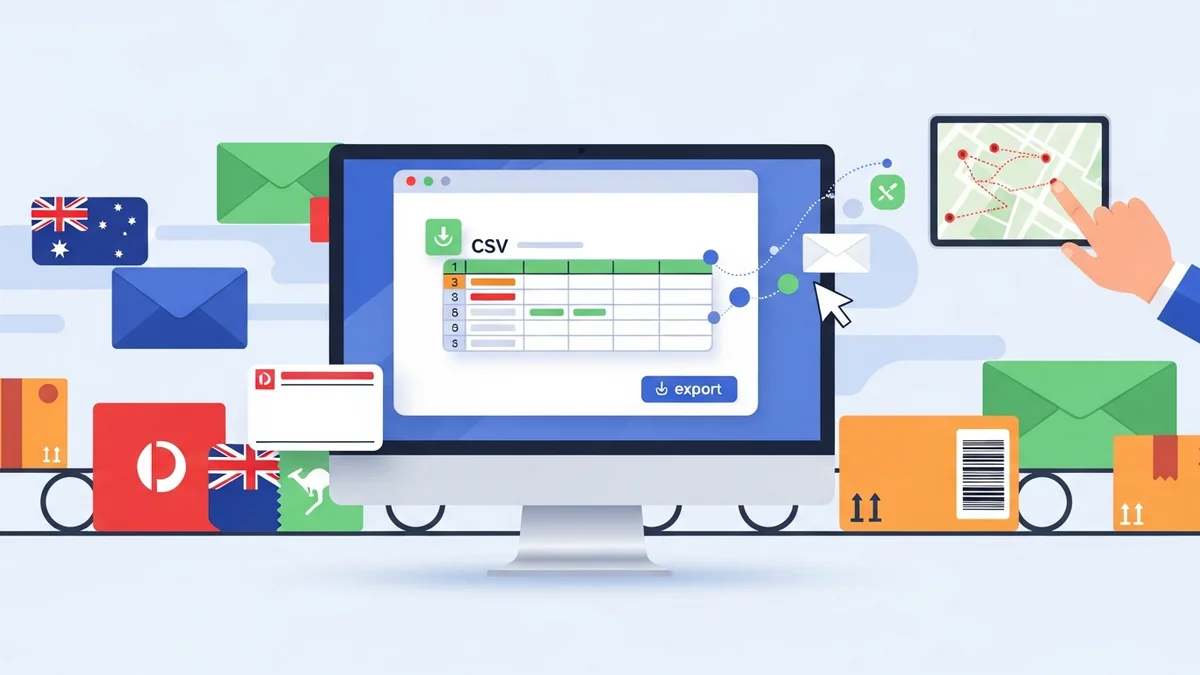
For businesses that prefer a more controlled, batch-processing approach, or for those whose chosen Australia Post platform doesn't offer robust API integration for label printing, CSV export is a powerful alternative. This method involves exporting order data from WooCommerce into a specific CSV format, which can then be uploaded to an Australia Post portal to generate shipping labels in bulk. This approach is highly effective for managing large volumes of orders efficiently, particularly when direct API label printing is not available or desired.
Australia Post Business Portal for WooCommerce Shipping
The Business Portal is designed for efficiency at scale, making it a compelling option for growing WooCommerce stores. It offers distinct advantages for businesses with consistent, higher shipping volumes.
Key Features and Benefits of Business Portal
- Negotiated Rates: Access to contract-based shipping rates, which are often significantly lower than MyPost Business rates, leading to better profit margins and ROI.
- Advanced Shipping Options: Greater flexibility with service options, packaging types, and additional services like Extra Cover or Signature on Delivery.
- Bulk Label Creation: Built-in functionality for uploading bulk order data to generate multiple shipping labels simultaneously, a critical feature for operational efficiency.
- Dedicated Support: Access to account managers and dedicated business support, which can be invaluable for troubleshooting and optimising shipping strategies.
- Comprehensive Reporting: Detailed reporting on shipping costs and volumes, aiding in business metrics analysis and forecasting.
Challenges and Considerations
- Contract Requirements: Requires a formal commercial agreement, which might involve minimum shipping volume commitments.
- Setup Complexity: Initial setup can be more involved, potentially requiring coordination with an Australia Post account manager.
- Minimum Volume Thresholds: Not always suitable for very low-volume sellers who may not meet contract requirements.
WooCommerce Integration with Business Portal
Integrating WooCommerce with the Australia Post Business Portal can take a few forms, depending on the level of automation desired for your woocommerce australia post shipping workflow.
API-Driven Integration
Some premium australia post plugin solutions for WooCommerce can connect directly to the Australia Post Business Portal APIs. These plugins are designed to:
- Calculate real-time shipping rates for customers at checkout based on your contract rates.
- Generate Australia Post shipping labels automatically within the WooCommerce admin area.
- Update order statuses and potentially provide tracking numbers back to customers.
While highly automated, these solutions often come with a higher price tag and require careful configuration to ensure they accurately reflect your specific contract terms and shipping rules.
CSV Export Integration (The "WooCommerce Australia Post CSV Export Pro" Approach)
For many e-commerce managers, particularly those prioritising cost-effective bulk processing without the complexities of direct API label printing, a CSV export solution offers significant advantages. The WooCommerce Australia Post CSV Export Pro plugin exemplifies this approach.
This powerful plugin streamlines the bulk shipping label creation process by exporting your WooCommerce orders directly to CSV files that are fully compatible with the Australia Post Business Portal. Instead of manually copying and pasting customer addresses and parcel details, you can generate a ready-to-upload file with a few clicks.
Here’s how it enhances operational efficiency and ROI:
- Time Savings: Export dozens or hundreds of orders in minutes, eliminating hours of manual data entry. This frees up valuable staff time for other critical business tasks.
- Accuracy: Automating data transfer drastically reduces human error, ensuring correct addresses and parcel details on every label.
- Flexible Shipping Options: Easily configure domestic services (Parcel Post, Express Post) and international services (Standard, Express) for individual orders or set smart defaults. Choose from Australia Post satchels (XS-XL) or use your own packaging, with automatic weight and dimension calculations from your product data.
- International Shipping Made Easy: Automatically generates customs declarations for international orders, pre-filling parcel contents, values, weights, and country of origin. This simplifies a notoriously complex part of global shipping.
- Professional Workflow: The plugin presents "Processing" orders in organised domestic and international tables, allowing you to review and adjust shipping services, packaging, tracking, signature, and extra cover options per order before a combined CSV export. You then upload this CSV to the Business Portal, print labels in bulk, and ship.
This approach is ideal for businesses that are already on the Australia Post Business Portal, or those looking to move to it for better rates, but want a simple, robust way to prepare their WooCommerce order data for bulk label generation without diving into complex API integrations for label printing.
MyPost Business for WooCommerce Shipping
MyPost Business serves as an excellent starting point for smaller WooCommerce stores, offering simplicity and flexibility without contract commitments.
Key Features and Benefits of MyPost Business
- No Contract Required: Easy to set up and use without any long-term commitments or minimum volume requirements.
- Simplicity: User-friendly online interface for creating and managing shipments.
- Online Label Printing: Generate and print shipping labels directly from the MyPost Business platform.
- Pay-as-you-go Model: Only pay for the postage you use, which is ideal for fluctuating or low shipping volumes.
Challenges and Considerations
- Higher Rates: Generally, shipping rates are higher compared to the negotiated contract rates available through the Business Portal, impacting profit margins as volume increases.
- Limited Bulk Features: While it offers some bulk options, MyPost Business's capabilities are less sophisticated than the Business Portal, especially for very high volumes.
- Less Advanced Functionality: Fewer advanced features for reporting, integration, and bespoke shipping solutions.
WooCommerce Integration with MyPost Business
Integrating WooCommerce with MyPost Business is typically geared towards simplicity.
API-Driven Integration
Similar to the Business Portal, some third-party australia post plugin solutions for WooCommerce can integrate with MyPost Business APIs. These plugins can:
- Display MyPost Business shipping rates at checkout.
- Generate shipping labels directly within the WooCommerce admin for individual orders.
- Automate some order fulfilment tasks.
These plugins aim to automate the label creation process directly within your store, saving time on individual order processing. However, they are still limited by the inherent features and rates of the MyPost Business platform.
Manual Entry or Basic CSV Export
For many MyPost Business users, especially those with lower order volumes, manual entry of order details into the MyPost Business portal is common. While MyPost Business offers some basic CSV import functionality, it may not be as robust or as flexible in its format requirements as the Business Portal, or as streamlined as a dedicated plugin like WooCommerce Australia Post CSV Export Pro.
Direct Comparison: Business Portal vs. MyPost Business for WooCommerce
To help e-commerce managers make a clear decision, here’s a direct comparison of the two Australia Post platforms in the context of WooCommerce integration:
| Feature/Aspect | Australia Post Business Portal | MyPost Business |
|---|---|---|
| Target Business Size | Medium to Large (higher volumes) | Small to Medium (lower/fluctuating volumes) |
| Rates | Negotiated contract rates (generally lower) | Standard retail/near-retail rates (generally higher) |
| Contract Required | Yes | No |
| Bulk Processing | Highly efficient with robust CSV upload and API options | Basic bulk options, often individual label creation |
| Integration Complexity | Can be more complex (API setup, contract alignment) | Simpler setup (online portal, basic API) |
| Advanced Features | Comprehensive, dedicated support, detailed reporting | Basic, self-service, limited reporting |
| ROI Potential | Higher, due to lower shipping costs at scale | Lower, but good for starting out with minimal commitment |
| WooCommerce CSV Export Tool Compatibility | Excellent (e.g., WooCommerce Australia Post CSV Export Pro) | Limited, often manual entry is preferred |
Choosing the Right Integration for Your WooCommerce Store
The best choice for your australia post plugin for WooCommerce depends heavily on your current and projected shipping volume, budget, and desired level of automation.
When to Choose Australia Post Business Portal
Opt for the Business Portal if:
- You have high, consistent shipping volumes: If you process 20+ orders daily, the cost savings from contract rates will likely outweigh the initial setup effort.
- You need advanced features: Such as comprehensive reporting, dedicated account management, or specific shipping service customisations.
- You prioritise long-term cost savings: Lower per-parcel costs significantly improve your profit margins as your business grows.
- You use or plan to use a CSV export tool: If you value operational efficiency through bulk processing, a plugin like WooCommerce Australia Post CSV Export Pro integrates seamlessly with the Business Portal's bulk upload capabilities, allowing you to export domestic, international, or combined orders with pre-filled customs declarations efficiently.
For Business Portal users, integrating with a powerful CSV export plugin dramatically enhances efficiency. Our WooCommerce Australia Post CSV Export Pro plugin specifically caters to this need, providing a professional shipping workflow by allowing you to prepare all your processing orders for bulk label generation in the Business Portal, saving hours of manual data entry.
When to Choose MyPost Business
MyPost Business is a better fit if:
- You are just starting out: It's a low-commitment way to get your shipping operations running.
- You have low or fluctuating shipping volumes: If you send fewer than 10-15 parcels a day, the simplicity and pay-as-you-go model are often more cost-effective than a contract.
- You prefer a simple, self-service online portal: The user-friendly interface requires minimal technical expertise.
- You don't require deep integration: Manual entry or basic API connections for individual label creation suffice for your current operational needs.
Optimising Your WooCommerce Australia Post Shipping Workflow
Regardless of which Australia Post platform you choose, several best practices can further optimise your woocommerce australia post shipping workflow for maximum ROI and operational efficiency.
- Accurate Product Data: Ensure all your WooCommerce products have accurate weights and dimensions. This is critical for any shipping calculation or CSV export tool to function correctly and avoid discrepancies.
- Streamlined Order Processing: Regularly review and update order statuses in WooCommerce. Tools like the WooCommerce Australia Post CSV Export Pro plugin focus specifically on "Processing" orders, making sure your workflow is clear and efficient.
- Batch Processing: Whenever possible, process orders in batches. Whether you're using an API-driven plugin to generate multiple labels or exporting a CSV for bulk upload, batching saves significant time over individual order handling.
- Consider International Needs: If you ship internationally, ensure your chosen integration or plugin (like the WooCommerce Australia Post CSV Export Pro) handles customs declarations efficiently. This can be a major time-sink if done manually.
Related Articles
Continue your learning with these related resources:
- The Complete Guide to WooCommerce Shipping for Australian Stores (Comprehensive Guide)
- How to Configure Default Shipping Service and Packaging in WooCommerce for Australia Post
- How to Customize Your Australia Post WooCommerce Export Table Columns
- How to Set Up Sender Details in WooCommerce for Australia Post CSV Export
- How to Set Up WooCommerce Product Weights for Accurate Australia Post CSV Export
- How to Set Signature on Delivery and Extra Cover Defaults for Australia Post WooCommerce Exports
Conclusion
The decision between Australia Post Business Portal and MyPost Business for your WooCommerce integration boils down to your business's scale, shipping volume, and appetite for automation. For smaller, newer stores, MyPost Business offers a straightforward, low-commitment entry point. However, as your business grows and shipping volumes increase, the Australia Post Business Portal, with its negotiated rates and advanced features, becomes the more cost-effective and scalable choice.
For those leveraging the Business Portal, solutions like the WooCommerce Australia Post CSV Export Pro plugin are invaluable. They bridge the gap between your WooCommerce store and Australia Post's bulk upload capabilities, transforming a potentially tedious manual process into a highly efficient, error-minimising workflow. By carefully evaluating your needs and leveraging the right tools, you can build a robust australia post plugin and shipping strategy that supports your e-commerce growth and enhances your operational efficiency.