Introduction
For any WooCommerce merchant, a robust email marketing strategy is not just an advantage – it’s a necessity. Planning your email campaigns for the entire year ensures you never miss a crucial sales opportunity, consistently engage your customer base, and build lasting relationships. A structured email marketing calendar acts as your roadmap, guiding your efforts from initial customer welcome to repeat email engagement and beyond.
This guide will walk you through the process of developing a comprehensive WooCommerce email marketing calendar. We'll cover everything from key retail dates to essential automated sequences, helping you organise your campaigns for maximum impact and sustained growth.
Why a Full-Year Email Marketing Calendar is Crucial for WooCommerce
A proactive approach to email marketing offers significant benefits for your online store. Instead of reacting to events as they happen, a well-planned calendar allows you to be strategic and prepared, maximising your return on investment.
- Consistency and Predictability: Ensures a steady stream of communication with your audience, keeping your brand top-of-mind.
- Never Miss an Opportunity: Allows you to capitalise on major holidays, seasonal trends, and product launches with ample preparation.
- Improved Customer Lifecycle Management: Supports customers at every stage, from awareness to loyalty, fostering deeper engagement.
- Efficient Resource Allocation: Helps your team plan content, design assets, and schedule campaigns, avoiding last-minute rushes.
- Enhanced Sales and Customer Lifetime Value: Drives repeat purchases, higher average order values, and stronger customer loyalty over time.
Step-by-Step Guide: Planning Your WooCommerce Email Marketing Calendar
Step 1: Define Your Annual Marketing Goals and Audience Segments
Before you start scheduling, clarify what you aim to achieve. Are you focused on increasing overall sales, boosting average order value (AOV), improving customer lifetime value (LTV), or expanding your email list? Setting clear, measurable goals will inform every subsequent decision.
Next, identify your key audience segments. While detailed purchase history, order data, and comprehensive engagement patterns from WooCommerce may not sync directly to your email platform, you can still segment based on available customer profile data (e.g., name, email), sign-up source, or general browsing interests inferred from site activity. Tailoring your messages to these segments will significantly improve campaign effectiveness.
Step 2: Map Out the Retail Calendar and Key Dates
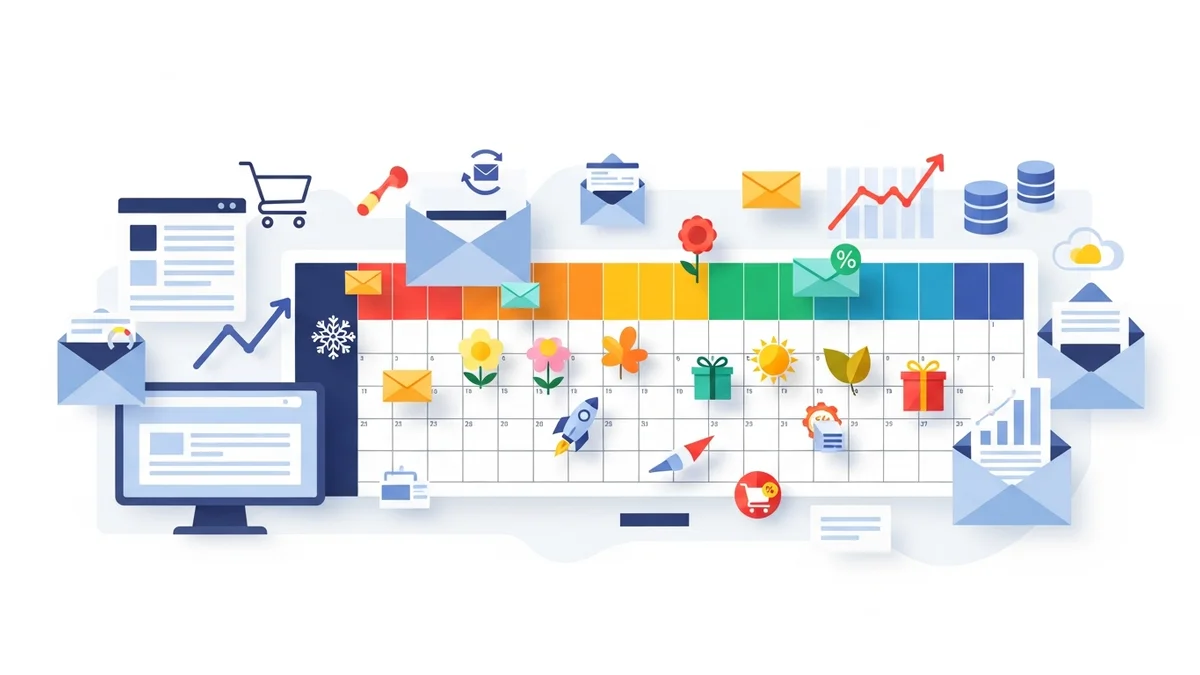
Create a master calendar, either digitally or physically, and mark down all relevant dates. This forms the backbone of your promotional planning. Consider:
- Major Global Holidays: Christmas, New Year, Valentine’s Day, Halloween.
- Australian Specific Dates: Australia Day, Easter, Mother's Day, Father's Day, Boxing Day, End of Financial Year (EOFY).
- Key Retail Events: Black Friday, Cyber Monday, Click Frenzy, Prime Day (if applicable).
- Industry-Specific Events: Trade shows, seasonal changes relevant to your products (e.g., summer fashion, winter sports gear).
- Company Milestones: Your business anniversary, significant product updates.
This comprehensive list will highlight periods of high sales potential and allow you to plan campaigns well in advance.
Step 3: Strategise Core Automated Email Sequences
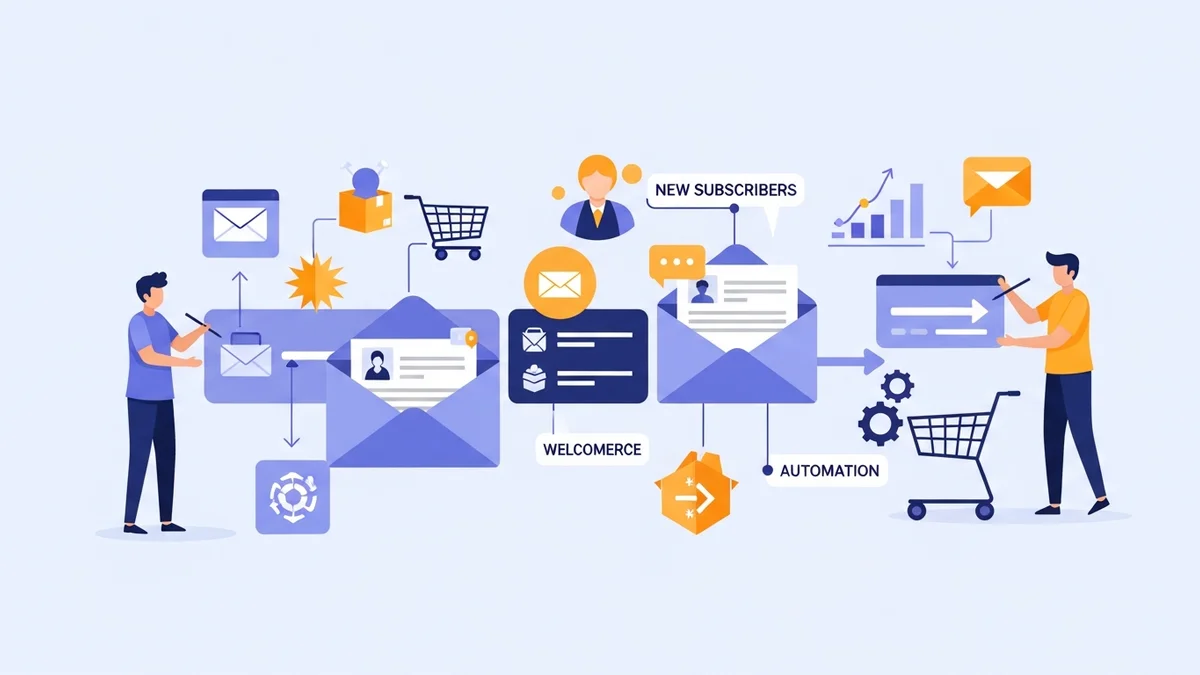
These evergreen campaigns run continuously in the background, providing essential touchpoints regardless of the retail calendar. They are fundamental to customer engagement and sales automation.
- Welcome Series: For new subscribers or first-time customers. A typical series might include 3-5 emails:
- An introduction to your brand and its values.
- Highlighting popular products or unique selling propositions.
- Offering a small discount on their first purchase.
- Showcasing social proof or customer testimonials.
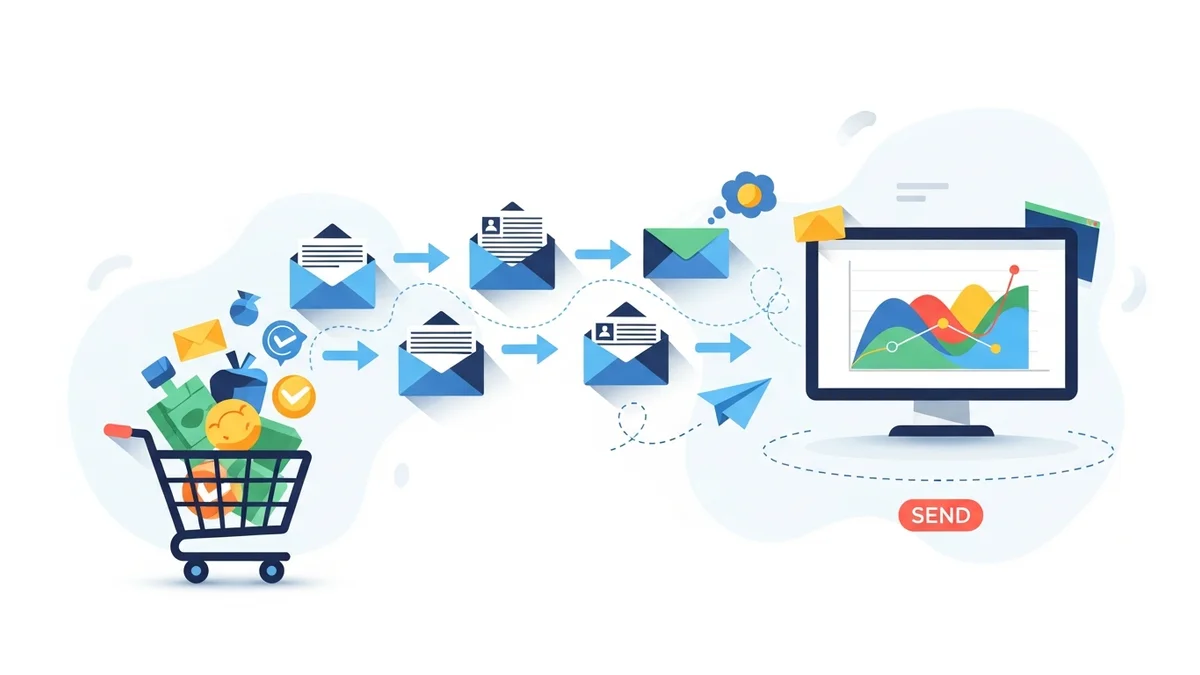
- Abandoned Cart Reminders: Critical for recovering lost sales. Set up 1-3 emails:
- A gentle reminder about items left in their cart.
- Perhaps an incentive (e.g., free shipping or a small discount) in the second email.
- Social proof or urgency in the final email.
- Browse Abandonment: For visitors who viewed products but didn't add to cart. These emails can re-engage interested prospects, provided your email platform tracks browsing behavior.
- Post-Purchase Sequences: Extend the customer relationship beyond the sale:
- Order Confirmation & Shipping Updates: Essential transactional emails.
- Thank You & Review Request: Sent 7-14 days after purchase, asking for feedback and offering product care tips.
Step 4: Plan Seasonal and Promotional Campaigns
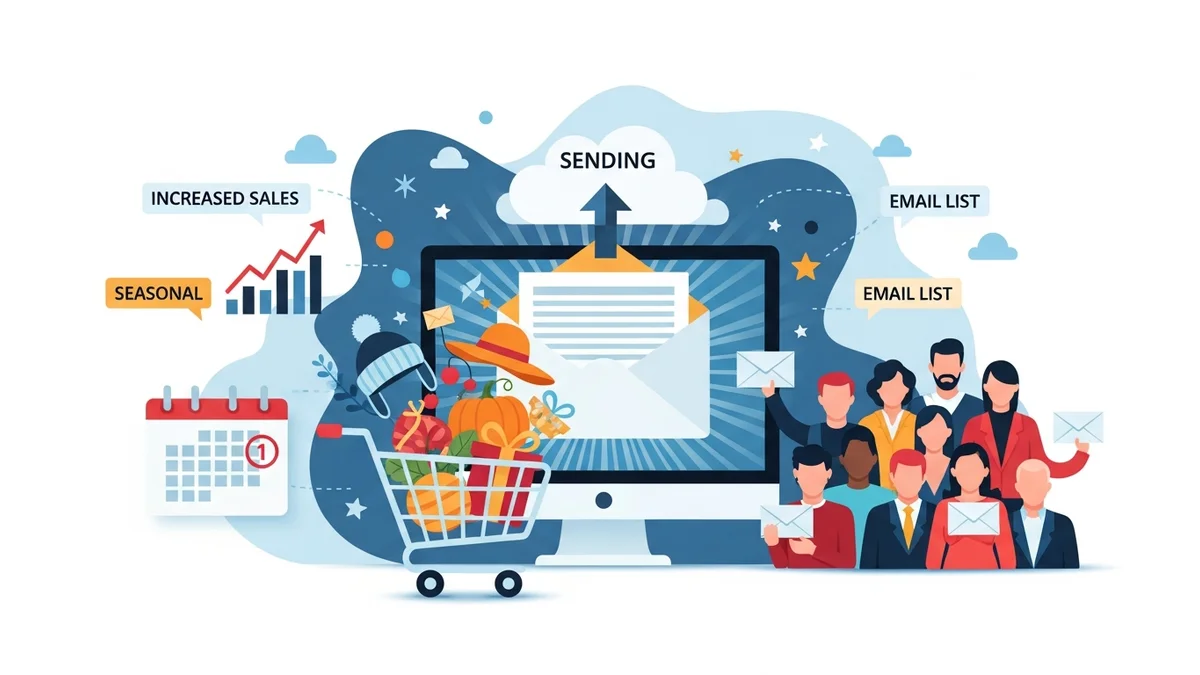
Integrate your automated sequences with strategic, time-sensitive campaigns based on your retail calendar. These are your big sales drivers and brand awareness builders.
- Pre-Sales & Teasers: Build anticipation for upcoming sales or product launches (e.g., "Get ready for our Black Friday sneak peek!").
- Holiday Sales Campaigns: Specific offers and themed content for Christmas, Easter, or Mother's Day (e.g., gift guides, limited-time discounts).
- Mid-Season Sales & Clearance: Drive inventory movement with targeted promotions.
- Customer Appreciation: Birthday emails with a special offer, loyalty programme announcements, or exclusive early access for VIPs.
Consider the narrative and visual themes for each period to create cohesive and engaging campaigns.
Step 5: Incorporate Product Launches and Content Releases
If your WooCommerce store regularly introduces new products or publishes fresh content, weave these into your calendar. Treat product launches as mini-campaigns:
- Announcement Emails: Introduce the new item, highlighting key features and benefits.
- Feature Deep Dives: Send follow-up emails showcasing different aspects or use cases.
- Early Access/Pre-Orders: Offer exclusive opportunities to loyal customers.
For content, plan emails to promote new blog posts, videos, or guides, driving traffic back to your site and positioning your brand as an industry expert.
Step 6: Segment Your Audience for Targeted Campaigns
Effective email marketing relies heavily on segmentation. Don't send every email to everyone. Instead, leverage available customer profile data from WooCommerce (such as email, name, basic demographics) and email platform engagement data to create highly targeted lists.
It's important to note that many integrations primarily sync customer profile data. Detailed purchase history, specific order data, and comprehensive engagement patterns from WooCommerce itself may not be directly available for segmentation within your email marketing platform. Focus on what data *is* synced and available for effective targeting.
- Browsing Behaviour: If your email platform tracks website activity, send emails related to products subscribers have viewed.
- Engagement Level: Send special offers to highly engaged email subscribers (based on opens and clicks), or re-engagement campaigns to less active ones.
- Demographics/Location: If relevant and available in customer profiles, tailor offers based on customer location or age group.
Segmentation ensures your messages are highly relevant, leading to better open rates, click-through rates, and conversions.
Step 7: Schedule and Allocate Resources
Once you have a clear plan, it's time to put it into action. Assign specific dates for each email campaign and work backwards to determine deadlines for content creation and design. For each campaign, consider:
- Content: What copy is needed?
- Assets: What images, GIFs, or videos are required?
- Offer: What discount code or incentive will be used?
- Responsibilities: Who is responsible for copywriting, design, email setup, and final review?
Build in buffer time for approvals and potential revisions. Tools like spreadsheets or project management software can help you visualise and manage your workload effectively.
Step 8: Review, Test, and Optimise
Your email marketing calendar is a living document, not a static plan. Regular review and optimisation are essential for continuous improvement. After each campaign, analyse its performance:
- Key Metrics: Monitor open rates, click-through rates, conversion rates, and revenue generated.
- A/B Testing: Continuously test different subject lines, call-to-action (CTA) buttons, email content, and send times to see what resonates best with your audience.
- Customer Feedback: Pay attention to replies and social media comments.
Use these insights to refine future campaigns and adjust your calendar for better results. What worked well last Christmas might need tweaking for the next one.
Practical Tips for WooCommerce Email Calendar Success
- Leverage Available Data: Use your WooCommerce store's analytics to understand overall customer behavior, popular products, and peak shopping times. For email segmentation, focus on the customer profile data and browsing activity that syncs with your email marketing platform.
- Personalise Whenever Possible: Address customers by name and send relevant offers based on available profile information or browsing behavior.
- Maintain Brand Consistency: Ensure all emails reflect your brand's voice, tone, and visual identity.
- Automate What You Can: Utilise your email marketing platform's automation features for welcome series, abandoned carts, and post-purchase flows (like order confirmations and review requests) to save time.
- Don't Be Afraid to Experiment: Try new content formats, send times, or segmentation strategies. What works for one business might not work for yours.
- Keep it Scannable: Use clear headings, bullet points, and concise copy to make emails easy to read on any device.
Related Articles
Continue your learning with these related resources:
- The Complete Email Marketing Guide for WooCommerce Stores Using Campaign Monitor (Comprehensive Guide)
- How to Run a Black Friday Email Campaign for Your WooCommerce Store in Campaign Monitor
- What Email List Opt-in Incentives Work Best for WooCommerce Stores
- How to Create a Win-Back Email Campaign for Lapsed WooCommerce Customers in Campaign Monitor
- How to Re-Engage WooCommerce Customers Who Never Opted in to Your Email List
- How to Reduce WooCommerce Customer Churn with Targeted Retention Emails in Campaign Monitor
Conclusion
Developing a comprehensive WooCommerce email marketing calendar for the full year is a strategic investment that pays dividends in sustained customer engagement and increased sales. By systematically planning your automated sequences, seasonal promotions, and product launches, you create a cohesive and effective communication strategy.
Embrace the power of preparation, leverage your customer data, and continuously optimise your efforts. With a well-organised email marketing calendar, your WooCommerce store is set to thrive throughout the year, building stronger customer relationships and achieving your business objectives.