Introduction
Seasonal sales are pivotal for any WooCommerce store looking to capitalise on peak shopping periods and boost revenue. Whether it's the Christmas rush, a mid-year clearance, or a targeted Mother's Day promotion, strategic email marketing is your most powerful tool for engaging customers and driving conversions.
For marketing professionals, harnessing your WooCommerce customer data within a robust email platform like Campaign Monitor is essential. This article will guide you through the process of planning, executing, and optimising seasonal email campaigns, ensuring your promotions hit the mark and deliver impressive results.
Understanding Your Seasonal Sales Calendar
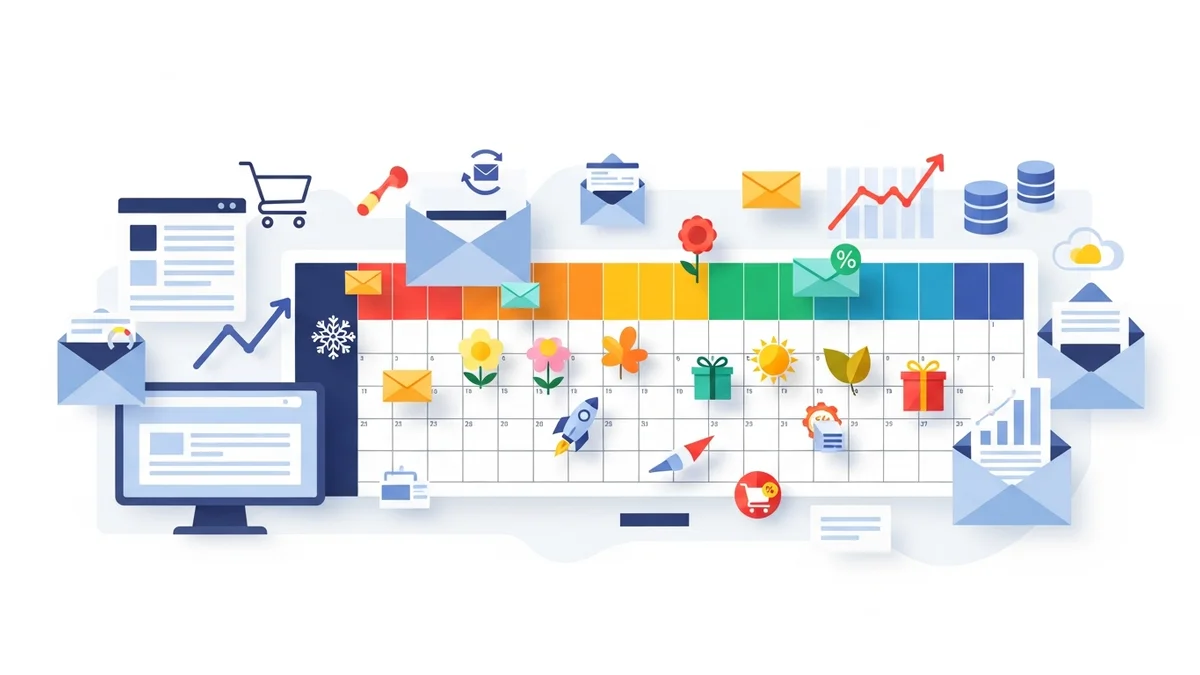
Effective seasonal promotion begins with meticulous planning. A well-defined retail calendar acts as your roadmap, helping you anticipate key shopping events and prepare your campaigns well in advance. This foresight allows for strategic inventory management, content creation, and campaign scheduling.
Create a Yearly Retail Calendar
Start by mapping out all significant seasonal events relevant to your target market. This isn't just about major holidays; consider local events, industry-specific sales, and even your own brand anniversaries.
- Major Holidays: Christmas, Easter, Mother's Day, Father's Day, Valentine's Day.
- Shopping Events: Black Friday, Cyber Monday, Boxing Day, End-of-Financial-Year (EOFY) sales, Click Frenzy.
- Cultural or Niche Events: Anzac Day, school holidays, sporting finals, or even seasonal changes like "Spring Cleaning" or "Winter Warmers."
- Your Brand's Milestones: Anniversary sales, new product launches.
Why it matters: Planning ahead prevents last-minute scrambling and ensures your messaging is timely and relevant. It also allows your WooCommerce store to be fully stocked and prepared for increased demand.
Segmenting Your WooCommerce Email List in Campaign Monitor
One-size-fits-all emails rarely achieve optimal results. The power of email marketing for seasonal sales lies in its ability to deliver highly relevant content to specific customer groups. Campaign Monitor's integration with WooCommerce provides a valuable data source for segmentation.
Leverage WooCommerce Data for Targeted Campaigns
Your WooCommerce store holds valuable customer information. It's important to clarify that while the standard WooCommerce plugin syncs essential customer profile data (like name and email address) to Campaign Monitor, it does not typically sync detailed purchase history, order data, or engagement patterns directly from WooCommerce. Therefore, advanced segmentation within Campaign Monitor will primarily leverage the synced profile data, combined with engagement metrics gathered directly by Campaign Monitor (e.g., email opens, clicks).
- Engaged Subscribers: Individuals who have opened emails or clicked links. Entice them with a compelling seasonal offer.
- Geographic Segmentation: If your seasonal sales have a regional focus (e.g., specific delivery cut-offs for a local holiday), you can segment based on synced location data.
Why it matters: Personalisation boosts open rates, click-through rates, and ultimately, conversions. Customers are more likely to engage with an offer that feels tailored to their preferences and how they interact with your emails.
Crafting Engaging Seasonal Email Content
Even with effective segmentation, your emails need to capture attention and inspire action. Seasonal sales periods often mean crowded inboxes, so your content must stand out.
Elements of a High-Converting Seasonal Email
- Compelling Subject Lines: This is your first impression. Use urgency, curiosity, or personalisation.
- Example: "🥳 Early Access: Christmas Sale Starts Now for You!"
- Example: "Last Chance! ⏳ EOFY Savings End Tonight!"
- Example: "Your Winter Wardrobe Awaits – Up to 40% Off!"
- Visually Appealing Design: Use high-quality, seasonal imagery that aligns with your brand. Campaign Monitor's drag-and-drop builder makes it easy to create mobile-responsive designs.
- Ensure your product images are clear and enticing.
- Incorporate seasonal colours and motifs (e.g., festive colours for Christmas, pastels for Easter).
- Clear Call-to-Actions (CTAs): Make it obvious what you want recipients to do. Use prominent buttons with action-oriented text.
- Example: "Shop Christmas Gifts Now"
- Example: "Claim Your EOFY Discount"
- Example: "Browse Summer Essentials"
- Benefit-Oriented Copy: Focus on what the customer gains, not just what you're selling. Highlight savings, convenience, or the joy of giving.
- Personalisation: Beyond segmentation, use dynamic content blocks in Campaign Monitor to insert the customer's name or other synced profile information, ensuring each email feels personal and directly relevant to the recipient.
- Storytelling: Connect the seasonal theme to your brand or products. How does your product solve a seasonal problem or enhance a seasonal experience?
Why it matters: Engaging content cuts through the noise, builds an emotional connection, and directly guides the customer towards making a purchase.
Building Your Seasonal Email Campaign Flow
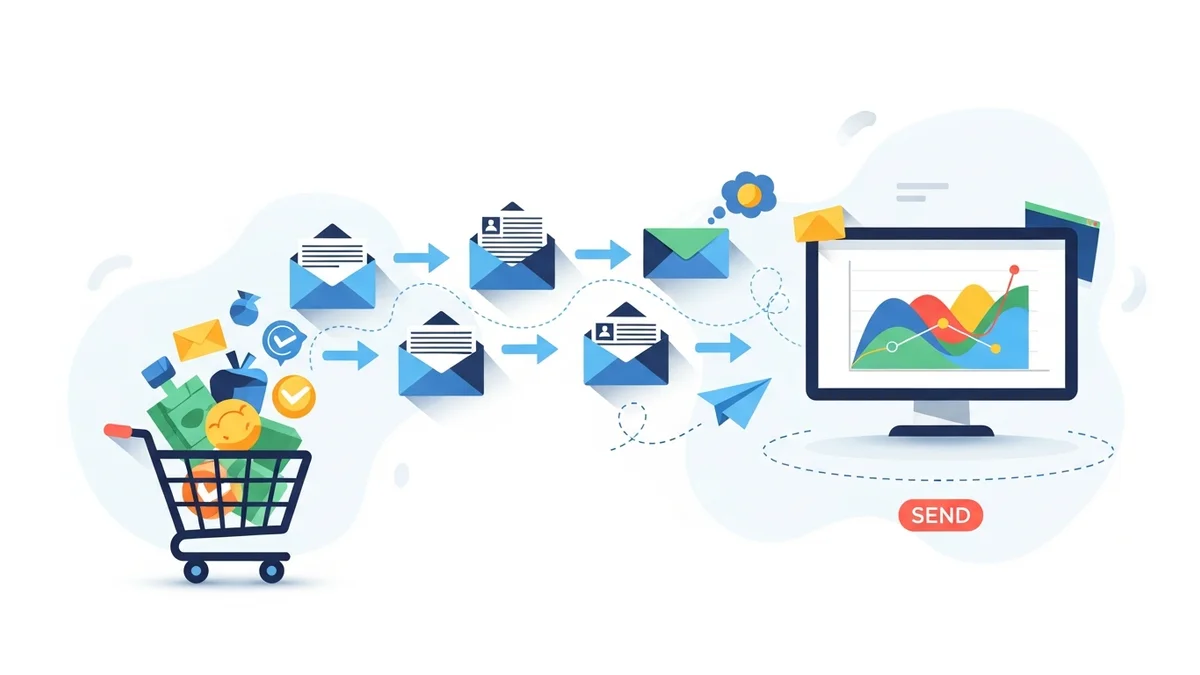
A single email is rarely enough to maximise seasonal sales. A well-orchestrated series of emails, often referred to as a "journey" or "drip campaign," builds anticipation, provides reminders, and creates urgency.
Plan a Multi-Touchpoint Strategy in Campaign Monitor
Leverage Campaign Monitor's automation features to set up a sequence of emails that guides customers through the sales funnel during a promotional period. Here's a typical flow for a major sale:
- The Teaser Email (1-2 weeks before):
- Purpose: Build excitement and anticipation.
- Content: Announce an upcoming sale, hint at discounts, or offer early sign-up for exclusive access.
- Example: "Get Ready! Our Biggest Sale of the Year is Coming Soon!"
- The Launch Announcement (Day of Sale Start):
- Purpose: Announce the sale is live.
- Content: Clearly state the discount, key products, and the duration of the sale. Include prominent CTAs.
- Example: "It's HERE! Shop Our [Sale Name] Now – Up to 50% Off!"
- Mid-Sale Reminder/Highlight (Mid-Sale Period):
- Purpose: Re-engage those who haven't purchased, highlight popular items.
- Content: Showcase best-sellers, specific categories, or personalised recommendations. Add a soft reminder of the sale's progress.
- Example: "Top Picks: Don't Miss These [Sale Name] Favourites!"
- Last Chance/Urgency Email (24-48 hours before close):
- Purpose: Create FOMO (Fear Of Missing Out) and drive immediate action.
- Content: Emphasise the impending end of the sale, include a countdown timer if possible, and reiterate the biggest savings.
- Example: "Final Hours! 🚨 [Sale Name] Ends Tonight at Midnight!"
- Post-Sale Follow-up (Immediately after sale ends):
- Purpose: Thank purchasers, perhaps offer a smaller incentive to those who missed out.
- Content: A "thank you" to customers who bought, or a consolation offer (e.g., 10% off next purchase) to those who didn't.
- Example: "You Missed Out, But Here's a Treat..." or "Thank You for Shopping Our [Sale Name]!"
Why it matters: A planned sequence ensures you're consistently reaching customers, reinforcing your message, and converting interest into purchases throughout the entire sales period.
Leveraging Campaign Monitor Features for Seasonal Success
Campaign Monitor offers a suite of powerful features that seamlessly integrate with your WooCommerce data, enabling sophisticated seasonal campaigns.
Key Features to Maximise Your Seasonal Sales
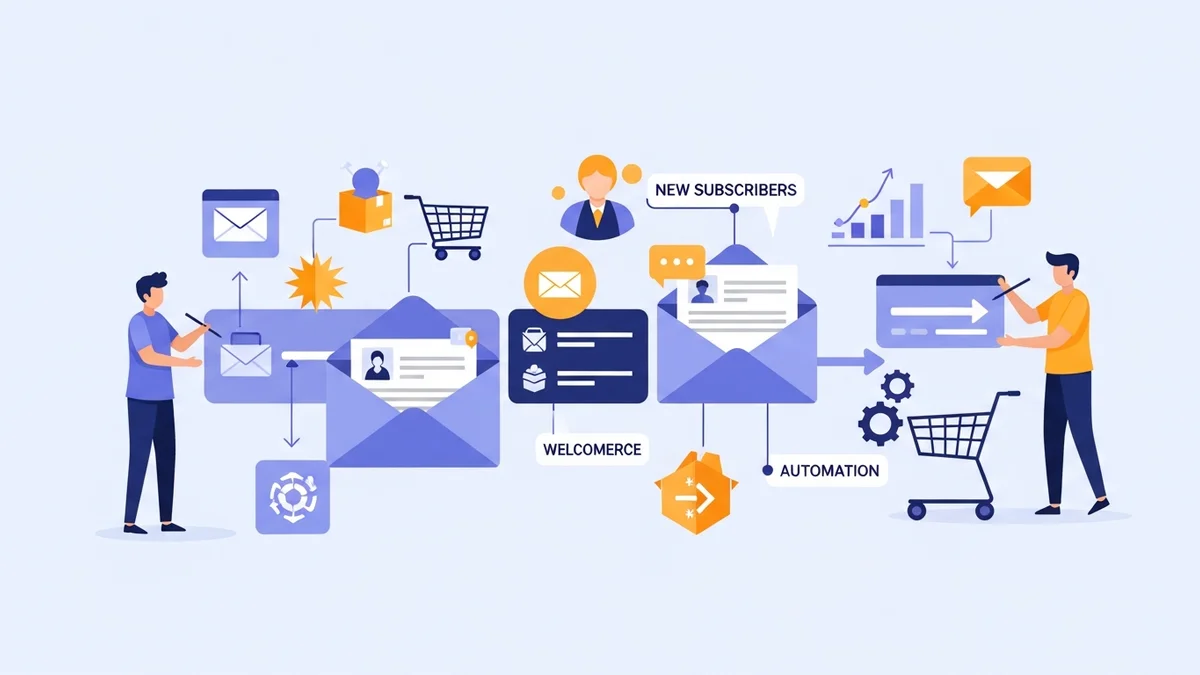
- Automation & Journeys: Set up automated email series based on specific triggers, such as email opens or clicks within Campaign Monitor. This allows for timely and relevant follow-ups based on subscriber engagement with your emails, without manual intervention.
- Segmentation: As discussed, use Campaign Monitor's robust segmentation tools to filter your WooCommerce customer list based on synced customer profile data (e.g., name, email, location) and email engagement (e.g., opens, clicks) for targeted messaging.
- A/B Testing: Continuously optimise your campaigns by testing different subject lines, CTA buttons, email content, and send times. Learn what resonates best with your audience during specific seasonal periods.
- Analytics & Reporting: Monitor key metrics like open rates, click-through rates, conversion rates, and revenue generated directly within Campaign Monitor. These insights are crucial for understanding campaign performance and refining future seasonal strategies.
- Personalisation: Utilise synced customer profile data (such as name or location) as custom fields within Campaign Monitor to insert dynamic content, ensuring each email feels personal and directly relevant to the recipient.
- Template Builder: Design professional, mobile-responsive email templates quickly and easily, saving you time during busy seasonal periods.
Why it matters: These features empower you to execute complex, personalised campaigns efficiently, providing measurable results and continuous improvement.
Best Practices for Timely Delivery and Performance
Beyond content and segmentation, several best practices ensure your seasonal emails reach the inbox, get opened, and perform optimally.
Optimise Your Email Delivery and Engagement
- Optimise Send Times: Analyse your Campaign Monitor reports to identify when your audience is most active and likely to open emails. A/B test different send times during peak seasonal periods.
- Mobile Responsiveness is Non-Negotiable: A significant portion of your audience will open emails on mobile devices. Ensure your templates are fully responsive and look great on any screen size.
- Craft Effective Pre-Header Text: This short snippet of text appears after the subject line in many inboxes. Use it to expand on your subject line or offer a compelling hook.
- Maintain a Clean Email List: Regularly remove inactive or unengaged subscribers. A clean list improves your sender reputation, leading to better deliverability and higher engagement rates for your active customers.
- Comply with Regulations: Always adhere to email marketing regulations such as the Australian Spam Act, GDPR, and CAN-SPAM. Ensure easy unsubscribe options and clear sender identification.
- Integrate with Social Media: Promote your seasonal email campaigns on your social channels to extend reach and encourage sign-ups for your email list.
Why it matters: Good deliverability and adherence to best practices ensure your valuable seasonal offers actually land in the inbox and are perceived as professional and trustworthy by your audience.
Related Articles
Continue your learning with these related resources:
- The Complete Email Marketing Guide for WooCommerce Stores Using Campaign Monitor (Comprehensive Guide)
- How to Run a Black Friday Email Campaign for Your WooCommerce Store in Campaign Monitor
- What Email List Opt-in Incentives Work Best for WooCommerce Stores
- How to Create a Win-Back Email Campaign for Lapsed WooCommerce Customers in Campaign Monitor
- How to Re-Engage WooCommerce Customers Who Never Opted in to Your Email List
- How to Reduce WooCommerce Customer Churn with Targeted Retention Emails in Campaign Monitor
Conclusion
Promoting seasonal sales to your WooCommerce email list via Campaign Monitor is a powerful strategy for driving significant revenue and fostering customer loyalty. By embracing strategic planning, intelligent segmentation based on available data, compelling content, and leveraging Campaign Monitor's robust features, you can create highly effective campaigns that resonate with your audience.
Remember, the key to success lies in understanding your customers, crafting tailored messages, and continuously optimising your approach based on performance data. Implement these expert recommendations to transform your seasonal promotions into a major driver of growth for your WooCommerce store.