Introduction
In the competitive landscape of e-commerce, generic email marketing campaigns often fall short. E-commerce managers understand that to truly drive sales, foster loyalty, and maximise ROI, personalisation and relevance are paramount. This journey begins not just with collecting new subscribers, but with intelligently leveraging your existing customer data.
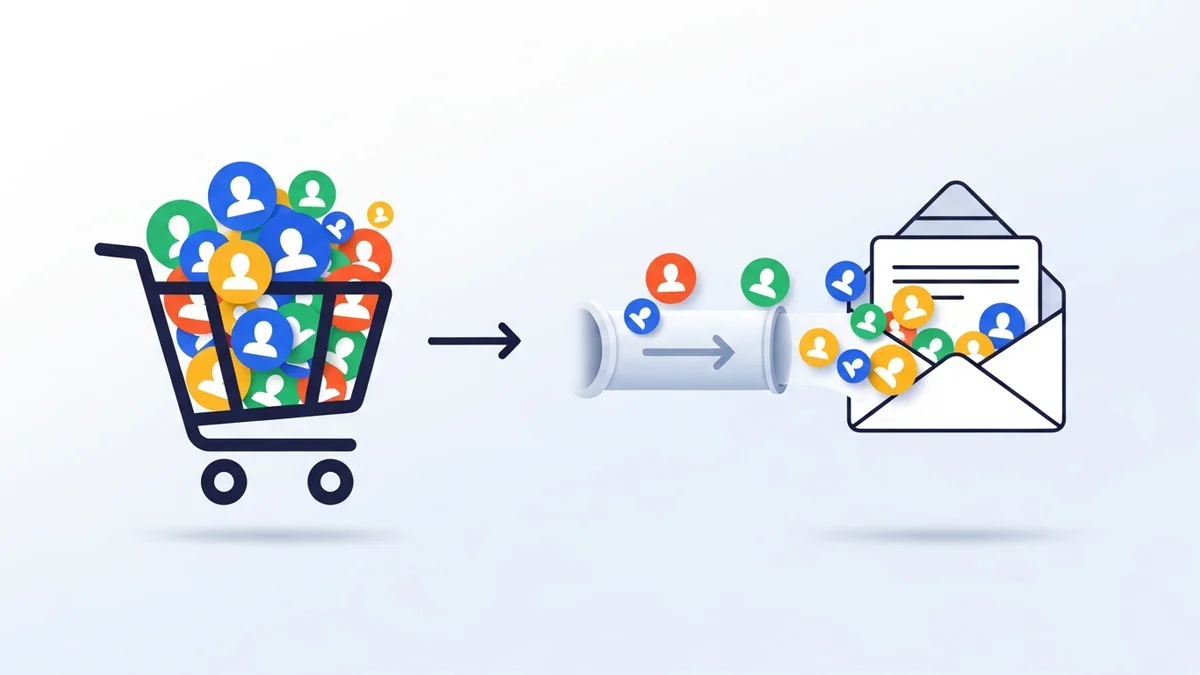
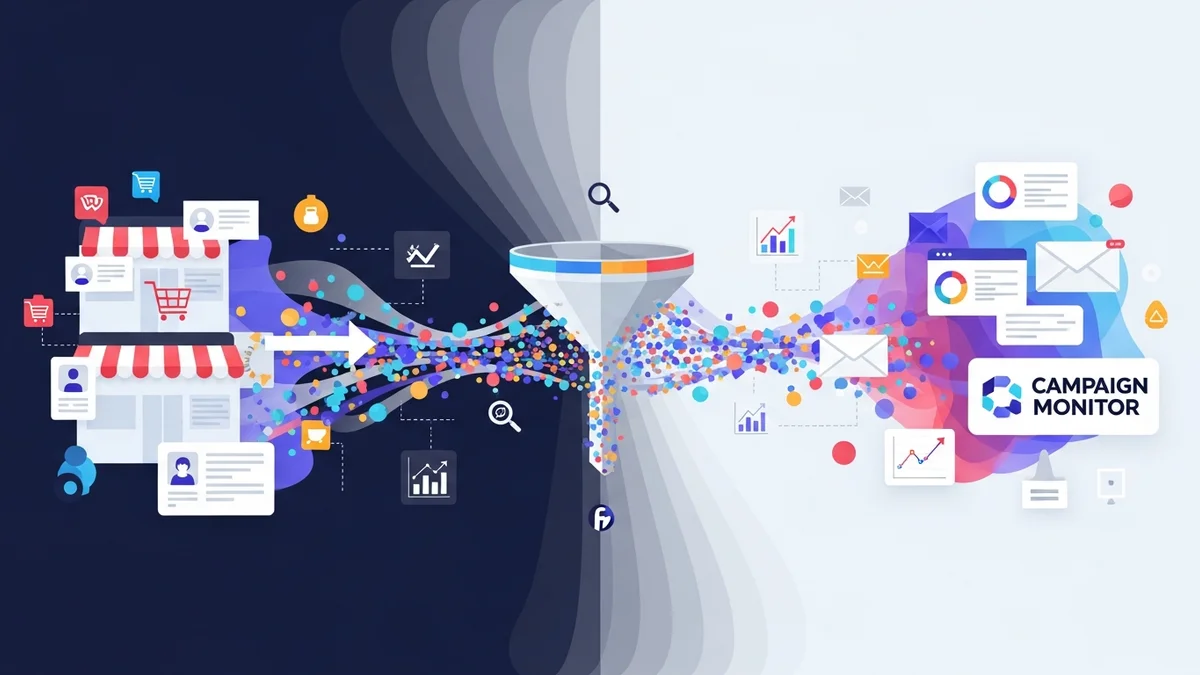
Migrating your valuable WooCommerce customer base to an email marketing platform like Campaign Monitor presents a powerful opportunity. It's not merely about transferring emails; it's about strategically filtering that data during the bulk import process to enable powerful segmentation and lay the groundwork for highly targeted, effective campaigns. This article will guide you through the expert recommendations and best practices for this critical initial step.
The Strategic Value of Targeted Email Lists
An undifferentiated email list is a missed opportunity. Each customer interacts with your brand uniquely, holds different preferences, and is at a distinct stage in their buying journey. Recognising these nuances allows you to communicate more effectively, fostering stronger relationships and encouraging repeat purchases.
Effective segmentation means sending the right message to the right person at the right time. For e-commerce managers, this translates directly into improved engagement metrics, higher conversion rates, and a more efficient allocation of marketing resources. It transforms your email marketing from a broadcast tool into a precision instrument.
Why Generic Lists Fall Short
Sending the same promotional email to every single customer, regardless of their past purchase behaviour, engagement level, or demographic, is inefficient and
Related Articles
Continue your learning with these related resources:
- Mastering WooCommerce Campaign Monitor Pro: Your Ultimate Integration Guide for E-commerce Growth (Comprehensive Guide)
- How to Optimize WooCommerce Order Sync Timing for Campaign Monitor
- How to Set the Subscriber Name Format Sent from WooCommerce to Campaign Monitor
- How to Manually Sync a WooCommerce Order to Campaign Monitor from the Order Admin
- How to Choose the Right Campaign Monitor List for Your WooCommerce Store
- How to Bypass Campaign Monitor Double Opt-in for WooCommerce Checkout Subscribers