Introduction
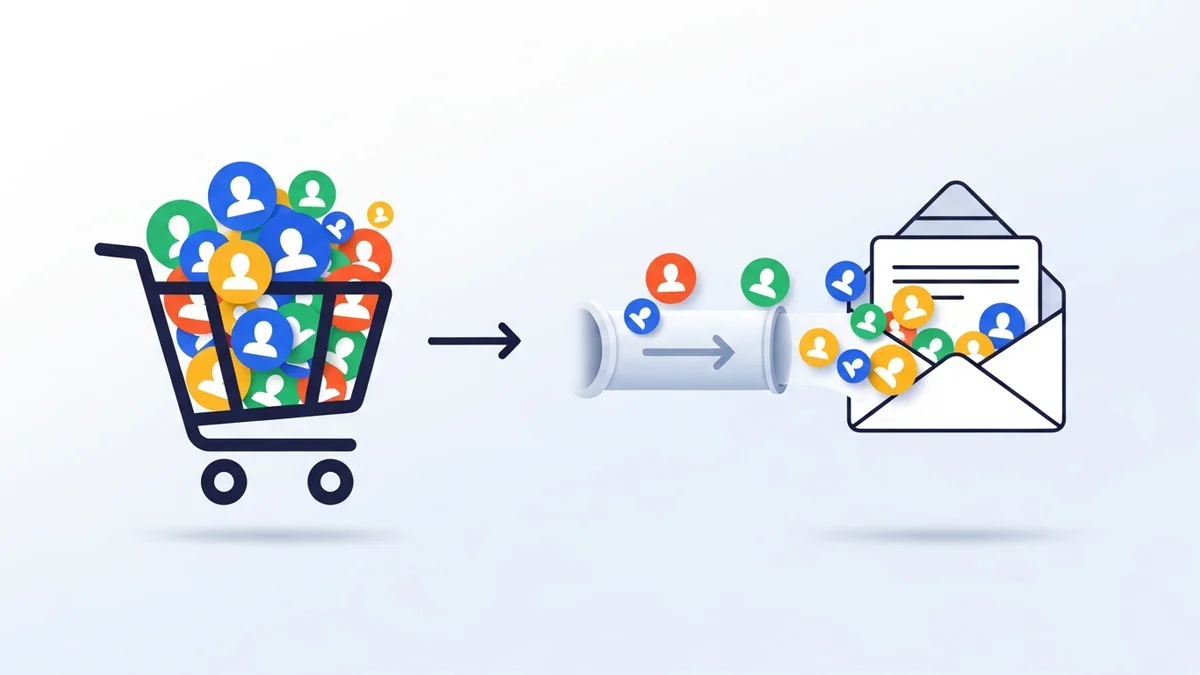
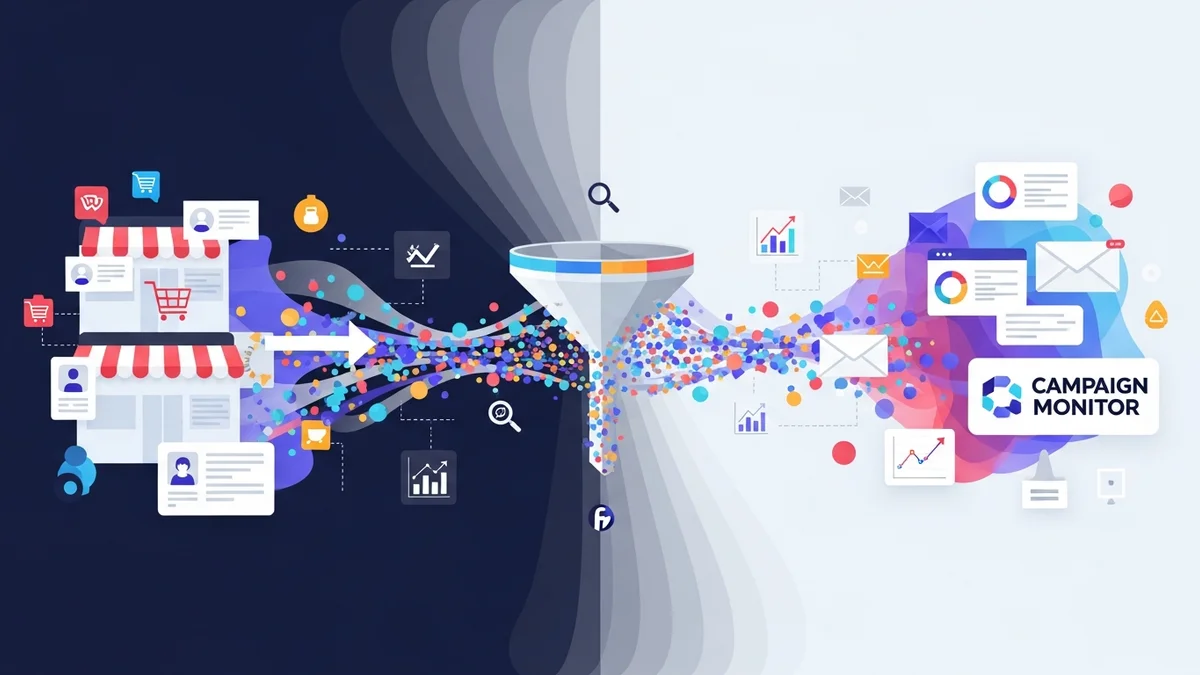
For marketing professionals, consolidating customer data into a unified platform like Campaign Monitor is crucial for effective engagement and automation. When transitioning from disparate systems or other email service providers, migrating your existing subscriber base, especially from a robust e-commerce platform like WooCommerce, demands a well-thought-out strategy. This process isn't just about moving email addresses; it's about preserving valuable customer insights and ensuring a smooth transition that enhances your marketing capabilities.
This article will guide you through the expert recommendations and industry best practices for successfully migrating your existing WooCommerce customers to Campaign Monitor. We'll explore how to leverage tools like the WooCommerce Campaign Monitor Pro plugin to streamline this process, focusing on data hygiene, segmentation, and ensuring compliance, ultimately empowering you to build more targeted and impactful campaigns.
Why a Strategic Migration to Campaign Monitor Matters
Consolidating your customer data into Campaign Monitor offers significant advantages for marketing professionals. A unified database allows for more cohesive campaign management, advanced segmentation, and a clearer view of your customer lifecycle. Manual migration, however, can be fraught with errors, leading to data inconsistencies and wasted marketing efforts.
A strategic migration ensures that your customer data arrives in Campaign Monitor clean, organised, and ready for action. It minimises disruption to ongoing campaigns and prevents the loss of crucial subscriber relationships built over time. By centralising this data, you unlock the full potential of Campaign Monitor's automation and personalisation features, leading to higher engagement rates and improved ROI.
Benefits of Centralized Customer Data
- Enhanced Segmentation: Group customers based on demographics, engagement levels, or other available profile data for highly targeted campaigns.
- Personalised Communication: Deliver messages tailored to individual customer preferences, increasing relevance and impact.
- Streamlined Automation: Set up automated welcome series, abandoned cart reminders, and re-engagement flows with consistent data.
- Improved Reporting: Gain a holistic view of campaign performance and customer behaviour within a single platform.
- Operational Efficiency: Reduce the time and effort spent managing data across multiple systems.
Planning Your Migration: The Foundation of Success
Before initiating any data transfer, meticulous planning is paramount. A well-defined plan minimises risks, ensures data integrity, and sets the stage for a successful migration. This phase involves auditing your current data, understanding Campaign Monitor's structure, and defining your objectives.
Audit Your Existing Customer Data
Start by thoroughly reviewing your current customer database, whether it resides in WooCommerce, a previous email service provider, or another CRM. Identify what data points are valuable, such as names, billing addresses, phone numbers, and any custom fields you've been tracking. Assess the quality of this data – look for duplicates, incomplete records, or outdated information.
Understanding the source and structure of your existing customer data is crucial for effective migration. For WooCommerce customers, this might involve reviewing the standard customer fields and any custom fields added by other plugins. This audit will inform your data cleaning and mapping strategies.
Define Your Campaign Monitor Structure
Campaign Monitor relies on lists and custom fields to organise subscriber data. Before migrating, you must ensure you have the appropriate list(s) set up in Campaign Monitor to receive your WooCommerce customers. Similarly, if you plan to sync specific customer profile data points (e.g., billing country, phone number) for segmentation or personalization, you must create corresponding custom fields in Campaign Monitor beforehand. The WooCommerce Campaign Monitor Pro plugin facilitates the mapping of your WooCommerce customer data to these pre-existing Campaign Monitor custom fields during the bulk import process.
Establish Clear Migration Objectives
What do you hope to achieve with this migration? Is it simply to consolidate all subscribers into one list, or do you aim to create segmented lists immediately? Defining clear objectives will guide your data preparation and import strategy.
Data Hygiene and Preparation: The Key to Quality
The quality of your data directly impacts the effectiveness of your email marketing. Migrating dirty or unsegmented data can lead to poor deliverability, low engagement, and wasted resources. Prioritising data hygiene and careful preparation before any bulk import is a non-negotiable step.
Clean Your Data Thoroughly
Before importing, meticulously clean your customer data. This involves several critical steps:
- Remove Duplicates: Campaign Monitor uses email addresses as unique identifiers, so duplicates might not create new entries but can complicate data integrity if other fields differ. Clean them at the source.
- Validate Email Addresses: Eliminate invalid or malformed email addresses. Tools exist to verify email syntax and even check for deliverability, reducing bounce rates post-migration.
- Standardise Data Formats: Ensure consistency in how names, addresses, and other fields are recorded. For example, ensure all phone numbers follow a consistent international format.
- Handle Inactive Subscribers: Decide how to treat subscribers who have been consistently unengaged for a long period. You might consider a re-engagement campaign before migrating them, or simply exclude them to maintain a healthy list.
Segment Your Data Pre-Migration
While Campaign Monitor offers powerful segmentation tools post-import, pre-segmenting your data can streamline the process and ensure immediate campaign readiness. Consider grouping your WooCommerce customers based on criteria like:
- Customers with Completed Orders: Filter customers who have completed orders (which can be filtered by date range during import).
- Geographic Location: Customers from specific countries or regions.
- Opt-in Status: Customers who explicitly opted into marketing communications versus those who did not.
The WooCommerce Campaign Monitor Pro plugin can assist with this by allowing you to filter your existing WooCommerce customers during the bulk import process. You can import customers who have completed orders within a specific date range, ensuring you only bring over active, engaged buyers.
Ensure Consent and Compliance (GDPR, CCPA)
Obtaining and documenting consent is paramount, especially under regulations like GDPR and CCPA. When migrating subscribers from another platform, you must have clear evidence of their explicit opt-in for marketing communications. Do not import subscribers who have not given clear consent or who have previously unsubscribed.
For WooCommerce customers, if you've been using another newsletter plugin, the WooCommerce Campaign Monitor Pro plugin offers a smart feature: it can detect previous opt-ins from common plugins like MailChimp for WordPress. This allows you to bulk import customers who had already consented, ensuring you maintain compliance during the transition.
Leveraging WooCommerce Campaign Monitor Pro for Migration
The WooCommerce Campaign Monitor Pro plugin is specifically designed to simplify the complex task of migrating your existing WooCommerce customer database to Campaign Monitor. It facilitates the syncing of essential customer profile data – including names, email addresses, phone numbers, and billing addresses – directly from your WooCommerce store to your designated Campaign Monitor list. While the plugin ensures this crucial subscriber data is accurately transferred, it's important to remember that Campaign Monitor itself handles all email delivery, automation workflows, and advanced segmentation based on the data provided. The plugin's role is to provide Campaign Monitor with the clean, organised subscriber information it needs to power your marketing efforts.
Related Articles
Continue your learning with these related resources:
- Mastering WooCommerce Campaign Monitor Pro: Your Ultimate Integration Guide for E-commerce Growth (Comprehensive Guide)
- How to Optimize WooCommerce Order Sync Timing for Campaign Monitor
- How to Set the Subscriber Name Format Sent from WooCommerce to Campaign Monitor
- How to Manually Sync a WooCommerce Order to Campaign Monitor from the Order Admin
- How to Choose the Right Campaign Monitor List for Your WooCommerce Store
- How to Bypass Campaign Monitor Double Opt-in for WooCommerce Checkout Subscribers