Introduction
In today's competitive e-commerce landscape, generic email marketing campaigns simply don't cut it. Customers expect personalised experiences that resonate with their specific needs and behaviours. For marketing professionals managing WooCommerce stores, the key to delivering this lies in effectively leveraging your existing customer data, particularly by enriching your Campaign Monitor lists with valuable insights directly from your e-commerce platform.
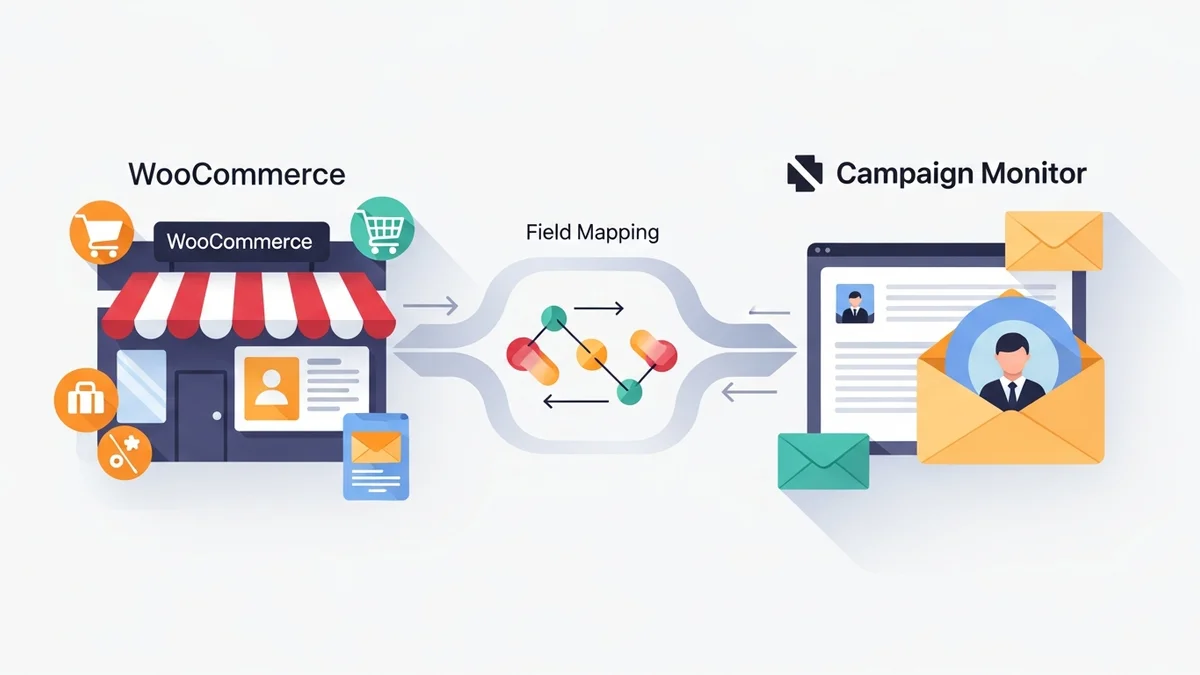
This guide will delve into expert recommendations and industry best practices for achieving seamless customer data sync WooCommerce to Campaign Monitor. The WooCommerce Campaign Monitor Pro plugin facilitates this by syncing essential customer profile data (such as name, email, phone, and billing address) from WooCommerce directly to your Campaign Monitor lists. We'll explore how precise field mapping Campaign Monitor can transform basic subscriber lists into detailed rich customer profiles, enabling highly targeted campaigns that drive engagement and sales, with Campaign Monitor handling the email delivery, segmentation, and automations.
Why Rich Customer Profiles Are Essential for Marketing Success
A "rich customer profile" goes far beyond a simple email address. It encompasses a comprehensive collection of customer profile details and data points that paint a holistic picture of your customer, including demographics and preferences. For marketing professionals, these detailed profiles are the bedrock of effective personalisation and automation.
Without rich data, your marketing efforts are akin to shooting in the dark. You can't segment effectively, personalise content meaningfully, or build truly impactful customer journeys. When your Campaign Monitor lists are enriched with granular WooCommerce data, provided by the WooCommerce Campaign Monitor Pro plugin, you gain the power to deliver messages that feel tailor-made for each recipient, fostering stronger relationships and boosting conversion rates with Campaign Monitor's powerful segmentation and automation capabilities.
Consider the difference: a generic "New Arrivals" email might catch some attention, but an email titled "New Organic Skincare Products Just For You, Sarah!" sent to a customer whose profile is enriched with her first name, will undoubtedly perform better. This level of precision, based on available customer profile data, fosters stronger relationships.
The Benefits of Data-Rich Subscriber Profiles
- Enhanced Segmentation: Use Campaign Monitor's tools to divide your audience into highly specific groups based on various criteria beyond just email address, using the synced data.
- Hyper-Personalisation: Deliver relevant content, product recommendations, and offers directly addressing individual customer needs and behaviours.
- Improved Engagement Rates: Personalised emails boast higher open rates, click-through rates, and ultimately, conversion rates.
- Smarter Automation: Leverage Campaign Monitor's automation features to trigger campaigns based on specific customer attributes provided by the sync, creating dynamic customer journeys.
- Better Customer Lifecycle Management: Nurture leads, retain existing customers, and re-engage dormant ones more effectively.
- Data-Driven Decision Making: Gain deeper insights into your customer base to inform product development, marketing strategies, and business growth.
The Foundation: Seamless WooCommerce Data Sync
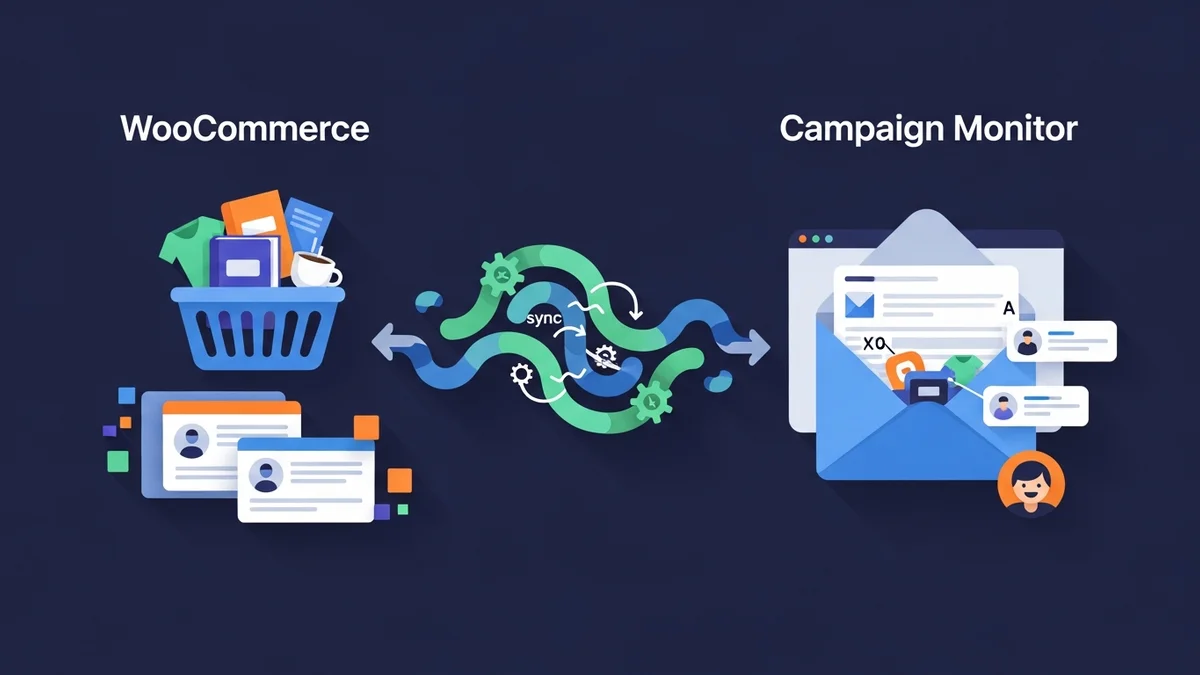
The first critical step in enriching your Campaign Monitor lists is establishing a reliable and automated mechanism for customer data sync WooCommerce. Manual data export and import are not only time-consuming but also prone to errors and quickly become outdated. An automated sync ensures that your Campaign Monitor lists are always up-to-date with the latest customer information from your WooCommerce store.
For marketing professionals, this automation frees up valuable time, allowing you to focus on strategy and campaign creation rather than tedious data management. It ensures that when a new customer makes a purchase or updates their profile details in WooCommerce, that customer's profile information (like name, email, and billing address) is reflected in Campaign Monitor, ready for your next targeted campaign.
Automating Your Data Flow
Implementing a dedicated integration solution, such as the WooCommerce Campaign Monitor Pro plugin, is an industry best practice for automating this crucial data sync. This type of plugin acts as a bridge between your e-commerce platform and your email marketing service, ensuring data flows smoothly and accurately.
With WooCommerce Campaign Monitor Pro, when customers opt-in for your newsletter during the WooCommerce checkout process, their profile details are automatically synchronised to your chosen, pre-existing Campaign Monitor list. This eliminates manual effort and ensures immediate list growth and data capture right at the point of conversion.
Beyond new subscribers, the plugin also offers a powerful bulk import feature. This is invaluable for existing WooCommerce stores that need to migrate their historical customer profile data to Campaign Monitor. This allows you to filter by date range or order status to bring in relevant past customers' profile information, such as their name, email, phone, and billing address, efficiently.
Mastering Field Mapping for Deeper Insights
Once you have a reliable data sync in place, the next crucial step is field mapping Campaign Monitor. This process involves linking specific customer profile data fields from your WooCommerce store to corresponding custom fields that you have already created within Campaign Monitor. It's how you translate raw customer profile data into actionable marketing intelligence.
Effective field mapping goes beyond just name and email. It allows you to capture a wide array of woocommerce subscriber data, transforming a basic contact into a comprehensive profile. Think strategically about what data points will be most valuable for your segmentation and personalisation efforts.
Strategic Field Mapping Examples and Their Value
Consider these common WooCommerce fields and their strategic importance when mapped to Campaign Monitor custom fields:
- First Name & Last Name:
- Why it matters: Essential for basic personalisation in email greetings and content. Addressing customers by name immediately makes your emails feel more personal and less like a mass communication.
- Practical application: Use in email subject lines ("Hey [First Name], here's what's new!") or within the email body ("We thought you'd love this, [First Name]!").
- Billing Country/City/State:
- Why it matters: Enables geographical segmentation for location-specific promotions, shipping offers, local events, or even language preferences. Crucial for international stores.
- Practical application: Send special offers to customers in a particular city where you're running a pop-up store, or promote products relevant to a specific climate or region.
- Billing Phone Number:
- Why it matters: While primarily for order fulfilment, having this data can be useful for customer service follow-ups or, with proper consent, for SMS marketing campaigns if integrated.
- Practical application: Segment customers who've provided a phone number for specific customer service initiatives or targeted re-engagement via SMS (always with explicit consent).
- Customer ID:
- Why it matters: While not directly used for personalisation in emails, syncing the WooCommerce Customer ID can be critical for internal CRM purposes or for linking data across different platforms if you use external analytics tools.
- Practical application: Helps reconcile customer records if you're pulling data into a separate data warehouse or business intelligence tool for advanced analysis.
The WooCommerce Campaign Monitor Pro plugin simplifies this process by providing a user-friendly interface to map your standard WooCommerce customer fields (like billing name, address components, phone, etc.) to your pre-existing custom fields in Campaign Monitor. Remember, you'll need to create the custom fields in Campaign Monitor first, and then the plugin allows you to connect them, ensuring that the appropriate woocommerce subscriber data is captured and available for your marketing efforts.
Actionable Strategies for Personalisation with Enriched Data
With your rich customer profiles now populating Campaign Monitor, it's time to put that data to work. The true power lies in how you leverage this information to craft highly personalised and automated marketing campaigns.
Advanced Segmentation for Precision Targeting
One of the immediate benefits of enriched data is the ability to create incredibly precise segments within Campaign Monitor. Instead of sending a blanket email to your entire list, you can now target specific groups with highly relevant messages.
- Geographic Segmentation: Target customers in specific countries, states, or cities with local promotions, shipping offers, or event invitations. For instance, a store selling winter wear could promote heavy coats to customers in colder regions while promoting lighter jackets to those in warmer climates.
- Customer Type Segmentation: Differentiate between new subscribers (synced by the plugin) and other customer segments you've defined in Campaign Monitor, perhaps through other integrations. Each group can then receive a different communication strategy.
- Demographic Segmentation: If you've collected age ranges or gender preferences (always with consent), you can tailor product recommendations accordingly.
- Engagement-Based Segmentation: Campaign Monitor's own tracking can help you identify customers who frequently open your emails but haven't purchased, or those who haven't engaged in a while, to send targeted re-engagement campaigns.
The more data you map from WooCommerce, the more granular your segments can become, leading to more effective and efficient campaigns. This transforms your email strategy from a broadcast approach to a highly targeted, one-to-one communication model.
Tailored Campaign Content and Product Recommendations
Beyond segmentation, enriched data allows for dynamic content personalisation within your emails. This means individual elements of your email — from subject lines to product images — can change based on the recipient's data.
- Dynamic Subject Lines: Use a customer's first name or location in the subject line to grab their attention. For example, "Sarah, your next adventure awaits!" or "Limited Stock in [City Name]!".
- Personalised Greetings: Always address customers by their first name in the email body to create a warm and familiar tone.
- Relevant Product Recommendations: While direct purchase history isn't synced by WooCommerce Campaign Monitor Pro, having customer data like location can inform product recommendations. For example, promoting swimwear to customers in sunny climates or gardening tools to those in suburban areas. If you integrate with other tools that push purchase data, this becomes even more powerful.
- Birthday or Anniversary Offers: If you've collected a birth date (with consent), trigger automated birthday discounts or special offers to make customers feel valued.
These small touches make a significant difference in how your emails are perceived, increasing their relevance and impact.
Automated Customer Journeys Fuelled by Rich Data
Rich customer profiles are the engine behind sophisticated marketing automation. Campaign Monitor's automation features, when fed with detailed woocommerce subscriber data, can power intelligent customer journeys that respond to individual behaviours and attributes.
- Personalised Welcome Series: When a new customer opts in at checkout via the WooCommerce Campaign Monitor Pro plugin, trigger a welcome series that uses their first name and potentially offers a discount for their first purchase.
- Post-Purchase Nurturing: While the plugin doesn't sync order details, knowing a customer is a "repeat buyer" (if you've found a way to flag this through other integrations) can trigger a different post-purchase flow than for a first-time buyer.
- Re-engagement Campaigns: Segment customers who haven't opened an email in a certain period, and send them a series of emails with compelling offers or reminders of your value proposition.
- Location-Based Follow-ups: If you have physical stores, you could send follow-up emails about in-store events or specific product availability to customers in proximity.
By automating these journeys, you ensure consistent communication, nurture relationships around the clock, and maximise the lifetime value of your customers without manual intervention.
Best Practices for Data Collection and Usage
While the potential of customer data sync WooCommerce is immense, it's crucial to adhere to best practices for data collection, privacy, and effective usage.
Prioritise Privacy and Consent (GDPR Compliance)
In an era of heightened data privacy awareness, obtaining explicit consent for data collection and marketing communications is non-negotiable. For marketing professionals, this means ensuring your opt-in processes are transparent and compliant with regulations like GDPR and CCPA.
- Clear Opt-in Language: Use straightforward language on your checkout opt-in checkbox, clearly stating what customers are signing up for.
- Default Unchecked: The opt-in checkbox should always be unchecked by default, requiring active consent from the customer. The WooCommerce Campaign Monitor Pro plugin is designed with this GDPR-compliant approach, ensuring customers must actively choose to subscribe.
- Easy Unsubscribe: Ensure a clear and easy unsubscribe link is present in every email you send.
- Data Security: Use plugins that encrypt sensitive information, such as API keys, for enhanced security.
Building trust through transparent data practices is paramount for long-term customer relationships.
Maintain Data Accuracy and Cleanliness
The effectiveness of your personalised campaigns hinges on the accuracy of your data. Incorrect or outdated information can lead to irrelevant messages and a poor customer experience.
- Regular Audits: Periodically review your Campaign Monitor custom fields and mapped WooCommerce data to ensure consistency and relevance.
- Data Validation: Where possible, implement validation rules at the point of data entry (e.g., email format validation).
- Handle Duplicates: Campaign Monitor uses email addresses as unique identifiers, so syncing ensures existing subscribers are updated, not duplicated, maintaining a clean list.
Clean data means better insights and more effective personalisation.
Start Simple, Then Expand
Don't feel overwhelmed by the prospect of building incredibly complex rich customer profiles overnight. Start with the most impactful data points first and gradually expand as you become more comfortable and identify additional needs.
- Begin with Basics: Focus on syncing first name, last name, and primary address components for initial personalisation and geographic segmentation.
- Identify Key Data: Ask yourself: "What specific pieces of customer information would most enhance my ability to send relevant marketing messages?"
- Iterate and Optimise: Continuously analyse the performance of your personalised campaigns. Use these insights to refine your data collection and segmentation strategies over time.
The journey to hyper-personalisation is ongoing, but the initial steps of robust customer data sync WooCommerce and intelligent field mapping Campaign Monitor lay a powerful foundation.
Related Articles
Continue your learning with these related resources:
- Mastering WooCommerce Campaign Monitor Pro: Your Ultimate Integration Guide for E-commerce Growth (Comprehensive Guide)
- How to Optimize WooCommerce Order Sync Timing for Campaign Monitor
- How to Set the Subscriber Name Format Sent from WooCommerce to Campaign Monitor
- How to Manually Sync a WooCommerce Order to Campaign Monitor from the Order Admin
- How to Choose the Right Campaign Monitor List for Your WooCommerce Store
- How to Bypass Campaign Monitor Double Opt-in for WooCommerce Checkout Subscribers