Introduction
In the competitive landscape of e-commerce, effective customer communication is paramount. Your WooCommerce store generates a wealth of customer data, and your email marketing platform, such as Campaign Monitor, is where you transform that data into engaging, personalised campaigns. However, the true power emerges when these two systems work in harmony, eliminating data silos and enabling sophisticated marketing strategies.
This guide delves into the crucial process of customer data sync WooCommerce to Campaign Monitor, explaining the workflow, benefits, and how to leverage advanced features like field mapping Campaign Monitor to build truly rich customer profiles. For e-commerce managers focussed on maximising ROI and operational efficiency, understanding this synergy is key to unlocking significant growth.
The Power of Seamless WooCommerce to Campaign Monitor Data Sync
For any e-commerce business, data is gold. Yet, its value is diminished if it remains trapped in disparate systems. Manually transferring subscriber information or customer details between WooCommerce and Campaign Monitor is not only time-consuming but also prone to errors, leading to outdated lists, frustrated customers, and missed marketing opportunities.
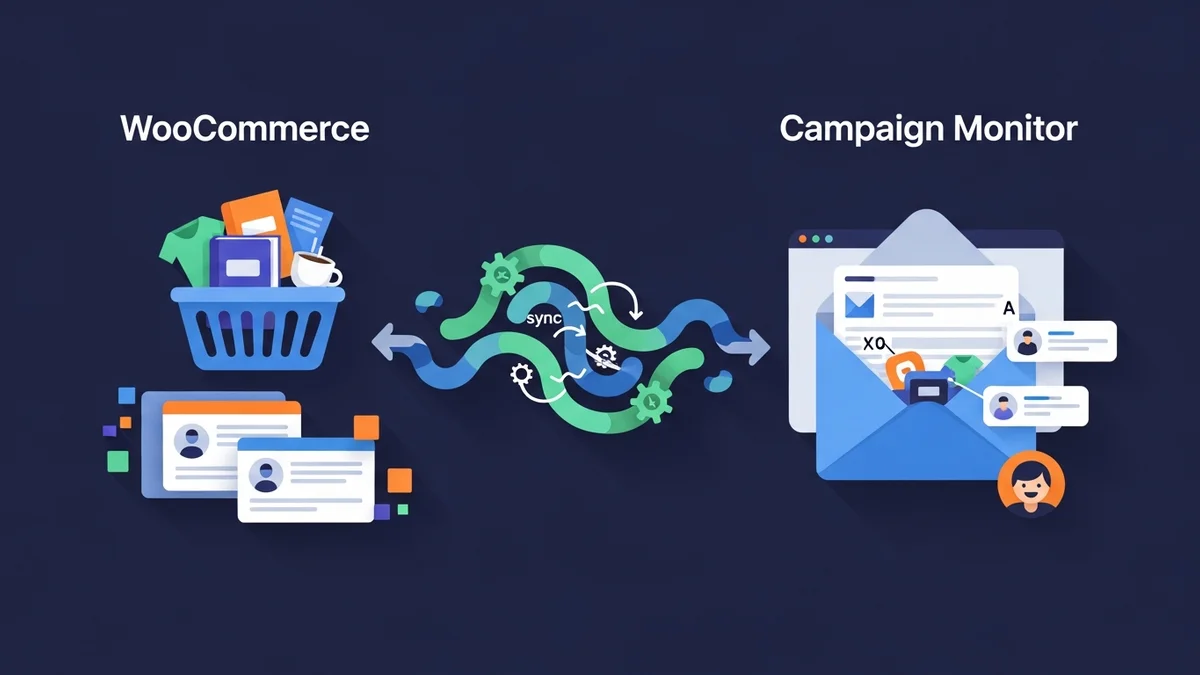
Seamless data synchronization addresses these challenges head-on. By automating the flow of WooCommerce subscriber data directly into Campaign Monitor, you ensure your email lists are always up-to-date, accurate, and ready for action. It's crucial to clarify that the WooCommerce Campaign Monitor Pro plugin is designed to sync customer profile data – such as name, email, phone number, and billing address – from WooCommerce to Campaign Monitor. Campaign Monitor then leverages this data for its own functionalities, handling email delivery, segmenting your audience, and triggering automations based on list activity. This operational efficiency translates directly into a better customer experience and a stronger foundation for your marketing efforts.
Beyond Basic Subscriptions: What Data to Sync?
While collecting email addresses for newsletter subscriptions is a fundamental step, it's merely the starting point. To truly personalise communications and segment your audience effectively, you need more than just an email. Consider the additional customer data points available in your WooCommerce store that can significantly enrich your subscriber profiles in Campaign Monitor:
- Full Name: Enables personalised greetings and more humanised communication.
- Billing Phone Number: Useful for specific customer service outreach or even SMS marketing (if applicable and consented).
- Billing Country, State/Region, City, Postcode: Critical for geo-targeted campaigns, local promotions, shipping updates, and understanding regional customer behaviour.
- Custom Checkout Fields: Any additional information you collect during checkout that could be relevant for segmentation (e.g., how they heard about you, product preferences).
By syncing these additional data points, you move beyond generic email blasts to highly targeted, contextually relevant messages that resonate deeply with individual customers, driving engagement and conversions.
Deep Dive into Field Mapping: Building Rich Customer Profiles
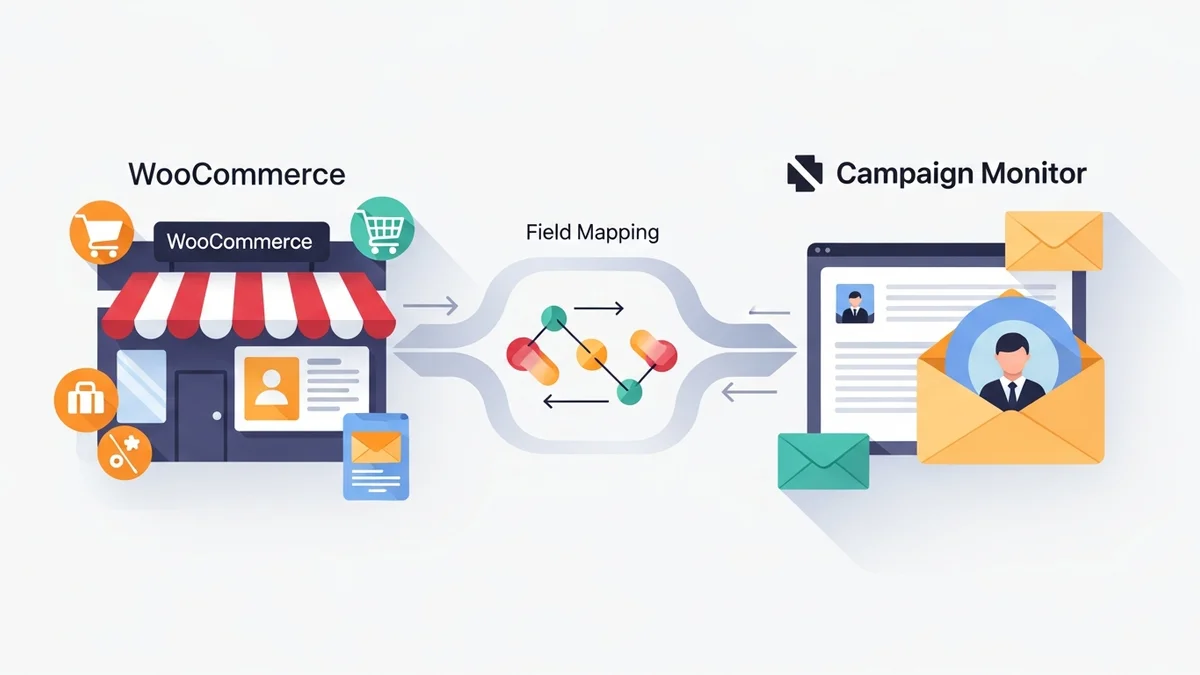
Field mapping Campaign Monitor is the process of connecting specific data fields from your WooCommerce customer records to corresponding custom fields within your Campaign Monitor subscriber list. This is where the magic happens, transforming raw customer profile data into actionable marketing intelligence that underpins rich customer profiles.
Think of it as creating a comprehensive customer dossier within Campaign Monitor. Instead of just an email address, each subscriber entry becomes a detailed record containing their name, location, and other pertinent details. This level of detail empowers marketers to create highly specific segments and craft messages that feel tailor-made for each recipient, significantly boosting campaign effectiveness and ROI.
It's crucial to understand and a prerequisite that custom fields must first exist within your Campaign Monitor account *before* you can map WooCommerce data to them. This planning ensures that the data has a designated place to land and can be immediately utilised for segmentation and personalisation.
Practical Field Mapping Examples and Strategies
Let's explore some practical examples of how effective field mapping can elevate your email marketing:
Example 1: Personalising Greetings with Names
- WooCommerce Field: Billing First Name, Billing Last Name
- Campaign Monitor Custom Field: First Name, Last Name
- Strategy: Map these WooCommerce fields to their respective custom fields in Campaign Monitor. This allows you to use personalisation tags like
[firstname]in your email subject lines and body copy, instantly making emails feel more direct and personal. - Business Impact: Emails addressed by name often see higher open rates and click-through rates compared to generic greetings, fostering a stronger customer relationship and improving initial engagement.
Example 2: Geo-Targeted Promotions and Localised Content
- WooCommerce Field: Billing Country, Billing City
- Campaign Monitor Custom Field: Country, City
- Strategy: Syncing a customer's billing country and city enables precise geo-targeting. You can then segment your Campaign Monitor list to send specific promotions relevant to customers in a particular region, or announce local events or shipping benefits.
- Business Impact: Running a flash sale exclusive to customers in Sydney? Launching a new product that's only available in a certain country? Geo-targeting ensures your messages are highly relevant, preventing irrelevant offers and increasing conversion rates for localised campaigns.
Example 3: Streamlining Customer Service or Multi-Channel Communication
- WooCommerce Field: Billing Phone
- Campaign Monitor Custom Field: Phone Number
- Strategy: While Campaign Monitor primarily focuses on email, having a customer's phone number synced can be invaluable. It provides a fallback contact method for critical order issues (with consent) or allows for potential integration with SMS marketing platforms, should your strategy evolve.
- Business Impact: Improved customer support capabilities for urgent matters and the flexibility to explore multi-channel communication strategies, enhancing the overall customer experience.
Example 4: Advanced Segmentation by Region/State
- WooCommerce Field: Billing State
- Campaign Monitor Custom Field: State/Region
- Strategy: Beyond country and city, syncing the billing state allows for finer-grained segmentation. This is particularly useful for businesses operating within a large country with diverse regional markets or for adhering to state-specific regulations or promotions.
- Business Impact: Enables more nuanced marketing strategies, such as promoting state-specific sales events or tailoring content based on regional preferences, leading to more effective and targeted campaigns.
Automating Subscriber Collection and Data Sync
Manual data entry is inefficient and error-prone. The most effective way to maintain accurate and up-to-date woocommerce subscriber data in Campaign Monitor is through automation. A robust integration ensures that as new customers make purchases or existing customers update their details in WooCommerce, that information flows seamlessly to your email marketing platform.
Plugins like the WooCommerce Campaign Monitor Pro are specifically designed to bridge this gap, automating the entire process. This not only saves valuable operational time but also guarantees that your Campaign Monitor lists are always reflecting the most current customer information from your WooCommerce store, ready for immediate use in campaigns, allowing Campaign Monitor to leverage this data for its automation capabilities.
Effortless Opt-in at Checkout
One of the most effective points for collecting new email subscribers is directly during the checkout process. When a customer is already engaged and completing a purchase, they are often receptive to opting into your newsletter. The WooCommerce Campaign Monitor Pro plugin simplifies this by adding a customisable newsletter opt-in checkbox directly to your WooCommerce checkout page.
You have full control over the checkbox's appearance and behaviour: you can set its label text, choose its position on the checkout page (e.g., above billing details, after order notes), and decide its default state. Critically, for GDPR compliance and best privacy practices, the checkbox is unchecked by default, requiring customers to actively opt-in. However, for specific internal scenarios where explicit consent is handled elsewhere, an 'auto-subscribe' mode can be enabled to subscribe all customers without displaying a checkbox.
Once a customer checks the box and completes their order, their email address and all mapped WooCommerce customer data are automatically synced to your chosen Campaign Monitor list. This eliminates any manual steps and ensures a consistent flow of new, engaged subscribers.
Handling Existing WooCommerce Customers: Bulk Import
For established WooCommerce stores, simply enabling a checkout opt-in only captures new subscribers moving forward. What about your existing customer base? Migrating historical woocommerce subscriber data to Campaign Monitor can be a daunting task if done manually, especially for stores with thousands of past orders.
The WooCommerce Campaign Monitor Pro plugin offers a powerful bulk import feature to address this. It allows you to import your existing WooCommerce customers into Campaign Monitor with flexible filtering options. You can filter customers by a specific date range, order status (e.g., only 'completed' orders), or even detect previous opt-in choices from other newsletter plugins you might have used. This ensures you only import relevant, consented customer data, creating a comprehensive and accurate foundation for your Campaign Monitor activities without overwhelming your system. The plugin also handles large databases gracefully, using background processing to prevent timeouts and ensure smooth operation.
Operational Benefits and ROI for E-commerce Managers
For e-commerce managers, the decision to invest in a robust data synchronization solution like the WooCommerce Campaign Monitor Pro plugin is driven by tangible business benefits. The advantages extend far beyond mere convenience, impacting key performance indicators and overall profitability.
- Reduced Manual Effort and Operational Costs: By automating data sync, your team is freed from time-consuming manual exports, imports, and data reconciliation. This translates directly into saved labour costs and allows staff to focus on higher-value strategic tasks.
- Enhanced Personalisation and Higher Conversion Rates: Rich customer profiles enable hyper-personalised campaigns. When emails address customers by name, recommend products based on location, or offer promotions relevant to their region, engagement soars. This direct relevance leads to higher click-through rates, better conversion rates, and ultimately, increased sales.
- Targeted Segmentation for Improved ROI: With detailed customer data synced via field mapping Campaign Monitor, you can create highly specific segments. This means sending the right message to the right audience at the right time, maximising the impact of every email and ensuring your marketing spend yields a higher return.
- Data Accuracy and Consistency: Automated synchronization minimises human error, ensuring your Campaign Monitor lists are always accurate and consistent with your WooCommerce customer records. Reliable data underpins more accurate reporting and more effective decision-making.
- Scalability for Growth: As your WooCommerce store grows, so does your customer base. A robust sync solution handles increasing volumes of customer data sync WooCommerce without bottlenecks or performance degradation, ensuring your marketing infrastructure can scale with your business.
- GDPR Compliance by Design: Features like unchecked opt-in boxes by default provide a solid foundation for adhering to privacy regulations, mitigating legal risks and building customer trust.
Best Practices for Effective Data Synchronization
To maximise the benefits of your WooCommerce to Campaign Monitor data sync, consider these best practices:
- Define Your Custom Fields Early: Before setting up mapping, identify all the customer data you want to capture in Campaign Monitor. It is essential to create these custom fields in Campaign Monitor *first*, ensuring they are correctly configured for the type of data they will receive (e.g., text, number, date).
- Map Thoughtfully: Only sync data that is genuinely relevant for your marketing and segmentation strategies. Avoid mapping unnecessary fields that could clutter your Campaign Monitor profiles or lead to confusion. Prioritise data that enables personalisation, geo-targeting, or specific customer service workflows.
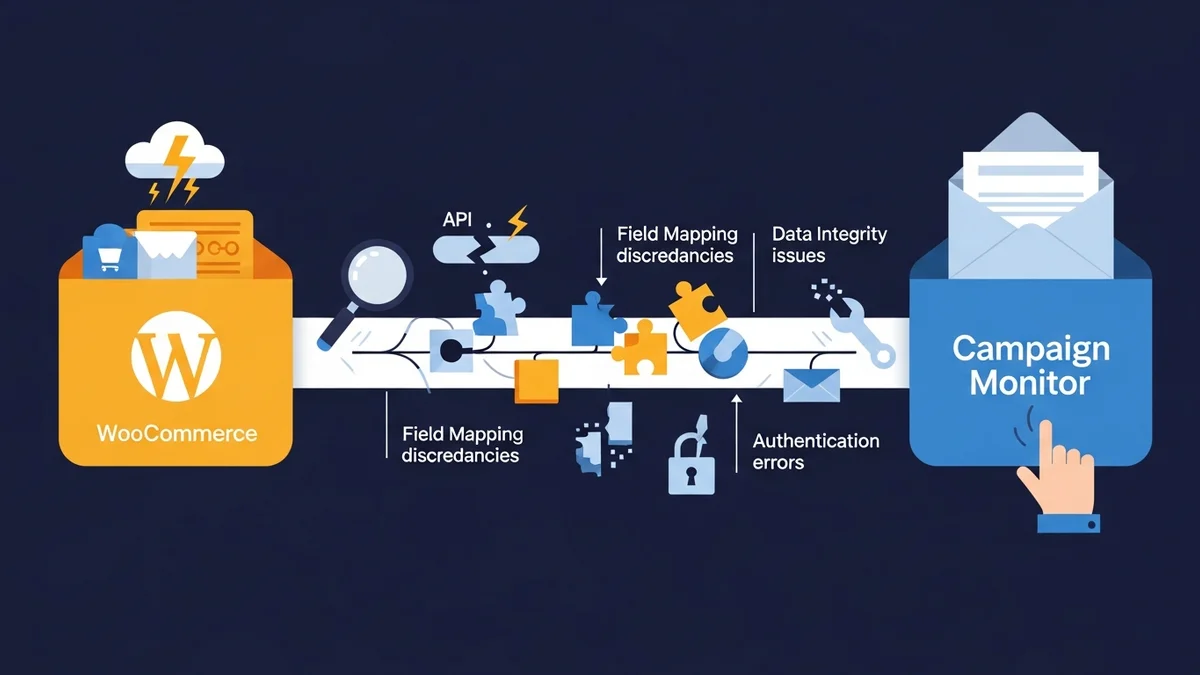
- Monitor Sync Activity: Regularly review the activity logs provided by your integration solution (e.g., WooCommerce Campaign Monitor Pro logs). This helps you identify and troubleshoot any potential sync errors, ensuring data integrity and preventing gaps in your customer records.
- Regularly Review Segments: Once your rich customer profiles are populated in Campaign Monitor, continuously refine and test your audience segments. Analyse campaign performance for different segments to understand what resonates best and optimise your strategy.
- Maintain Data Hygiene: Periodically review your Campaign Monitor lists for inactive subscribers or potential duplicates. While the plugin typically updates existing subscribers, maintaining a clean list improves deliverability and ensures your engagement metrics are accurate.
Related Articles
Continue your learning with these related resources:
- Mastering WooCommerce Campaign Monitor Pro: Your Ultimate Integration Guide for E-commerce Growth (Comprehensive Guide)
- How to Optimize WooCommerce Order Sync Timing for Campaign Monitor
- How to Set the Subscriber Name Format Sent from WooCommerce to Campaign Monitor
- How to Manually Sync a WooCommerce Order to Campaign Monitor from the Order Admin
- How to Choose the Right Campaign Monitor List for Your WooCommerce Store
- How to Bypass Campaign Monitor Double Opt-in for WooCommerce Checkout Subscribers
Conclusion
In today's data-driven e-commerce world, the ability to seamlessly synchronise customer data sync WooCommerce to Campaign Monitor is not just a luxury but a strategic imperative. By implementing effective field mapping Campaign Monitor strategies, e-commerce managers can move beyond basic email lists to cultivate rich customer profiles.
This comprehensive approach to managing woocommerce subscriber data unlocks unparalleled opportunities for personalisation, targeted segmentation, and operational efficiency. The result is higher engagement, improved conversion rates, and a measurable boost in ROI, positioning your e-commerce business for sustainable growth and a stronger connection with every customer.