Introduction
In today's competitive e-commerce landscape, effective email marketing is crucial for building lasting customer relationships and driving sales. Campaign Monitor offers a powerful platform for reaching your audience, but its true potential is unlocked when fed with rich, accurate customer data from your WooCommerce store.
Manually transferring customer information is time-consuming and prone to errors. This is where seamless integration and precise field mapping become indispensable. By connecting your WooCommerce store directly with Campaign Monitor, you can automate the process, ensuring every new subscriber or updated customer profile is instantly ready for your targeted campaigns.
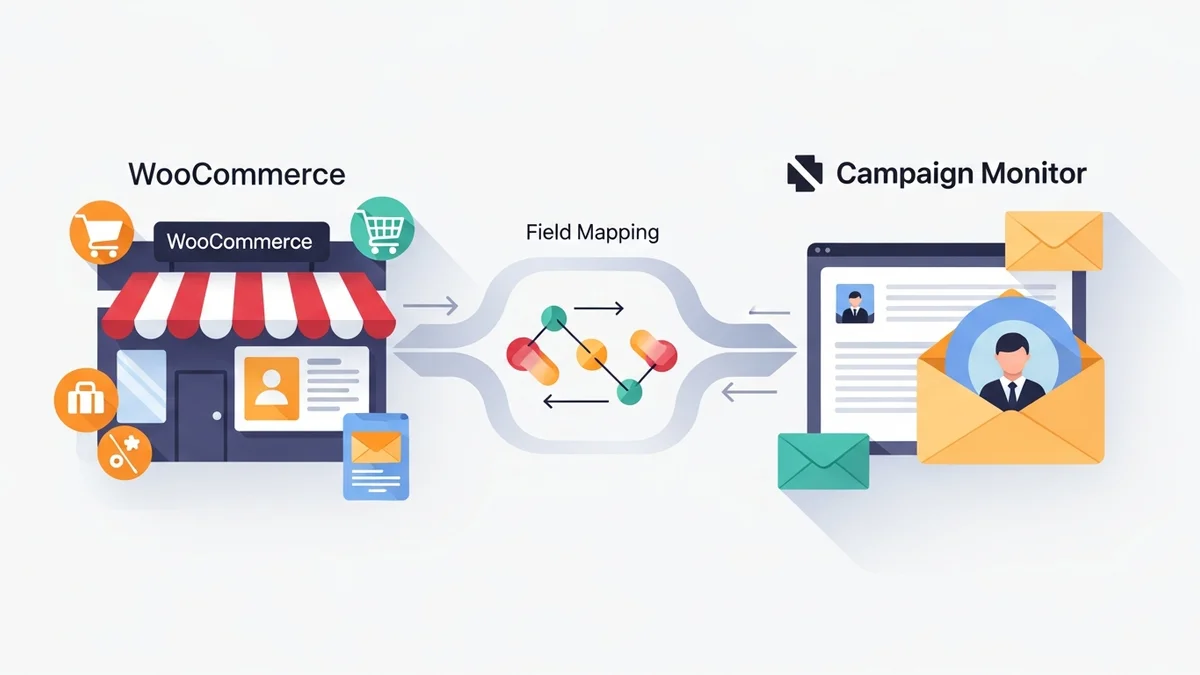
This guide will walk you through the essential steps and best practices for ensuring accurate field mapping for seamless WooCommerce Campaign Monitor sync, helping you create robust customer profiles that power more effective email marketing strategies. The WooCommerce Campaign Monitor Pro plugin is designed to simplify this entire process by syncing essential customer profile data – such as names, email addresses, phone numbers, and billing addresses – directly from your WooCommerce store to Campaign Monitor. This robust integration ensures that while Campaign Monitor expertly handles email delivery, automations, and segmentation, your lists are consistently populated with rich, up-to-date subscriber information, making advanced segmentation accessible for every store owner.
Why Accurate Field Mapping Matters for Your Business
Just collecting email addresses is a good start, but it's only the tip of the iceberg. To truly engage your audience and maximise your return on investment from email marketing, you need a deeper understanding of who your customers are. Accurate field mapping transforms basic subscriber lists into powerful marketing assets.
Beyond Basic Emails: Unlocking Personalisation
Imagine sending an email addressed to "Hey [Customer Name]," or recommending products based on their billing country. This level of personalisation makes your emails feel more relevant and less like generic spam. Without accurately mapped customer data, your ability to create these tailored experiences is severely limited.
When you sync WooCommerce customer data like first names, last names, and even billing cities, Campaign Monitor can use this information dynamically. This means every email can be customised to the individual recipient, making them feel valued and understood, which significantly boosts engagement.
Enhanced Segmentation for Targeted Campaigns
One of the biggest advantages of rich customer profiles is the ability to segment your audience effectively. Segmentation allows you to divide your subscriber list into smaller, more specific groups based on shared characteristics. For example, you might want to send a special offer only to customers in Australia, or announce a local event to those in a particular city.
Accurate field mapping enables you to create these segments effortlessly within Campaign Monitor. By mapping fields such as "Billing Country," "Billing City," or "Billing Phone," you gain powerful filters to target your campaigns precisely. This means sending the right message to the right people at the right time, leading to higher conversion rates.
Improved Campaign Performance and ROI
Ultimately, the goal of robust customer data sync from WooCommerce to Campaign Monitor is to improve your email marketing performance. Personalised and segmented campaigns consistently outperform generic, mass emails.
When recipients receive content that resonates with them, they are more likely to open your emails, click on your links, and make a purchase. This direct link between data quality and campaign effectiveness translates into better open rates, higher click-through rates, and a stronger return on your email marketing investment. Rich customer profiles are the foundation of this success.
Understanding WooCommerce Customer Data
WooCommerce stores collect a wealth of information during the checkout process and account creation. This data is invaluable for marketing purposes, provided you can access and utilise it effectively. Understanding what data is available is the first step in successful field mapping.
Standard WooCommerce customer fields typically include:
- Billing Information: First Name, Last Name, Company, Address Line 1, Address Line 2, City, State/County, Postcode/ZIP, Country, Phone, Email.
- Shipping Information: (Often mirrors billing, but can be different) First Name, Last Name, Company, Address Line 1, Address Line 2, City, State/County, Postcode/ZIP, Country.
Preparing Campaign Monitor for Field Mapping
Before you start mapping fields in your WooCommerce store, it’s critical to ensure Campaign Monitor is ready to receive this data. The WooCommerce Campaign Monitor Pro plugin simplifies the sync process, but it relies on your Campaign Monitor lists and custom fields being pre-configured *before* any mapping can occur in WooCommerce. You must first create the target list in Campaign Monitor, and then define any custom fields you wish to populate with WooCommerce data.
Creating Custom Fields in Campaign Monitor
Campaign Monitor uses custom fields to store any information about your subscribers beyond their email address. It’s essential to create these custom fields in your Campaign Monitor account *before* attempting to map them in WooCommerce. The WooCommerce Campaign Monitor Pro plugin will then detect these existing fields, allowing you to select them during mapping.
Here’s how to approach creating them:
- Log in to Campaign Monitor: Access your Campaign Monitor account.
- Navigate to Lists & Subscribers: Select the specific list you want to sync your WooCommerce customers to.
- Mastering WooCommerce Campaign Monitor Pro: Your Ultimate Integration Guide for E-commerce Growth (Comprehensive Guide)
- How to Optimize WooCommerce Order Sync Timing for Campaign Monitor
- How to Set the Subscriber Name Format Sent from WooCommerce to Campaign Monitor
- How to Manually Sync a WooCommerce Order to Campaign Monitor from the Order Admin
- How to Choose the Right Campaign Monitor List for Your WooCommerce Store
- How to Bypass Campaign Monitor Double Opt-in for WooCommerce Checkout Subscribers
Related Articles
Continue your learning with these related resources: