Introduction
For marketing professionals, expanding an email subscriber list is a cornerstone of effective customer engagement and sales growth. The WooCommerce checkout page presents a prime opportunity to capture new subscribers, leveraging the high-intent environment where customers are already committing to a purchase. However, simply adding a newsletter subscription WooCommerce checkbox isn't enough; its placement significantly impacts visibility, user experience, and ultimately, your opt-in rates.
Optimising your checkout opt-in strategy requires careful consideration of where this crucial element resides on the page. Each position offers unique advantages and potential drawbacks, influencing how customers perceive and interact with your offer. This article explores seven key positions for your WooCommerce newsletter opt-in checkbox, providing insights to help you maximise subscriber acquisition while maintaining a seamless and compliant checkout experience.
Understanding the Importance of Opt-in Placement
The checkout process is a delicate balance between collecting necessary information and preventing friction. A well-placed newsletter opt-in can feel like a natural extension of the purchase, while a poorly placed one might be overlooked or even create annoyance. Your goal is to make the option to subscribe visible and appealing, without diverting attention from the primary goal: completing the purchase.
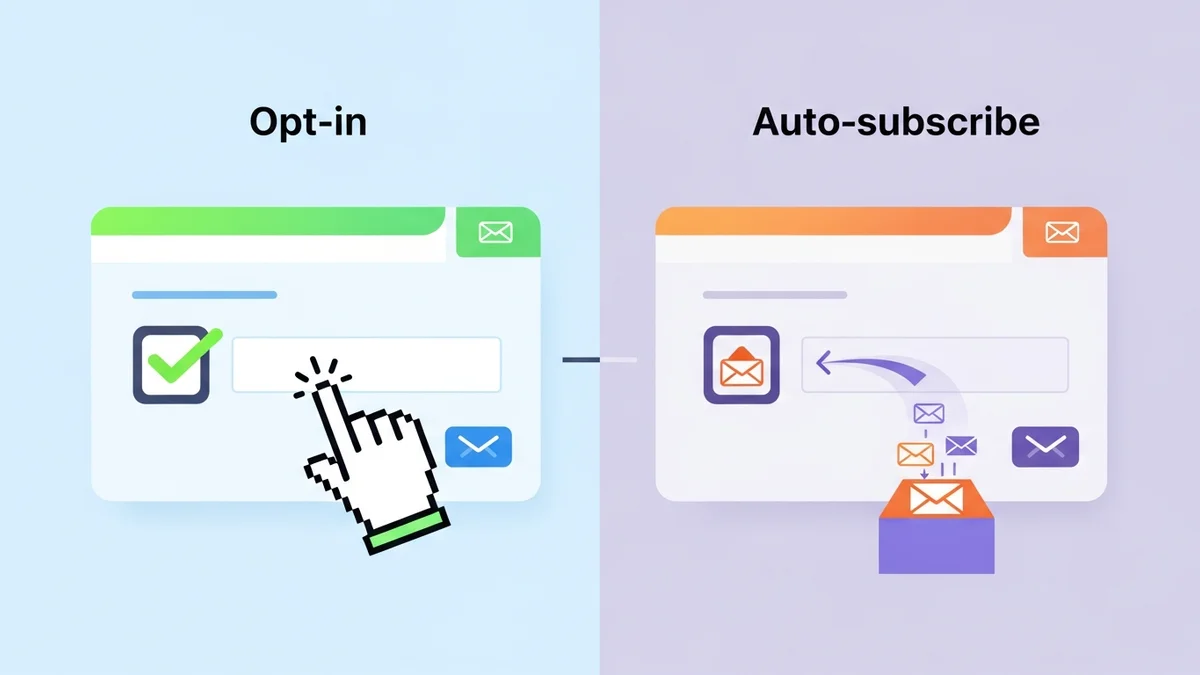
Modern e-commerce tools, such as the WooCommerce Campaign Monitor Pro plugin, offer robust flexibility in configuring the WooCommerce checkout field for newsletter subscriptions. This allows you to experiment with different positions and label texts, ensuring your approach is not only effective but also fully GDPR-compliant by offering a clear, unchecked opt-in option by default.
Seven Key Positions for Your WooCommerce Newsletter Opt-in Checkbox
Let's delve into the most impactful locations for your newsletter opt-in checkbox on the WooCommerce checkout page:
1. Below Billing Details
Placing the opt-in checkbox directly below the billing information fields is a popular and often effective strategy. At this point, customers have already entered their personal details like name and email address, making the newsletter subscription feel like a natural, low-effort addition.
- Pros: High visibility as customers review their entered information. It leverages the momentum of personal data entry. It's often seen before the most critical conversion step (payment), allowing for a considered decision.
- Cons: If the billing section is very long, the checkbox might still be scrolled past. It could be perceived as slightly intrusive if not clearly separated.
- Best Practice: Use a clear, benefit-driven label, such as "Yes, I'd like to receive exclusive offers and updates!" Ensure there's adequate spacing around the checkbox to make it stand out. A plugin like WooCommerce Campaign Monitor Pro allows easy customization of this label and placement.
2. Below Shipping Details (If Separate)
For stores that require separate billing and shipping addresses, placing the opt-in after the shipping details offers another strategic opportunity. This is particularly effective if your newsletter content frequently relates to new product arrivals, shipping updates, or geographically specific promotions.
- Pros: Relevant for customers who are highly engaged with delivery and product information. It appears after all address-related fields are complete, signalling a shift towards final actions.
- Cons: Not applicable for stores with only billing address input. If shipping details are minimal, this position might not gain maximum attention.
- Best Practice: Frame the subscription offer around benefits related to new products or delivery insights. For instance, "Subscribe for new product alerts and shipping tips!" Ensure the checkbox is unchecked by default to comply with GDPR, giving customers explicit control over their campaign monitor signup.
3. Before Payment Gateway Selection
Positioning the opt-in checkbox just before the customer chooses their payment method can be highly effective. This spot is critical because customers are mentally preparing to finalize their purchase, but haven't yet committed to the financial transaction. It's a sweet spot for capturing attention before the focus shifts entirely to payment security and completion.
- Pros: Excellent visibility, as every customer must pass through this section. It's an opportunity to capture interest before the final 'commitment' stage.
- Cons: Could potentially add a slight moment of hesitation if the offer isn't clear or compelling enough, though this risk is generally low for a simple opt-in.
- Best Practice: Keep the opt-in concise and clear. A simple "Sign me up for the newsletter" or a short value proposition. Use this position to offer a final incentive, like "Subscribe for 10% off your next order!" (if applicable).
4. Above the "Place Order" Button
The area directly above the "Place Order" button is arguably one of the most high-traffic zones on the entire checkout page. This is the last opportunity to capture a subscriber before the transaction is complete, making it a powerful position for the checkout opt-in checkbox.
- Pros: Maximum visibility, as customers must interact with this area to complete their purchase. High conversion rates are possible due to its prominence.
- Cons: Risks distracting from the primary "Place Order" call to action. Might be seen as a last-minute addition, potentially leading to lower quality sign-ups if not carefully managed.
- Best Practice: Ensure the opt-in text is brief and clearly distinct from the "Place Order" button's action. The WooCommerce checkout field for subscription should be clearly separate. It's crucial here to remain GDPR compliant with an unchecked box, ensuring explicit consent.
5. Within the Order Review Summary
Integrating the newsletter opt-in checkbox within the order review summary section offers a subtle yet effective placement. Here, customers are carefully reviewing their chosen products, shipping costs, and total price. Adding the opt-in here can feel less intrusive, appearing as an additional option rather than an interruption.
- Pros: Less intrusive, as it blends with existing review elements. Customers are already engaged in a review process, which can extend to reviewing options.
- Cons: Can be easily overlooked if the order summary itself is very long or dense. Might not achieve the same direct visibility as positions closer to primary calls to action.
- Best Practice: Keep the opt-in option brief and ensure it doesn't clutter the order summary. A short phrase like "Add me to your mailing list" works well. This position is excellent for maintaining a clean aesthetic while still offering the option.
6. After All Address Fields (Billing & Shipping Combined)
For checkout flows that group all address fields together, placing the opt-in checkbox immediately after the last address field (whether billing or shipping) can be highly effective. By this point, customers have provided all their geographical and contact details, making the subscription a logical next step.
- Pros: Capitalizes on the completion of personal data entry. It's a natural pause point before moving to payment or review, making it less likely to be missed.
- Cons: If your checkout has many custom address fields, this position might be lower down the page than ideal.
- Best Practice: Clearly delineate the opt-in from the address fields, perhaps with a small heading like "Stay in Touch." Offer a compelling reason to subscribe, such as "Get first access to sales and new arrivals delivered to your inbox." This position is well-supported by plugins like WooCommerce Campaign Monitor Pro, offering flexibility for the newsletter subscription WooCommerce checkbox.
7. In a Dedicated "Optional Information" Section
Some WooCommerce checkout layouts include a section for "Optional Information" or "Order Notes." Placing the newsletter opt-in checkbox within such a section can be a clean and non-intrusive approach. While it might reduce immediate visibility compared to more prominent spots, it respects the user's focus on essential checkout steps.
- Pros: Keeps the main checkout flow uncluttered. Appeals to users who prefer to explore optional extras rather than being presented with them directly.
- Cons: Lower visibility compared to other positions, potentially leading to fewer sign-ups. Customers might skip this section entirely if they are focused on completing their purchase quickly.
- Best Practice: Ensure the section is clearly labelled and its purpose is evident. The opt-in checkbox should still have a clear value proposition. This position is ideal for brands that prioritise a minimalist checkout experience while still offering the subscription option.
Maximising Your Opt-in Strategy Beyond Placement
While placement is critical, several other factors contribute to a successful checkout opt-in strategy:
Compelling Label Text
The text accompanying your opt-in checkbox is just as important as its position. Instead of generic "Subscribe to newsletter," use action-oriented and benefit-driven language. For example, "Yes, send me exclusive discounts and early access to new products!" This highlights the value of the campaign monitor signup.
GDPR Compliance and Transparency
Always ensure your opt-in checkbox is unchecked by default. This is a fundamental requirement for GDPR and other privacy regulations, ensuring explicit consent. Provide a clear link to your privacy policy near the checkbox to build trust and transparency. Solutions like WooCommerce Campaign Monitor Pro are designed with this compliance in mind, offering a default unchecked state and configurable consent options.
A/B Testing
The "best" position can vary significantly between different stores and customer demographics. Implement A/B testing to compare the performance of various checkbox placements, label texts, and even the default state (though unchecked is generally required for compliance). Data-driven decisions will lead to optimised conversion rates for your newsletter subscription WooCommerce.
Seamless Integration and Data Flow
Once a customer opts in, the process should be seamless. A plugin like WooCommerce Campaign Monitor Pro automates the synchronization of new subscribers from your WooCommerce store directly to your chosen Campaign Monitor list. The plugin specifically syncs customer profile data, such as name, email, phone, and billing address details (through field mapping), ensuring it's accurately captured. This automated data flow means no manual exporting or importing, saving marketing professionals valuable time. It's important to note that Campaign Monitor lists and any custom fields you wish to map must already exist in Campaign Monitor before you configure the plugin.
With this essential subscriber data provided by the plugin, Campaign Monitor then handles targeted segmentation, email delivery, and automations, allowing you to focus on crafting compelling email content and nurturing customer relationships. The plugin supports configurable checkbox positions, allowing you to easily implement any of the strategies discussed above, and handles bulk imports of existing customers for a comprehensive email marketing strategy.
Related Articles
Continue your learning with these related resources:
- Mastering WooCommerce Campaign Monitor Pro: Your Ultimate Integration Guide for E-commerce Growth (Comprehensive Guide)
- How to Optimize WooCommerce Order Sync Timing for Campaign Monitor
- How to Set the Subscriber Name Format Sent from WooCommerce to Campaign Monitor
- How to Manually Sync a WooCommerce Order to Campaign Monitor from the Order Admin
- How to Choose the Right Campaign Monitor List for Your WooCommerce Store
- How to Bypass Campaign Monitor Double Opt-in for WooCommerce Checkout Subscribers
Conclusion
Optimising the placement of your newsletter opt-in checkbox on the WooCommerce checkout page is a strategic move that can significantly boost your subscriber acquisition efforts. By carefully considering the customer journey and leveraging the flexibility offered by tools like WooCommerce Campaign Monitor Pro, you can ensure your checkout opt-in is visible, compliant, and highly effective.
Experiment with the seven key positions discussed, always prioritising clear communication, GDPR compliance, and a seamless user experience. A well-executed opt-in strategy at checkout transforms a one-time purchaser into a long-term engaged subscriber, laying the groundwork for stronger customer relationships and sustained business growth.